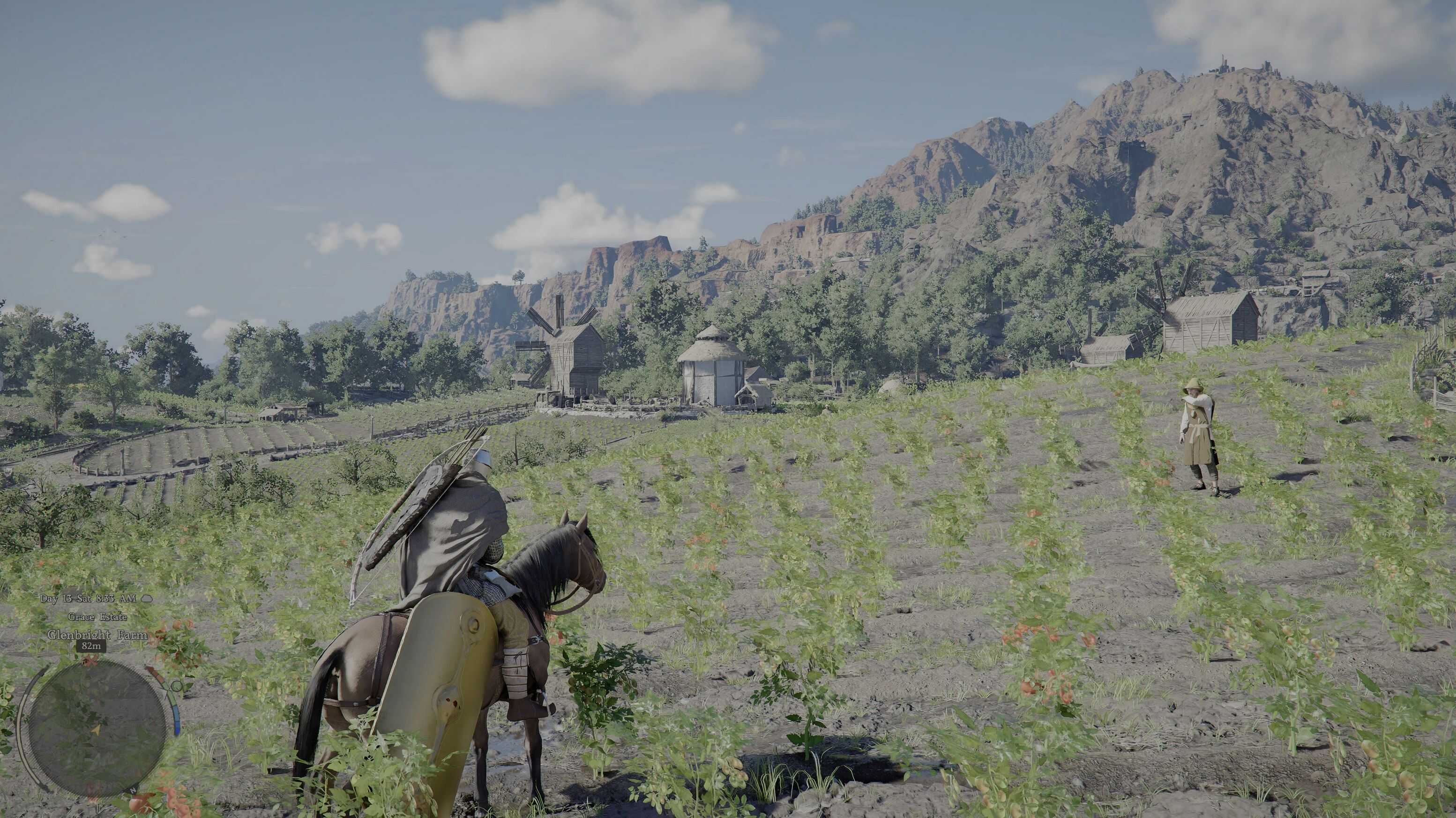
Blue Sky Reshade v1.0

Crimson Desert Mods |
Blue Sky Reshade v1.0


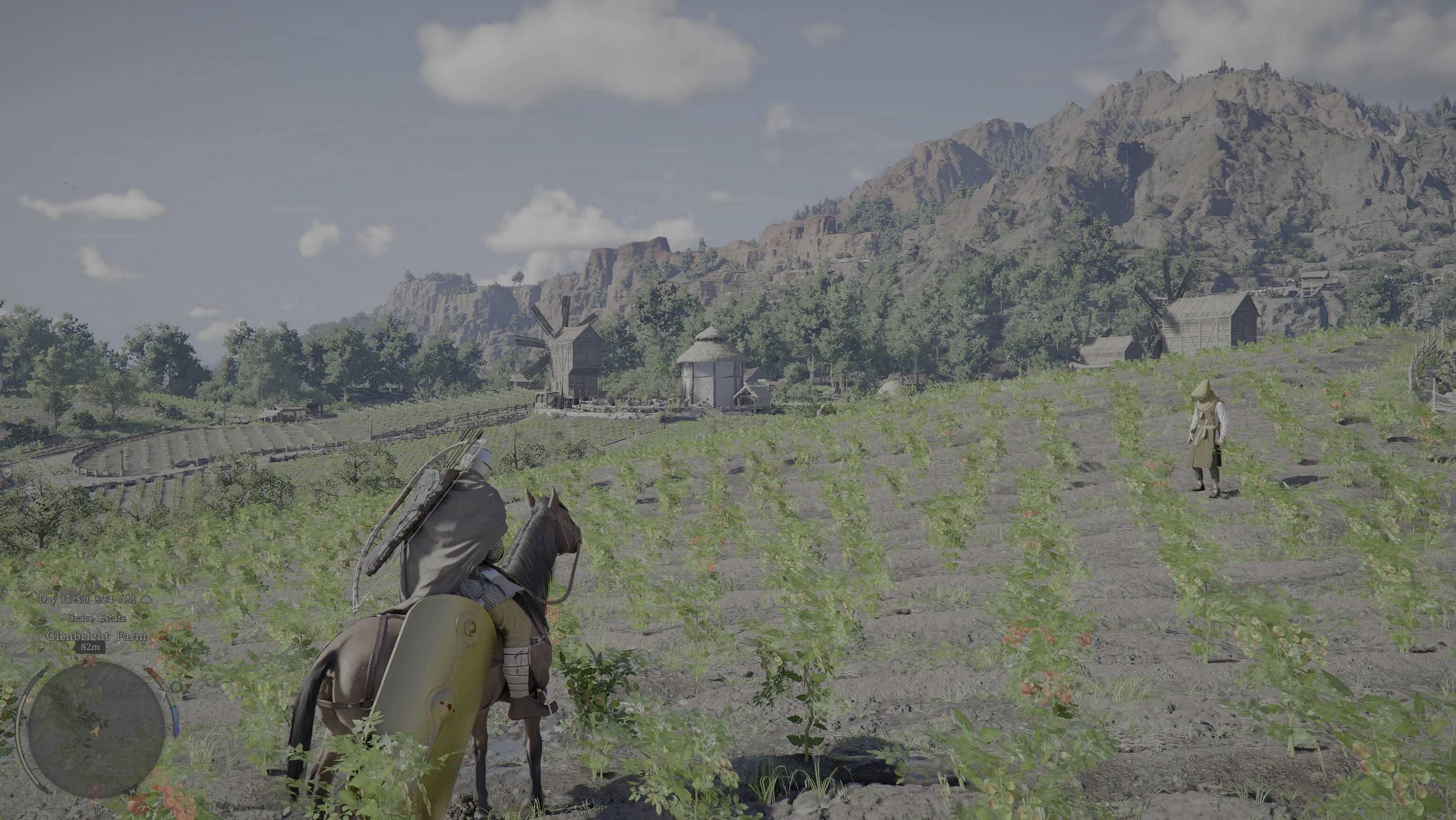
Tried a bunch of ReShade presets and… yeah, most of them are either oversaturated chaos or straight-up trash so I made my own. I know what you’re thinking: Another ReShade? Oh really? Yeah… but trust me! you won’t need any other one after this. This one doesn’t mess with the game’s art style or color grading. It keeps eve.

ReShade Installation
1 – Open ReShade installer and Select *game.exe (CrimsonDesert.exe) in bin64 folder then click next.
2 – Select DirectX 10/11/12 then click next.
3 – Select my Profile and click next.

Manual Installation
1 – Install latest ReShade (refer steps above)
2 – Copy and paste the files and folders from Zip into the root folder and replace all
3 – Run game, hit Home key and select Blue Sky preset



Author: maxquiere


Download

Crimson Desert mods give players the freedom to expand and personalize their adventure across the vast world of Pywel. With a wide range of free mods available, you can enhance gameplay, improve visuals, and introduce new features that make every moment in the game even more exciting. Try the Crimson Desert Blue Sky Reshade v1.0 mod to bring something new to your journey, and continue exploring other mods that help you shape the experience exactly the way you want, with no limits.
Useful Information: How to install Mods | System Requirements | Crimson Desert Guides | Crimson Desert News

Leave a Reply

Your email address will not be published. Required fields are marked *