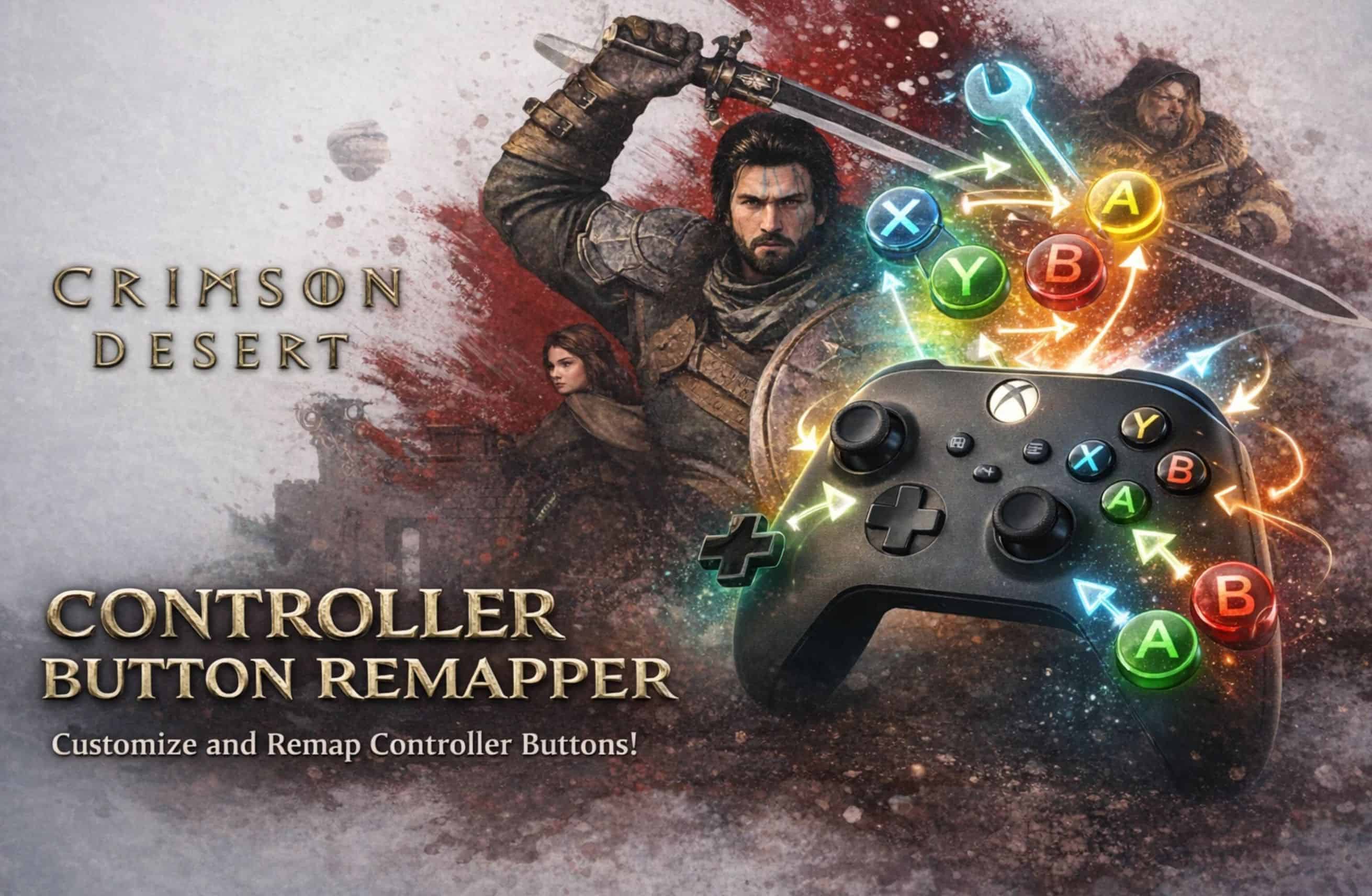
Remap any controller button to any other button through a simple INI file. Supports all 16 inputs including triggers, D-pad, stick clicks, and stick/trigger axis options.
Description:
- Controller Button Remapper for Crimson Desert
- Crimson Desert doesn’t let you rebind controller buttons. This mod fixes that.
- Remap any button to any other button through a simple text file. No additional software needed — just edit the INI, launch the game.
Features
- Remap all 16 controller inputs: A, B, X, Y, LB, RB, LT, RT, LS, RS, Start, Back, and all 4 D-pad directions
- Swap analog sticks (left ↔ right)
- Swap triggers (LT ↔ RT)
- Invert any stick axis (X or Y, left or right)
- LT/RT fully remappable — map triggers to face buttons or vice versa
- Works with Xbox, PlayStation, and generic controllers
- Simple INI configuration with full button reference included
- Zero performance impact
Default Controller Layout (for reference)
Button – Xbox – Default Action
——————————————
A – A – Run / Interact
B – B – Dodge / Sidestep
X – X – Jump
Y – Y – Mount Horse / Kick
LB – LB – Block / Guard
RB – RB – Light Attack
LT – LT – Palm Attack / Elemental Ability
RT – RT – Heavy Attack
LS – LS – Toggle Sprint
RS – RS – Lock-on Target
START – Menu – Pause / Menu
BACK – View – Map / Journal
DPAD_UP – D-Up – Call Horse
DPAD_DOWN – D-Down – Quick Item Selection
DPAD_LEFT – D-Left – Cycle Element Left
DPAD_RIGHT – D-Right – Cycle Element Right
Example: Custom Layout
Want Light Attack on X, Heavy Attack on Y, Jump on B, and Dodge on A? Add these lines to the INI:
– A=B
– B=X
– X=RB
– Y=RT
– RB=LS
– LS=A
– RT=Y
Installation
Step 1: Disable Steam Input (REQUIRED)
- Open Steam Library
- Right-click Crimson Desert → Properties
- Go to Controller tab
- Select “Disable Steam Input”
This is required because Crimson Desert uses Steam Input by default, which bypasses the mod. Disabling it makes the game fall back to standard XInput, which the mod can intercept.
Step 2: Install Files
– Download and extract the mod archive
– Copy all 3 files into the game’s bin64 folder:
…\Crimson Desert\bin64\winmm.dll
…\Crimson Desert\bin64\CDControllerRemap.asi
…\Crimson Desert\bin64\CDControllerRemap.ini
Step 3: Configure
- Open CDControllerRemap.ini in any text editor (Notepad works fine)
- Under [ButtonRemap], uncomment and edit lines to set your mappings
- Format: SourceButton=TargetButton
- To swap two buttons, define BOTH directions (e.g. A=B and B=A)
- Save the file and launch the game
Uninstall
Delete these 3 files from the bin64 folder:
– winmm.dll
– CDControllerRemap.asi
– CDControllerRemap.ini
Re-enable Steam Input in Steam if desired.
How It Works
The mod uses the Ultimate ASI Loader (winmm.dll) to load a plugin (CDControllerRemap.asi) at game startup. The plugin hooks XInputGetState using MinHook to intercept controller input and apply your remap before the game reads it.
Known Limitations
– On-screen button prompts will NOT change — the game’s UI still shows the original button icons. This is a cosmetic-only issue; the actual inputs work correctly with your remap. Button prompt textures are locked inside the game’s proprietary PAZ archives which cannot currently be modified.
– Steam Input must be disabled — this is not optional. The mod cannot intercept input when Steam Input is active.
– Changes require a game restart to take effect.
Compatibility
- Tested on Xbox Controller
- Tested on game version 1.0 (March 2026 launch build)
- Requires Windows 10 or later
Source Code
– Built with Visual Studio 2022 + CMake. Dependencies: MinHook (auto-downloaded by CMake).
– Source available on request.