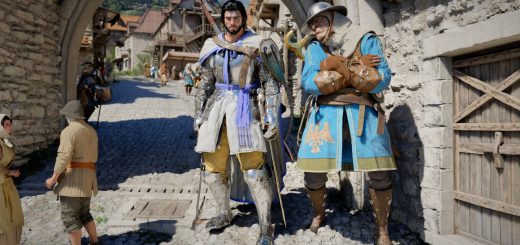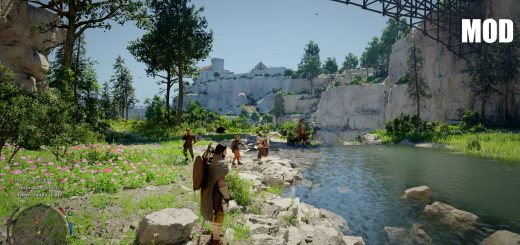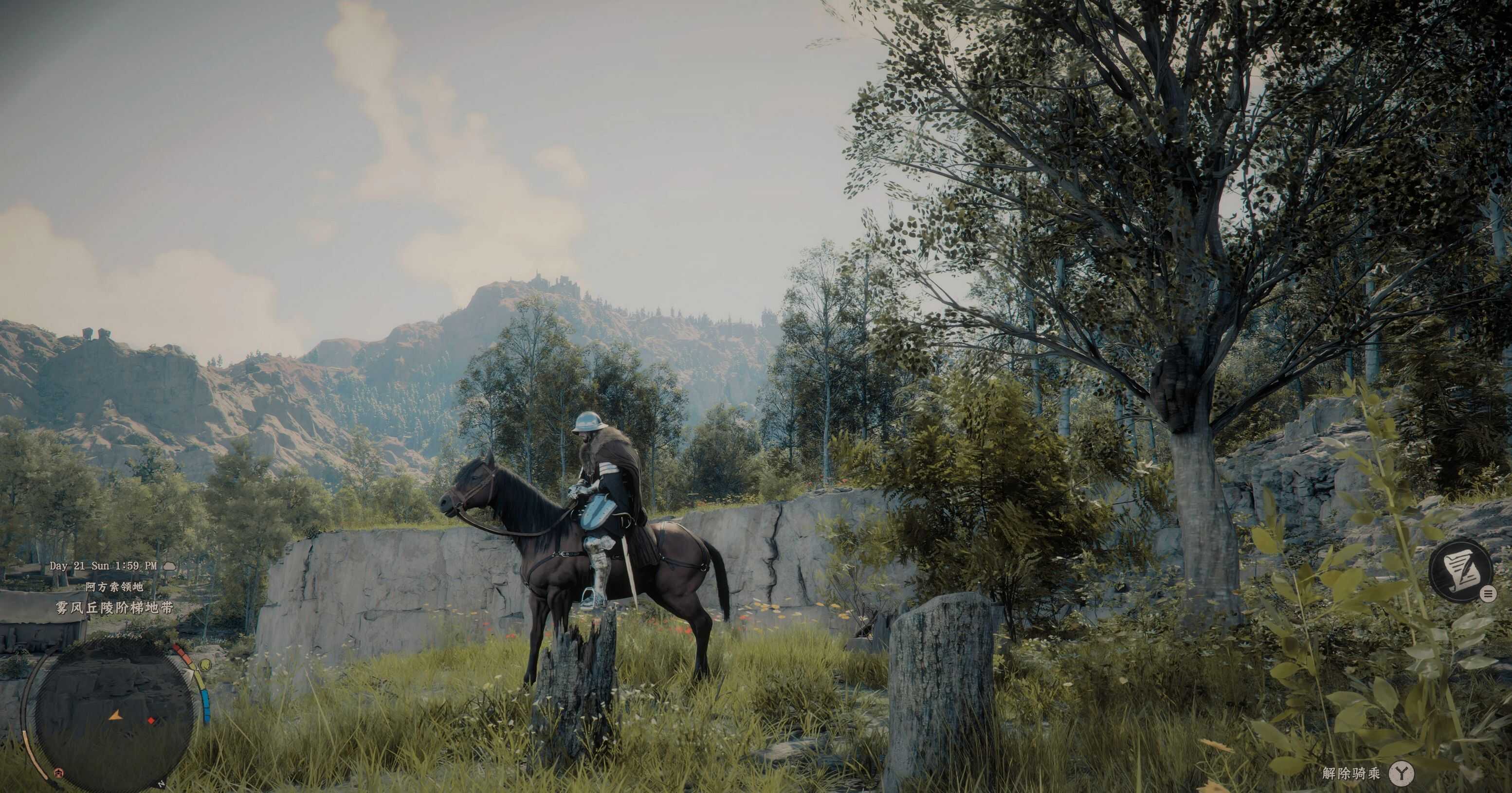
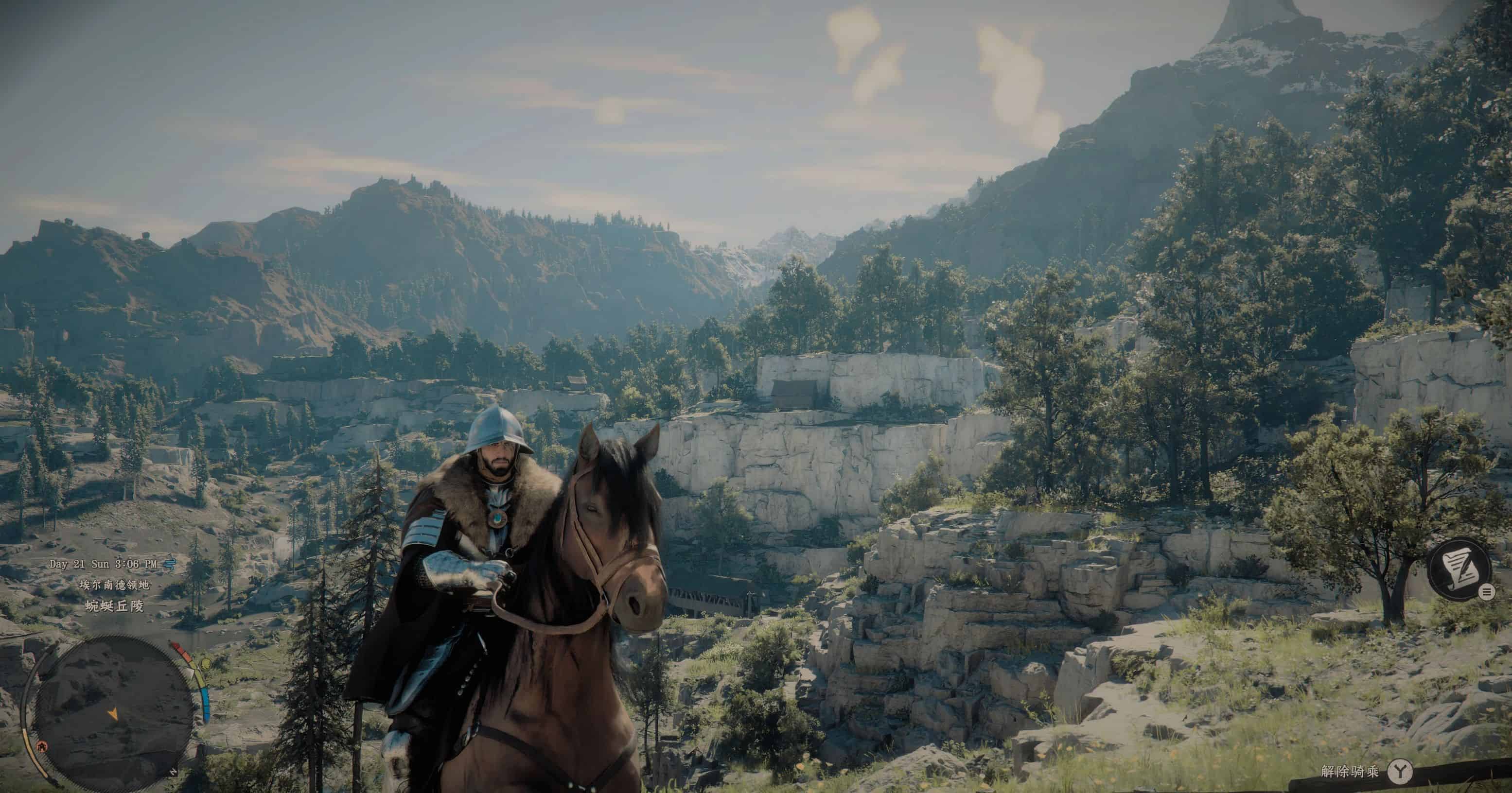
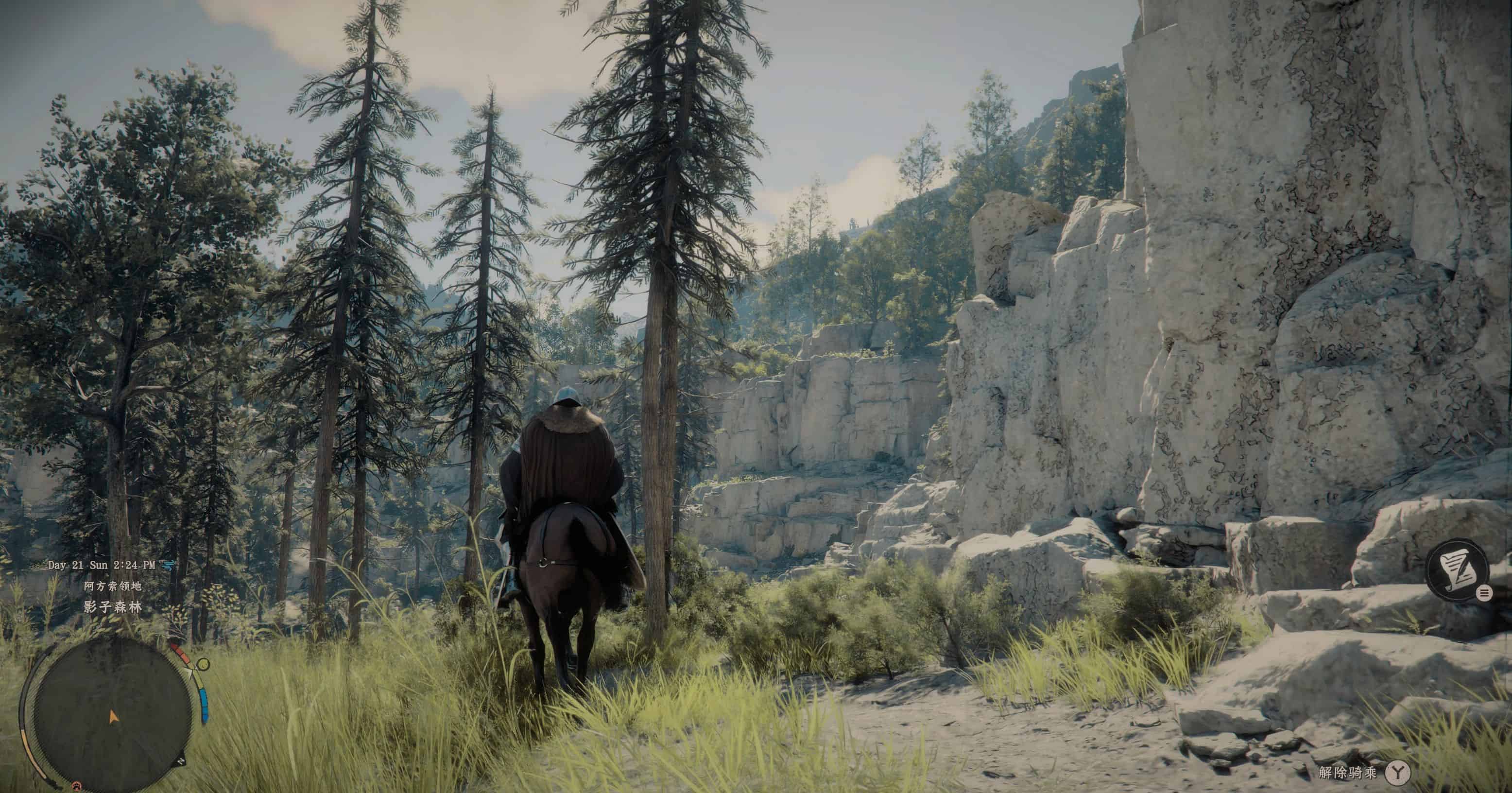
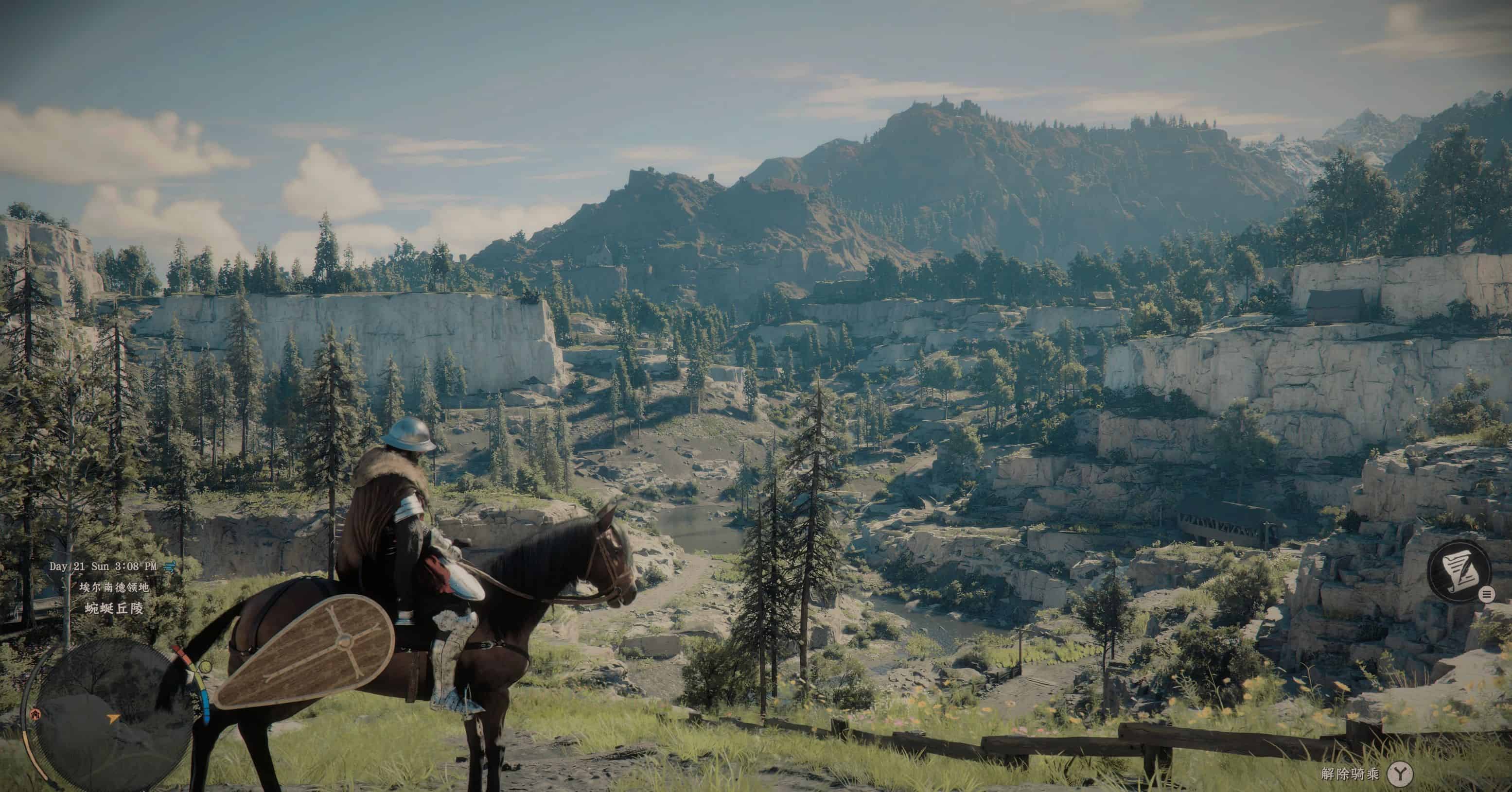
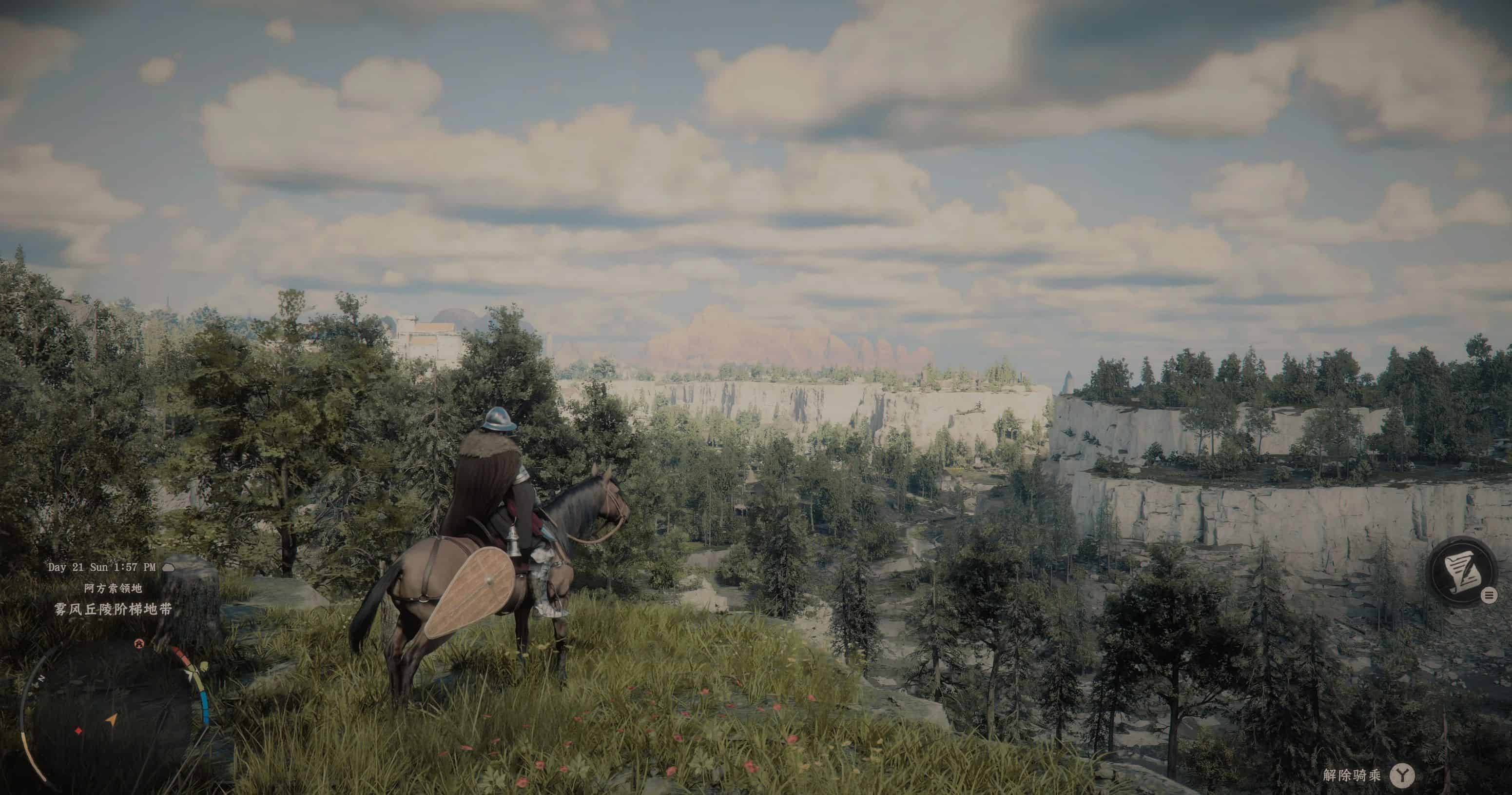
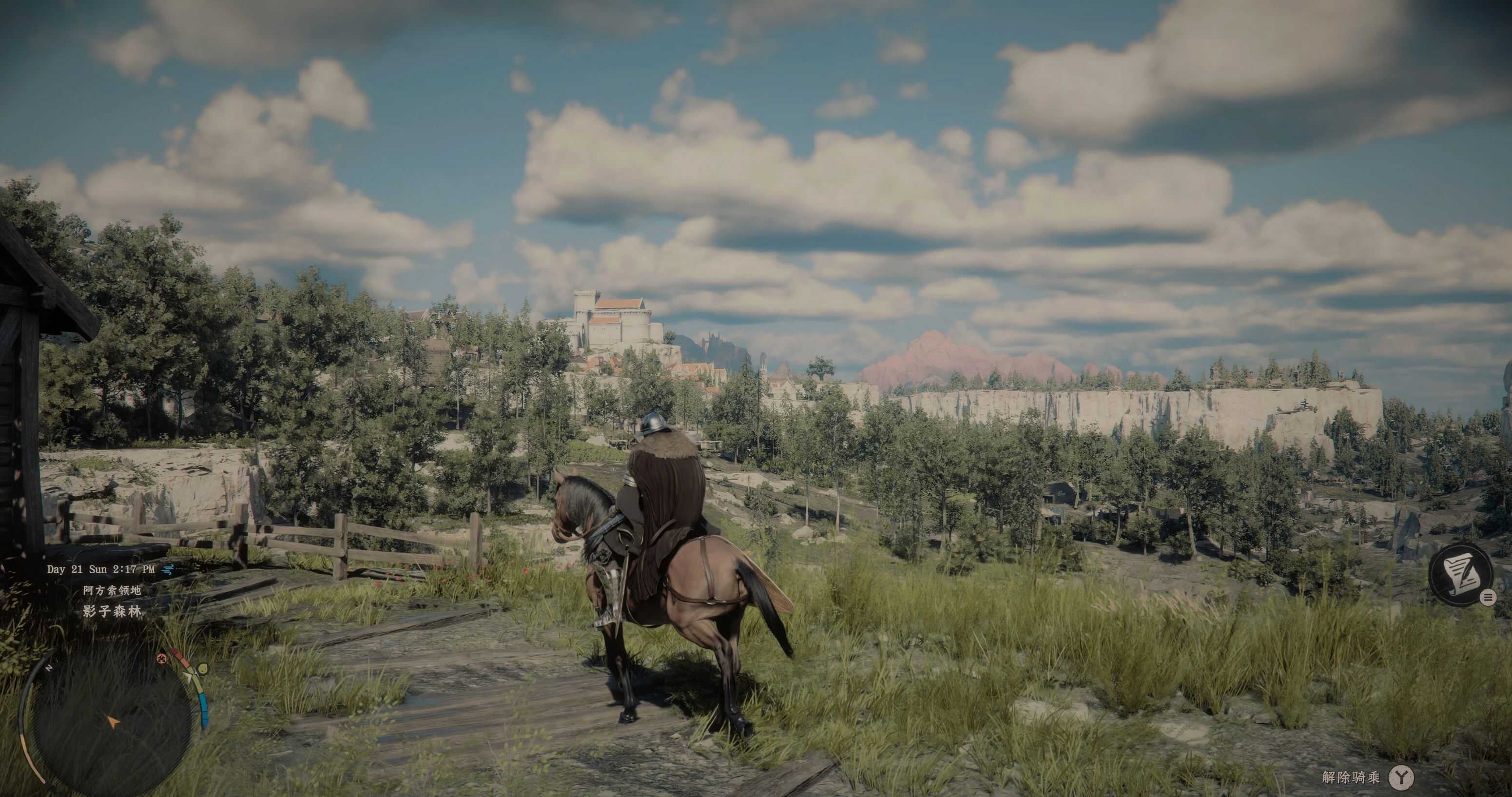
Ever thought the vanilla game’s visual direction makes your eyes hurt? This filter is meant for ease your eyes from the over-saturated green foliages throughout the game. I don’t understand what the dev-team are thinking to have over-saturated green, so I made this filter to make my eyes comfortable.
Installation:
Download and install Reshade(6.2.0 or above) for Crimison Desert, install all the effects.
1.Copy and Paste everything inside the compressed file to bin64 folder under the game’s install location, overwrite any files if needed.
2.Under Video settings in game, set the contrast to low-end values (0-15).
3.Turn-on HDR in the same menu, set the brightness to low-end and exposure to max under the HDR setting.
4.Enjoy the new visuals.