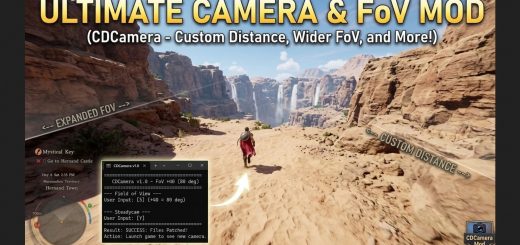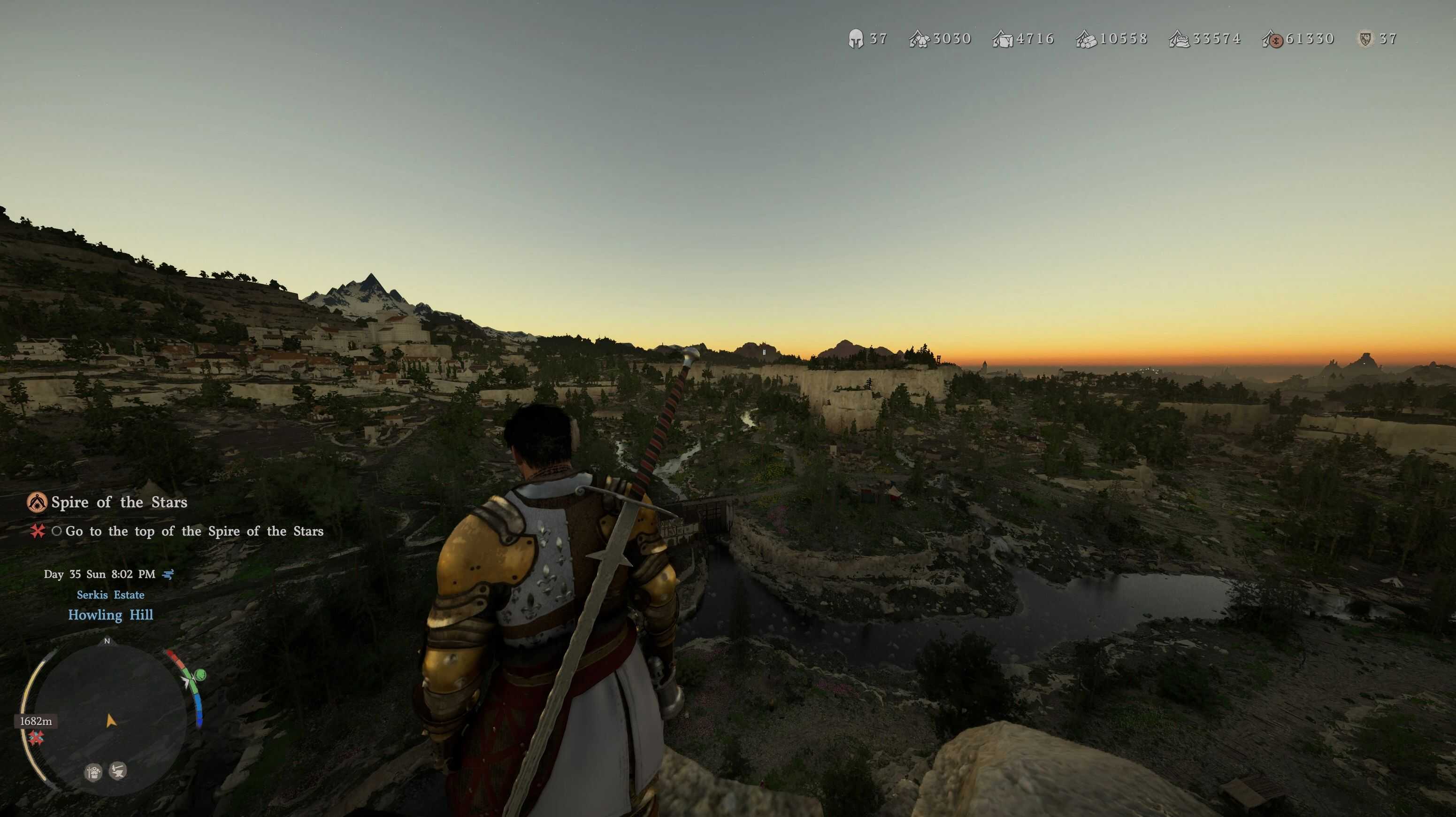
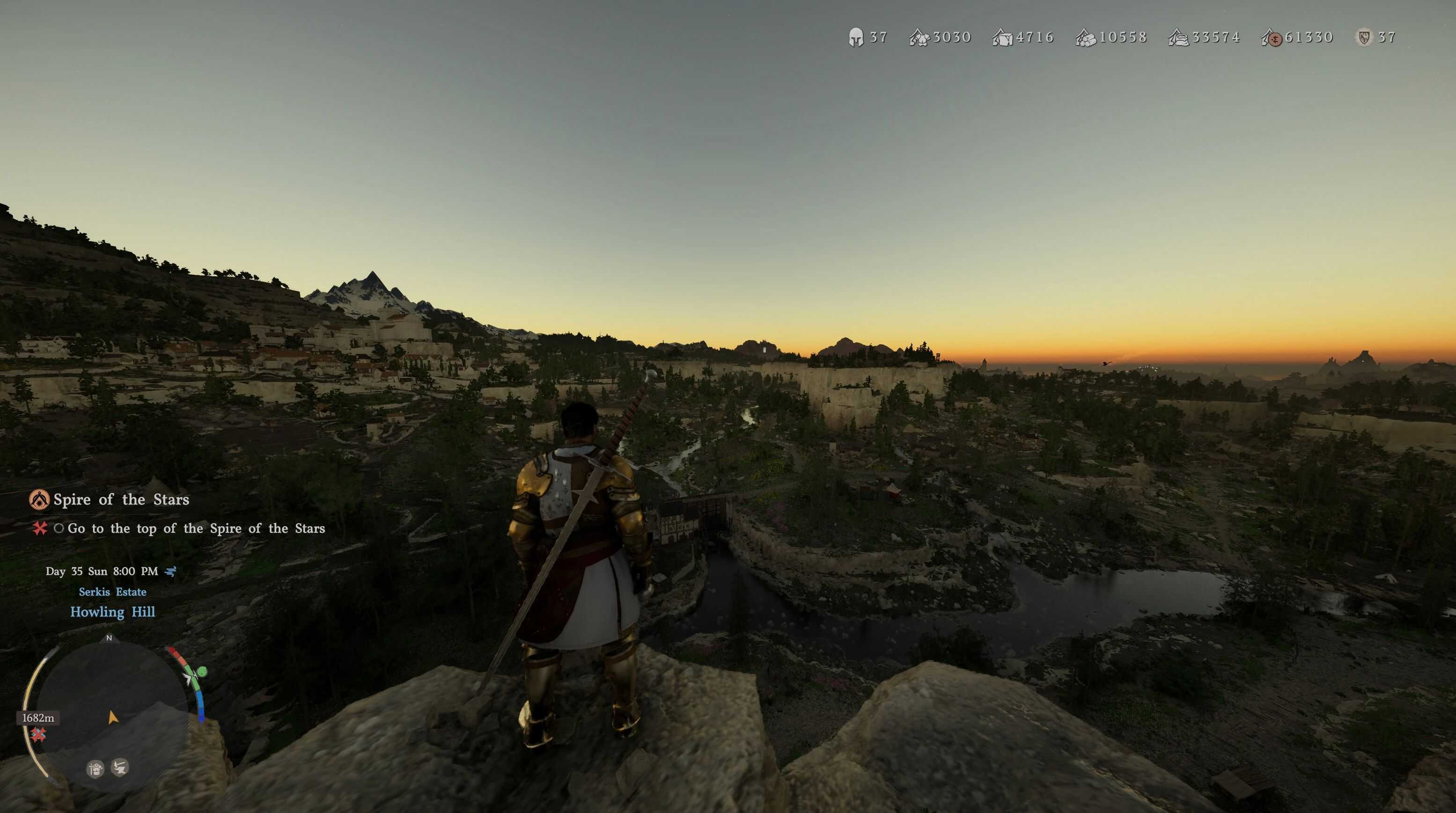
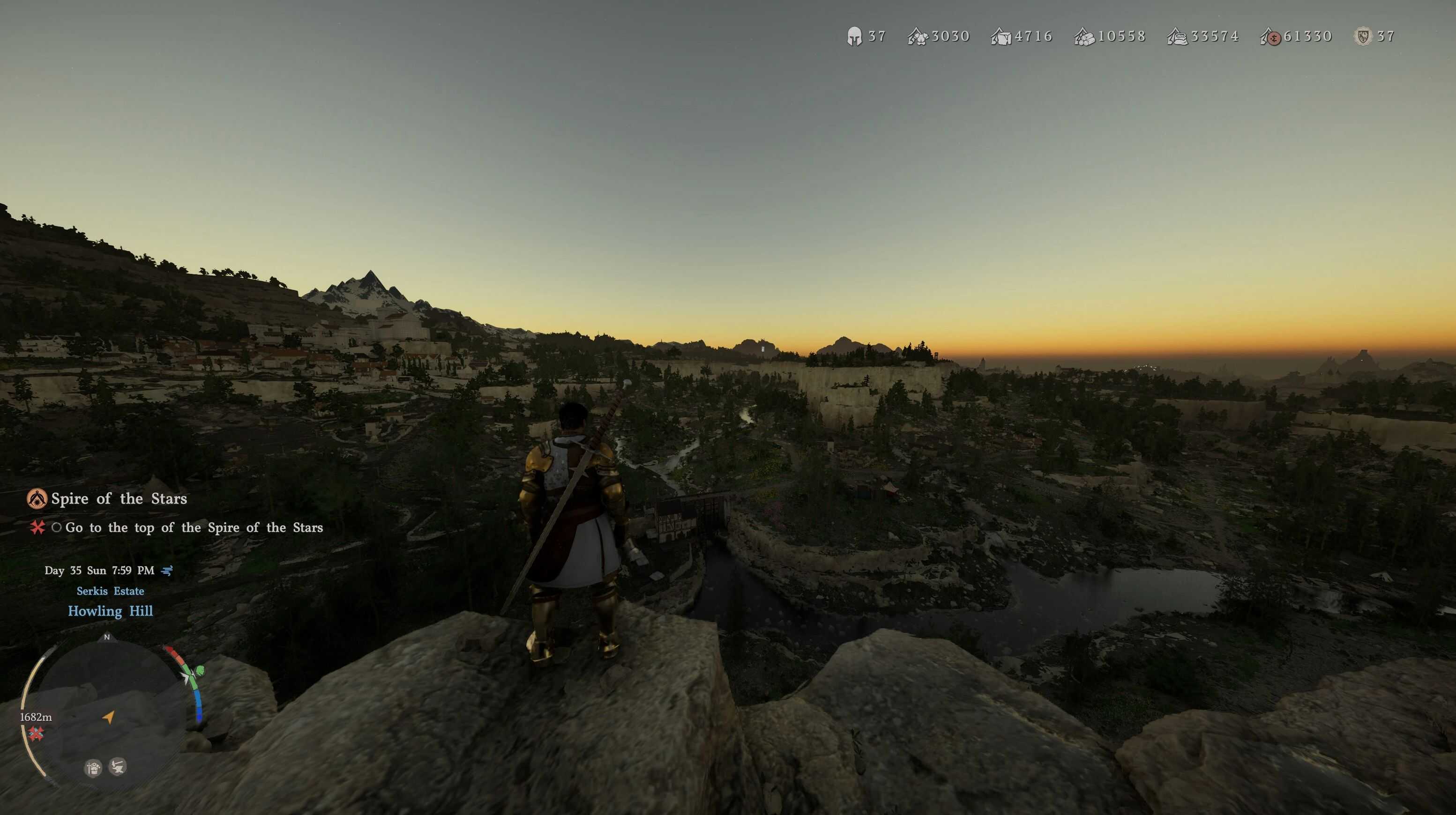
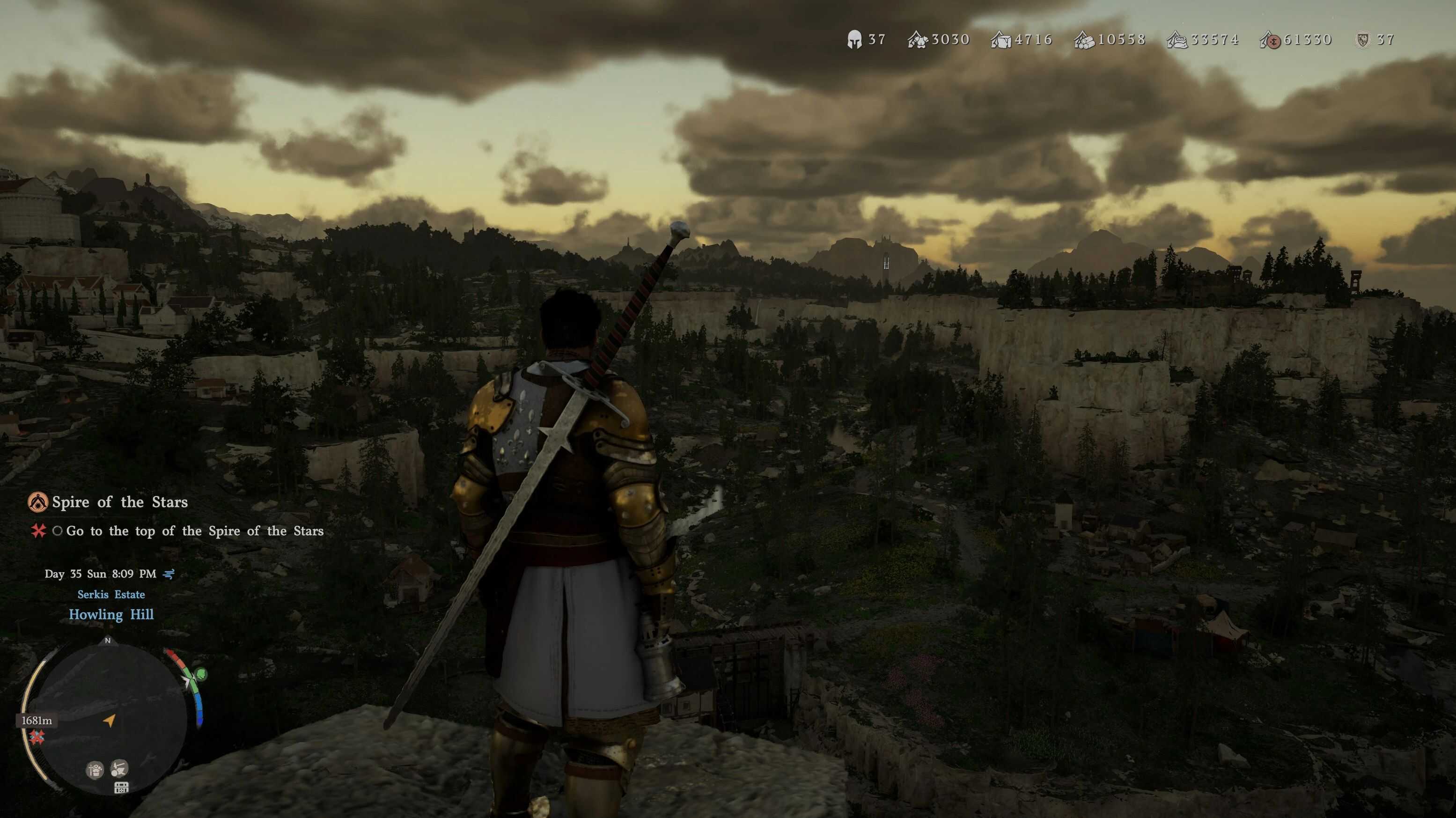
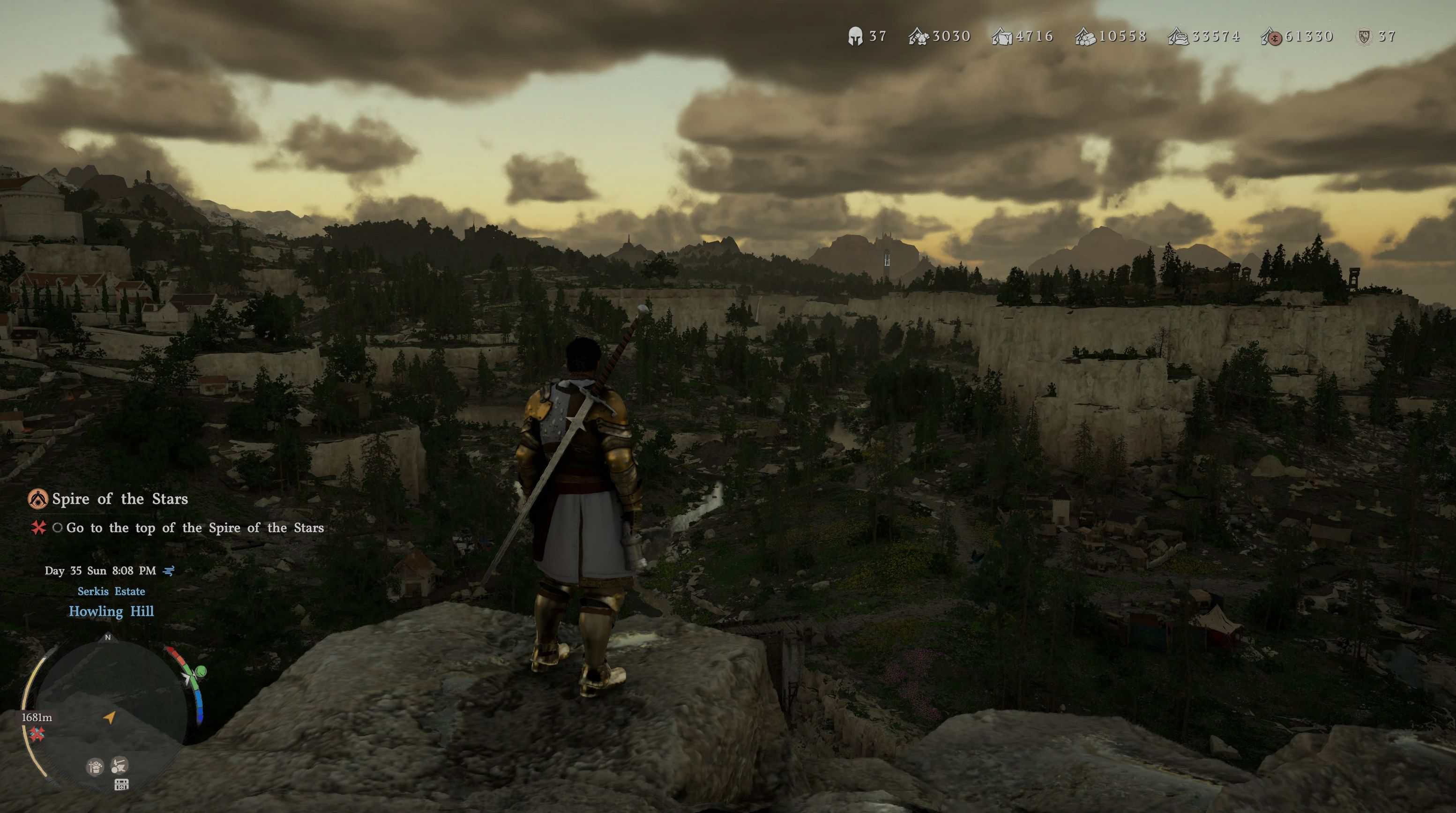
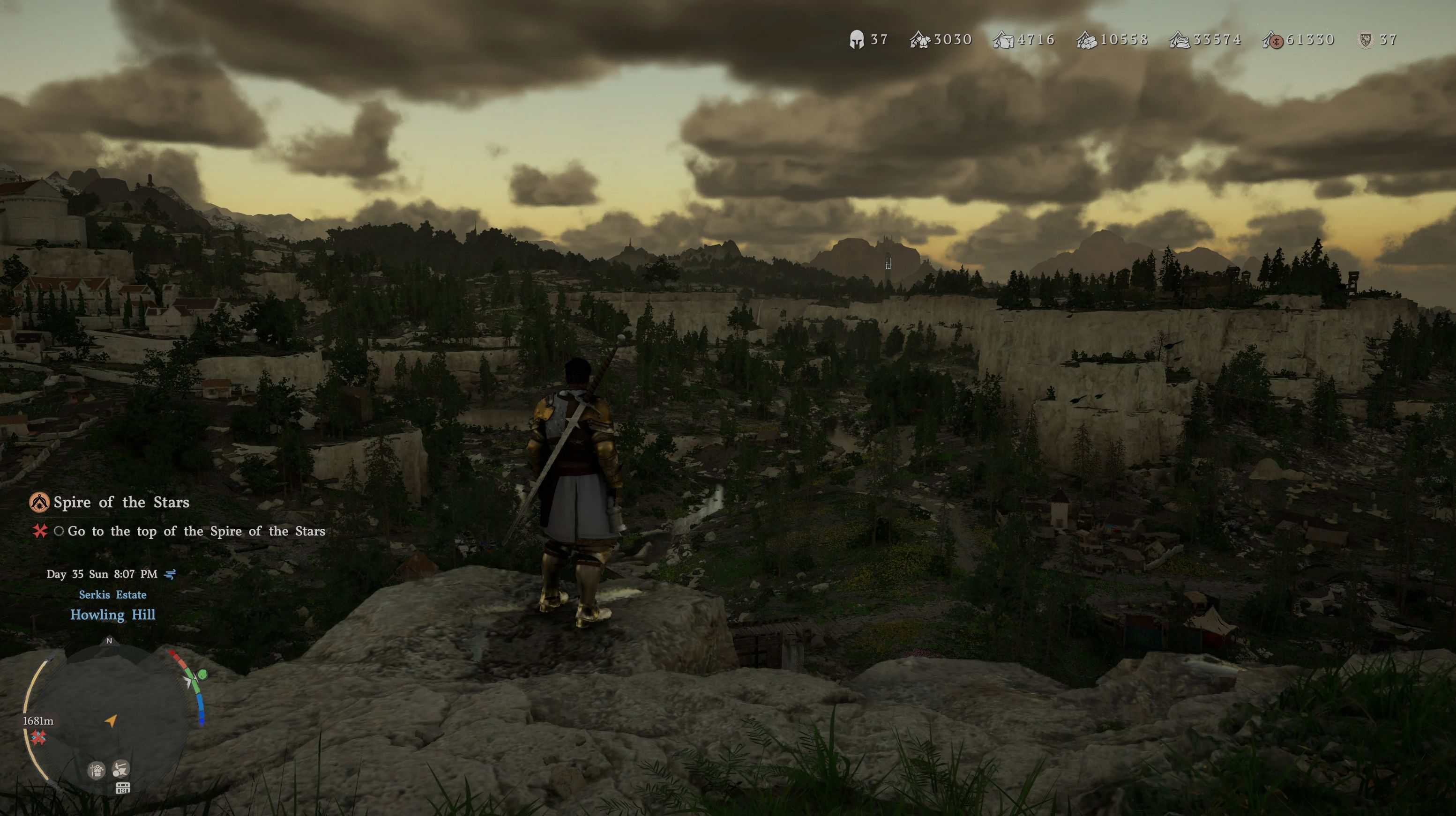
Crimson Camera provides a simple utility tool allowing you to customize your Crimson Desert experience. Select your preferred field of view, choose a camera style (shoulder / centered), and disable or enable optional features to your liking, everything through a simple batch script.
Requirements
Python 3+ (which can be installed here: python.org/downloads – REMEMBER TO CHECK “Add python.exe to PATH”!)
Reading comprehension
Installation
– Download the .zip archive and unpack it to a folder (called e.g. Crimson Camera)
– Place the folder in the game directory (for example on Windows it is most likely C:\Program Files (x86)\Steam\steamapps\common\Crimson Desert).
– The folder should be inside Crimson Desert folder, not underneath nor on top, INSIDE Crimson Desert folder, next to other folders such as bin64. As an example, the complete path should look like this: C:\Program Files (x86)\Steam\steamapps\common\Crimson Desert\Crimson Camera\install.bat.
– Run install.bat and follow the instructions
Update
– Before using newer version of the script, make sure you uninstall previous version using uninstall.bat
– If you forgot to do that and applied newer version script, remove folder 0010 from Crimson Desert then verify game files.
– This should not be critical, but worse case scenario restore functionality won’t restore vanilla camera, but the one from previous script version.
Uninstall
– Run uninstall.bat and follow the instructions
or
– Run install.bat and select [R] (restore)