A Tool for Localization Crimson Desert.
1 Install Python
– Recommended version Python 3.11 or newer and make sure Add Python to PATH is enabled
2 Install required packages
– Double-click install_requirements.bat
– or run
– python -m pip install -r requirements.txt
3 Correct folder structure
Crimson_Desert_Localization_Tool/
├─ Crimson_Desert_Localization_Tool.py
├─ requirements.txt
├─ install_requirements.bat
└─ tools/
├─ paz_unpack.py
├─ paz_repack.py
├─ paloc_Tool.py
├─ Meta_Patch.py
├─ paz_crypto.py
├─ paz_parse.py
└─ pycache/
├─ paz_crypto.cpython-314.pyc
├─ paz_parse.cpython-314.pyc
├─ paz_repack.cpython-314.pyc
├─ paz_unpack.cpython-314.pyc
4 Launch the program
– Use the .py file to avoid console window and double-click Crimson_Desert_Localization_Tool.py
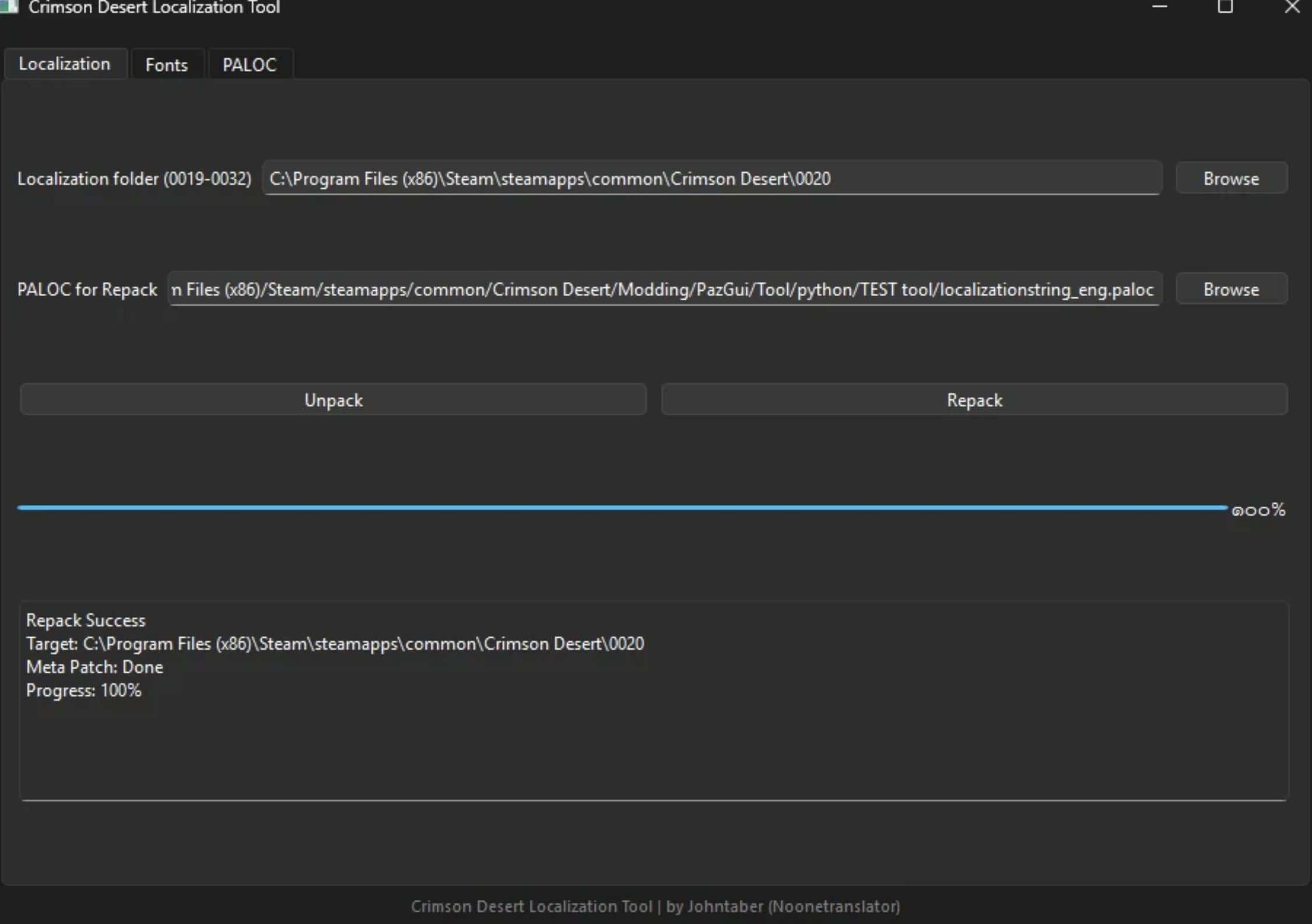
5 Localization tab
– Select the game’s 0019-0032 folder
– Click Unpack to extract localizationstring_xxx.paloc
– Output will be created in Localization file folder
– Select modified .paloc file
– Click Repack
– Meta patch will run automatically
6 Fonts tab
– Select the game’s 0012 folder
– Click Unpack Fonts to extract creditfont.ttf basefont.ttf and basefont_eng.ttf
– Output will be created in Fonts folder
– Select edited Fonts folder
– Click Repack Fonts
7 PALOC tab
– Export Select localizationstring_xxx.paloc and JSON will be created in PALOC_Export
– Import Select edited JSON and localizationstring_xxx_repacked.paloc will be created in PALOC_Import
8 Notes
– Always backup original game files before repacking
– For fonts repack one file at a time if needed