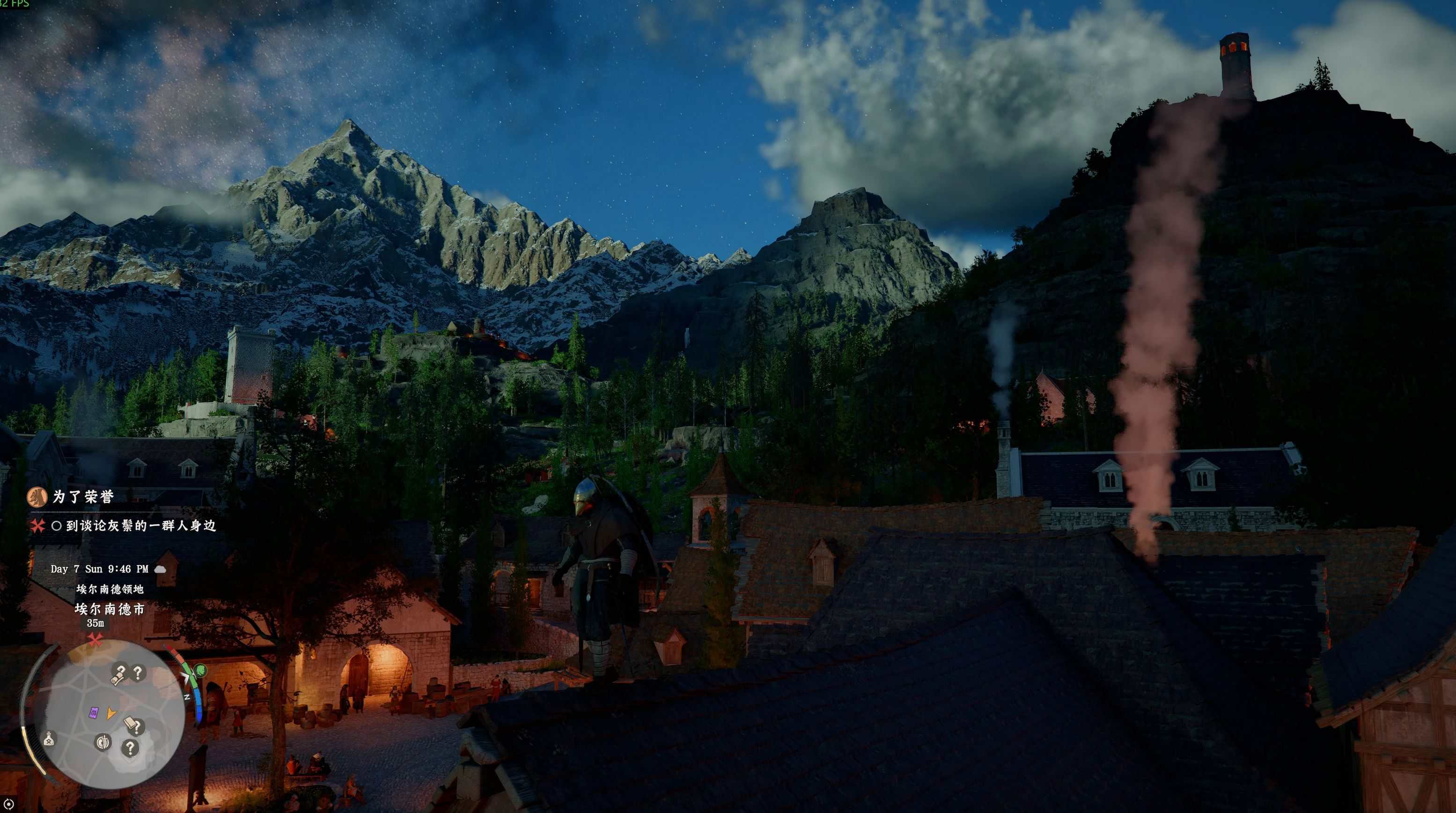
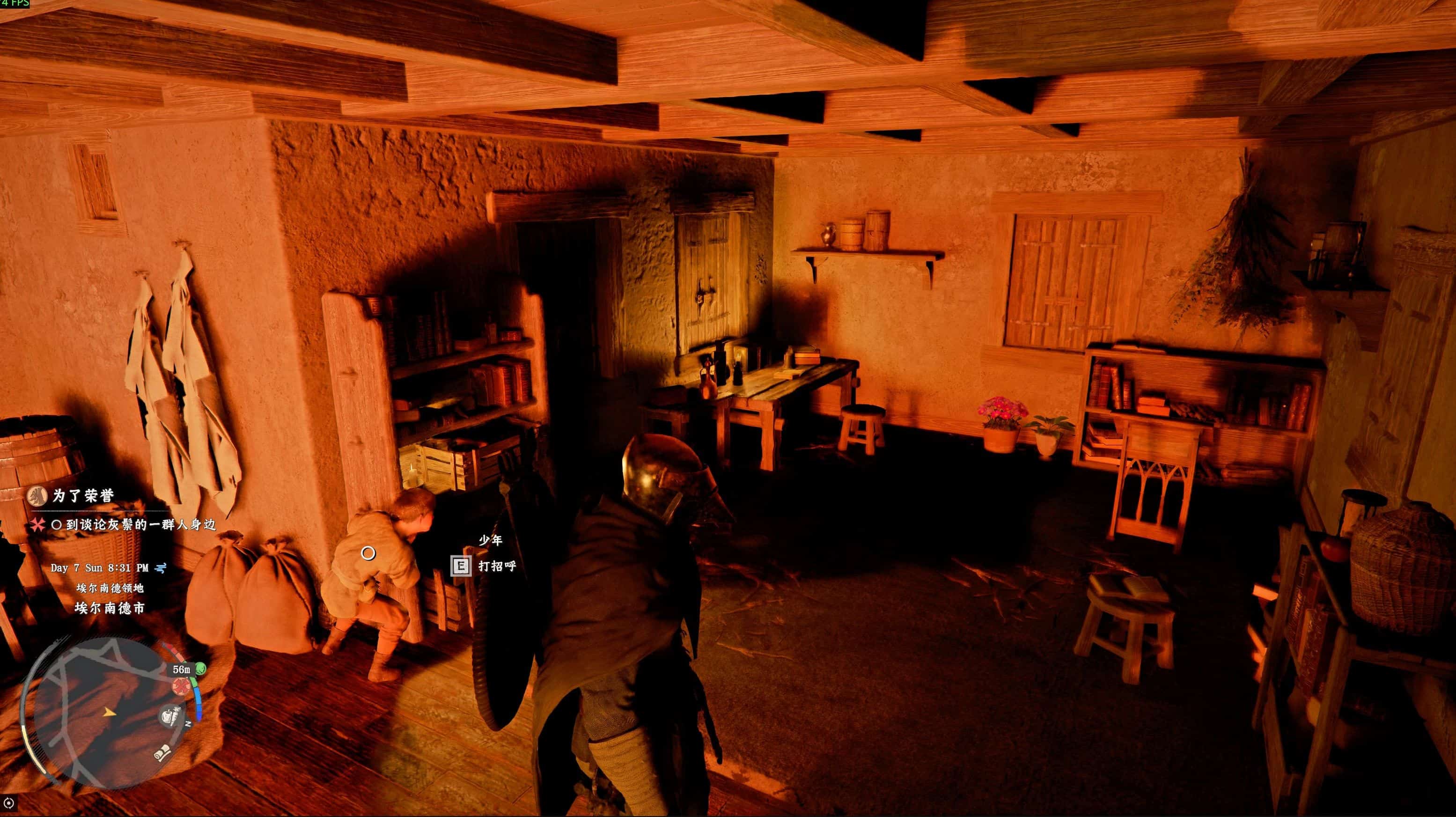
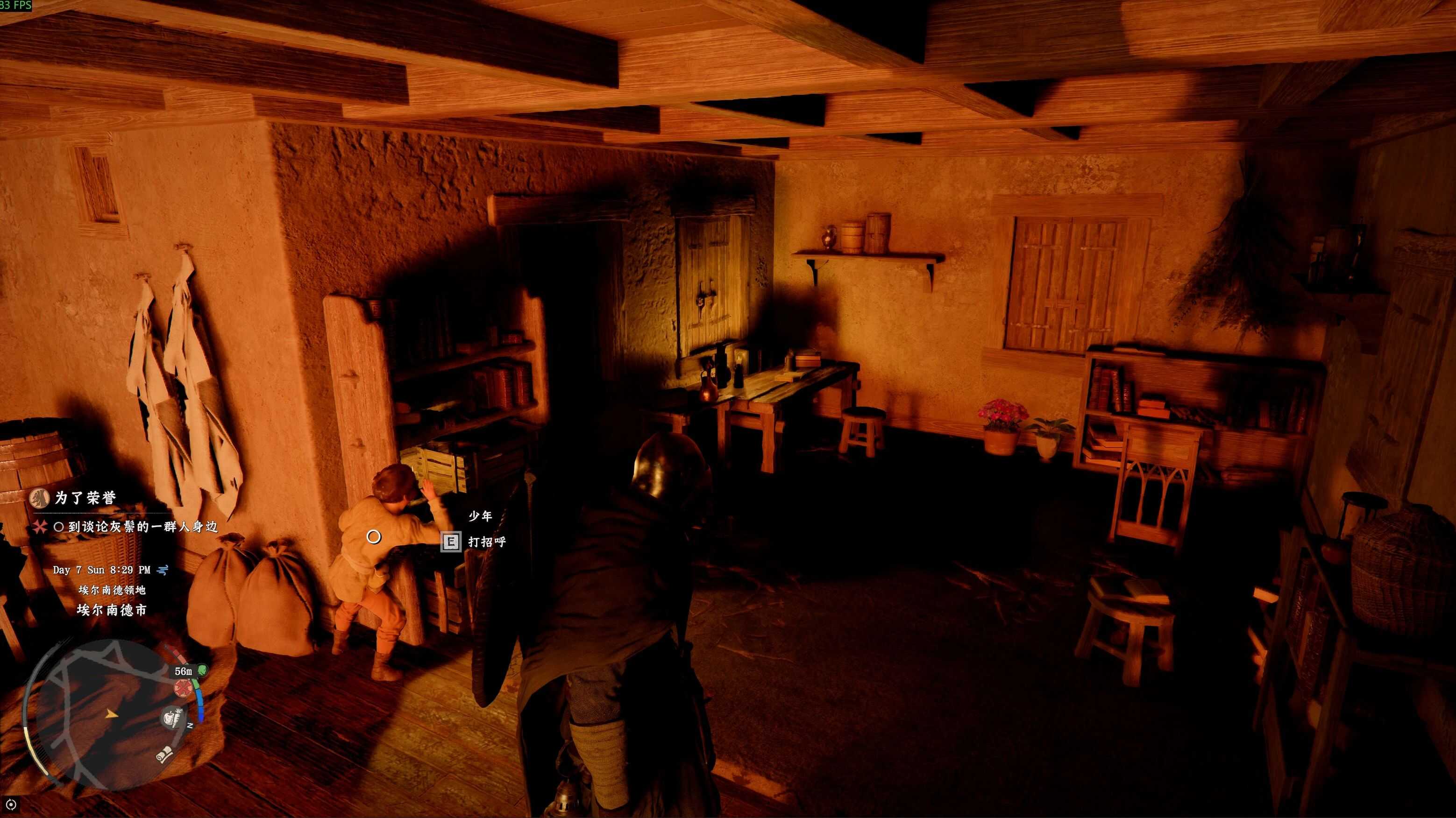
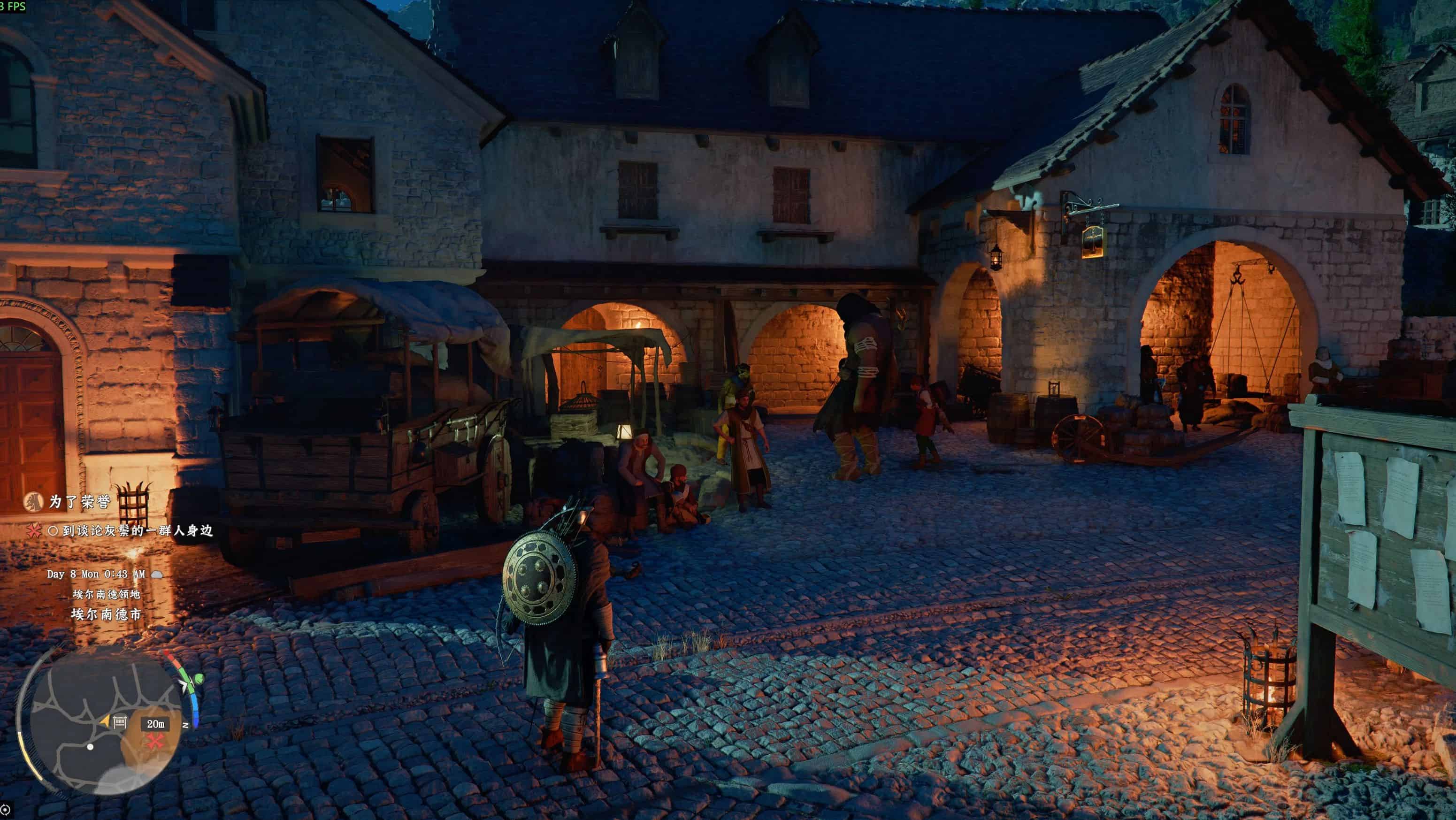
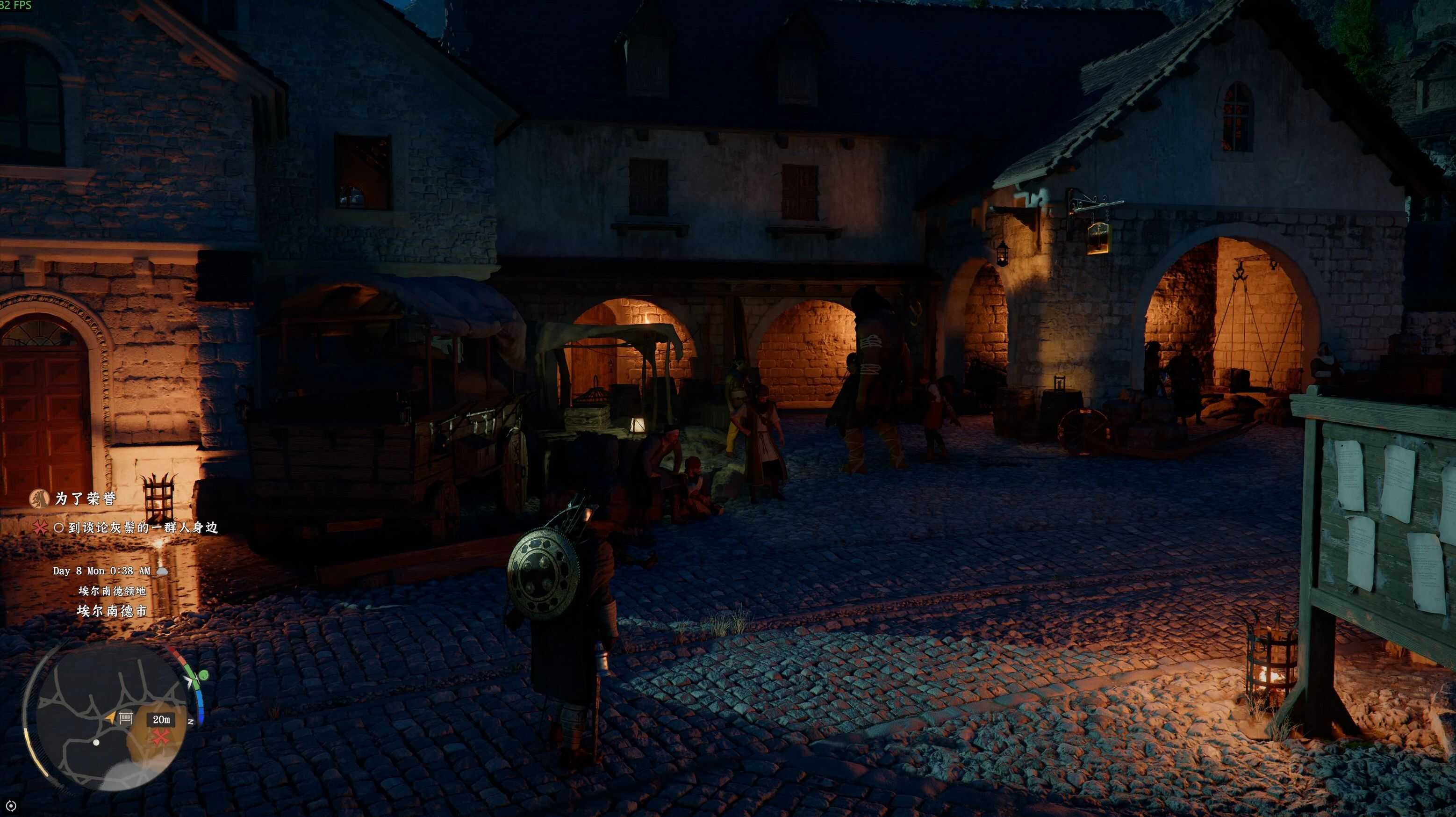
Crimson Desert Shadows Optimization NVIDIA Filter v1.0

Crimson Desert Mods |
Crimson Desert Shadows Optimization NVIDIA Filter v1.0


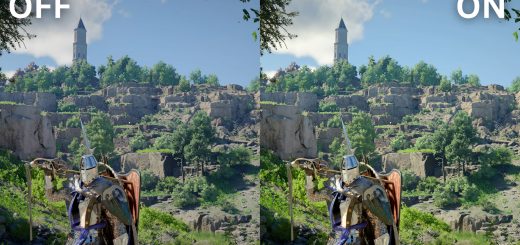
Crimson Desert Shadows Optimization NVIDIA Filter.

Requirements:
NVIDIA App

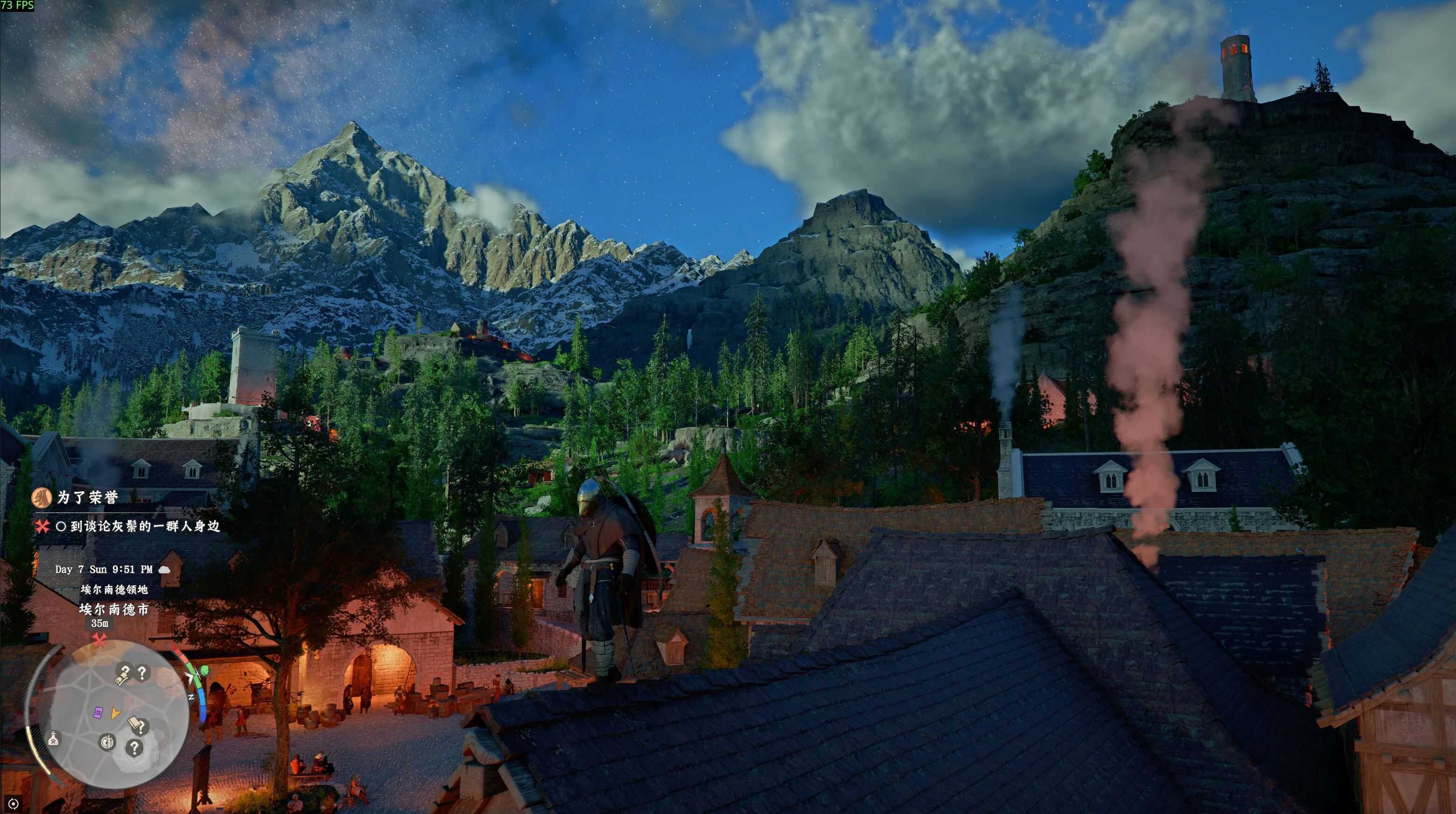
– Core: Fix crushed shadow blacks, restore lost shadow details
– Notice: Approx. 10 FPS performance loss after enabling
– Recommended: Users with native game FPS ≥70
– Not Recommended: Users with native game FPS <60

Usage Steps:
– Install the latest NVIDIA App, enable “NVIDIA Overlay”
– Launch the game, press Alt+F3 to open the filter panel
– Select an empty numbered preset slot(1/2/3)
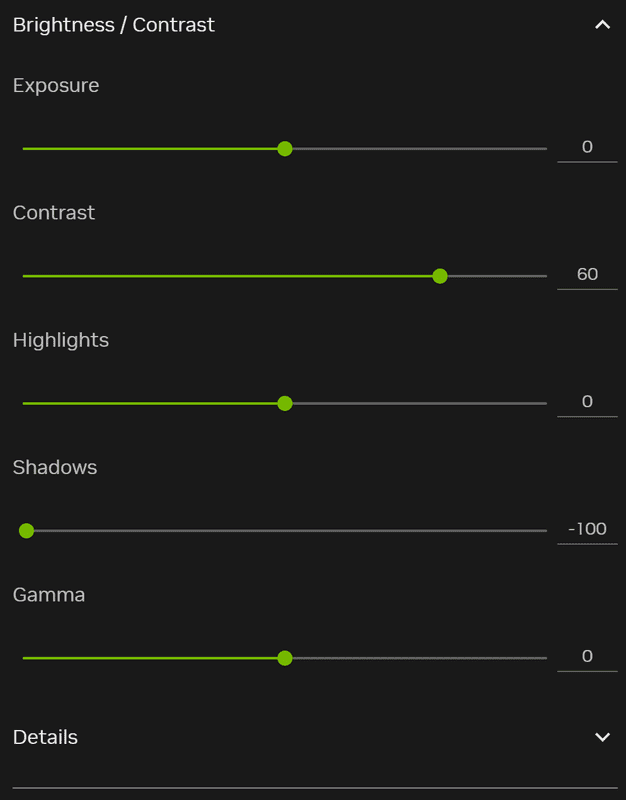
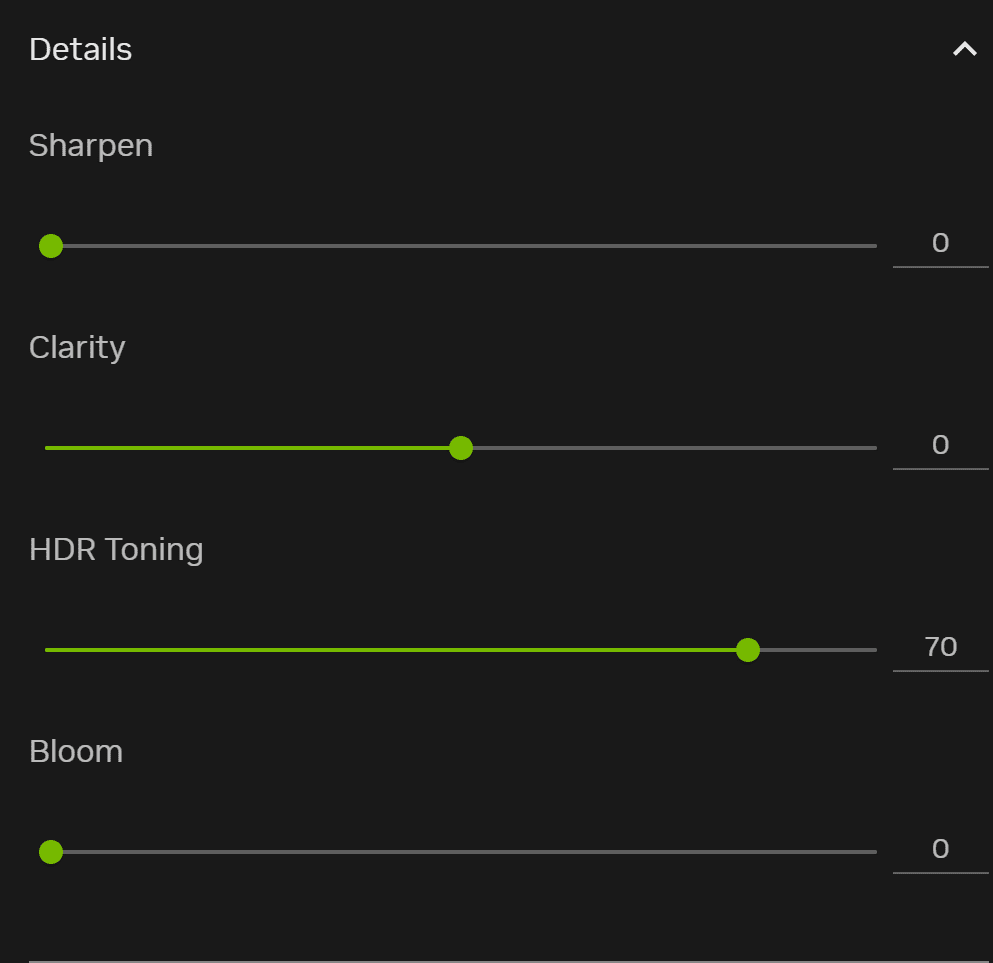
– Add “Brightness/Contrast” & “Details” filters in sequence, adjust as reference
– Config auto-saved, click the preset to enable

Note: Parameters are eye-calibrated on an OLED display, fine-tune freely if the effect is unsatisfactory.



Author: Seng


Download

Crimson Desert mods give players the freedom to expand and personalize their adventure across the vast world of Pywel. With a wide range of free mods available, you can enhance gameplay, improve visuals, and introduce new features that make every moment in the game even more exciting. Try the Crimson Desert Crimson Desert Shadows Optimization NVIDIA Filter v1.0 mod to bring something new to your journey, and continue exploring other mods that help you shape the experience exactly the way you want, with no limits.
Useful Information: How to install Mods | System Requirements | Crimson Desert Guides | Crimson Desert News

Leave a Reply

Your email address will not be published. Required fields are marked *