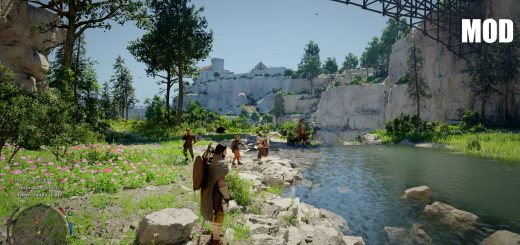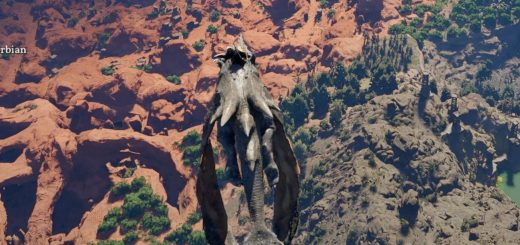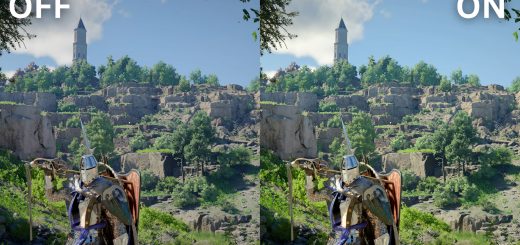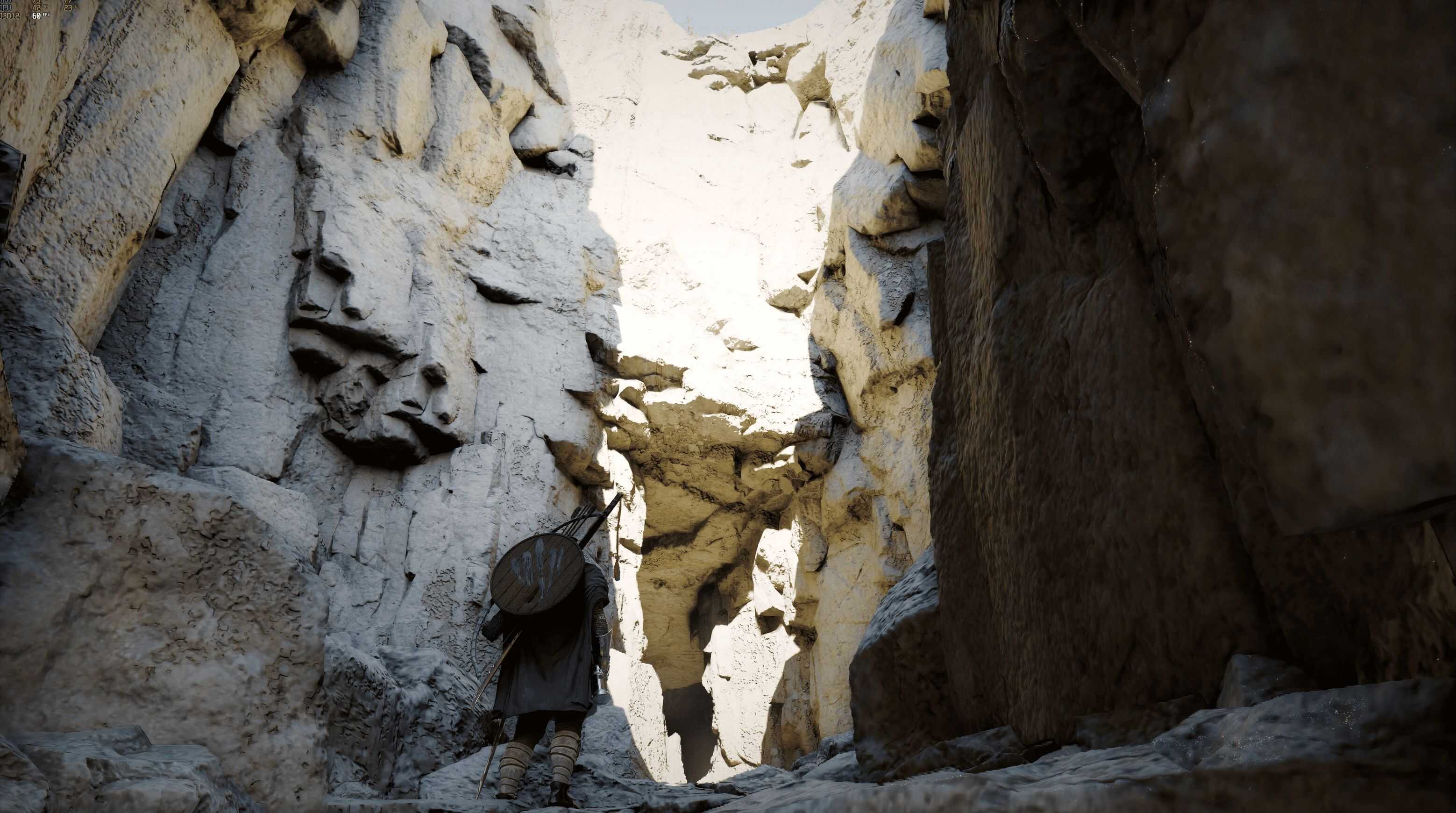
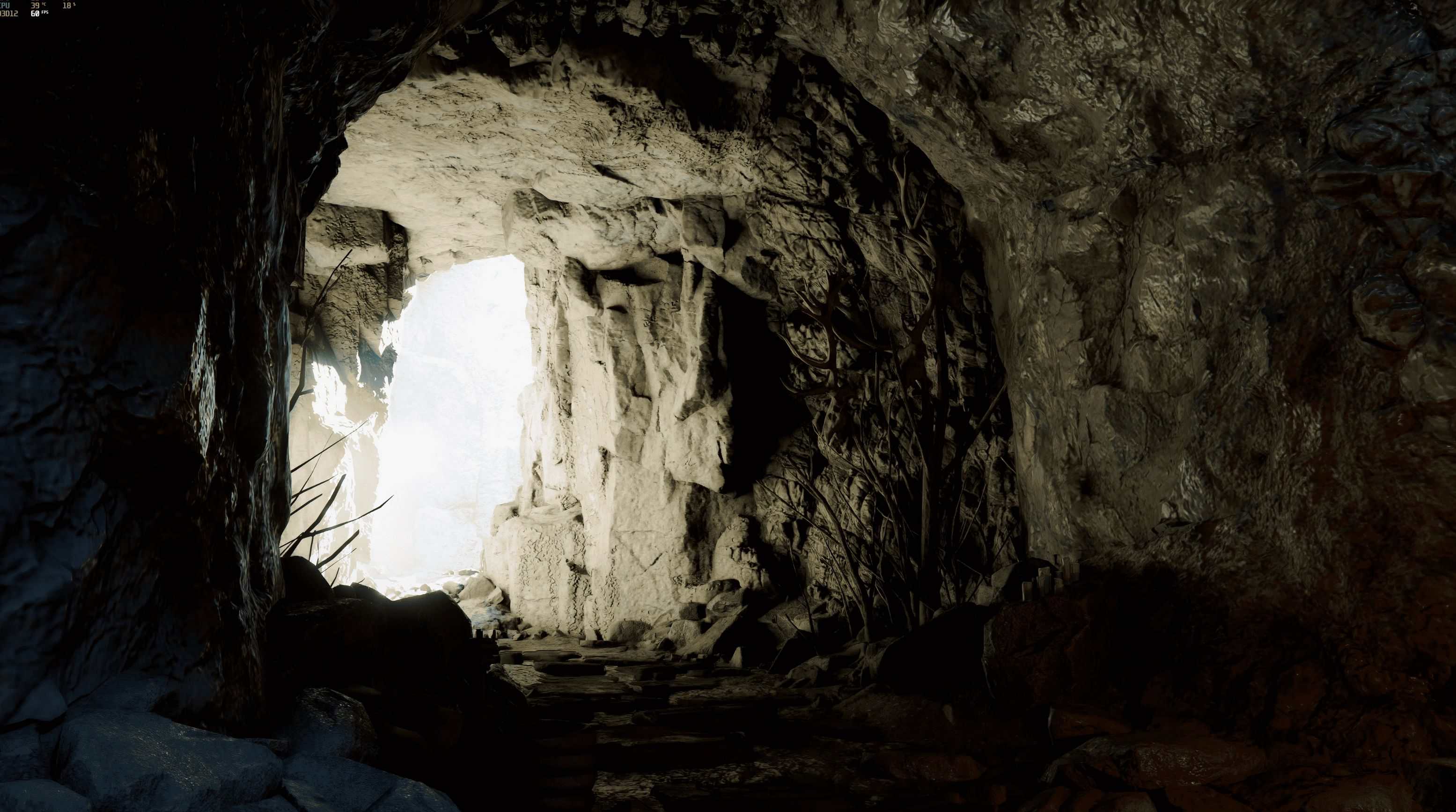
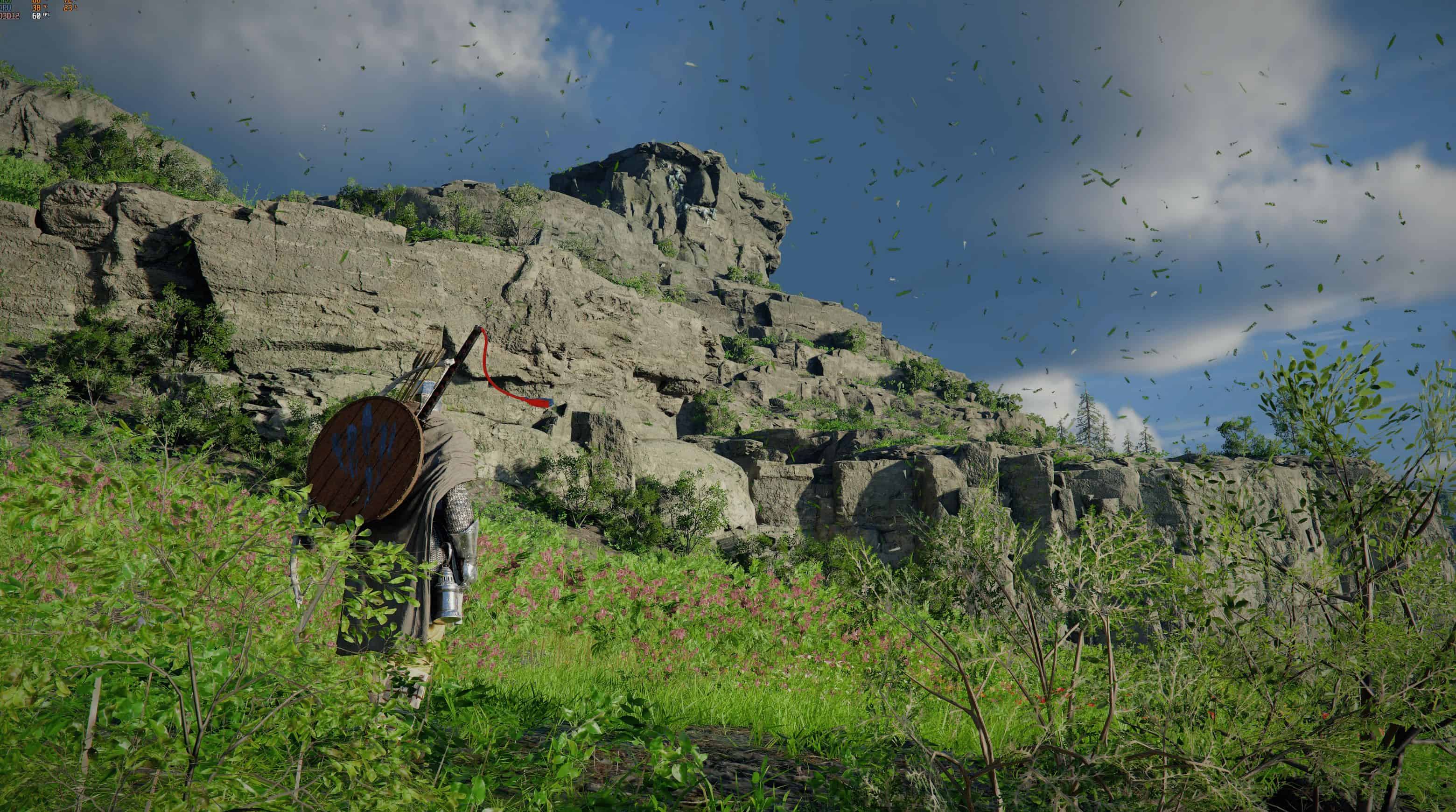
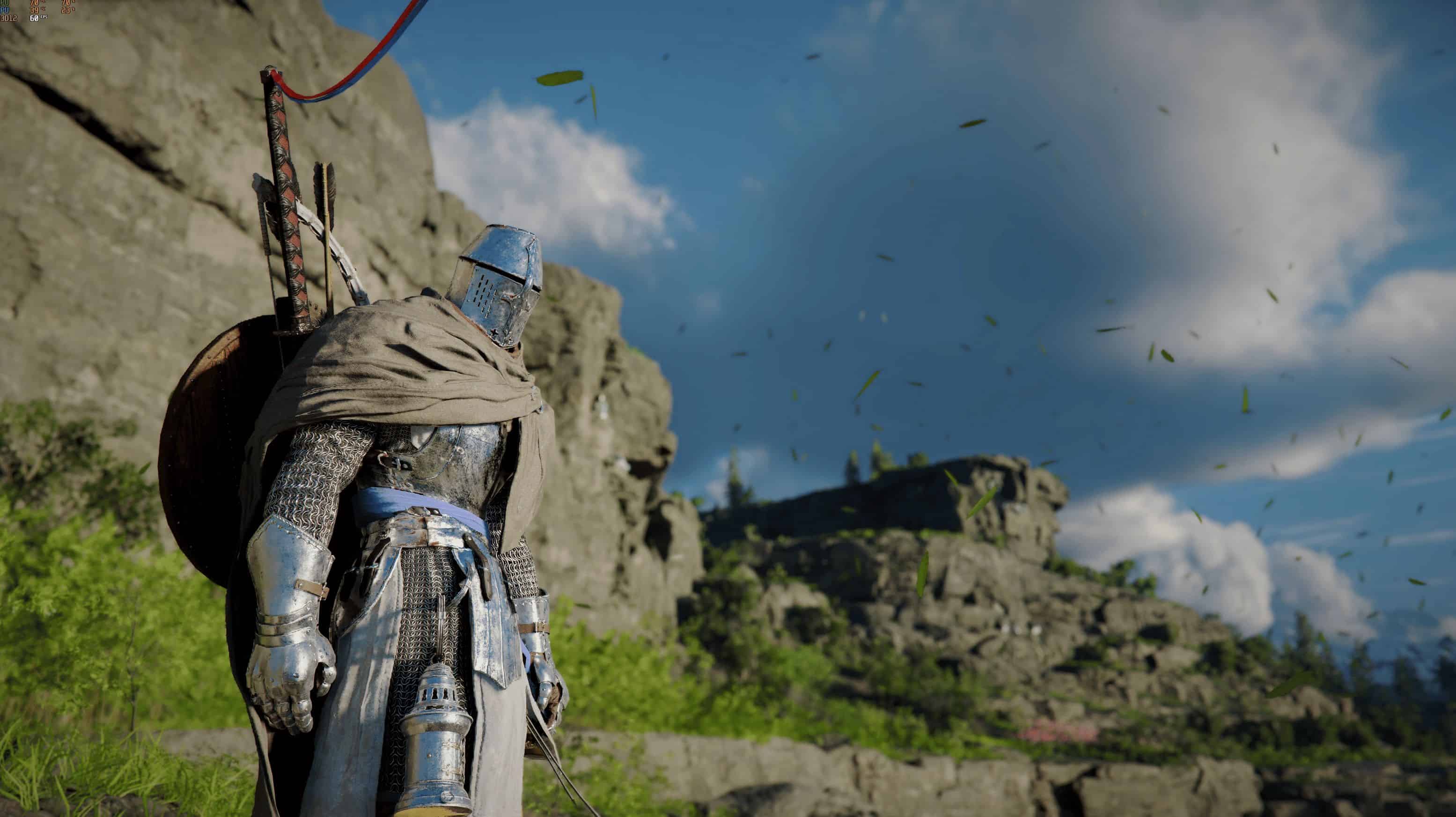
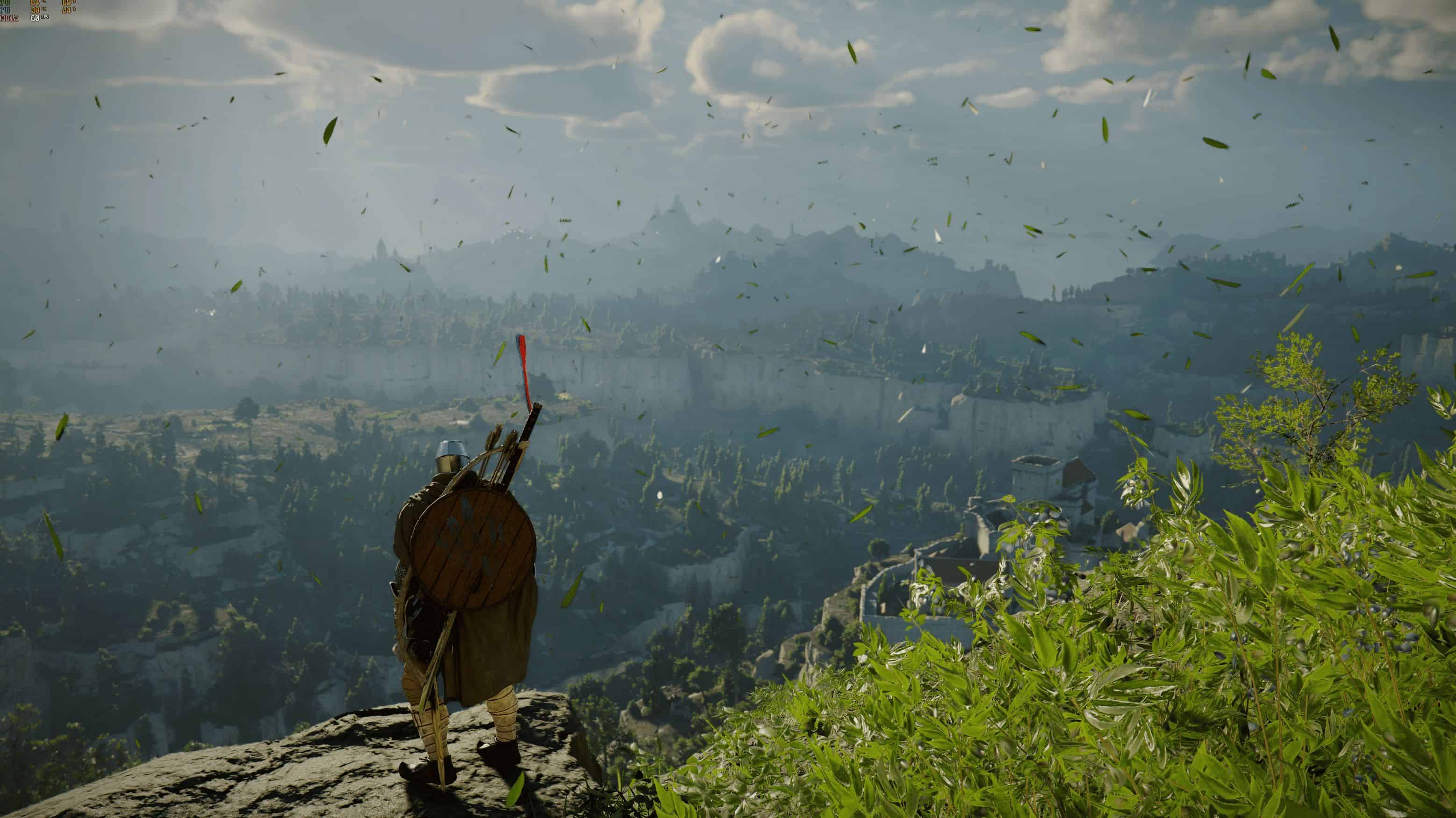
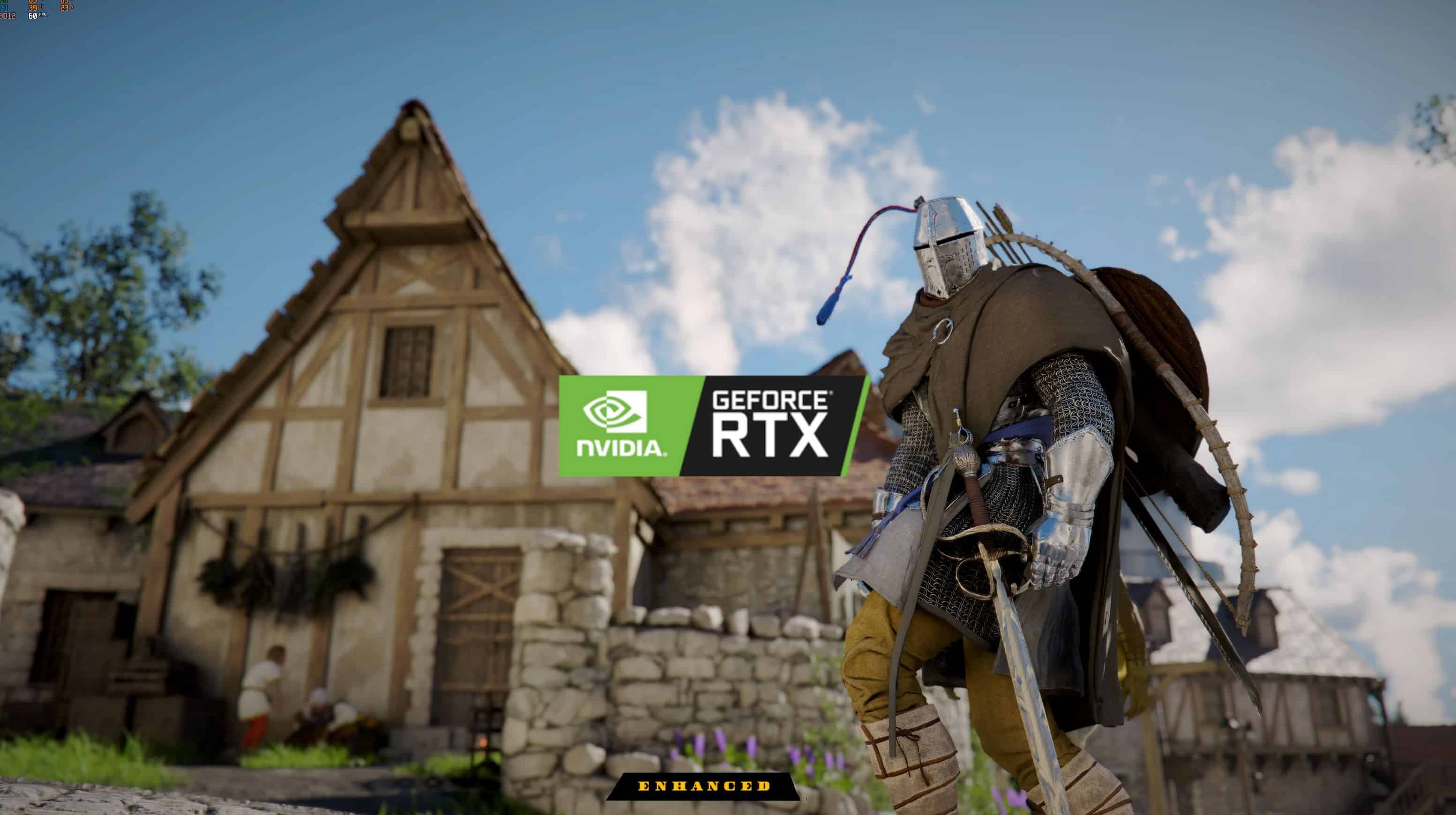
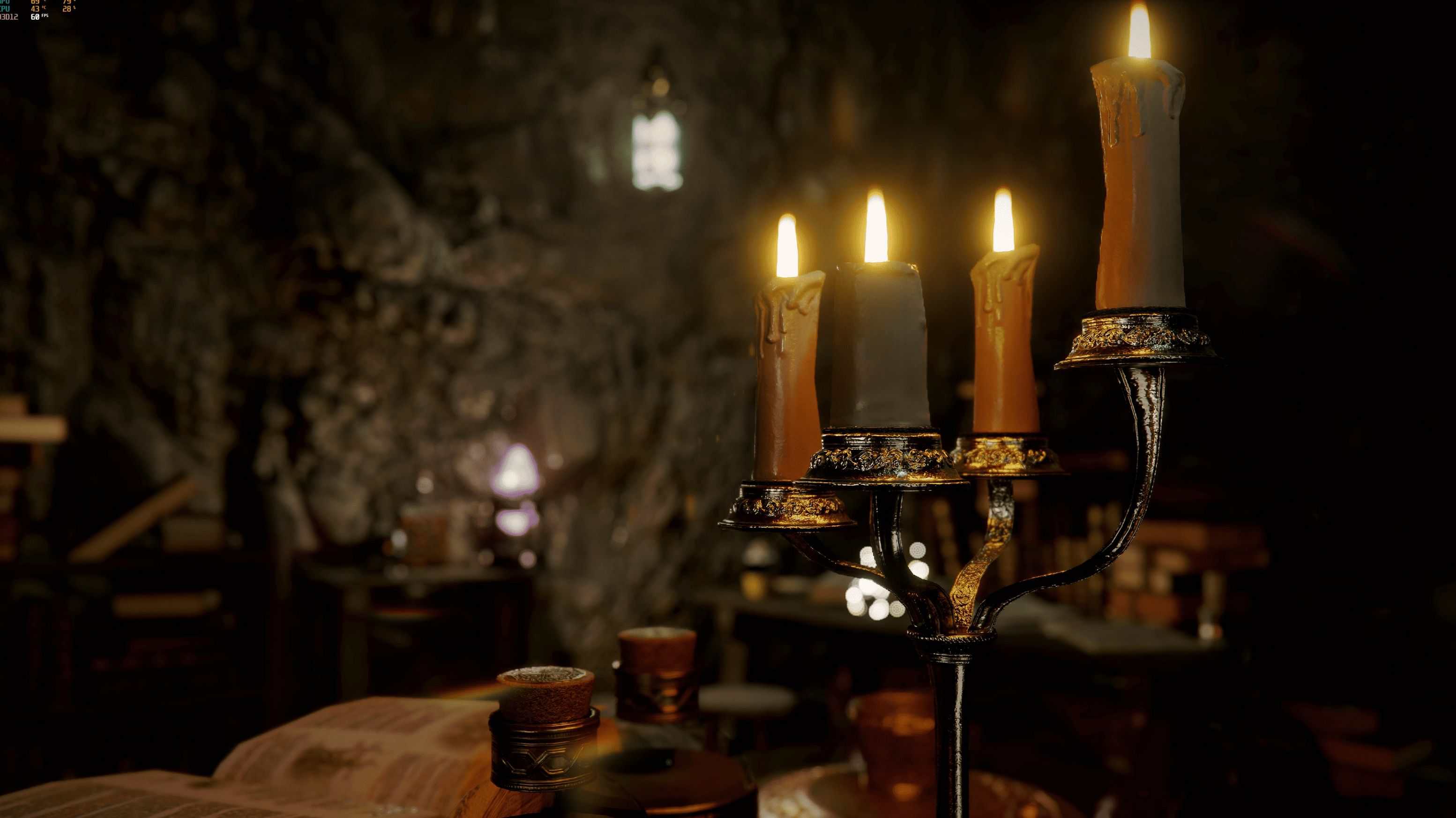
Transform your Crimson Desert experience with a carefully crafted ReShade preset designed to deliver richer colors, improved clarity, and a more immersive cinematic atmosphere—without straying too far from the game’s original artistic vision.
This preset enhances the overall visual quality by refining contrast, sharpening details, and balancing color tones to create a more vibrant yet natural look. Whether you’re exploring vast landscapes or engaging in intense combat, the visuals will feel more dynamic, crisp, and alive.
Key Features:
– Cinematic color grading with deeper, more immersive tones
– Improved clarity and sharpness without over-processing
– Balanced contrast for better depth and lighting
– Subtle enhancements that preserve the original art style
– Lightweight and performance-friendly
Perfect for:
– Players who want a more cinematic and polished visual experience
– Screenshots and video capture
– Enhancing atmosphere without unrealistic oversaturation
Installation:
– Install ReShade
– Place the preset file into your game directory
– Launch the game and select the preset from the ReShade menu
Drag and drop “reshade-shaders” , “Reshade.ini”, “CrimsonEnhanced.ini” into your root folder (es: SteamLibrary/SteamApps/common/CrimsonDesert)
Hotkey:
[INS] Toggle main mod
[HOME] Open gui
Notes:
– Designed to work across different times of day and weather conditions
– Results may vary depending on your monitor and in-game settings
Bring Crimson Desert to life with enhanced colors, sharper details, and a refined cinematic touch.