DLSS with FSRFG in Nvidia RTX 20-30 v1.0

Crimson Desert Mods |
DLSS with FSRFG in Nvidia RTX 20-30 v1.0


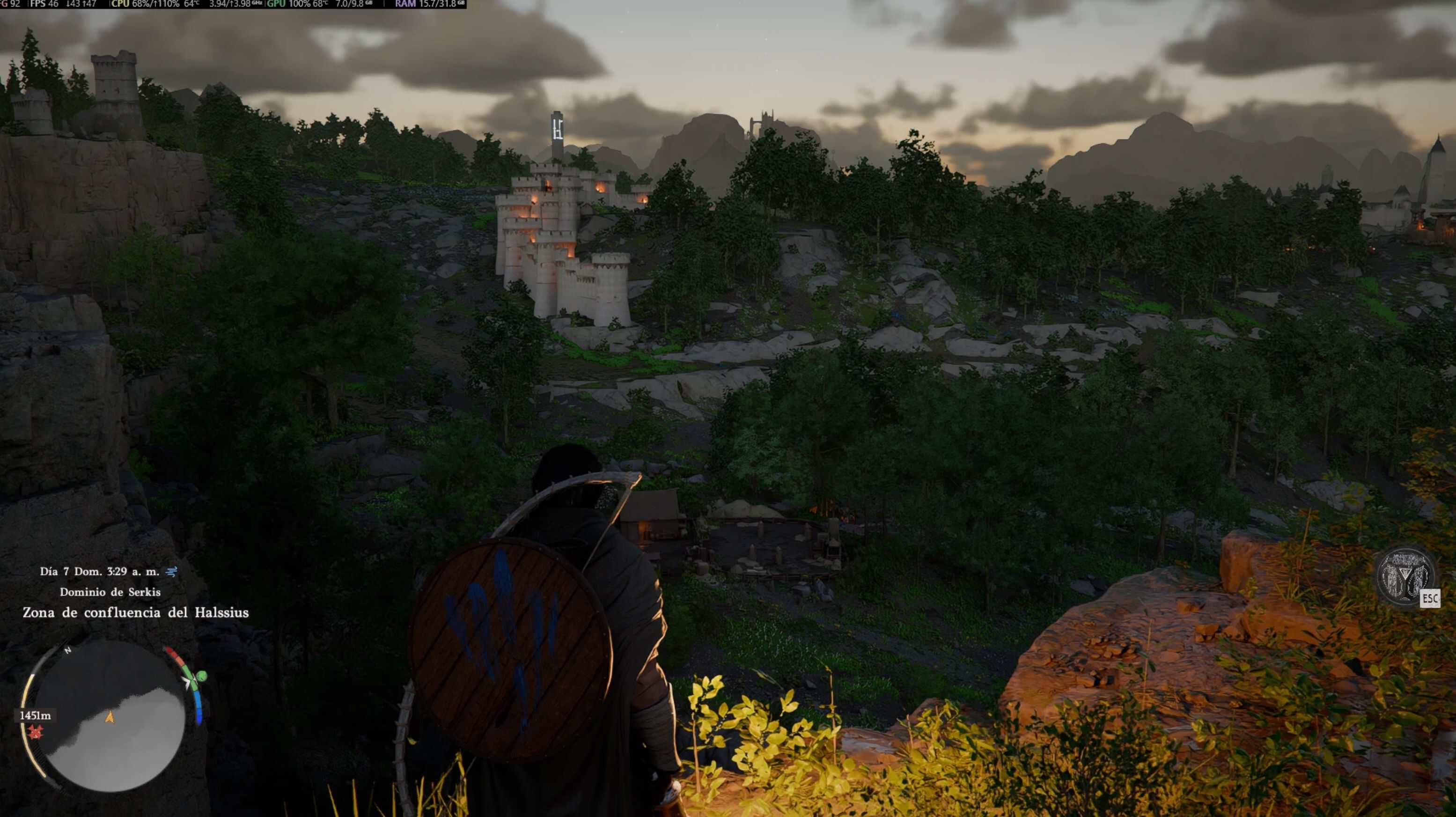
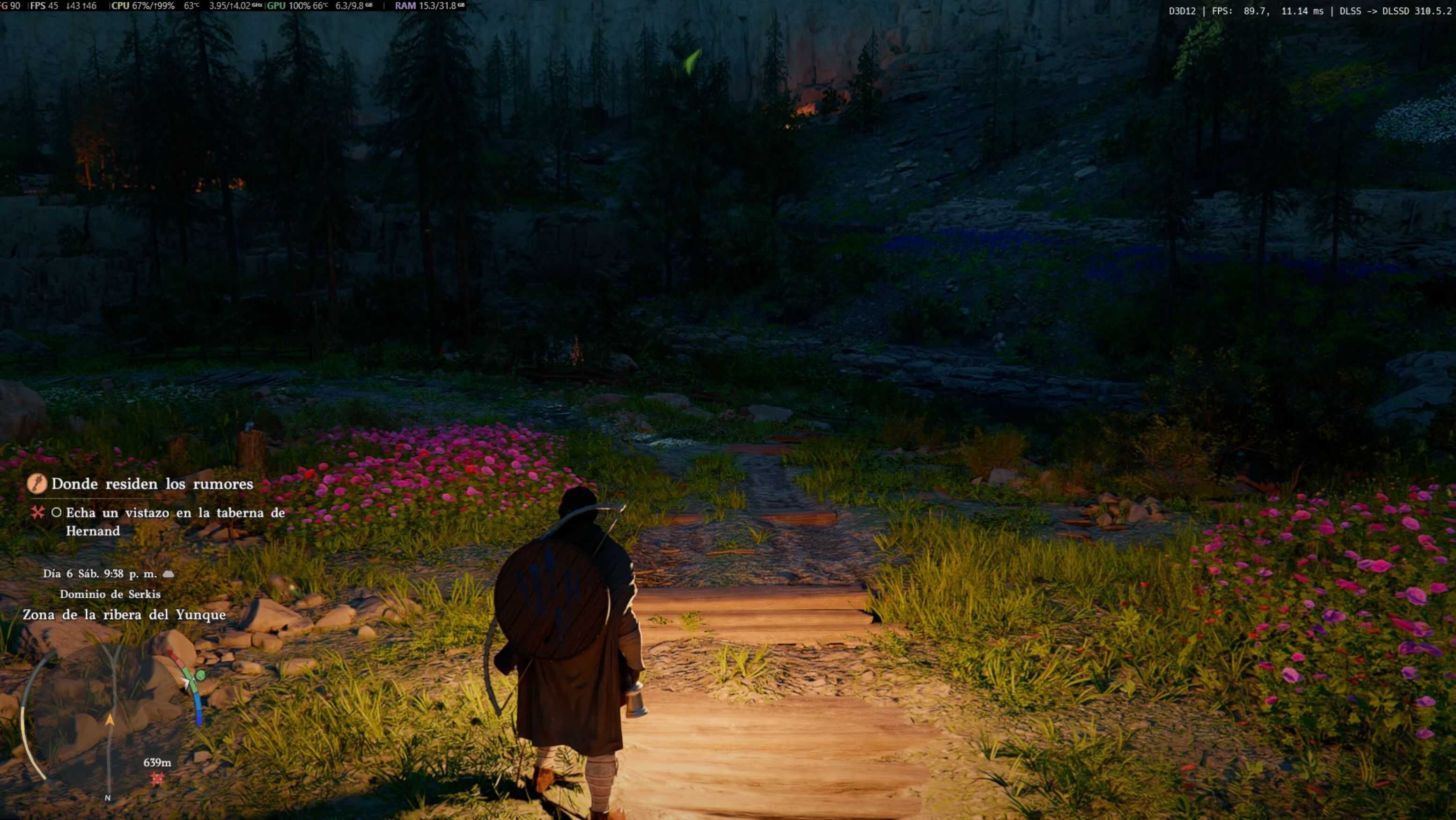
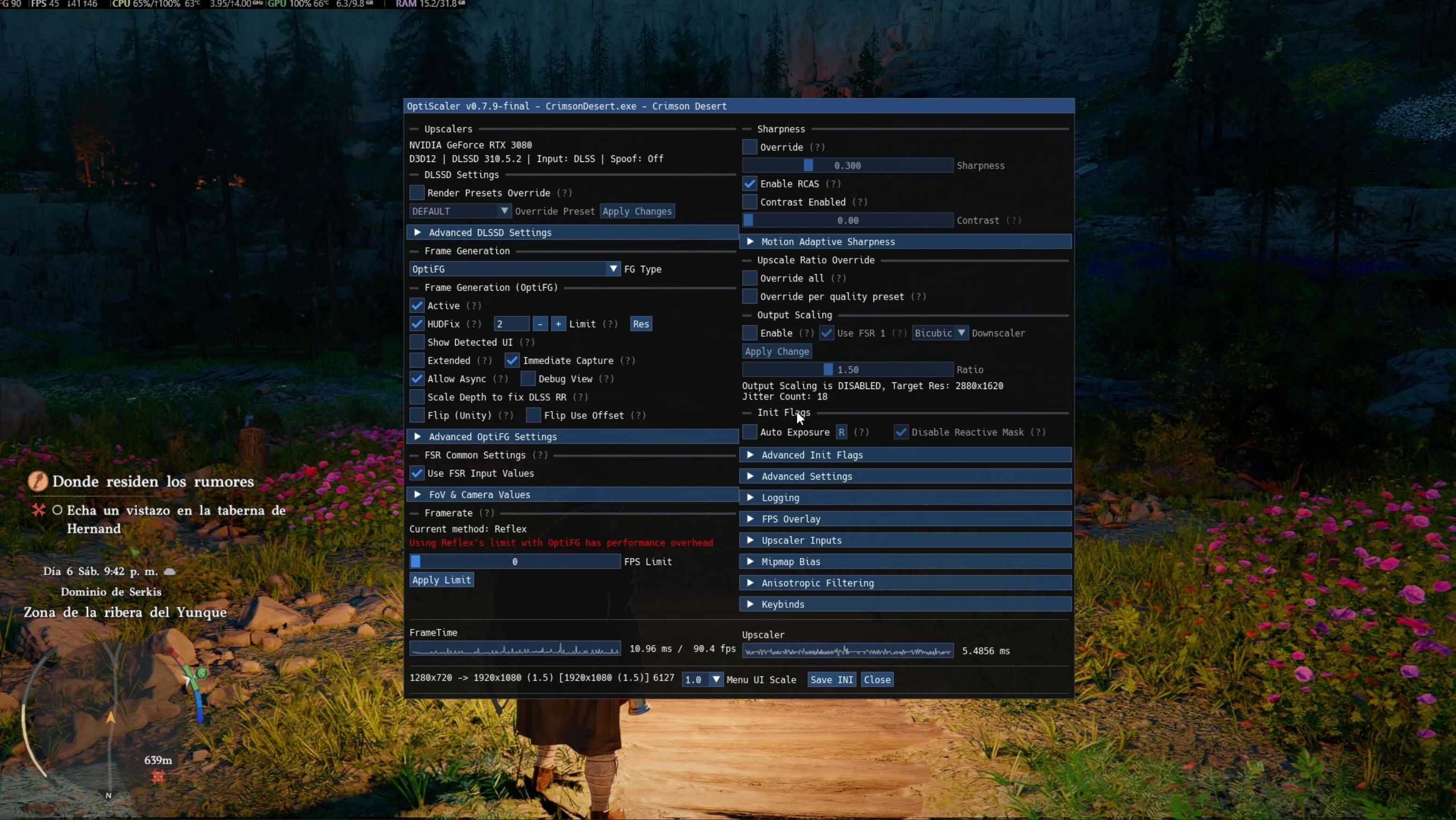
This is a ready-to-use OptiScaler preset that enables FSR3 (FG) frame generation in x2 mode for RTX 20 and 30 series GPUs.

✔ Pre-configured for ease of use
✔ Fixes ghosting in the UI with FG.
✔ No manual configuration required
✔ Optimized for greater stability and performance

INSTALLATION:
1. Extract the files to the game folder (where the .exe file is located, steamapps\common\Crimson Desert\bin64).
2. Launch the game and enable DLSS.
3. Open the OptiScaler menu (Insert key) and verify that FG is enabled.

REQUIREMENTS:
– OptiScaler installed
– Enable DLSS (DLAA/Q/B/P) in the game options.

CREDITS:
– OptiScaler Developers
– AMD FidelityFX FSR3 FG

This is only a configuration/preset for OptiScaler, not a standalone mod.


Author: DonGordon


Download

Crimson Desert mods give players the freedom to expand and personalize their adventure across the vast world of Pywel. With a wide range of free mods available, you can enhance gameplay, improve visuals, and introduce new features that make every moment in the game even more exciting. Try the Crimson Desert DLSS with FSRFG in Nvidia RTX 20-30 v1.0 mod to bring something new to your journey, and continue exploring other mods that help you shape the experience exactly the way you want, with no limits.
Useful Information: How to install Mods | System Requirements | Crimson Desert Guides | Crimson Desert News

Leave a Reply

Your email address will not be published. Required fields are marked *