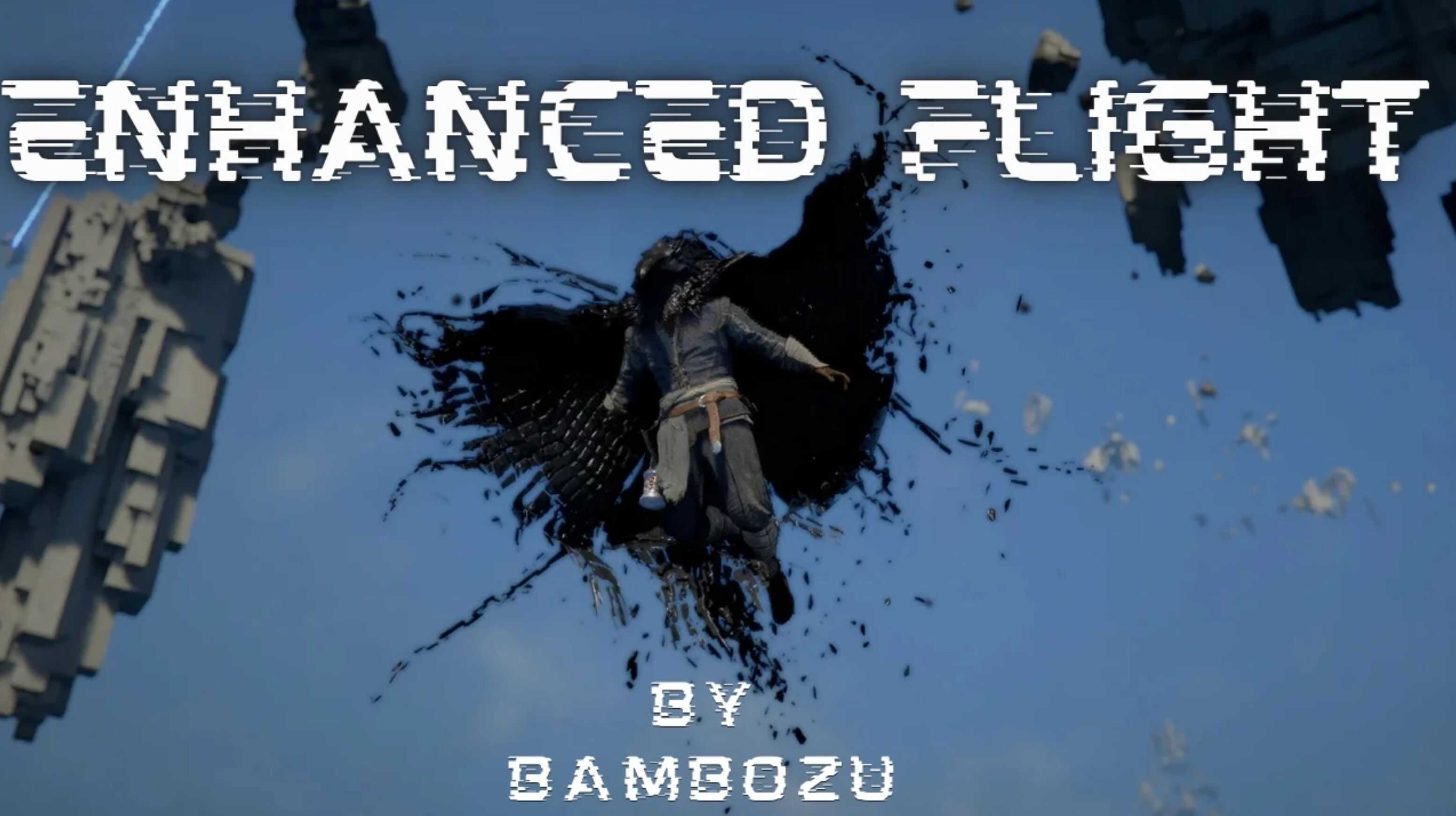
True flight for Crimson Desert. Fly faster, stay in the air, and move freely in any direction. Aerial boost tech pre patch + Vertical boost (Up&Down) + horizontal speed boost for full control. Pair with infinite stamina for the best experience. The goal is simple: remove the limitations of standard gliding and allow free traversal. You can move much faster horizontally while also gaining vertical control to maintain or increase altitude. This results in smooth, continuous flight instead of constantly losing height.
What’s new in v2.0 (changes from v1.0)
– Added: Aerial boost “tech” (pre-1.02.00 feel) – gain a major boost from Aerial Roll Boost without needing to enter Focus mode.
– Added: Descend (RT / Ctrl) as a dedicated downwards control.
– Changed: Vertical is now Ascend + Descend (separate mechanics, separate binds).
– Changed: Horizontal boost defaults to HOLD for better control. Toggle mode still exists via INI.
– Changed: PC defaults updated to match controller-style inputs (Left Shift for Horizontal, Left Alt for Aerial Roll).
– Improved: Flight detection and gating – the mod is far less likely to trigger during walking, combat hops, backsteps, or combo airtime.
– Improved: Horizontal boost behavior – works immediately (no dependency on “accelerate first”).
– Fixed: Ground movement accidentally receiving speed boosts (walking/running should not be affected).
For context on the “tech”
Before patch 1.02.00 there was a technique where you could enter Focus mode, aerial boost in Focus mode, then release Focus mode and get a sonic-boom-like burst of speed. v2.0 recreates that feeling as a dedicated boost input – no Focus mode required.
What the mod does (v2.0)
Ascend (hold)
While held, your vertical velocity is set to a configurable value. This allows you to maintain altitude or climb instead of descending.
Descend (hold)
While held, your vertical velocity is set to a configurable negative value. This allows you to drop altitude cleanly and stay in control.
Horizontal boost (hold or toggle)
Applies a multiplier to horizontal movement during flight. This significantly increases travel speed and makes long-distance traversal much faster.
Aerial Roll Boost (press)
Activates when you press the aerial roll boost input while flying. Gives a strong burst of speed that smoothly decays back to normal over a configurable duration.
Flight-only focus
These changes are intended to affect wings-deployed flight only, not walking or normal ground movement.
Live config reload
Changes to the INI are applied automatically while the game is running (about 1 second).
Logging
The mod creates EnhancedFlightByBambozu.log in bin64 for debugging and verification.
Controls (defaults)
Ascend (hold)
– Xbox: RB
– PC: Caps Lock
Descend (hold)
– Xbox: RT (trigger)
– PC: Ctrl
Horizontal boost
– Xbox: A
– PC: Left Shift
– Default behavior: HOLD
– Optional: set UseToggle=true to toggle on/off
Aerial Roll Boost
– Xbox: B
– PC: Left Alt
Note: PS5 controllers should work via Steam Input set to default. For now no native support.
Configuration (EnhancedFlightByBambozu.ini)
The mod reads the INI from the game’s bin64 folder (same folder as the game EXE).
[Ascend]
Enabled=true
BoostValue=8.0
Button=512
Key=0x14
[Descend]
Enabled=true
BoostValue=-8.0
Button=0x1000
Key=0x11
[Horizontal]
Enabled=true
UseToggle=false
BoostValue=4.0
Button=4096
Key=0xA0
KeyHoldThresholdMs=120
[AerialRoll]
Enabled=true
Button=8192
Key=0xA4
BoostValue=10
Duration=3.0
Tuning tips
Adjust the values at your own leisure.
– If you push boost values too high, the engine may not keep up (hard stops / jank).
– If you get a “hard stop” when combining actions, lower AerialRoll BoostValue and/or Duration.
Installation
Option A (Recommended): CDUMM (Crimson Desert Ultimate Mods Manager)
1) Place both files here:
Crimson Desert\bin64\EnhancedFlightByBambozu.asi
Crimson Desert\bin64\EnhancedFlightByBambozu.ini
2) Launch or refresh CDUMM so it detects the plugin.
Notes
– CDUMM can load .asi plugins directly.
– You usually do not need an additional ASI loader.
– Avoid stacking multiple loaders unless you know they are compatible.
Option B: Place files directly in bin64 (Requires Ultimate ASI Loader: https://github.com/ThirteenAG/Ultimate-ASI-Loader/releases)
1) Place both files here:
Crimson Desert\bin64\EnhancedFlightByBambozu.asi
Crimson Desert\bin64\EnhancedFlightByBambozu.ini
2) Install the ASI loader (version.dll) in bin64
3) Launch the game
Option C: Other mod loaders
– If you use a different loader, follow its instructions.
– General rule: the loader must support ASI plugins, and the INI should remain next to the ASI.
Recommended setup (important)
For the best experience, use this together with an infinite stamina mod. Without it, flight will still be limited by stamina drain.
Compatibility
– Works with other ASI plugins and JSON mods.
– Fully reversible by removing the ASI + INI.
– Tested via Steam, other Platforms unknown.
– Ps5 input works via steam input Default. No native support as of now.
Uses pattern scanning and will safely disable itself if signatures break after updates.
Troubleshooting
– If something does not work, check EnhancedFlightByBambozu.log in bin64.
– If you edit the INI while the game is running, wait about one second for changes to apply.