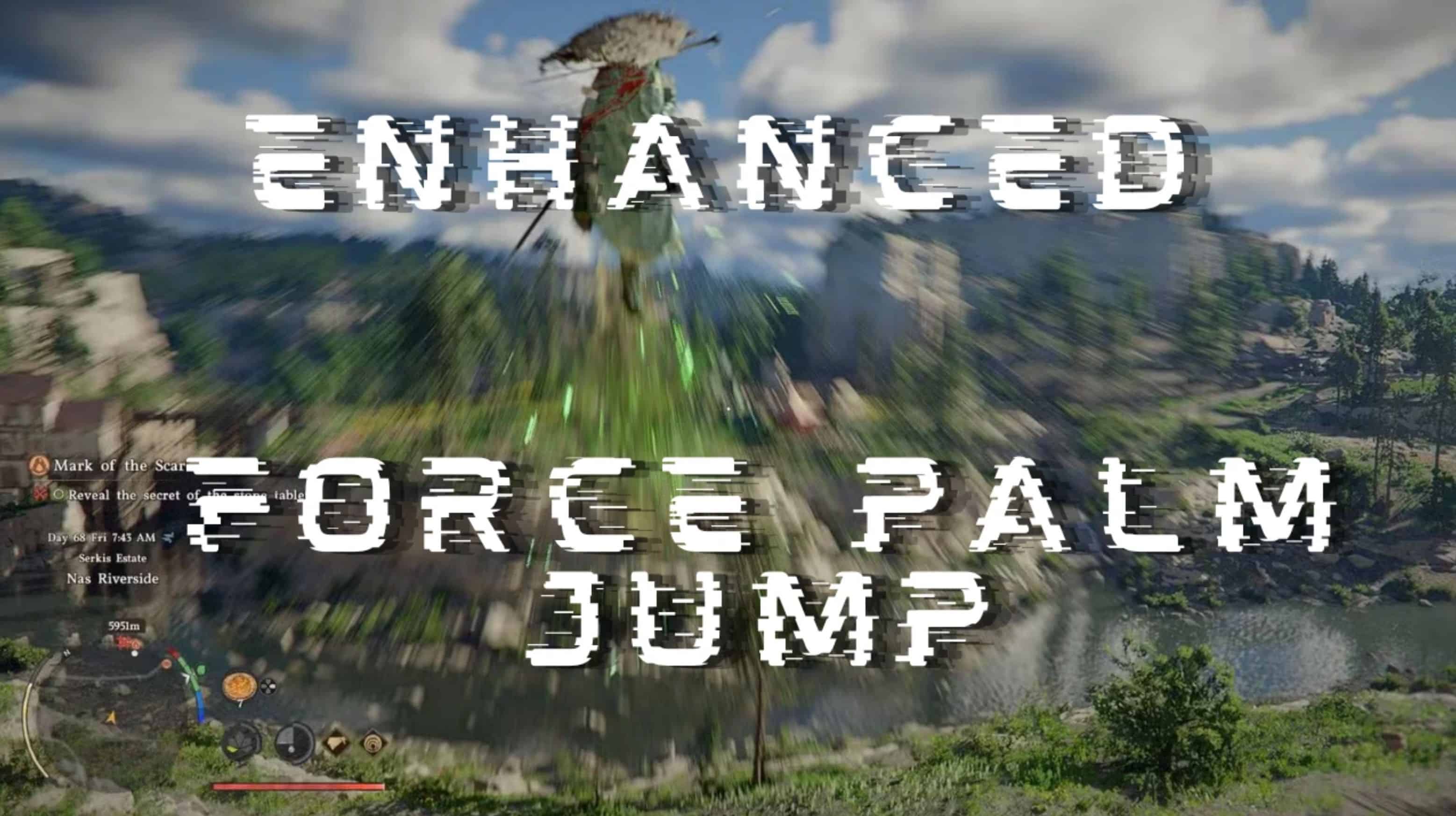
Enhanced Force Palm supercharges your mobility by turning the Force Palm jump into a powerful vertical launcher.
The goal is simple: eliminate the tedious setup of finding height, double jumping, force palming up 3 times, and then finally deploying wings. This mod gives you a single, powerful boost that launches you higher than all of that combined – getting you airborne and flying instantly.
Requirements:
– Crimson Desert Ultimate Mods Manager
– JSON Mod Manager
What’s new in v1.1
– Changed: Double-press requirement to fire the boost – prevents accidental triggers when deploying wings
– Changed: Default binding updated to X/Square (controller) and Spacebar (keyboard)
– Added: Full DualSense button mapping – all PS5 buttons can now be bound via INI
– Improved: SafetyHook companion compatibility – works seamlessly alongside EnhancedFlightByBambozu with no hook conflicts. Tested over 15+ Game restarts with ps5, xbox and knb input.
What the mod does
This mod enhances your Force Palm jump by applying a powerful upward velocity boost when you perform the Force Palm + Jump combo.
How it works:
– Jump (tap X/Square or Spacebar)
– While airborne, quickly double-tap Jump again within 400ms
– Force Palm triggers on the second tap with a massive upward boost
– You launch high into the air – perfect for deploying wings and taking flight!
The timing:
Double-tap the jump button within a 400ms window. The single-tap will deploy wings as normal – only the double-tap fires the boost. Once boosted, the upward velocity is sustained for a configurable window (default 180ms).
Requirements:
– Note: Double jump skill in-game MAY be required for this to work properly
– Force Palm ability unlocked
Why this is useful:
Instead of the tedious pre-flight setup (find height → double jump → force palm up 3x → wings), you get instant elevation. One Force Palm + Jump combo and you’re at flight altitude immediately. Perfect for:
– Quick escapes and repositioning
– Instant flight activation without terrain advantages
– Smooth combat-to-flight transitions
– Exploration without constant elevation hunting
Controls (defaults)
Force Palm Boost Combo:
– Step 1: Jump (X/Square on controller, Spacebar on keyboard)
– Step 2: While airborne, quickly press Jump again (within 400ms)
– Second press fires the Force Palm boost
– Single press still deploys wings normally – no accidental triggers!
Controller binding (X/Square):
– Xbox: X button
– PS5: Square button (native DualSense support)
– PC: Spacebar (default)
Controller Support:
– Xbox: Plug and play (XInput)
– PS5 DualSense: Native support via USB or Bluetooth – no additional software needed!
– PS4: Should work via DS4Windows (emulates XInput)
Configuration (ForcePalmBoostByBambozu.ini)
The mod reads the INI from the game’s bin64 folder (same folder as the game EXE).
[ForcePalm]
# Enable/disable the force palm boost
Enabled=true
# Upward velocity value applied during boost window
# Default: 35.0 (original working value)
# Higher = more powerful boost
BoostValue=35.0
# How long (milliseconds) to sustain the velocity boost
# Default: 180ms
WindowMs=180
# Controller button code
# Xbox: 16384 = X button
# PS5: 16384 = Square button (automatically mapped)
Button=16384
# Keyboard fallback key
# 0x20 = Spacebar (default)
Key=0x20
Settings explained:
– BoostValue: How much upward velocity is applied (higher = you fly higher)
– WindowMs: How long the boost window stays active after pressing R3 (longer = more forgiving timing)
– Button: Controller button code (128 = R3)
– Key: Keyboard key code (0 = disabled, set to 0x20 for Spacebar if you want keyboard support)
Tuning tips
– If the boost feels too weak, increase BoostValue (try 35.0 or 40.0)
– If the boost feels too strong or launches you into orbit, decrease BoostValue (try 20.0 or 24.0)
– If you’re having trouble hitting the combo, increase WindowMs (try 250 or 300)
– If you want instant, tight timing, decrease WindowMs (try 120 or 150)
– Changes to the INI are applied automatically while the game is running (about 1 second)
Installation
Option A (Recommended): CDUMM (Crimson Desert Ultimate Mods Manager)
1) Place both files here:
Crimson Desert\bin64\ForcePalmBoostByBambozu.asi
Crimson Desert\bin64\ForcePalmBoostByBambozu.ini
2) Launch or refresh CDUMM so it detects the plugin.
Notes
– CDUMM can load .asi plugins directly.
– You usually do not need an additional ASI loader.
– Avoid stacking multiple loaders unless you know they are compatible.
Option B: Place files directly in bin64 (Requires Ultimate ASI Loader)
1) Place both files here:
Crimson Desert\bin64\ForcePalmBoostByBambozu.asi
Crimson Desert\bin64\ForcePalmBoostByBambozu.ini
2) Install the ASI loader (version.dll) in bin64
3) Launch the game
Option C: Other mod loaders
If you use a different loader, follow its instructions.
General rule: the loader must support ASI plugins, and the INI should remain next to the ASI.
Usage Tips
– The combo is: Jump → (while airborne) quickly tap Jump again within 400ms
– Single tap deploys wings as normal – the boost only fires on double-tap
– You have a 400ms window for the double-tap – no need to be frame-perfect
– Works best when combined with EnhancedFlightByBambozu – launch high, then control your flight!
– Double jump skill may be required for optimal results
– The boost only triggers during the Force Palm animation – not during regular jumps
Compatibility
– Works with EnhancedFlightByBambozu! Use both mods together for ultimate flight control
– Works with other ASI plugins and JSON mods (SafetyHook ensures compatibility)
– Fully reversible by removing the ASI + INI
– Tested via Steam, other platforms unknown
– PS5 DualSense works natively via USB or Bluetooth – no DS4Windows or Steam Input needed!
– Xbox controllers work plug-and-play
– Uses pattern scanning and will safely disable itself if signatures break after updates
Troubleshooting
– If something does not work, check ForcePalmBoostByBambozu.log in bin64
– If you edit the INI while the game is running, wait about one second for changes to apply
– Boost not triggering? Make sure you have the Force Palm ability unlocked in-game
– Combo timing feels off? Increase WindowMs in the INI (try 250ms)
– Boost too weak? Increase BoostValue (try 35.0 or 40.0)
– May require double jump skill to work properly
Recommended Setup
Use this mod together with EnhancedFlightByBambozu for the ultimate mobility experience:
– Enhanced Force Palm launches you high into the air (this mod)
– Enhanced Flight gives you full control once airborne (separate mod)
– Together: instant vertical launch + complete flight control = true freedom!
Both mods are fully compatible and work seamlessly together thanks to SafetyHook.