Edit: There’s a lot of misunderstanding in the comments see the full explanation of this mod at the bottom of the page.
What This Mod Does
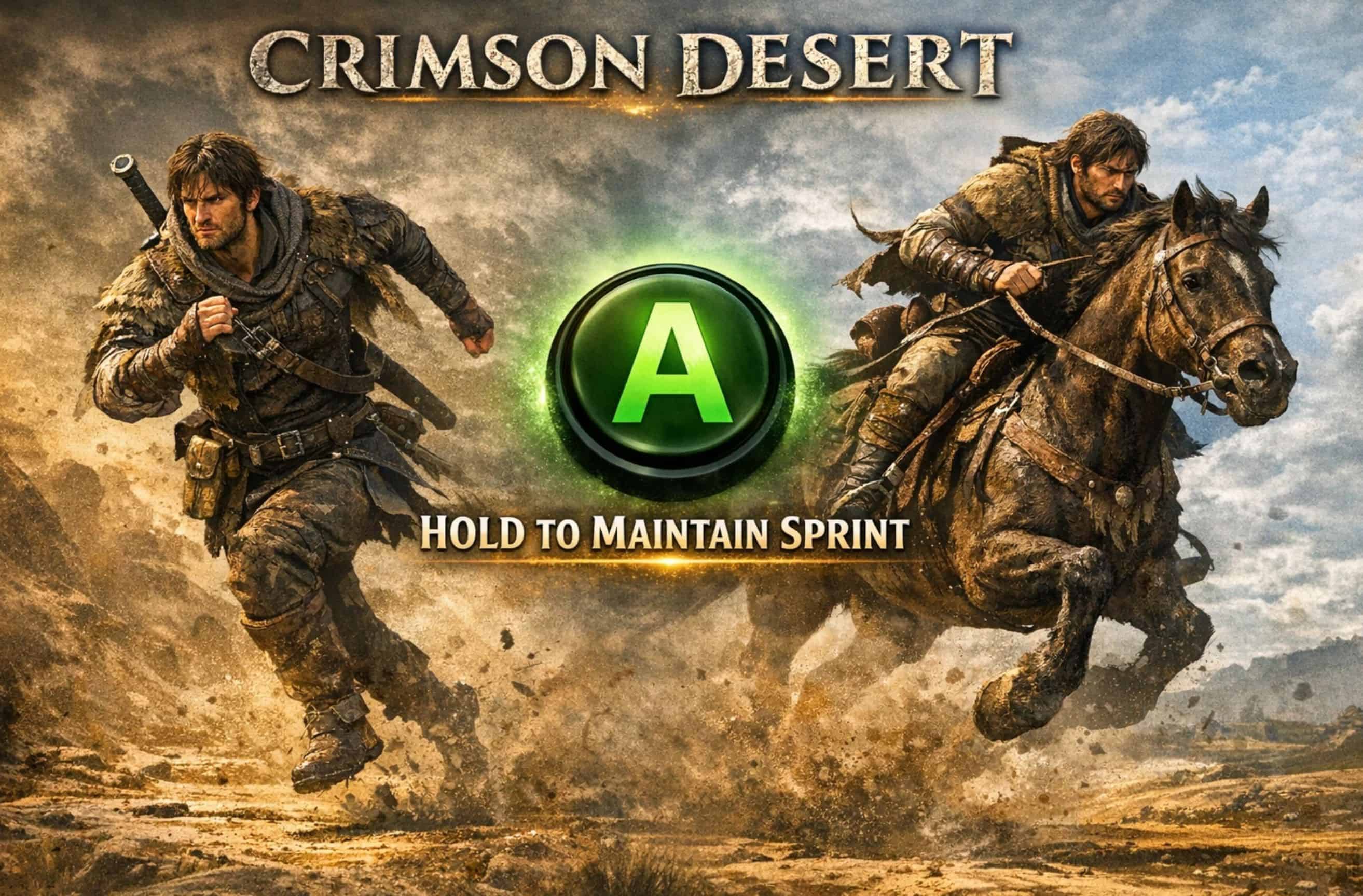
This mod improves sprint handling in Crimson Desert. You still start sprinting with a double‑tap of A, just like in the base game. But once you enter the third sprint stage (by double tapping A once again), you don’t need to mash the A button anymore you can simply hold it.
Features
– Maintain normal sprint by holding A after the initial double‑tap.
– Maintain fast sprint the same way (double‑tap again to switch to fast sprint, then hold).
– Works on foot and while riding a horse.
– Activates only when the left stick is pushed, so it won’t interfere with “Hold A to confirm” prompts.
– Fully configurable through
– CDHoldAFullSprint.ini
Installation
Install into:
…\Crimson Desert\bin64\
Place these files into the folder:
version.dll
CDHoldAFullSprint.asi
CDHoldAFullSprint.ini
Configuration (CDHoldAFullSprint.ini)
ini
[Settings]
; How many times per second the mod simulates an A press (1–30)
; Recommended: 2–4
PressRateHz=2
; How long (in ms) you must hold A before the mod starts maintaining sprint
; Recommended: 150–200
HoldDelayMs=180
; Left stick movement threshold (0–32767)
; Auto-sprint only activates when movement exceeds this value
; Recommended: 6000–10000
StickThreshold=8000
; 1 = mod enabled, 0 = disabled
Enabled=1
Troubleshooting (If It Doesn’t Work)
1. Steam Input is enabled. Make sure Steam Input is fully disabled for Crimson Desert.
2. ASI Loader not installed or not loading Check that
version.dll
or
winmm.dll
from Ultimate ASI Loader is present in
bin64
. If one doesn’t work, try the other.
4. Stick threshold too high If your left stick is worn or has low output, the mod may think you’re not moving. Try lowering:
StickThreshold=6000
5. Another mod is hooking XInput If you use multiple controller‑related mods, they may conflict. Try running only this mod to test.
6. Controller not using XInput The mod works only with XInput devices (Xbox controllers or compatible). If you use DS4/DS5, make sure you’re using an XInput wrapper (DS4Windows etc.).
Behavior Summary
– Start sprint: double‑tap A
– Maintain sprint: hold A
– Start fast sprint: double‑tap A again
– Maintain fast sprint: keep holding A
– Works on foot and on horseback
How Sprint Actually Works in Crimson Desert (without mods)
Crimson Desert has three different movement/sprint stages when you’re on foot:
– Stage 1 – Hold A → slow jog
– Holding A makes your character move faster than walking, but this is not sprinting. It’s just a slow jog.
– Stage 2 – Double‑tap A + hold → faster sprint
– Double‑tapping A and then holding it puts you into a faster sprint.
– Stage 3 – Rapidly tapping A → fastest sprint
If you keep tapping A repeatedly while sprinting, your character reaches the maximum sprint speed. The game never explains this clearly, but it exists and is noticeably faster.
How Sprint Works on Horseback
On a horse, the logic is similar but simpler:
– Hold A → slow trot
– Double‑tap A → faster run
– Tap A repeatedly → fastest horse sprint
– If you stop tapping A, the horse slows down
There is no toggle sprint for horses.
What This Mod Actually Does
The mod does not change how sprint stages are activated. You still use the same inputs:
– A + A → Stage 2
– A + A again or tapping A → Stage 3
The mod only adds one quality‑of‑life feature:
It lets you hold A to maintain whatever sprint stage you already activated.
– No more spamming A for Stage 3
– No more spamming A on horseback
– No changes to speed, stamina, or sprint mechanics
– Sprint stops only when you release A or run out of stamina