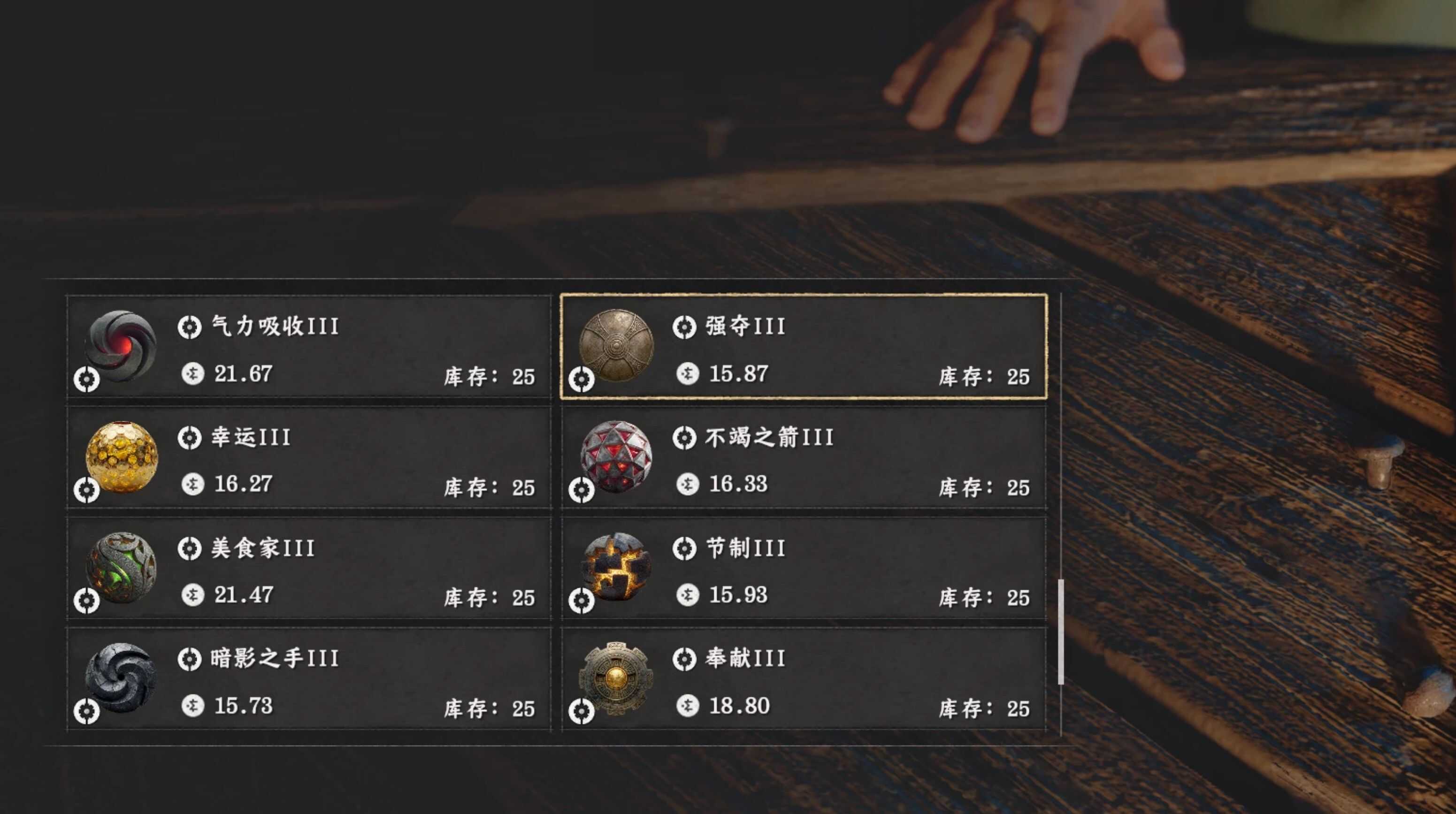
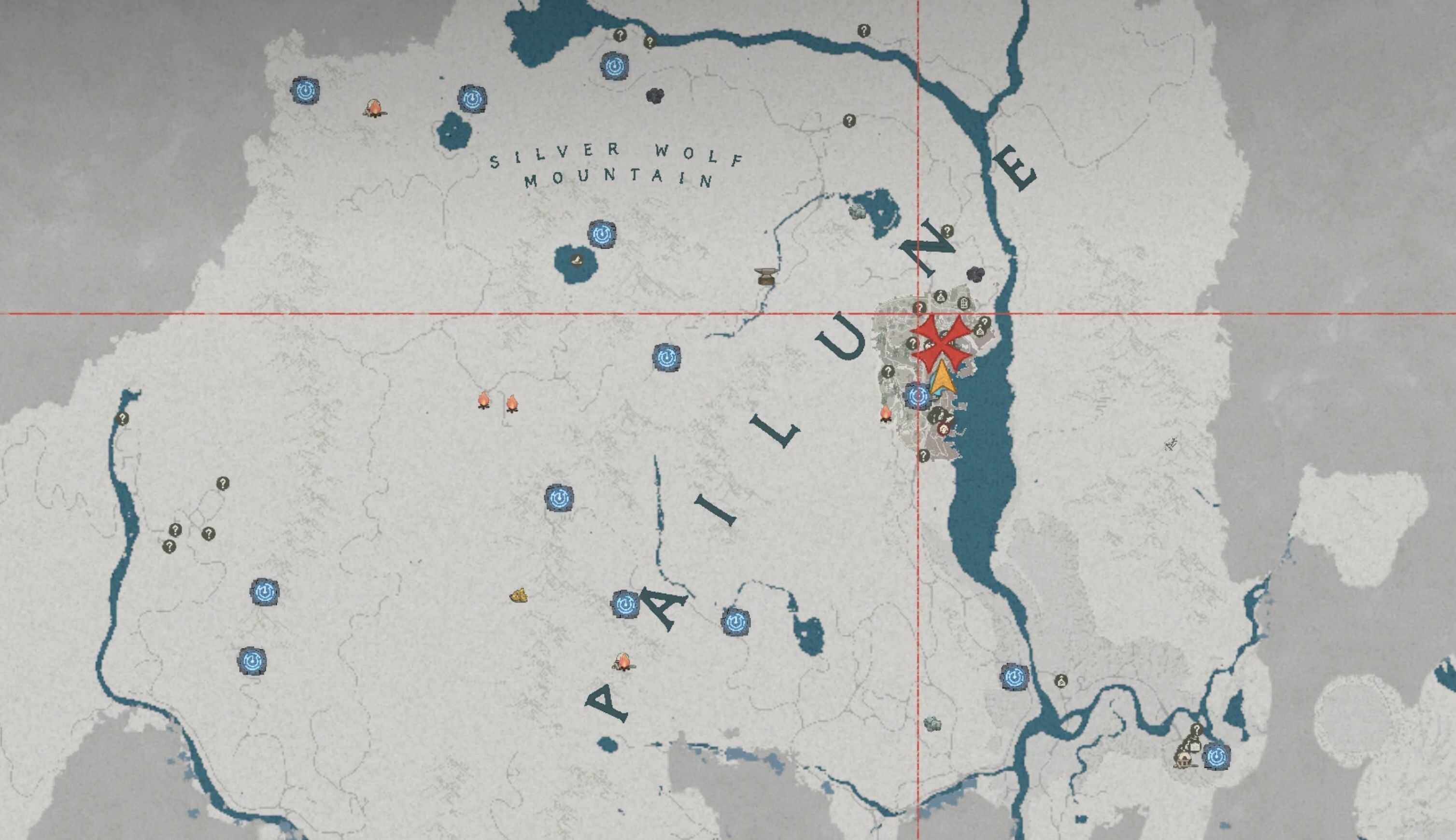
To avoid compatibility conflicts with mods that modify merchant contents in Hernand (the main city), this mod replaces the entire inventory of the Pailune General Store with Level 3 (LV3) Abyss Gear items.
Replaces all items in the Pailune General Store with 36 types of LV3 Abyss Gear, including stat enhancement and skill enhancement types.
Since each store has a fixed number of item slots, only general store type merchants provide enough available slots, so don’t ask me why I didn’t do this for other merchants in the Hernand.
Installation Guide
Prerequisites: JSONModManager (Version 6.0 or higher)
Installation Steps:
1. Download and install the JSON Mod Manager from the link above
2. Place the Store_Pai_General_LV3_Gear_Replacement.json file into the mods folder of your JSON Mod Manager installation directory
3. Launch the JSON Mod Manager
4. Select this mod from the Available Mods list and move it to the Active Mods list
5. Click Apply to install the mod
6. Launch the game and visit the Pailune General Store to purchase LV3 gear
Recommended Mods
For players who want to obtain gear equipment at early game, the following mod is recommended: ALL LV3 Gear Vendor – Rework
Compatibility Notes
– Conflicts with most mods that modify the Pailune General Store