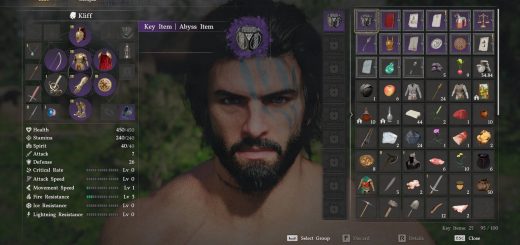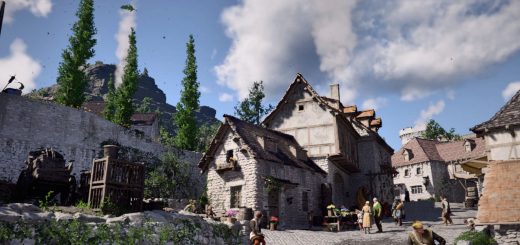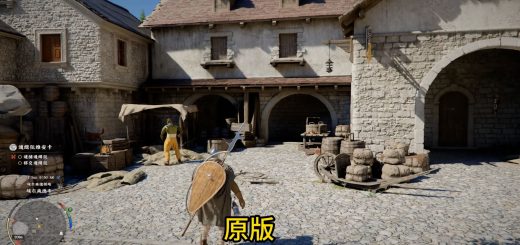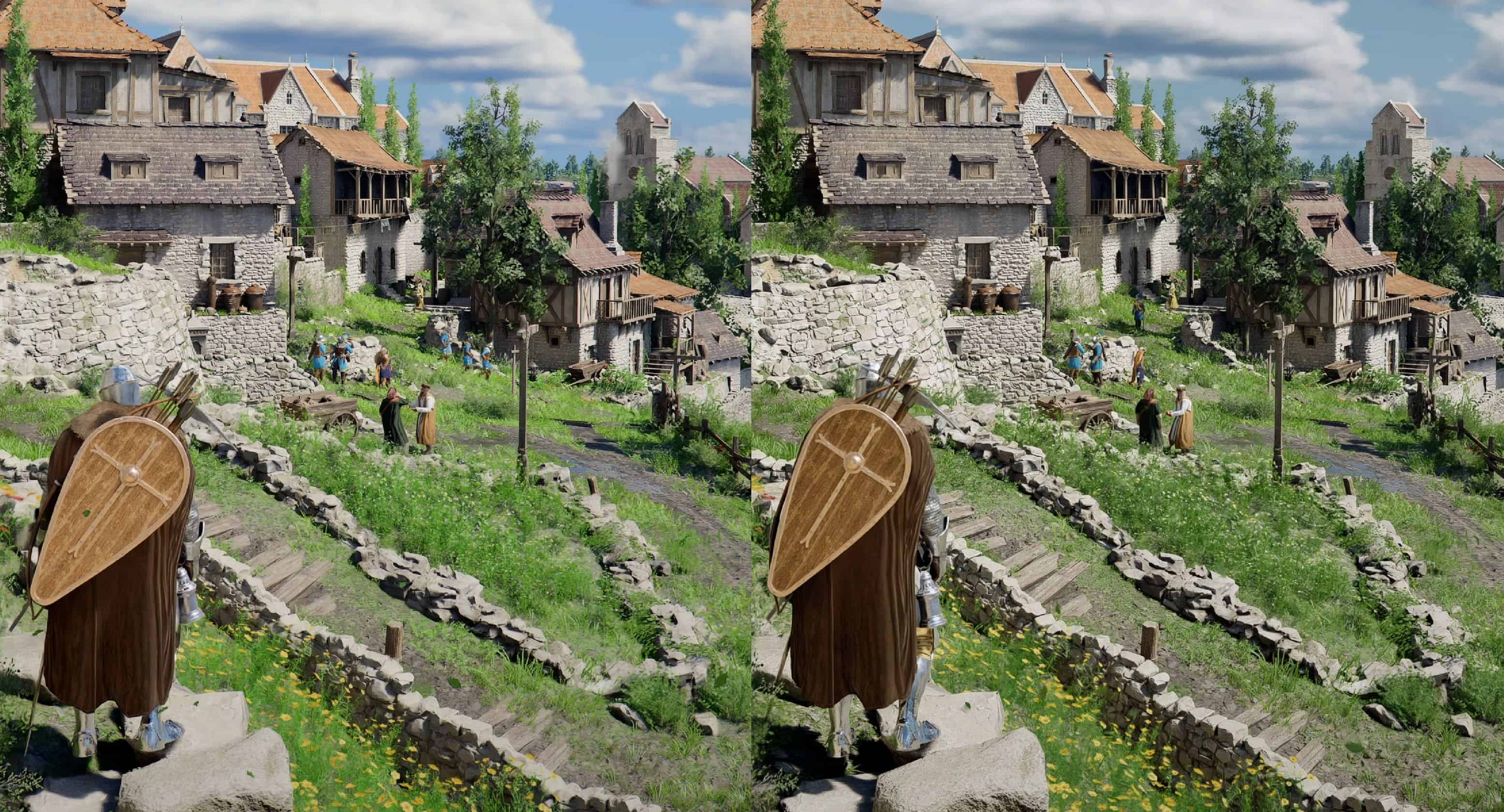
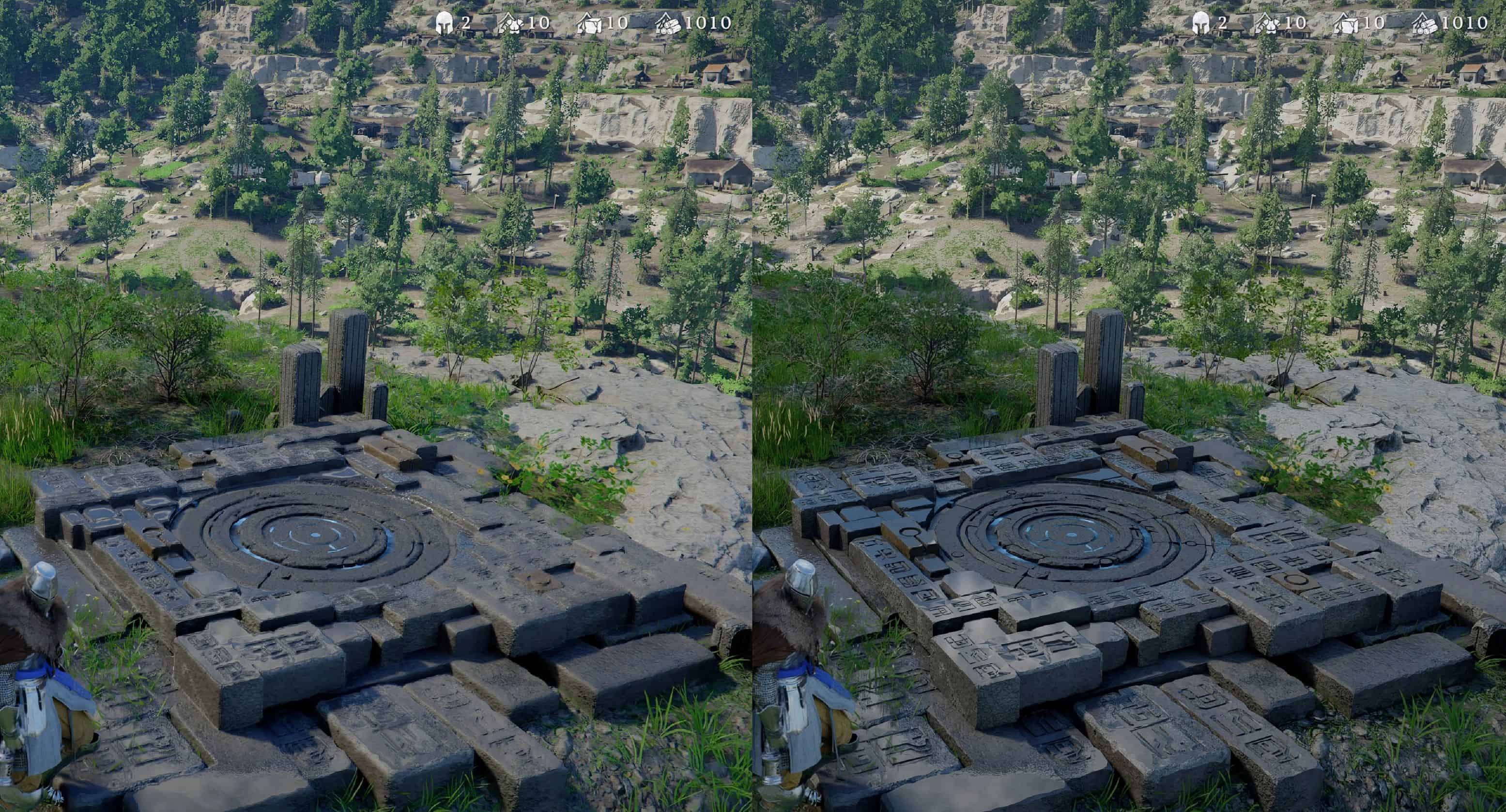
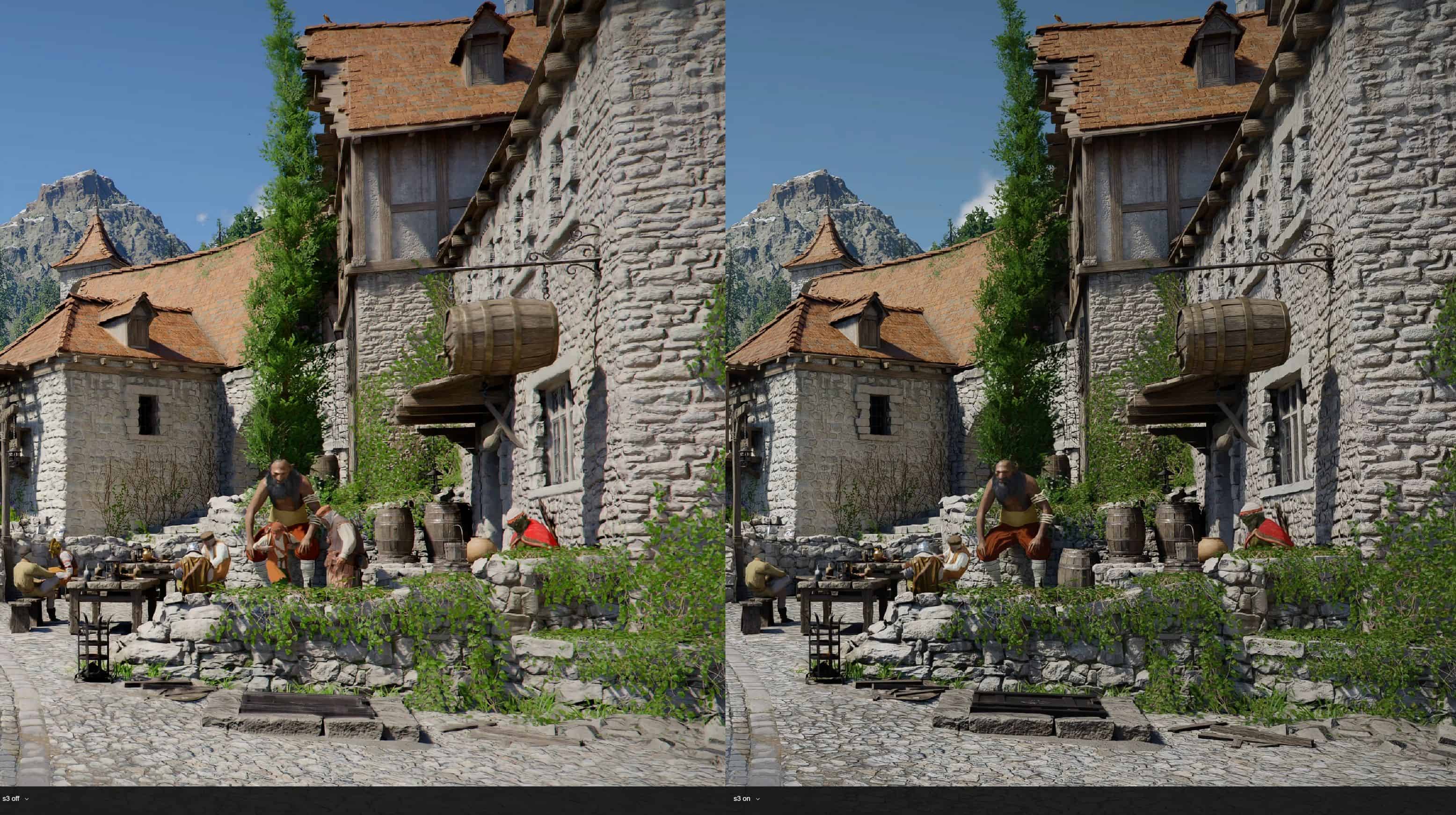
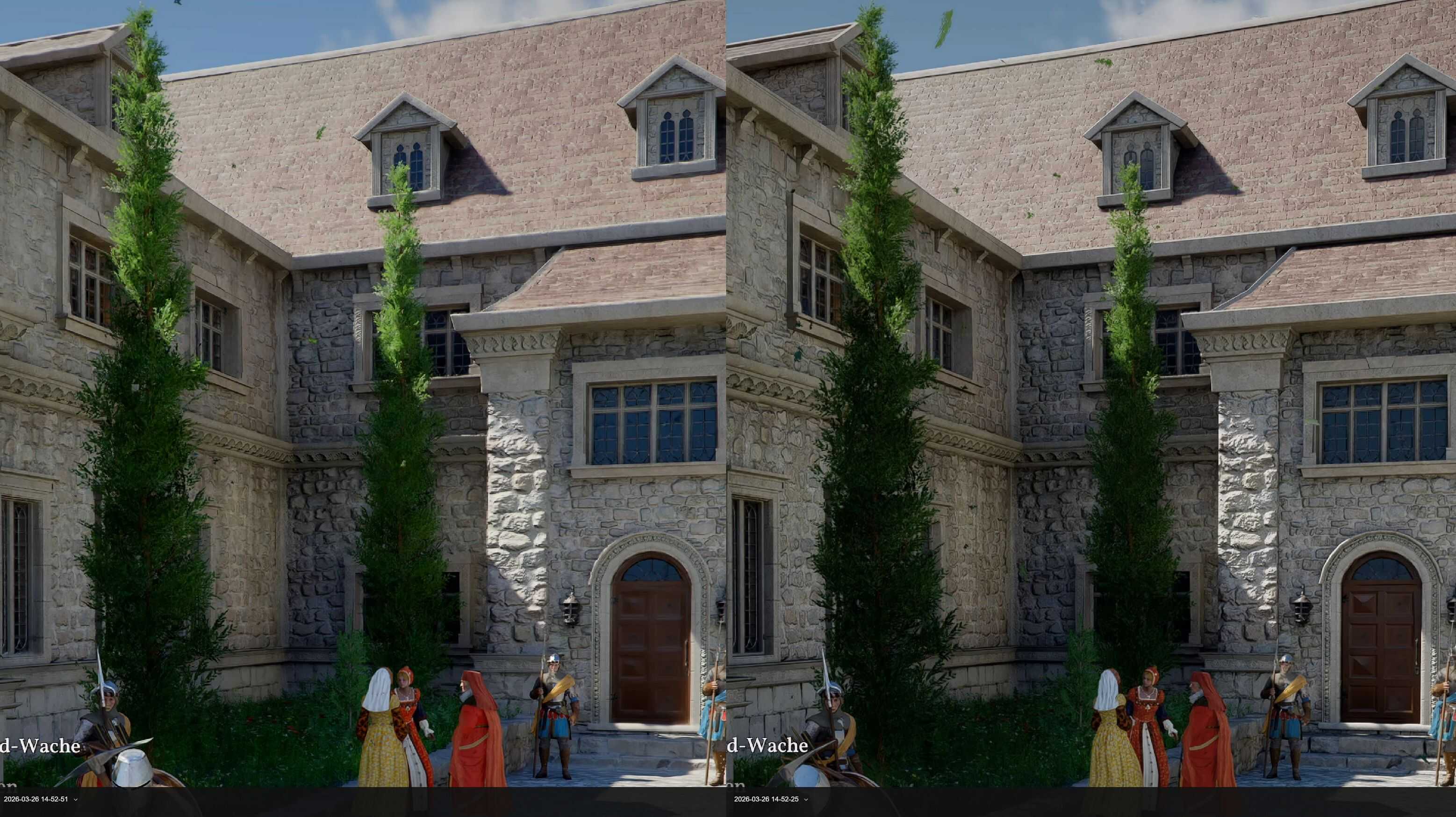
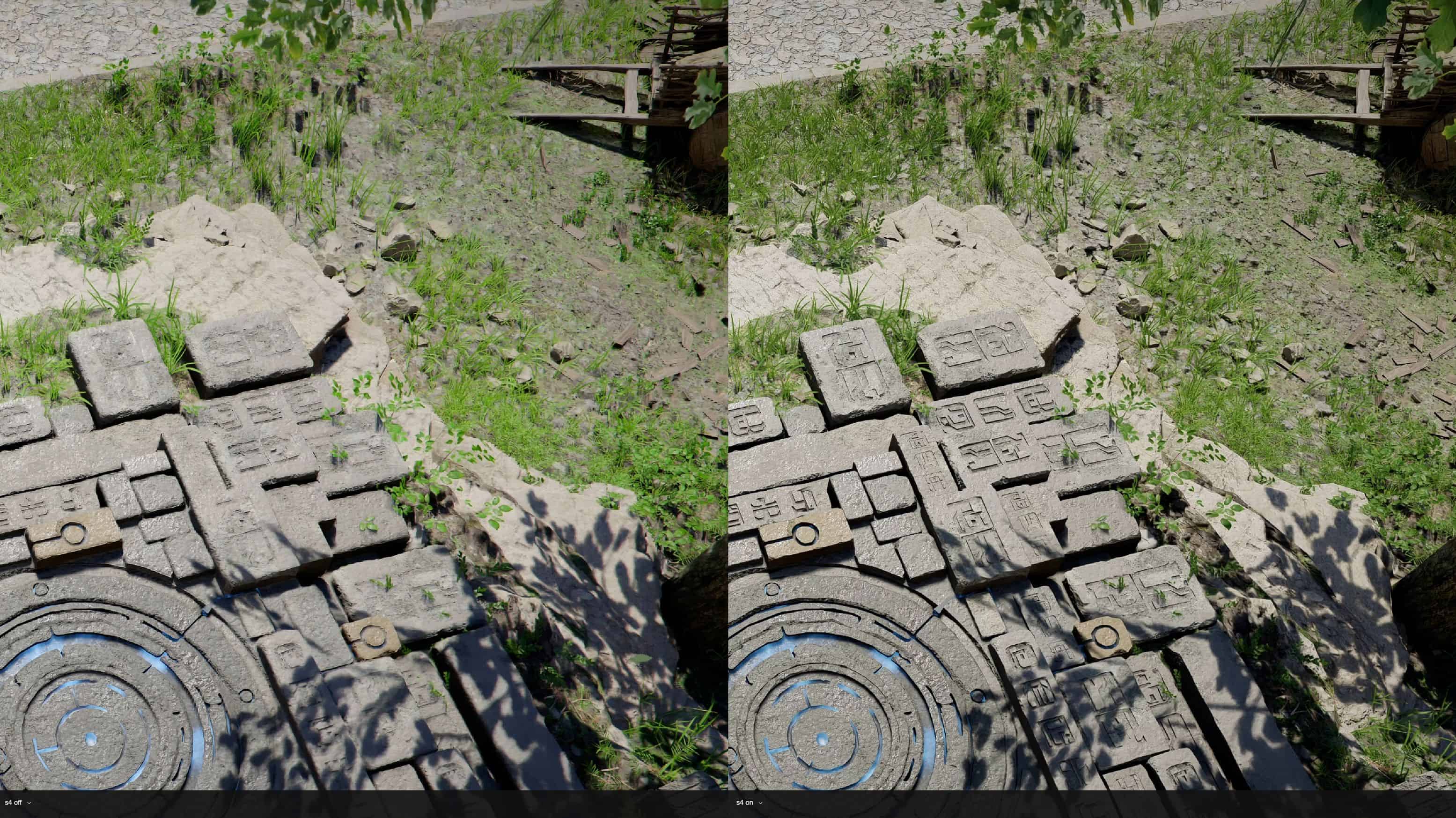
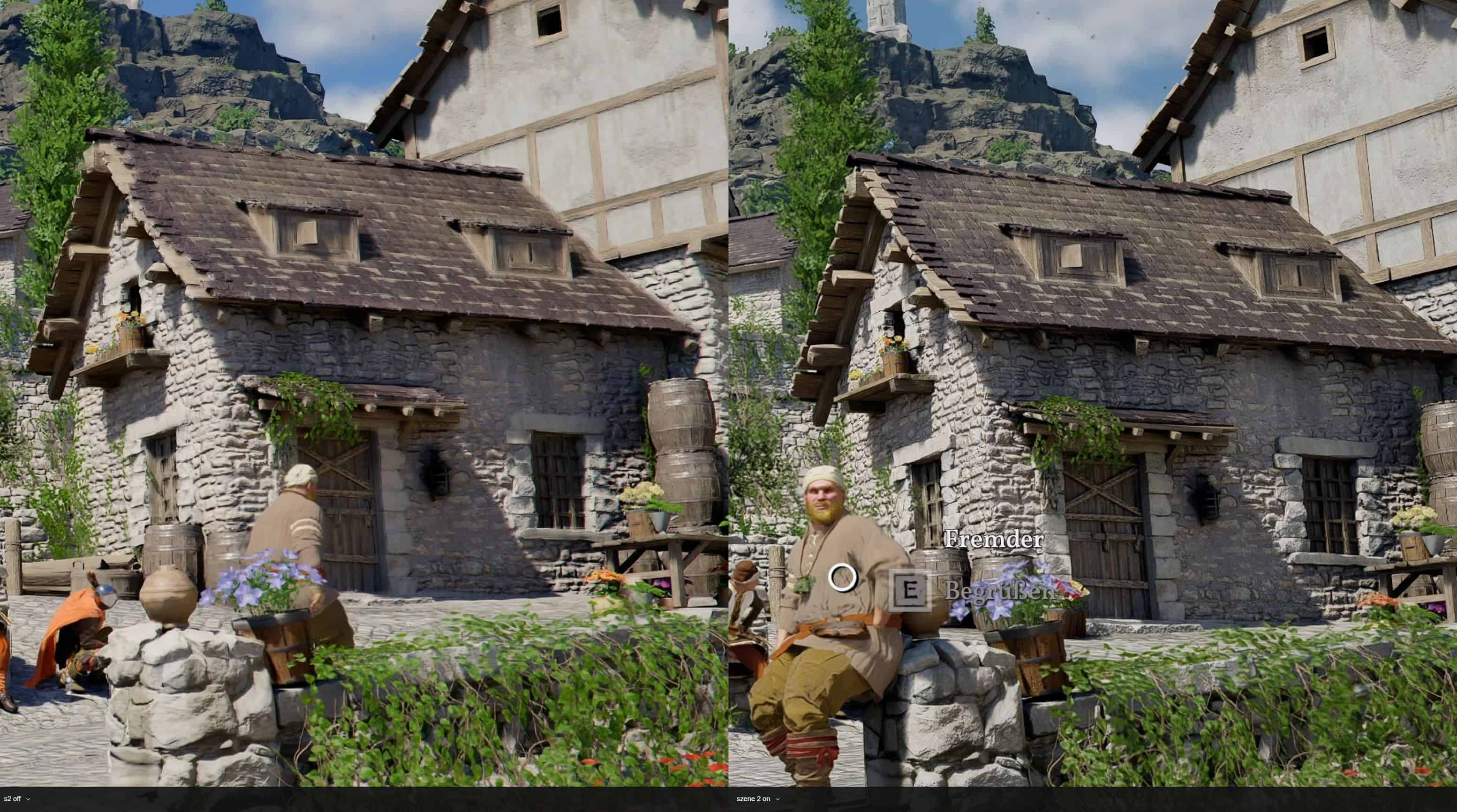
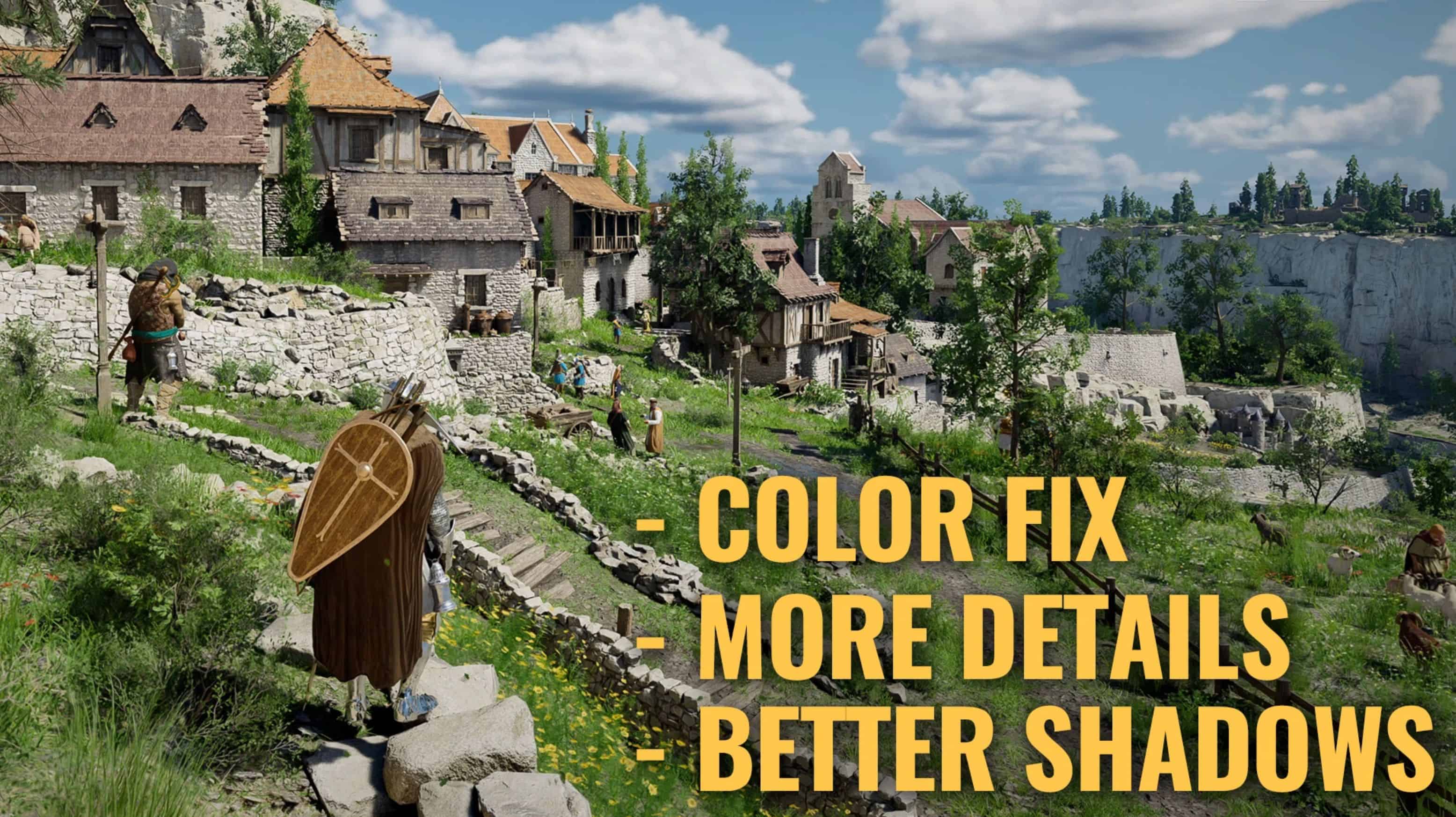
I used color correction and saturation limiter for a cleaner and less artificial look while keeping the bright and colorful spirit of the game. The shader toggler makes many objects more detailed and less fuzzy and also improves shadows and reflections on them. I also tried to keep it very light weight so performance decreases only by 2-3%.
Installation instructions
1. Copy the files into the game folder.
2. Go to https://reshade.me/
3. Choose ReShade with addon support.
4. During the installation, when asked which effects to install, select “Crimson Desert – MartinSpielt.ini” from within the game folder.
More Details
You can toggle the ReShades with “Page Up” / “Bild auf”. The toggle for the Shader is “Page Down” / “Bild ab”.
I provide more detailed information in this video. It’s in german though, so you might have to be content with subtitles or the ai translation.