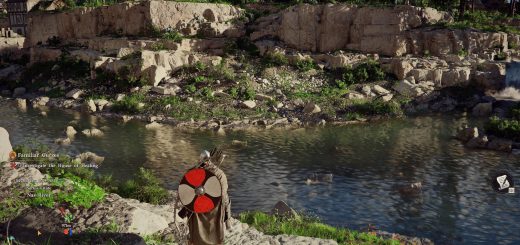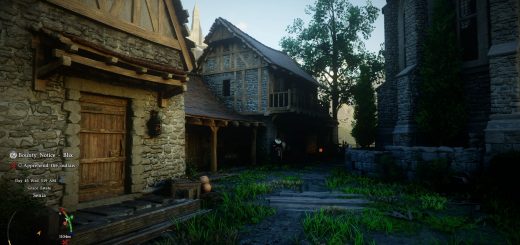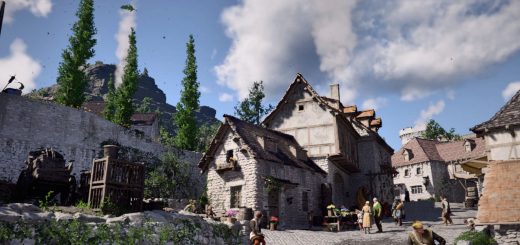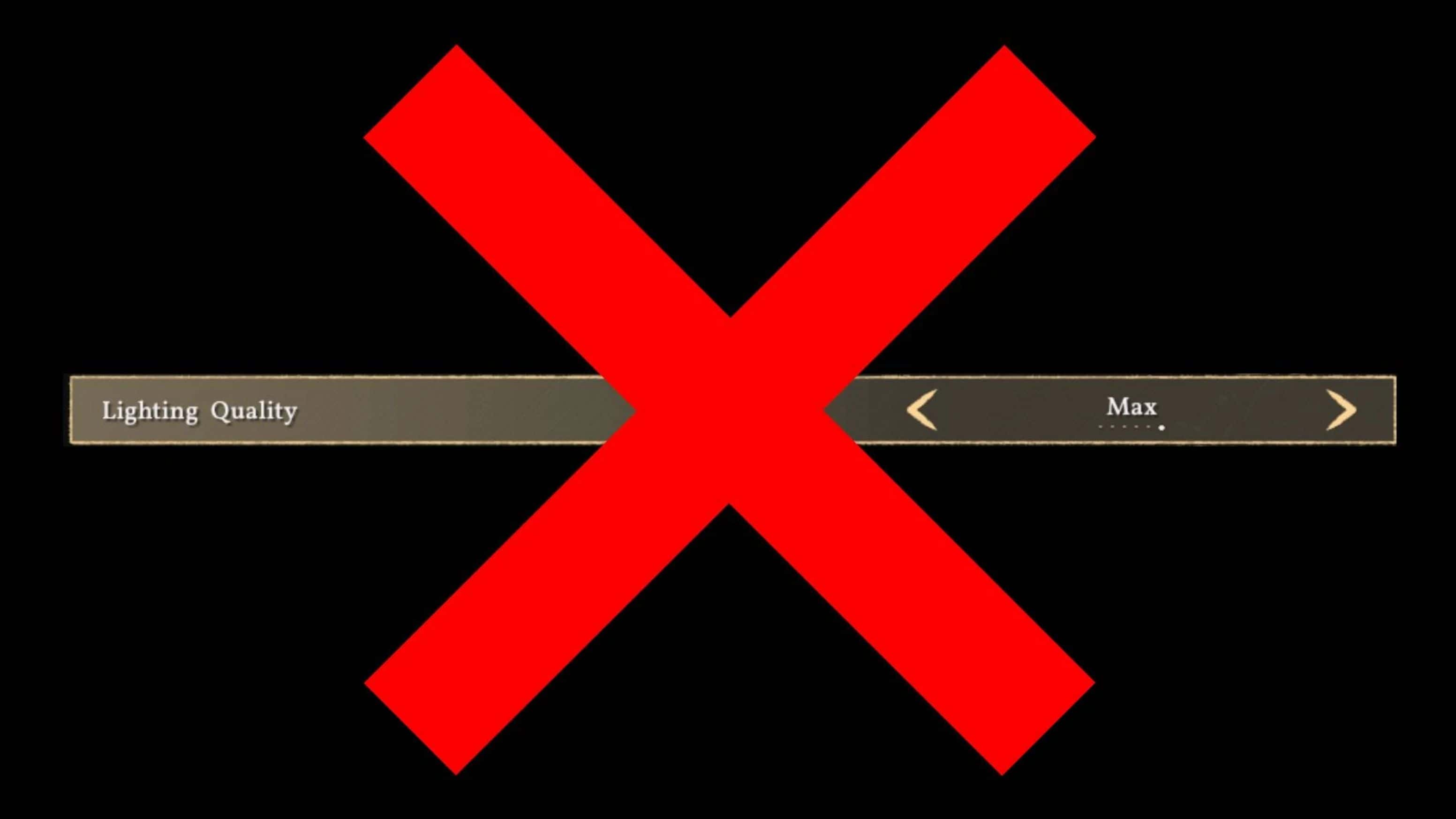
Removes the forced Max Lighting lock for AMD/NVIDIA RR. On my NVIDIA hardware, RR + Low Lighting gives ~10% more performance than Max but adds noise. However, AMD users are reporting much higher gains—test it yourself to see how your specific GPU handles it.
Installation:
JSON Mod Manager
1. Copy RRNoForce folder to your …\JSON Mod Manager\mods directory.
2. Launch JSON Mod Manager and activate the RRNoForce mod.
3. Click APPLY MODS.
Crimson Browser
1. Copy the RRNoForce folder to your …\Crimson Browser and Mod Manager\mods directory.
2. Launch Crimson Browser -> Mod Manager
3. Make sure RRNoForce v1 is set to active.
4. Click Build Active Mods, then click Deploy In Game.
5. You can now launch the game via Crimson Browser or through Steam as usual.
Standalone
Copy and paste the 0011 and meta folders into your game files.
Uninstall – Crimson Browser
1. In Crimson Browser -> Mod Manager
2. Select RRNoForce v1 and click Remove Mod.
Standalone
– Verify game file integrity on Steam.
Compatibility
– Crimson Browser version should work with other mods.
– Standalone with not work with other standalone mods.