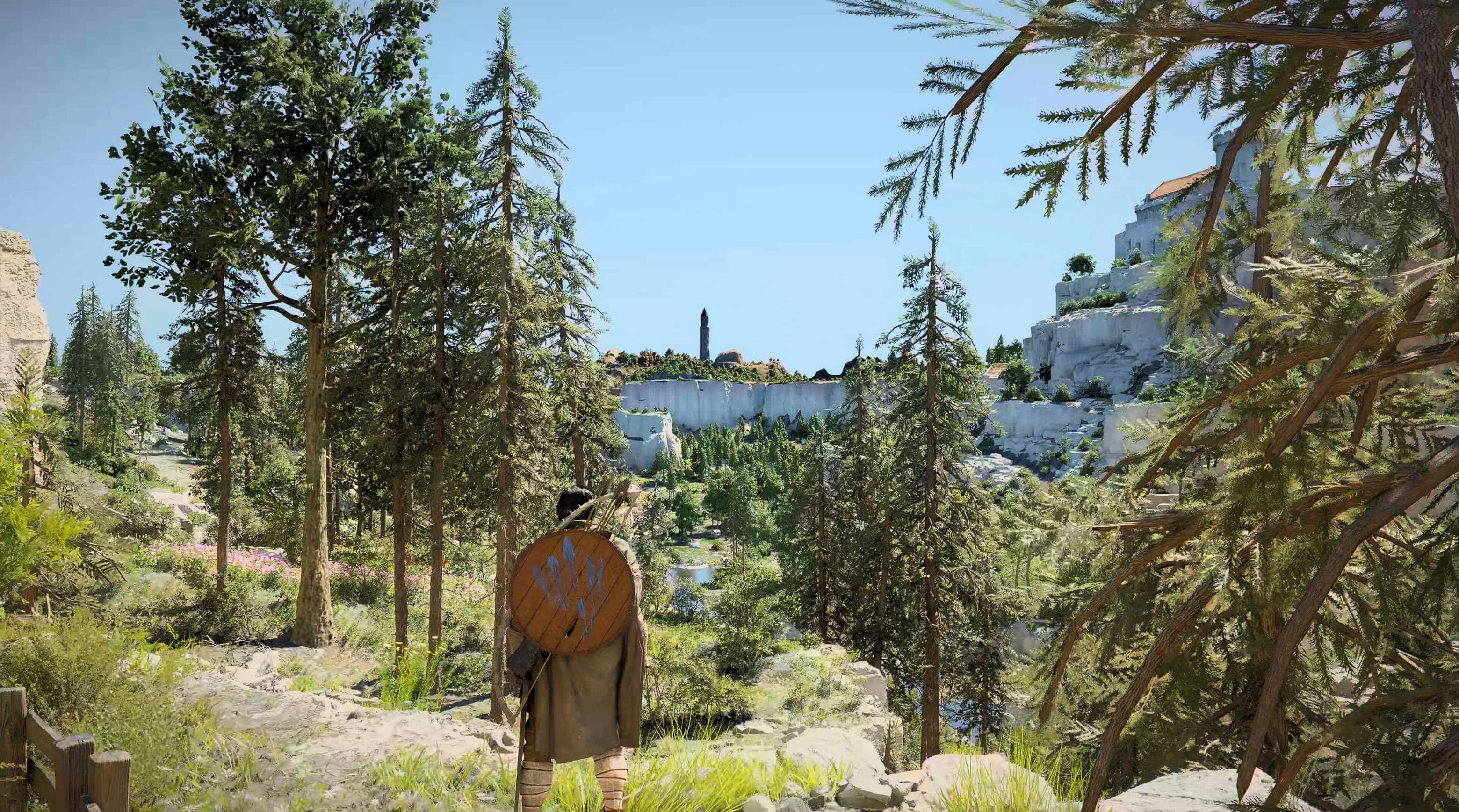
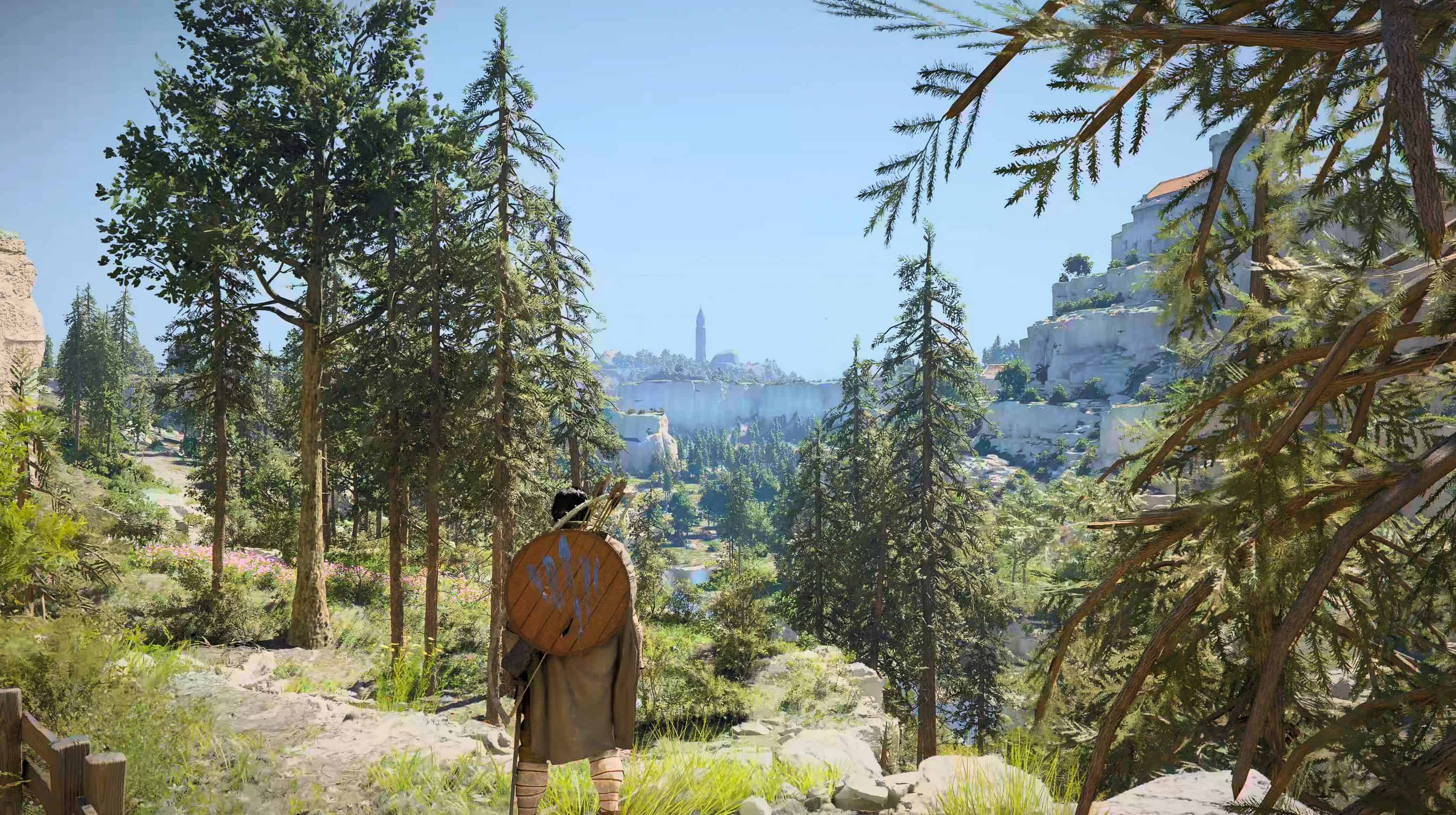
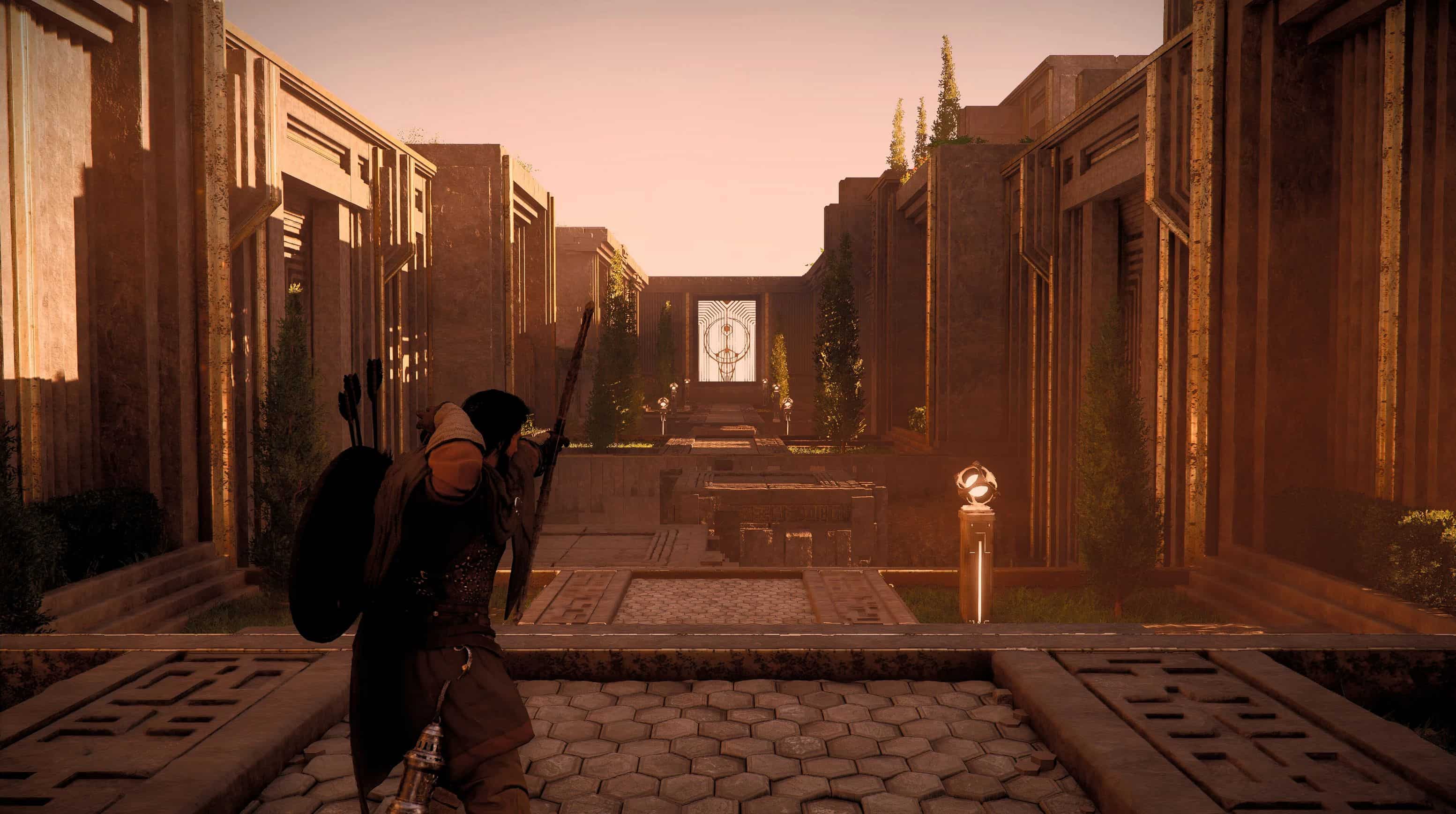
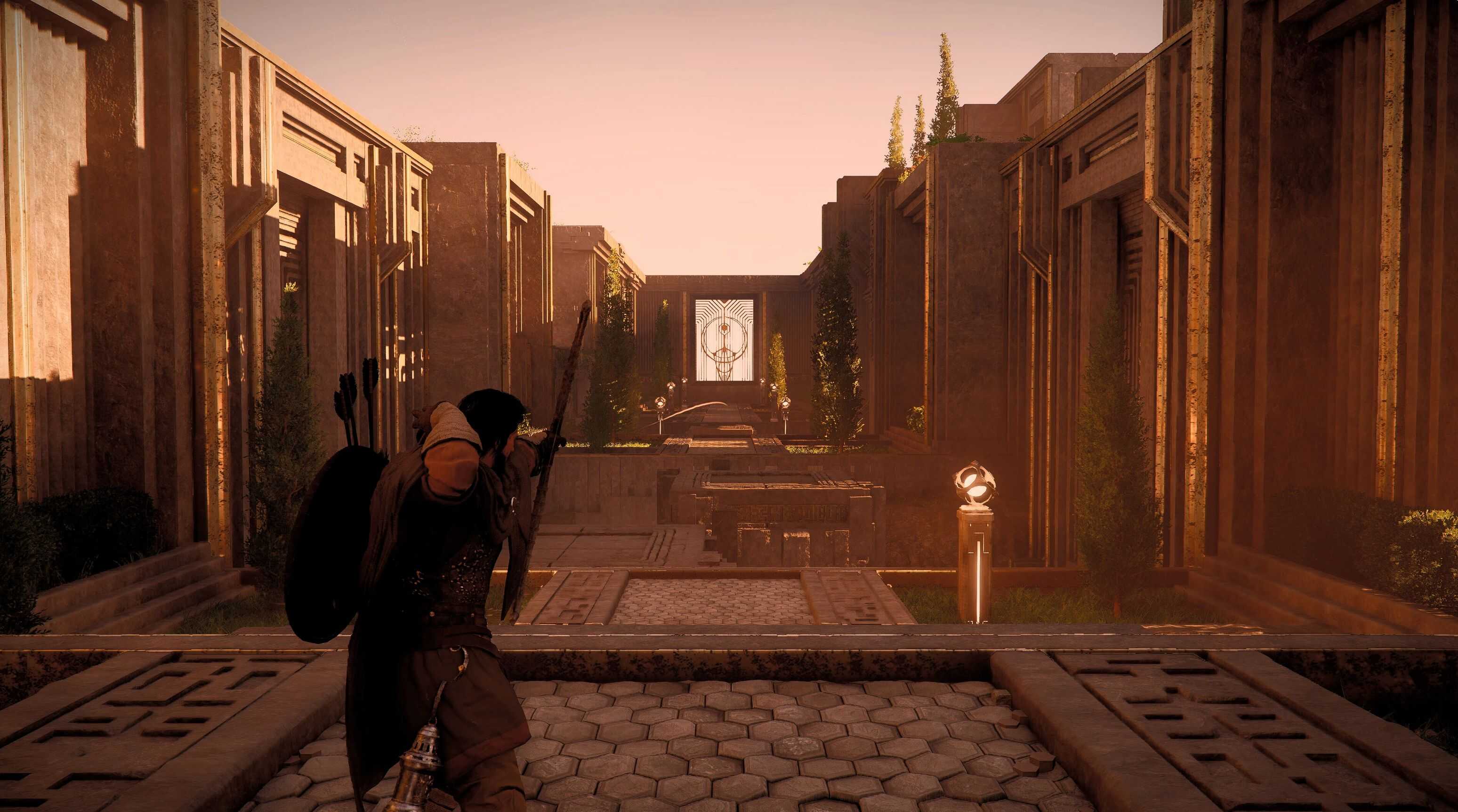
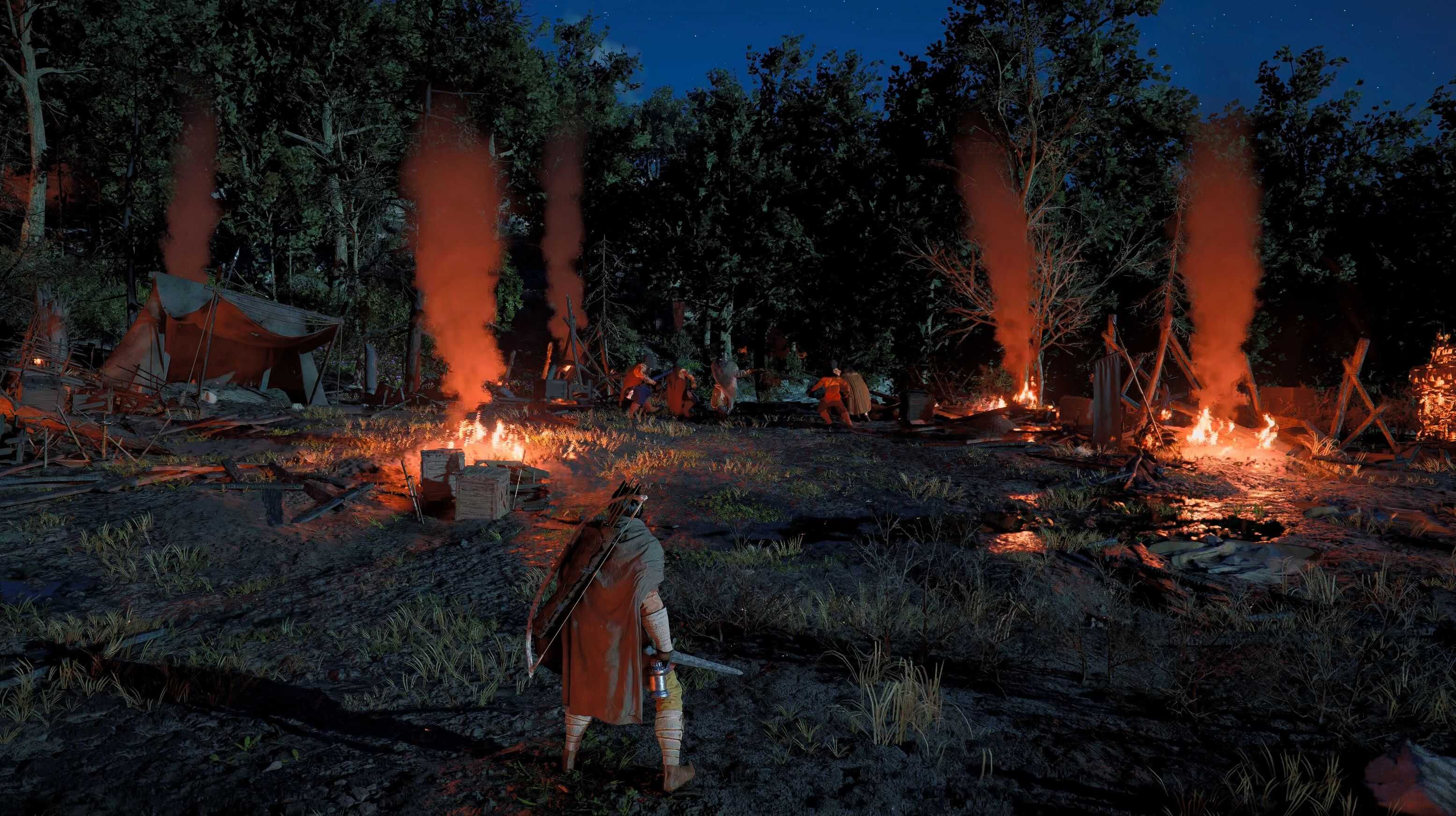
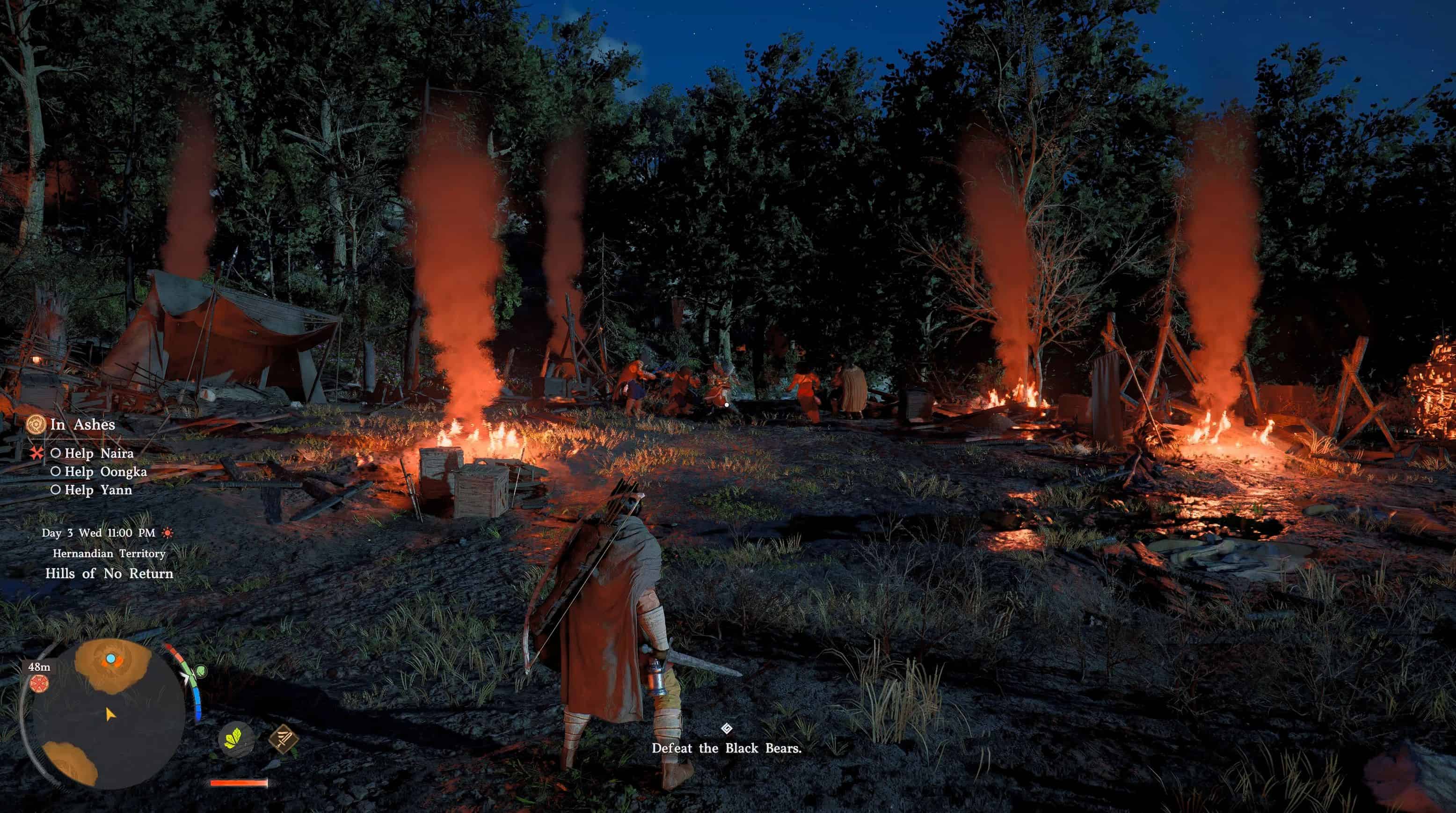
Utilizes ShaderToggler to make the HUD & Effects togglable. Extract and copy the files from the .zip archive to your game install folder.
TOGGLABLE EFFECTS [HOTKEY]:
– HUD [END]
– MINI-MAP [NUMPAD /]
– FOG OF WAR (MAP) [NUMPAD *]
– THROW TRAJECTORY [NUMPAD -]
– THROW TRAJECTORY PLACEMENT CIRCLE [NUMPAD +]
– ARROW TRAILS [BACKSPACE]
– AFTERIMAGE FX [PAGE UP]
– RAIN [PAGE DOWN]
– FLOATING LEAVES [UP ARROW]
– FOG/VOLUMETRIC LIGHT [RIGHT ARROW]
– LIGHT/LENS FLARES – REQUIRED FOR SOME RIDDLES [DOWN ARROW]
– PARALLAX OCCLUSION MAPPING (LESS) – REDUCES THE 3D DEPTH EFFECT ON SURFACES [LEFT ARROW]
– CLUTTER (SMALL GRASS PATCHES ETC.) – REMOVES THEM TO REDUCE POP-IN [NUMPAD 7]
NOTES:
– Effects like Chromatic Aberration, Vignette and Letterboxing can’t be toggled
– The Weapon/Swing Trail effect is tied to all smoke effects and even the sky
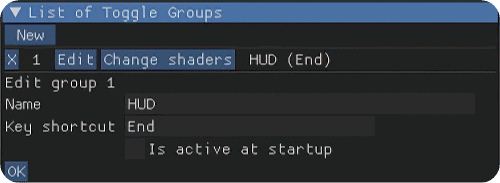
To change the keys, open the ReShade GUI (HOME) and head to the Add-ons tab. Open the listed toggle group and click Edit.