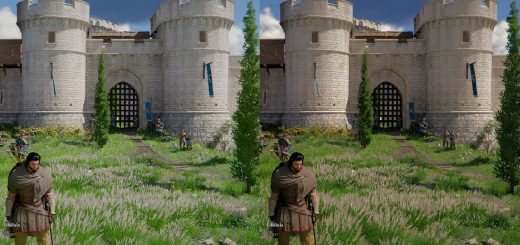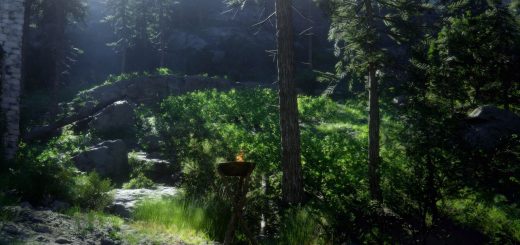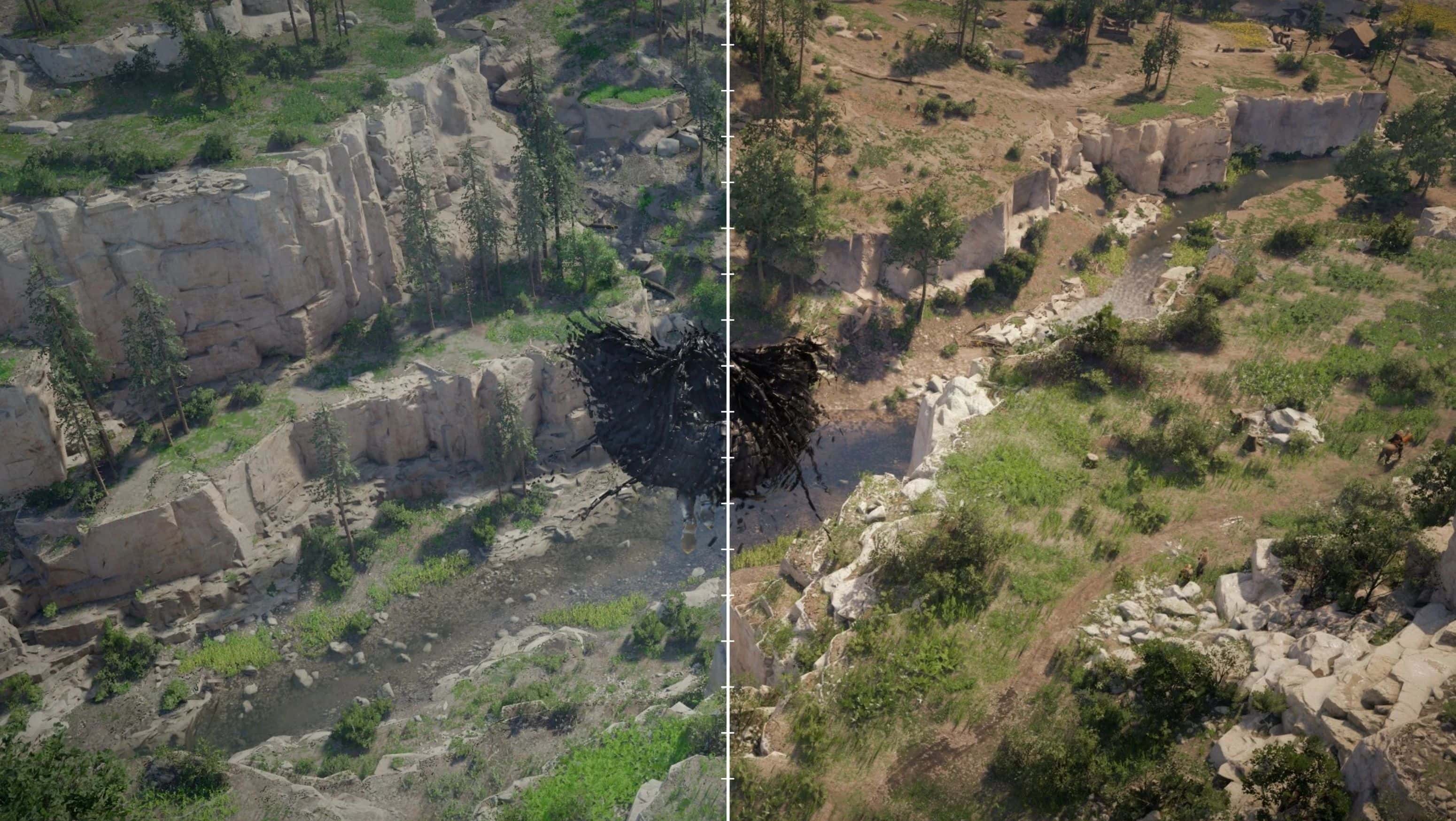
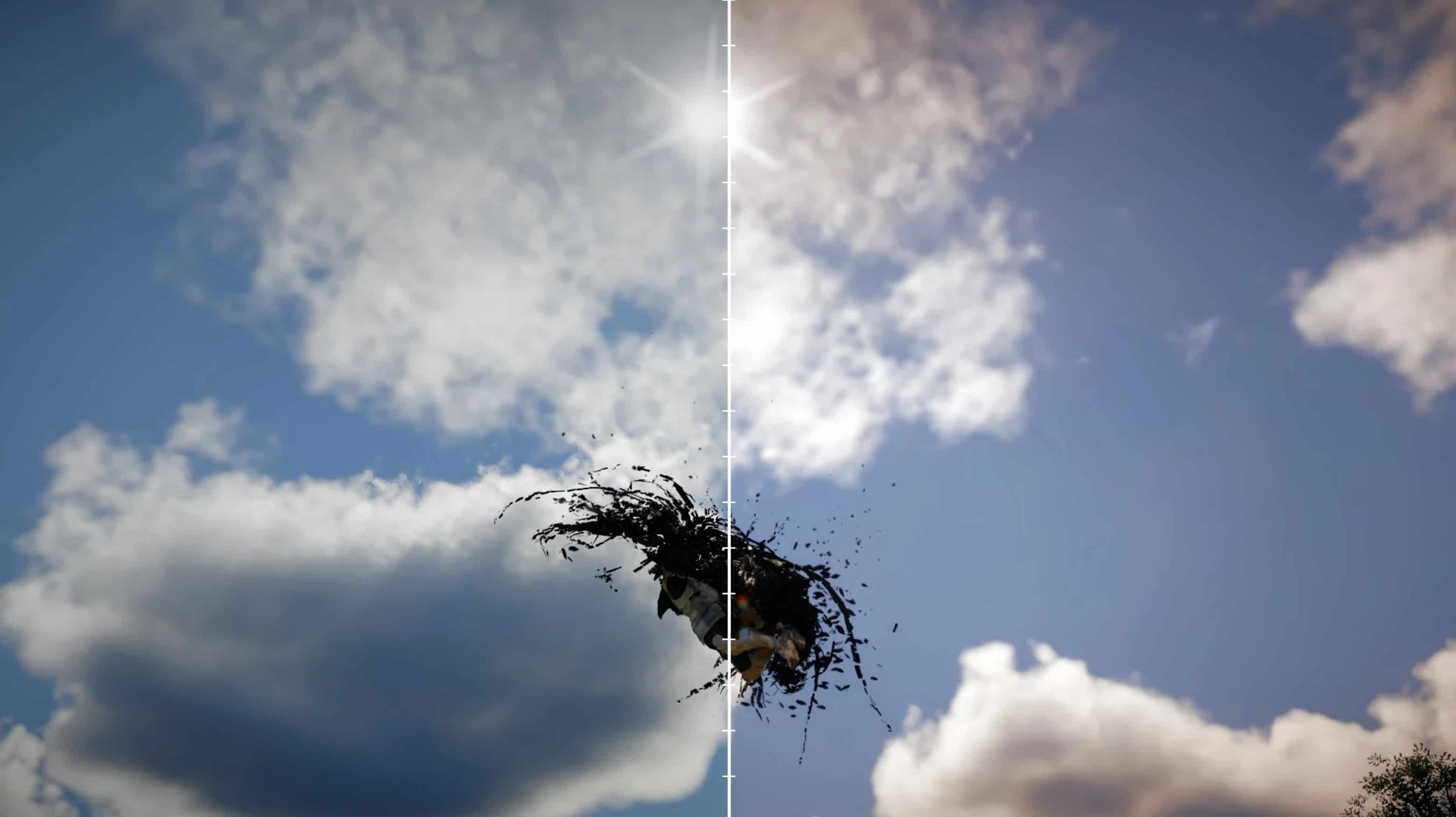
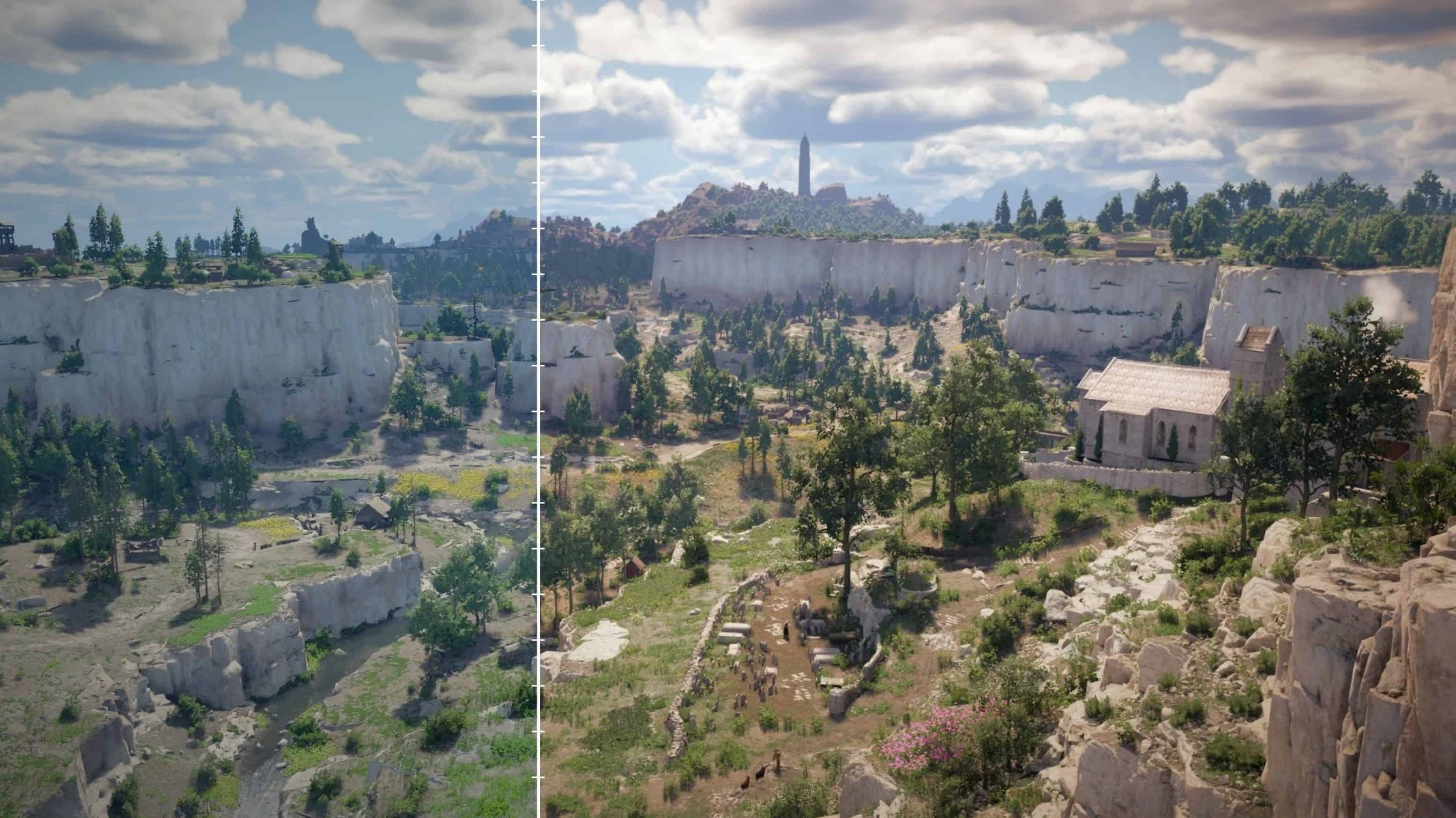
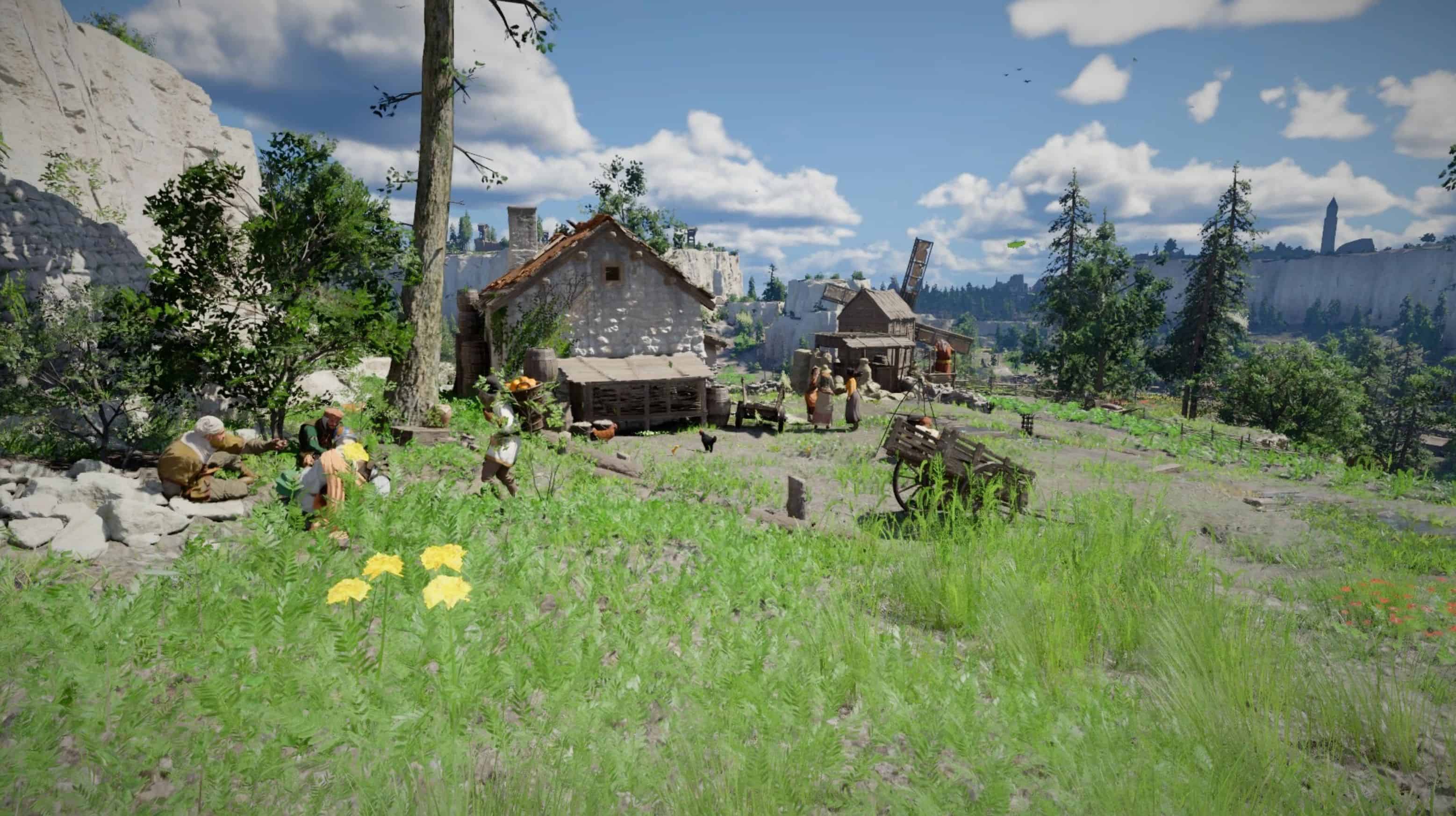
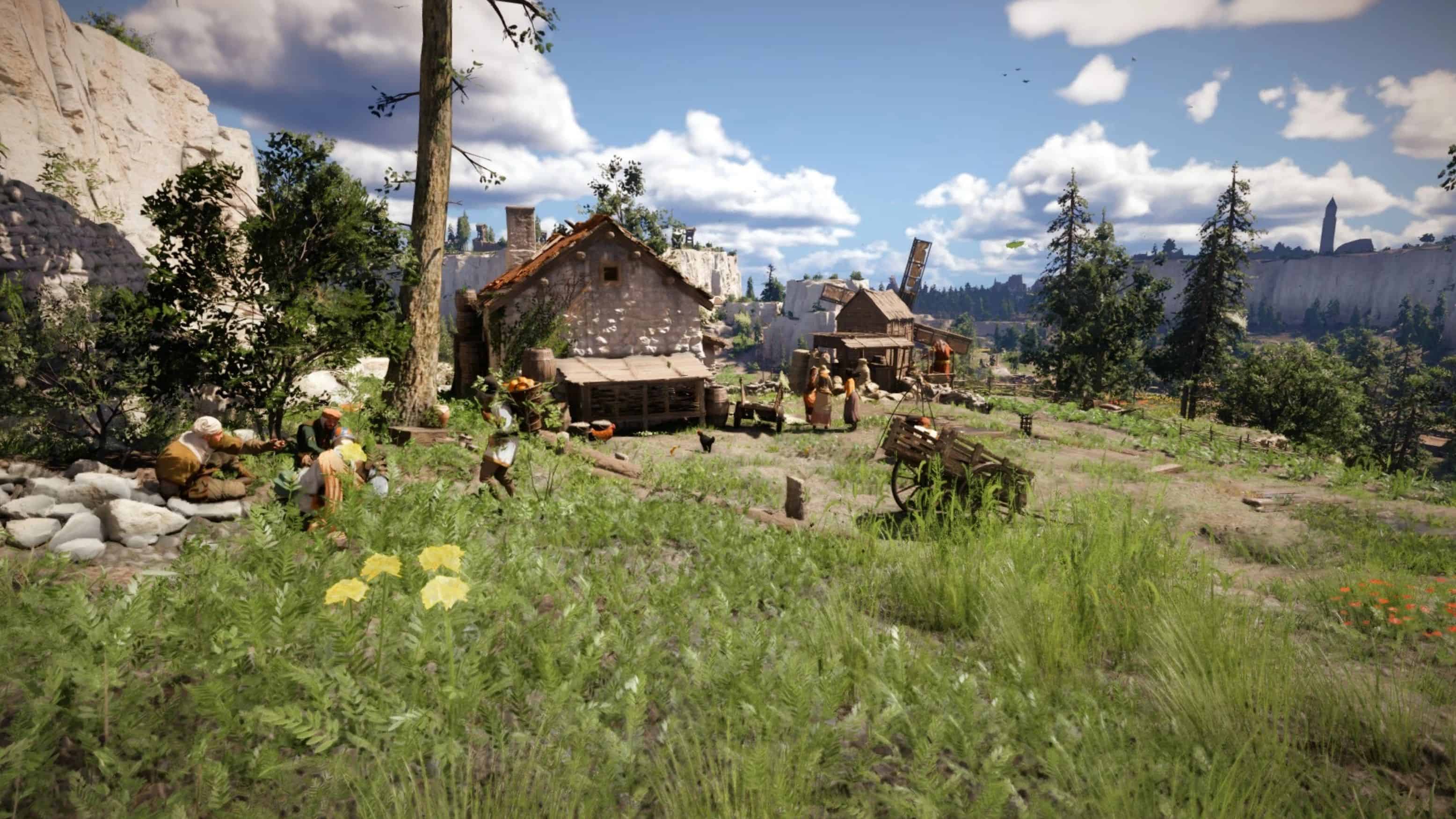
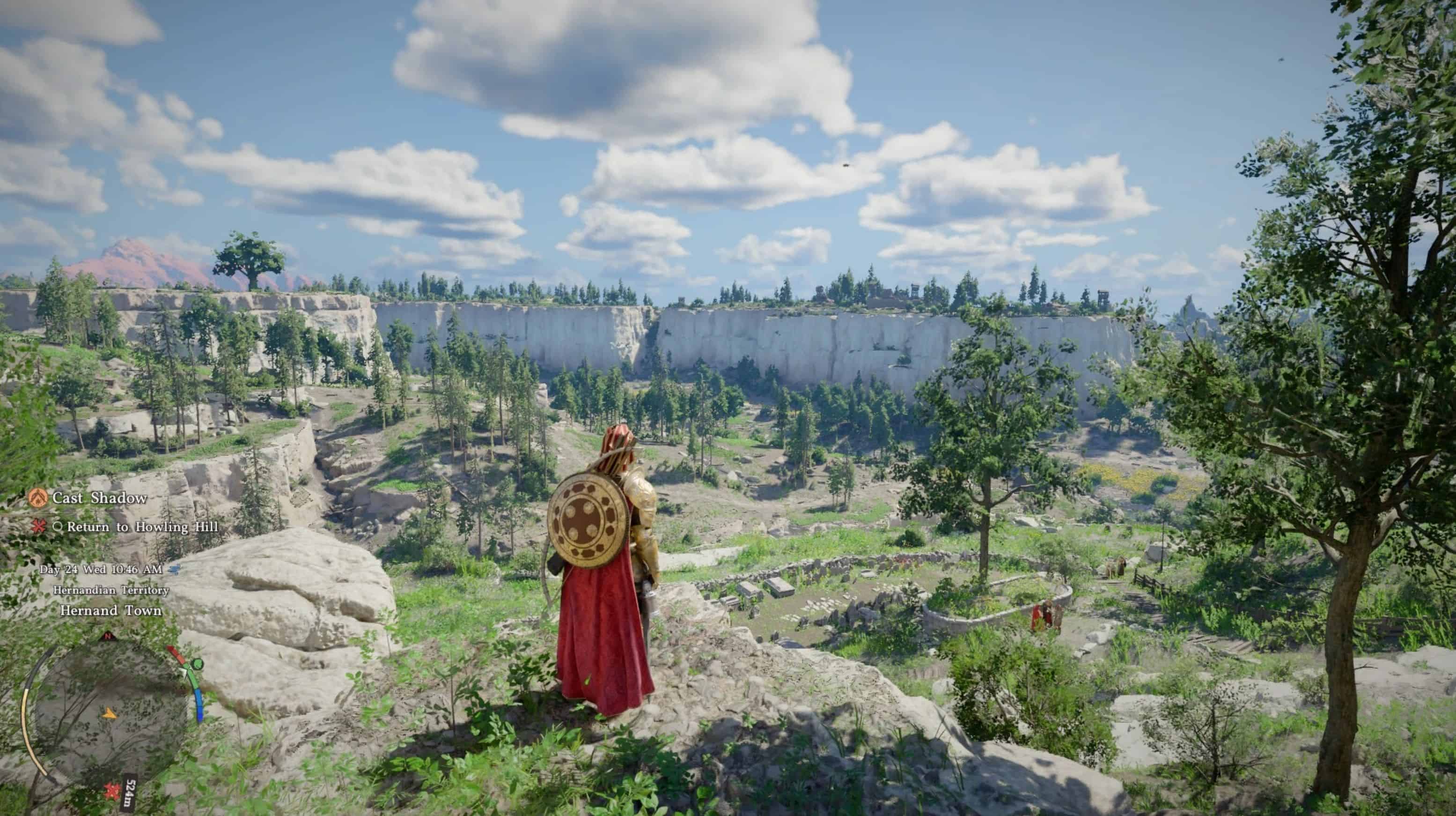
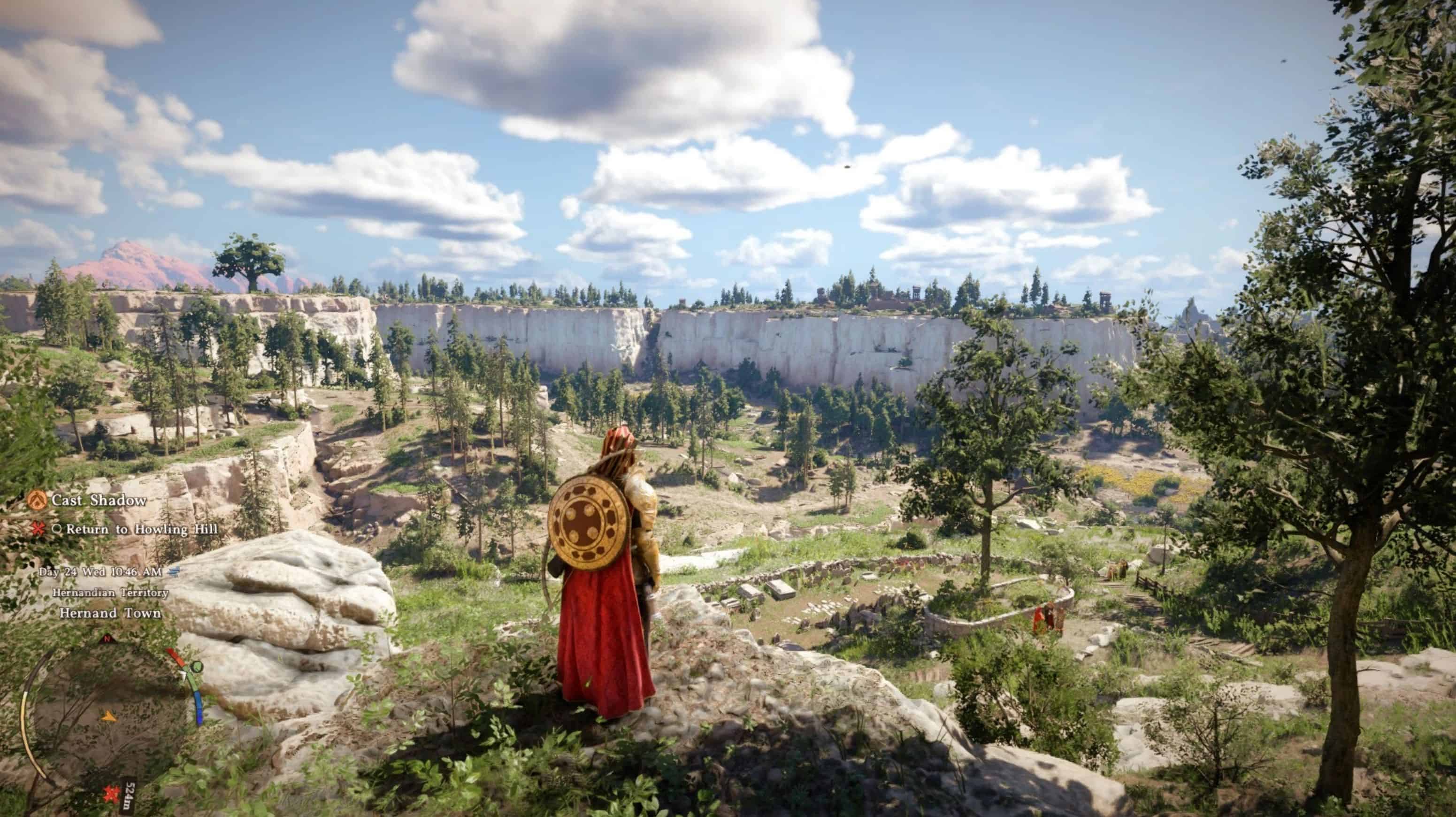
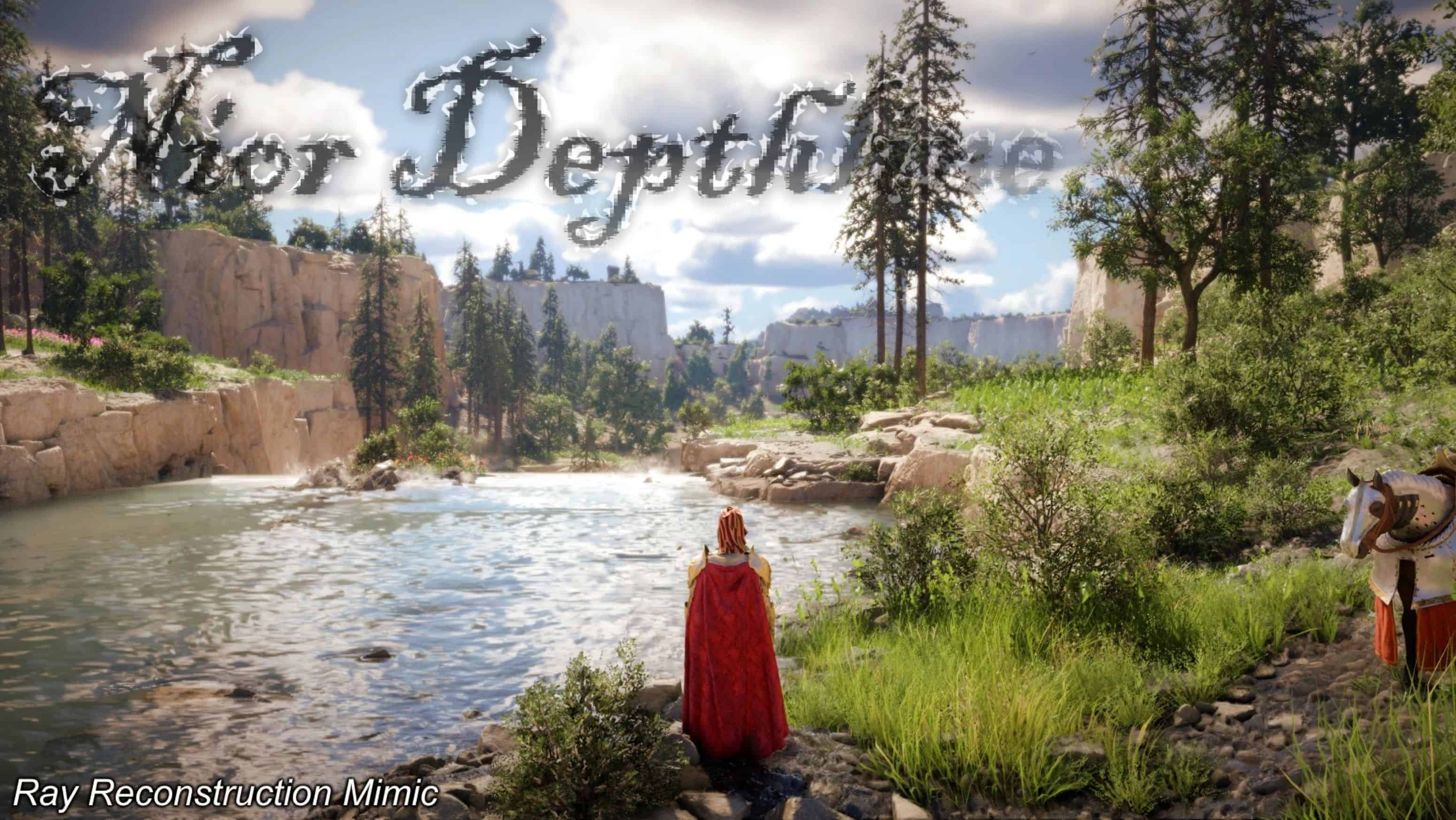
Mimics the aesthetic of Ray Reconstruction while the setting is OFF. Zero performance cost. Reclaims missing shadow depth and fixes flat, bright visuals. Includes a built-in HUD toggle and a new seamless hotkey to swap instantly between the ‘Cinematic’ and ‘Moonlit’ variants. This is not a “make everything dark” preset. It is a carefully curated visual overhaul engineered to ground the world’s visuals while ensuring sunlit areas remain vibrant and alive.
– Volumetric Depth: Introduces shadow depth and ambient occlusion via MXAO, restoring physical presence to the game world.
– Cinematic Palette: Tones down harsh brightness, delicately desaturates vegetation, and selectively deepens reds, golds, and warm tones for a richer aesthetic.
– Simulated HDR & Optics: Employs Fake HDR for perceived dynamic range, paired with MagicBloom for soft, natural light diffusion.
– Film-Emulation: Subtle, low-intensity film grain seamlessly masks ambient occlusion while refined sharpening ensures a perfectly crisp image.
T H E A T M O S P H E R E S
Choose your aesthetic.
I. NOIR DEPTHLINE: CINEMATIC
The definitive, uncompromising cinematic experience. Features rich, deep contrast and true-to-life, atmospheric darkness at night. Recommended for bright, precisely calibrated displays.
II. NOIR DEPTHLINE: MOONLIT
A premium alternative for heightened visibility. Delicately lifts global black levels and shadow exposure, allowing clarity in deep forests and midnight environments—without sacrificing the rich color grading and cinematic tone.
B U I L T – I N F E A T U R E S
✦ SEAMLESS PRESET SWAPPING ✦
Instantly and beautifully transition between Cinematic and Moonlit variants on the fly with an on-screen notification.
✦ BUILT-IN HUD TOGGLE ✦
Instantly hide the UI for clean, unobstructed gameplay and premium screenshot framing.
KEYBINDS & CONTROLS
– Swap Presets (Cinematic / Moonlit): Press F8
– ReShade Overlay: Press F9
– Toggle All Effects ON/OFF: Press F10
– Toggle HUD: Press END
– Toggle MXAO ON/OFF: Press M (For User Interfaces and maps to look clearer.)
Customizing Keys: Open the ReShade Settings tab (F9) to rebind keys. To rebind the HUD toggle or MXAO specifically, locate them in the Home tab, click the keybind field, and assign a new key.
I N S T A L L A T I O N
– Download the latest Add-on Support framework from ReShade.me (Required for HUD toggle).
– Run the ReShade installer, select CrimsonDesert.exe, and choose DirectX 10/11/12. When asked to select a preset, you can just click “Skip”.
– Extract the contents of Noir Depthline For Crimson Desert.zip directly into your game directory: …\Crimson Desert\bin64(When prompted to replace files, click Yes. This ensures the custom ReShade.ini and ShaderToggler add-on are applied properly).
– Launch the game. The aesthetic loads automatically and you can now use F8 to swap styles!
To uninstall, run the ReShade installer again, select the executable, and choose “Uninstall ReShade and effects,” then delete the extracted .ini files and addon folder.
S Y S T E M & DISPLAY
Tested Configuration.
HARDWARE: RTX 3080 | Ryzen 5 5600X | 1080p
DISPLAY SETTINGS
– Screen Mode: Fullscreen | Upscale Mode: NVIDIA DLSS 4.0 | Resolution: DLAA
– DLSS Frame Gen: Off | Ray Reconstruction: Off | Reflex: Off
– Contrast: 50 | HDR: Off | VSync: On
GRAPHICS PROFILES
– Ray Tracing: On | Model/Shadow/Reflection/Foliage: High
– Texture/Lighting/Effect/Simulation/Post-Processing: Cinematic
– Weather Effect: On | Water/Volumetric Fog: Medium