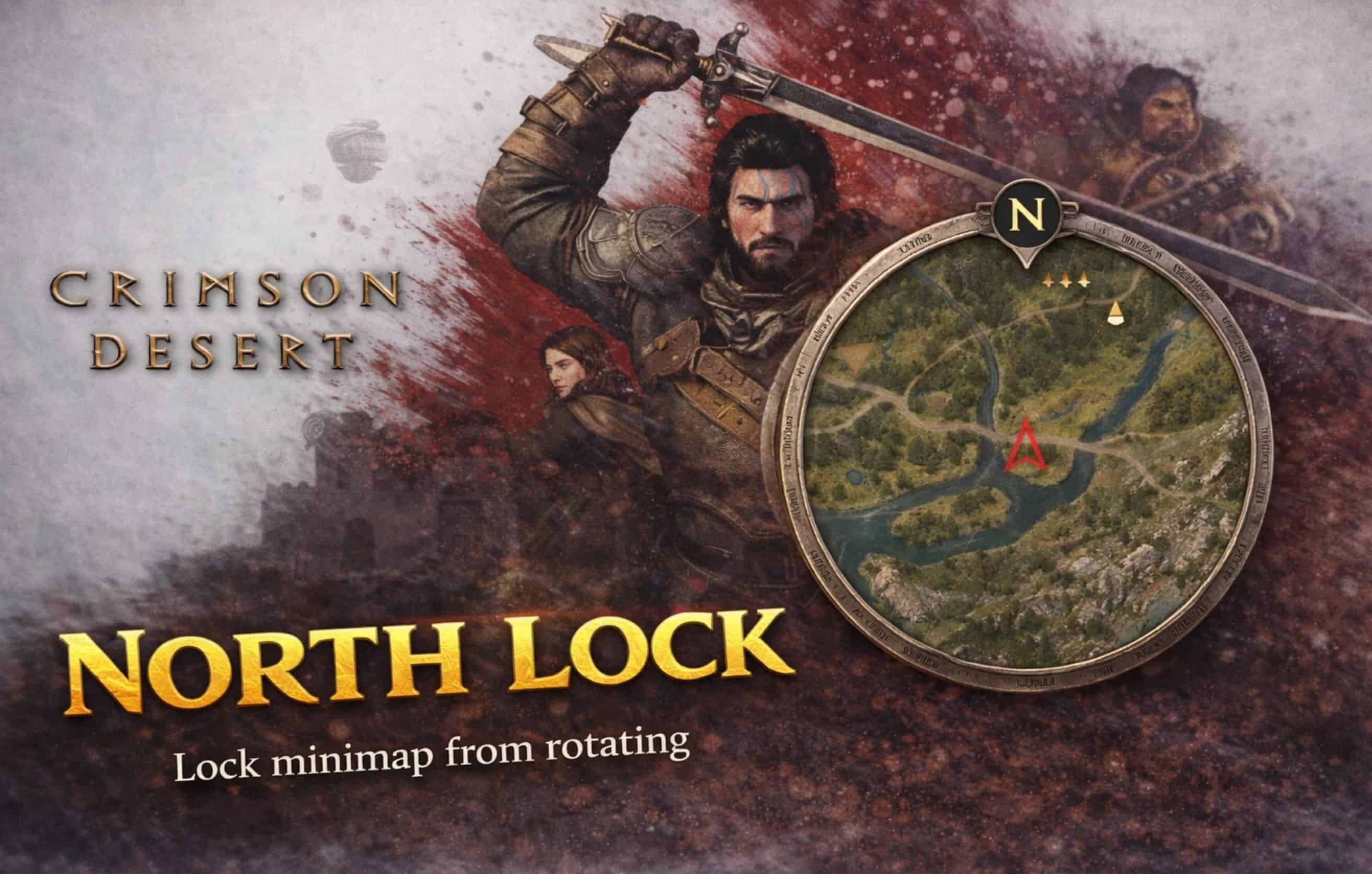
Locks the minimap to always point north instead of rotating with your character’s heading. The minimap now behaves like a traditional static map — north is always up. By default, Crimson Desert’s minimap rotates to match the direction your character is facing. This mod locks the minimap orientation so that north is always at the top, giving you a fixed frame of reference while exploring.
The mod patches a single 8-byte instruction in the minimap rotation update function, replacing the angle calculation with a constant zero (north). No game files are modified on disk — the patch is applied in memory at runtime and reverts when the game is closed.
Installation instructions
1. Download the mod
2. Copy CDNorthLock.asi to Crimson Desert\bin64\
3. Copy CDNorthLock.ini to Crimson Desert\bin64\
4. Make sure winmm.dll (Ultimate ASI Loader, x64) is in bin64\
5. Launch the game normally through Steam
To uninstall, simply delete CDNorthLock.asi and CDNorthLock.ini from the bin64 folder. No other cleanup needed.
Main features
– Minimap no longer rotates with camera/character heading
– North is always up
– Player position tracking still works normally
– Minimap zoom is unaffected
– Compass, quest markers, and icons remain functional
– Configurable via .ini file — enable/disable without removing the mod
– Works alongside other ASI mods (CDAnimCancel, CDControllerRemap, etc.)
– No known conflicts with ReShade or Special K
– No game files modified on disk
Configuration
Edit CDNorthLock.ini in the bin64 folder:
Enabled — Set to 0 to disable the mod without removing the .asi
UseCrcBypass — Set to 1 if the patch gets reverted by game integrity checks (try 0 first)
LogEnabled — Set to 1 to write CDNorthLock.log for troubleshooting
Mod doesn’t seem to work:
– Check that winmm.dll (ASI Loader) is in bin64
– Check CDNorthLock.log in bin64 for error messages
– Make sure Enabled=1 in the .ini file
Mod works initially but stops after a while:
– Set UseCrcBypass=1 in the .ini and restart the game
Mod stopped working after a game update:
– The game update may have moved the target code
– Check the log file for “Could not find pattern” errors
– Report the issue and I’ll update the mod
Requirements
Ultimate ASI Loader — place winmm.dll (x64) in the game’s bin64 folder. If you already have other ASI mods installed, you likely have this already.
Shout outs
Thanks to ThirteenAG for Ultimate ASI Loader and TsudaKageyu for MinHook — the backbone of Crimson Desert modding.