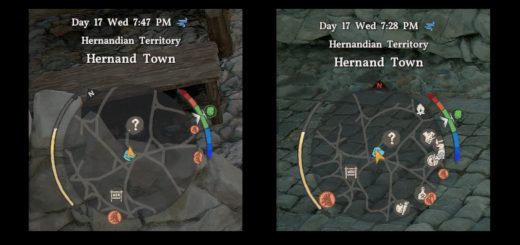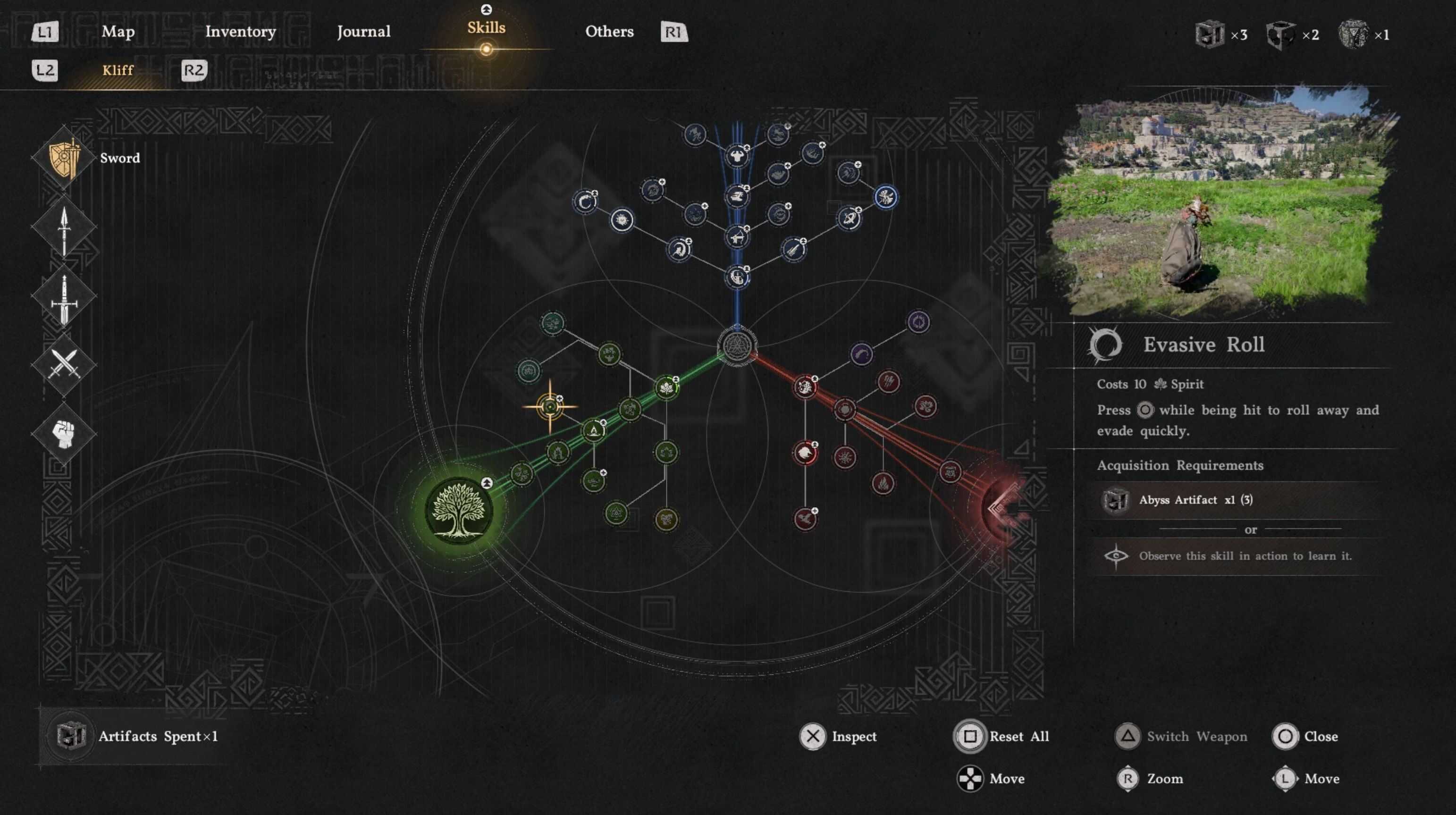
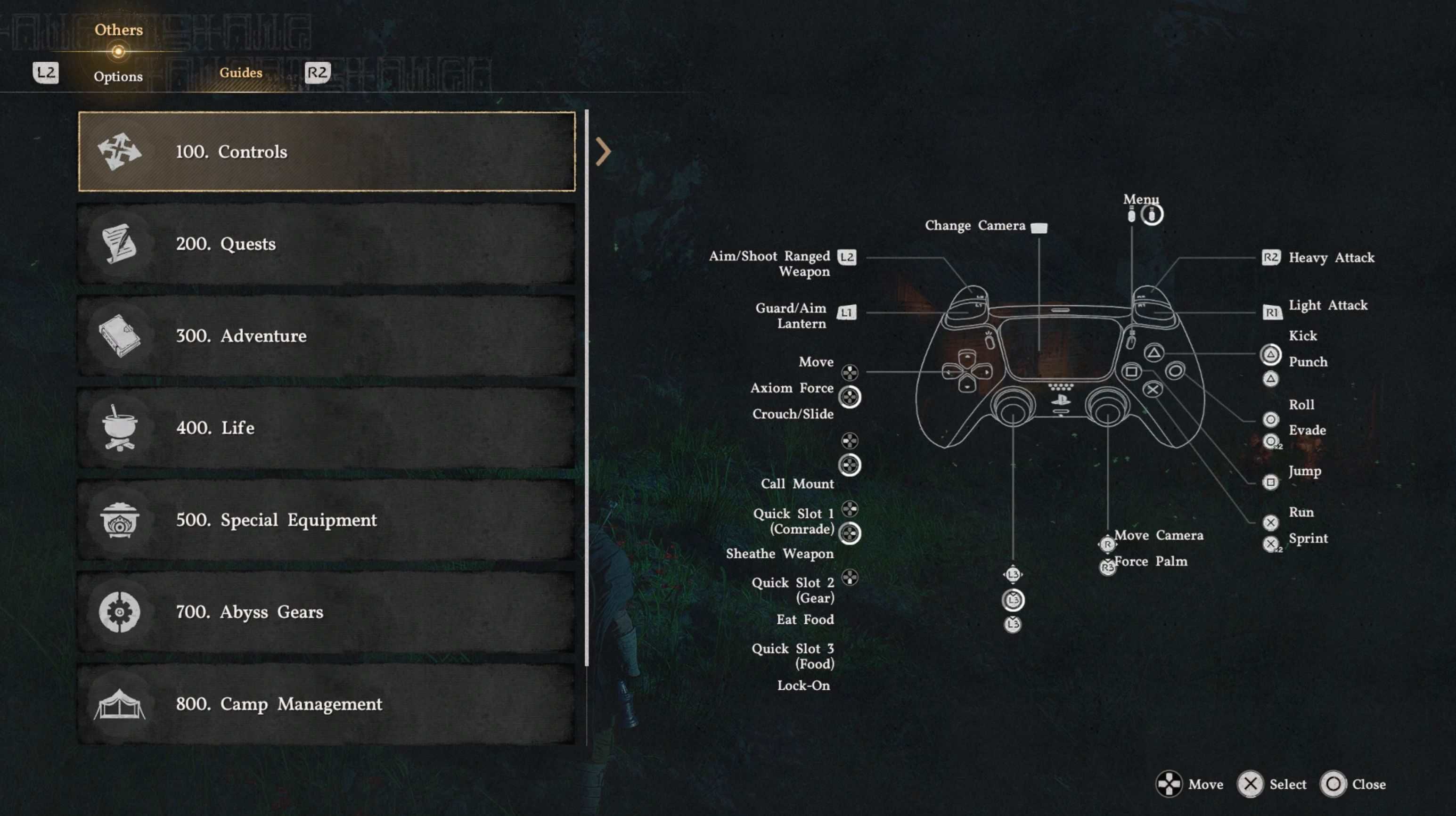
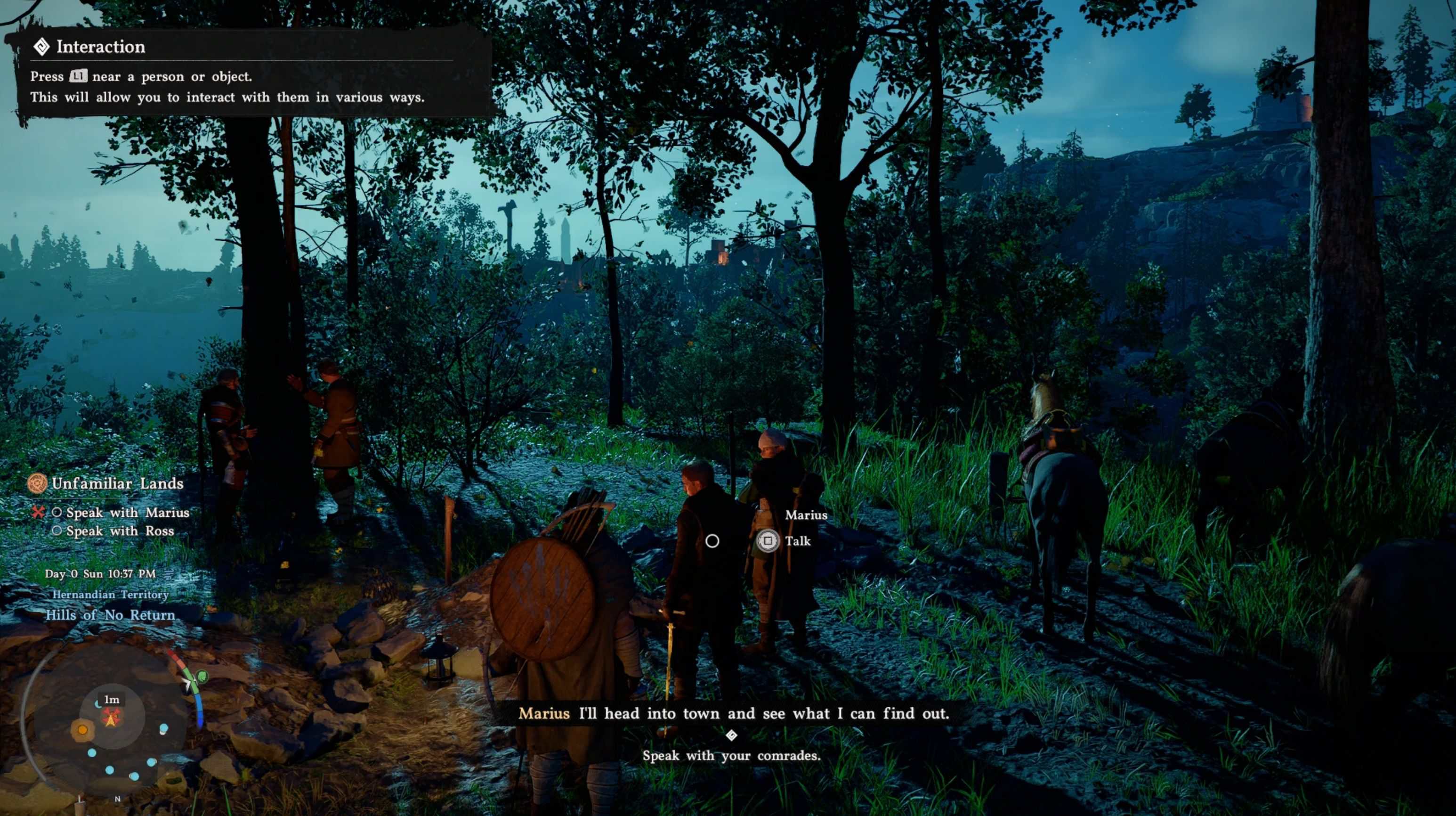
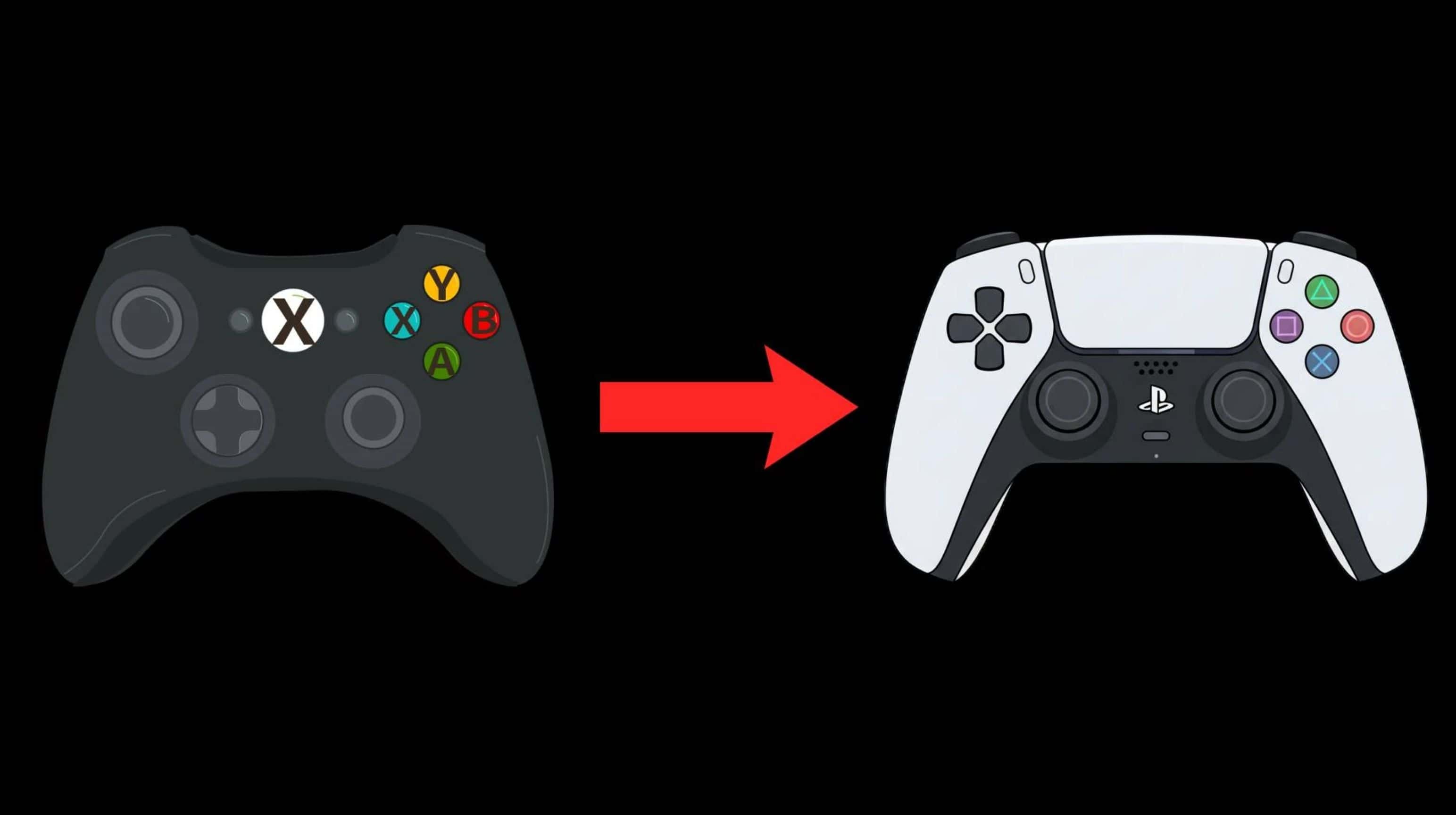
Replaces the Xbox icons with PlayStation icons.
Requirement
– 1.Python
– you can get it here – https://www.python.org/downloads/
– don’t forget to check “Add Python to PATH” during installation.
– Crimson Browser and Mod Manager
Installation for standalone
– 1. Extract the zip file
– 2. Double-click Install_PsIcon.bat
– 3. Done
Uninstall
– Run Remove_PsIcon.bat
– or verify integrity on Steam
Compatibility
– Work with latest game version
For use with Crimson Browser – (Copy PlayStationIcon folder to Crimson Browsermods -> Build Active Mods -> Deploy In Game)