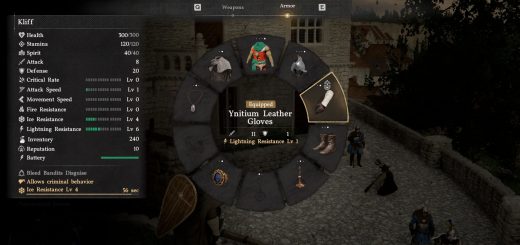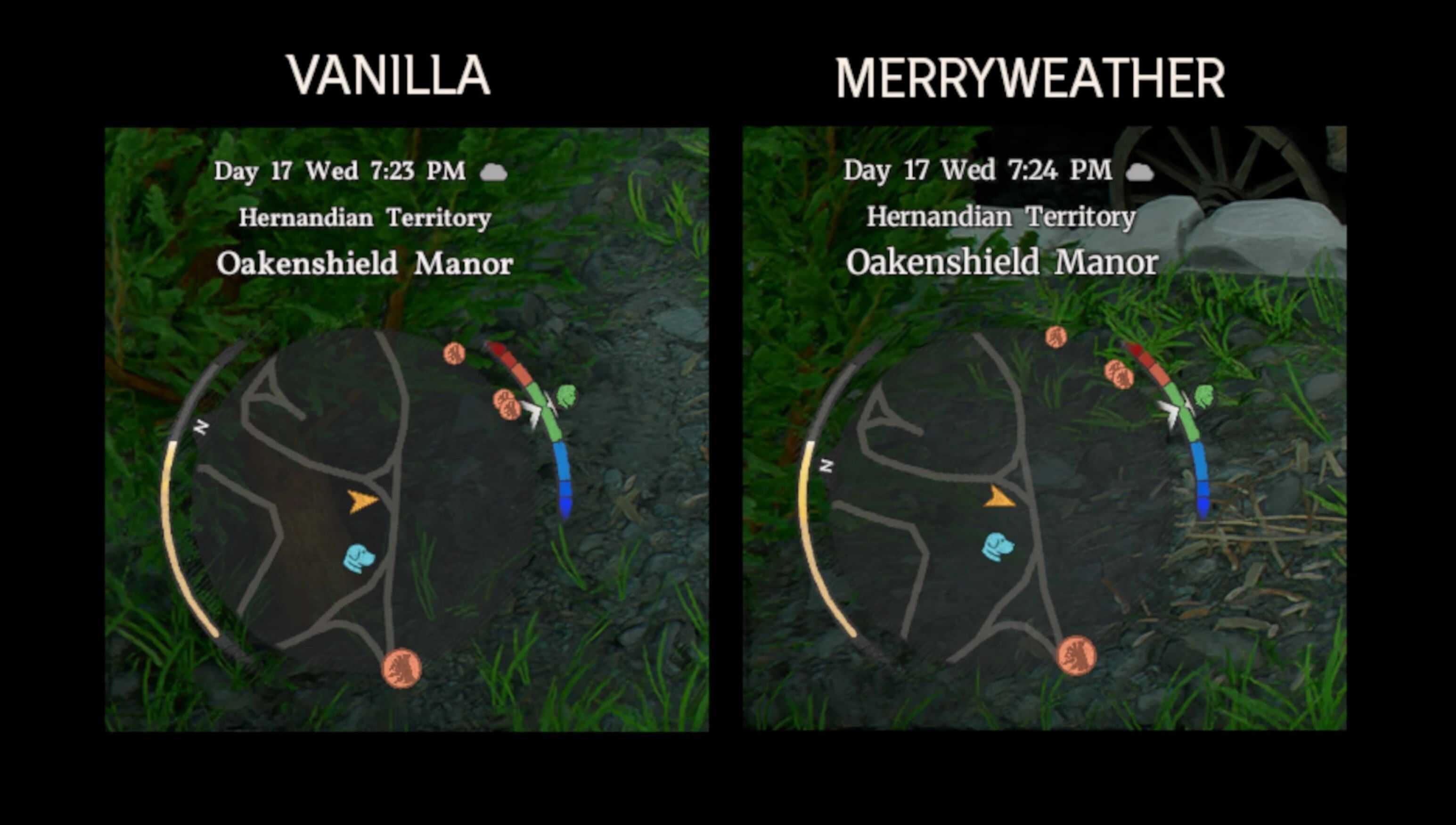
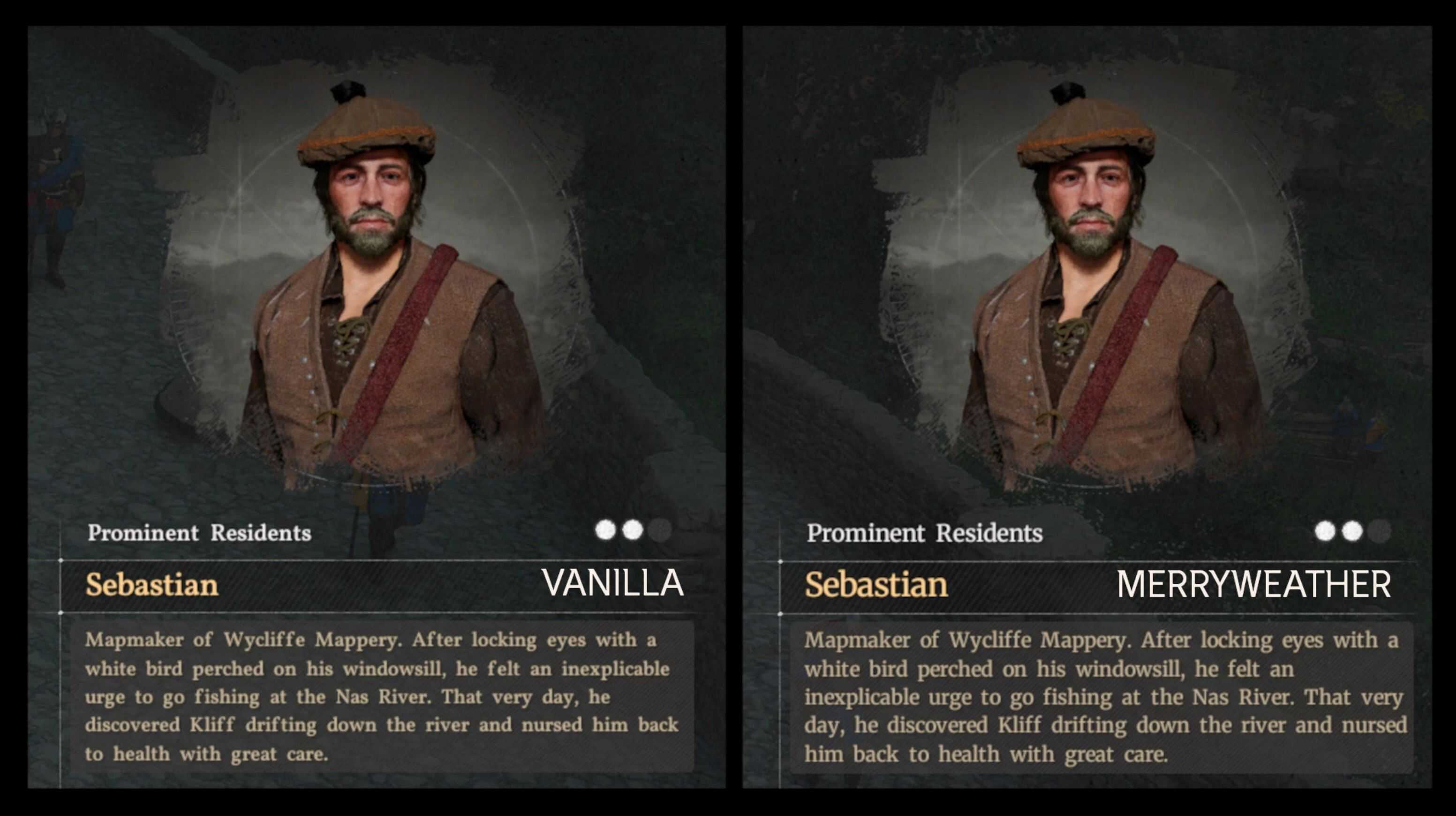
Simple mod to replace original Vollkorn Medium (serif with mediocre readability) with Merryweather, serif with bigger height and better readability.
Mostly for people with low vision like me. English loca only.
Installation
Install with Crimson Browser (copy Readable_Font folder to Crimson Browser\mods, click Mod Manager, build, deploy, launch the game).
– There is also standalone drag & drop version with Readable Font + Faster Interactions. Use it with verified game.
Uninstallation
Uninstall with Crimson Browser or, for standalone version, delete 6.paz in 0012 folder and verify with Steam.
Compatibility
Browser version compatible with anything not affecting english font for texts and most UI widgets (basefont_eng.ttf).
Standalone is not compatible with Faster Interactions (it includes it!).