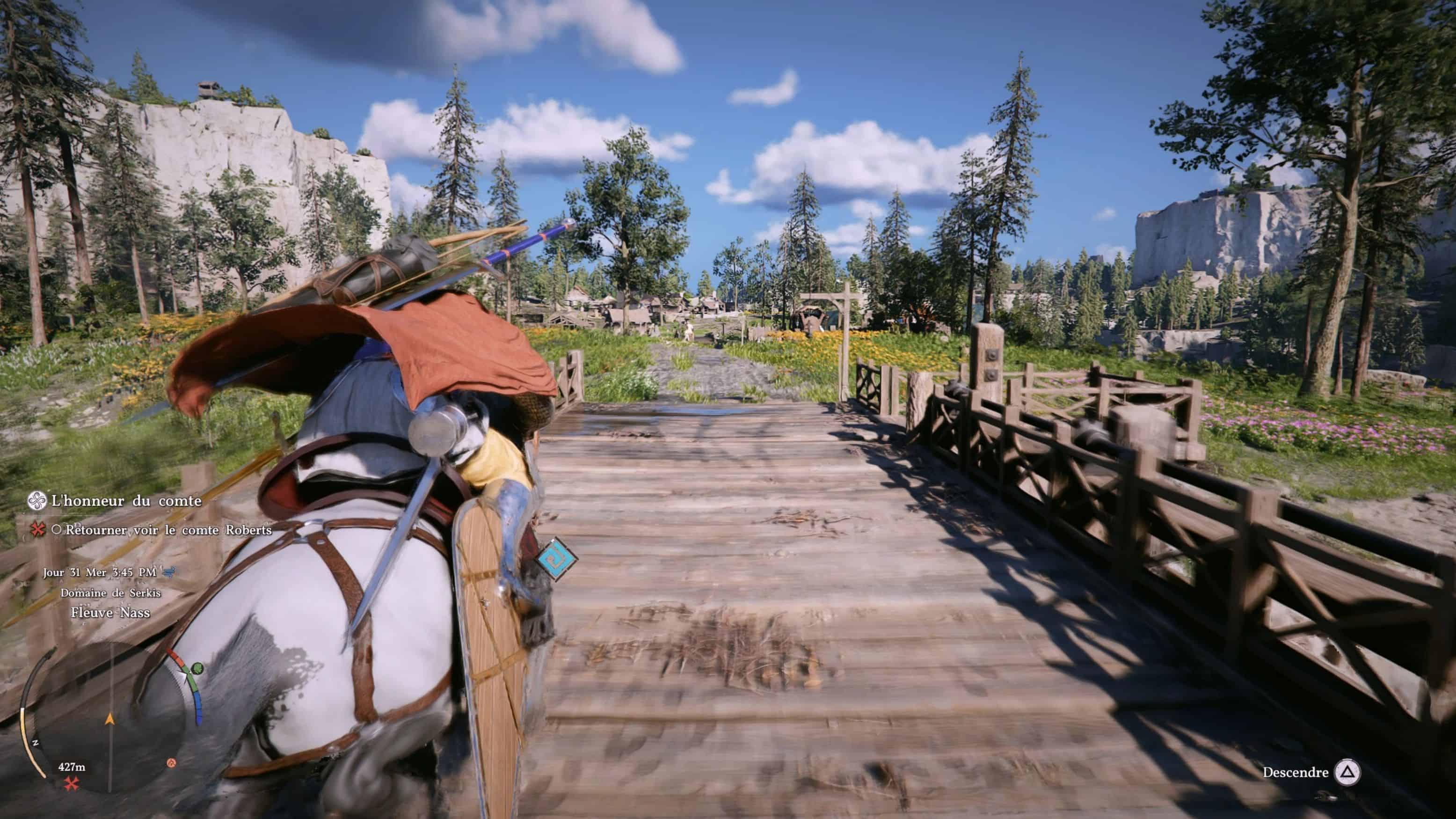
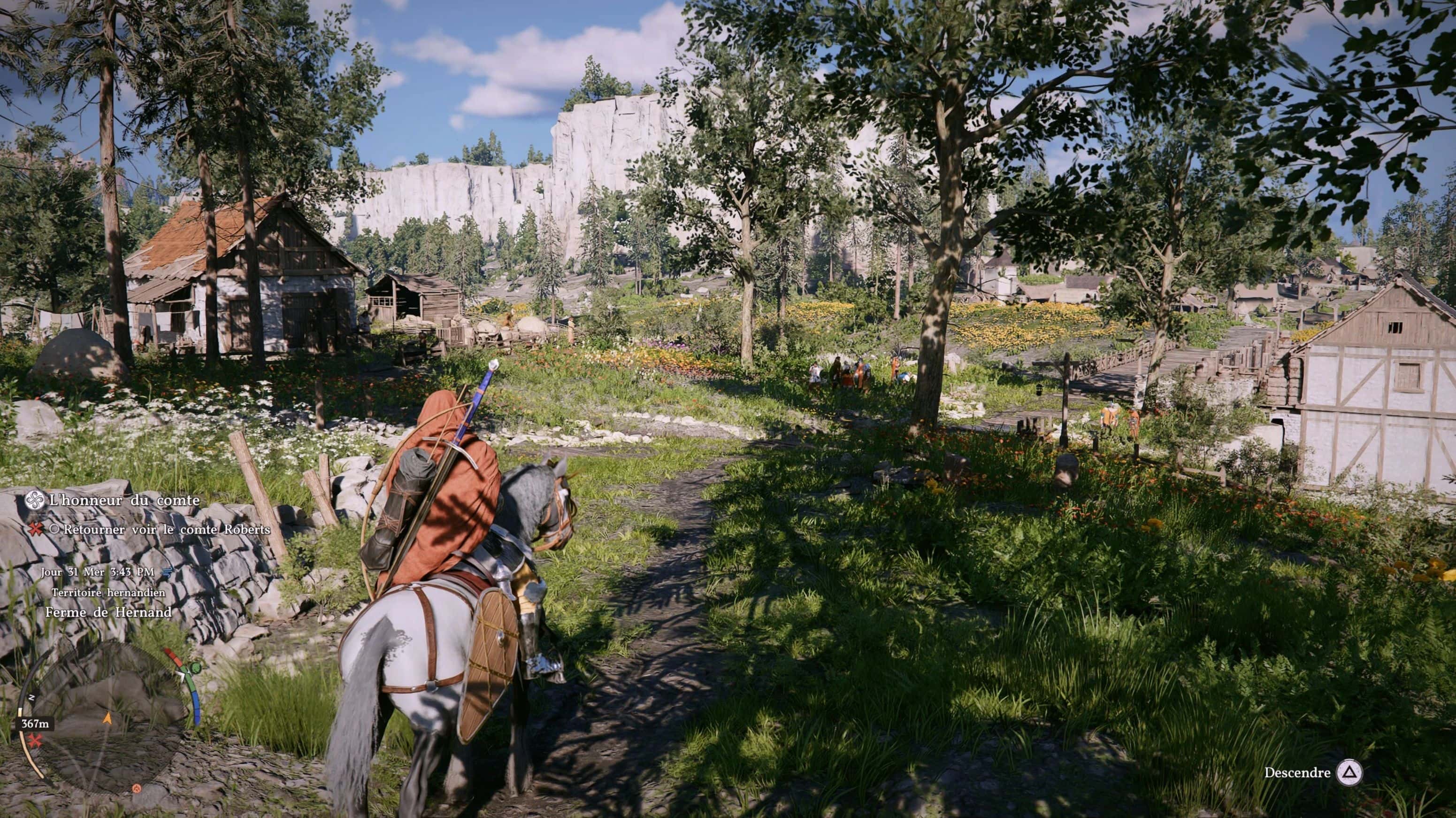
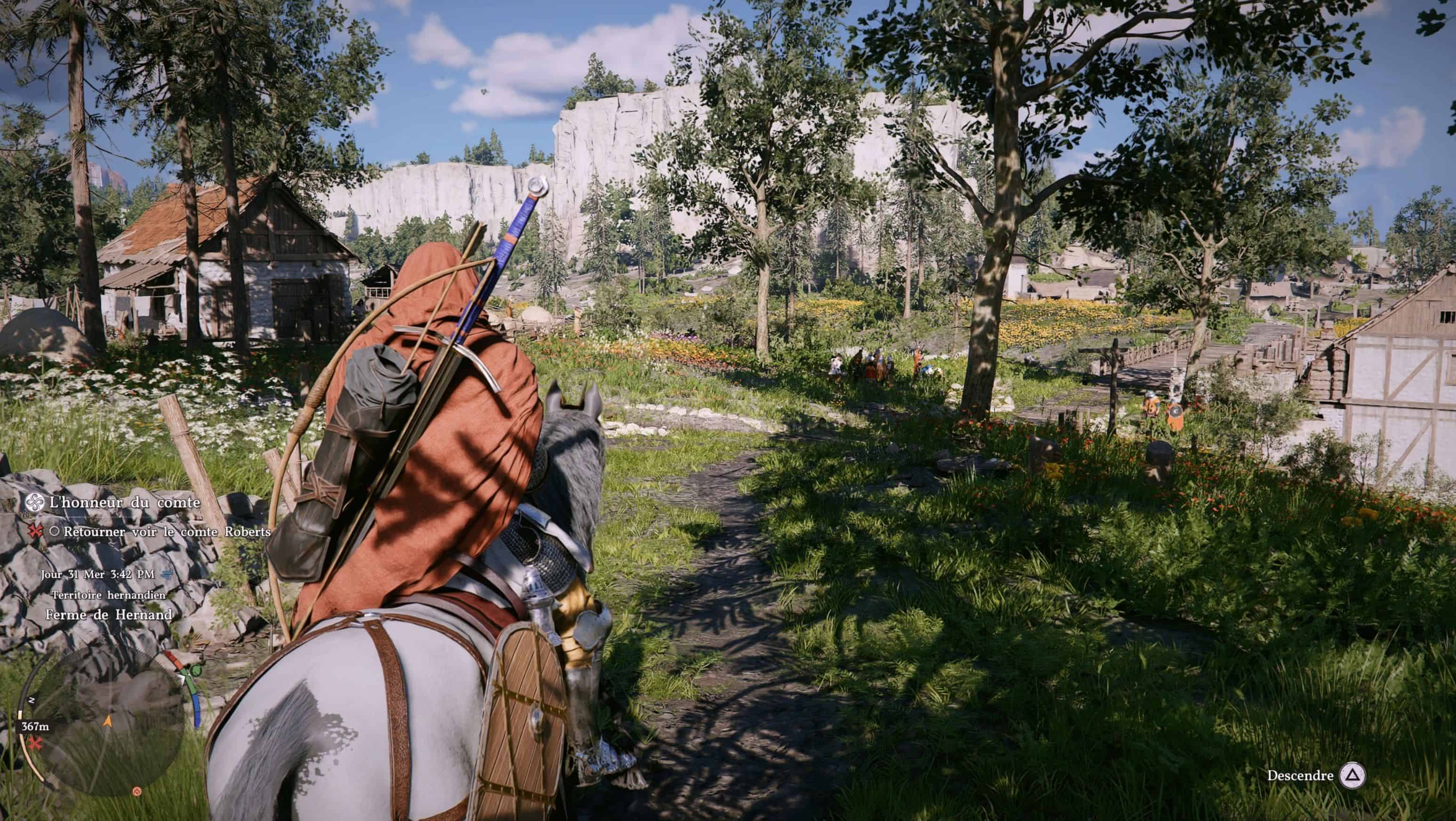
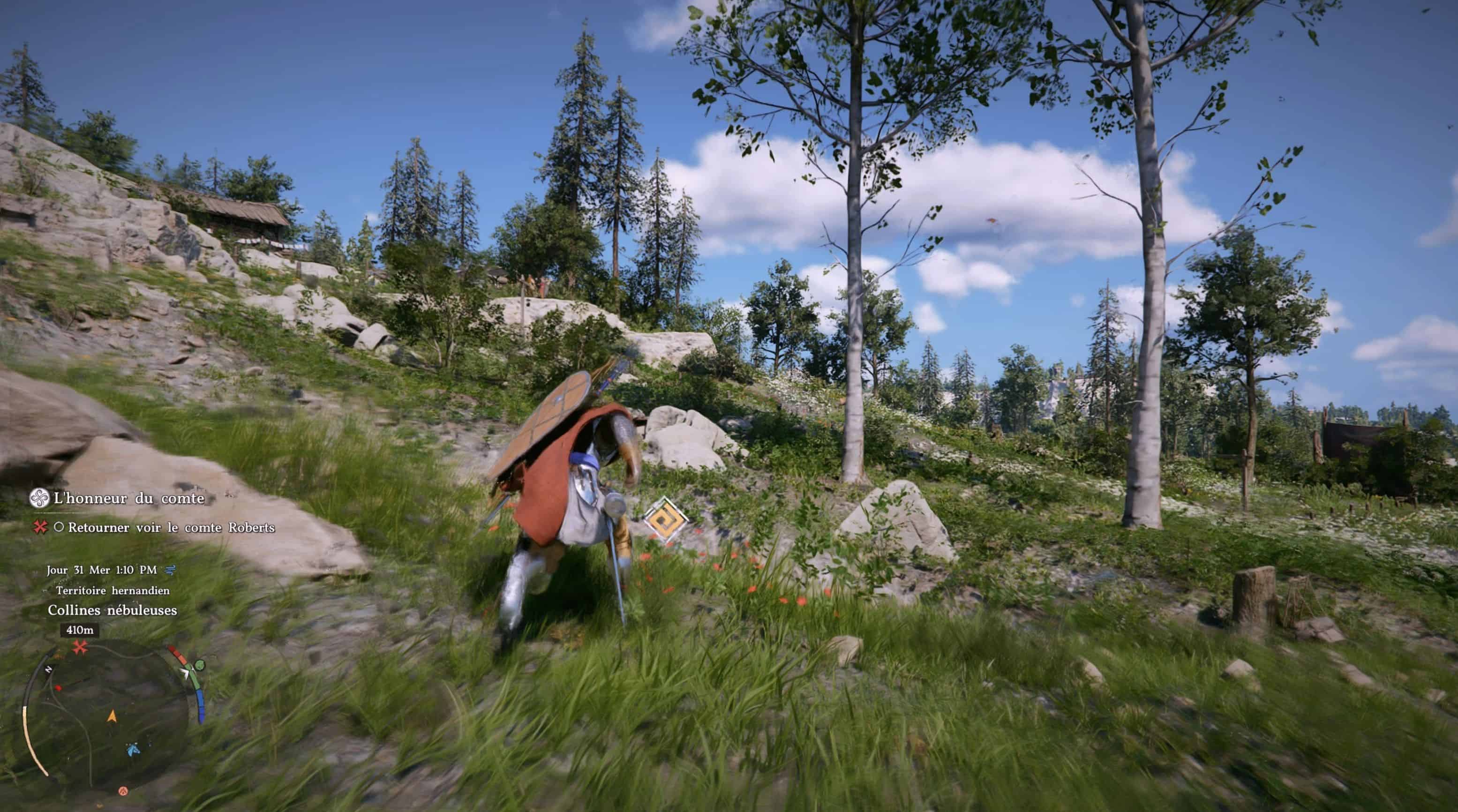
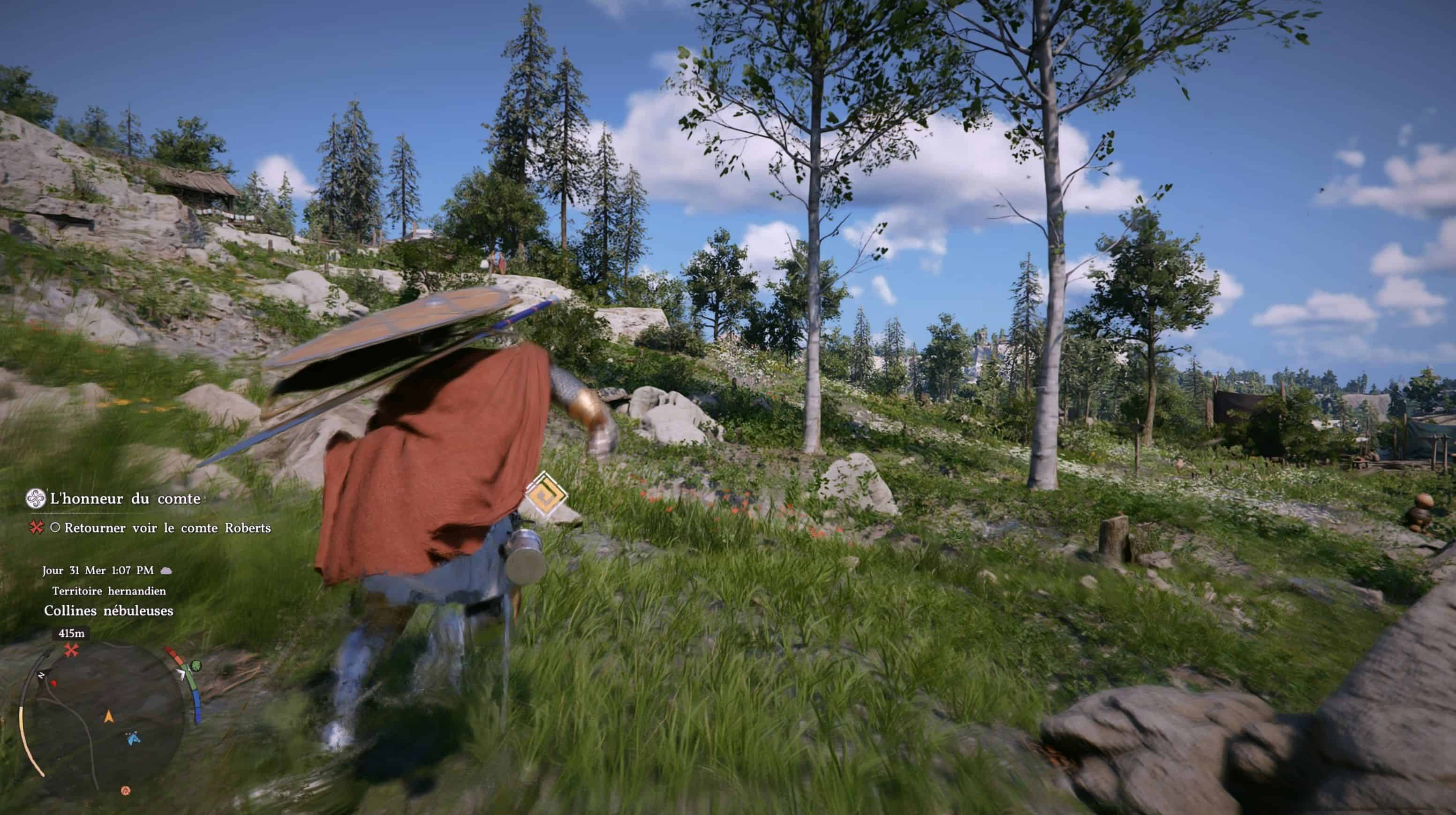
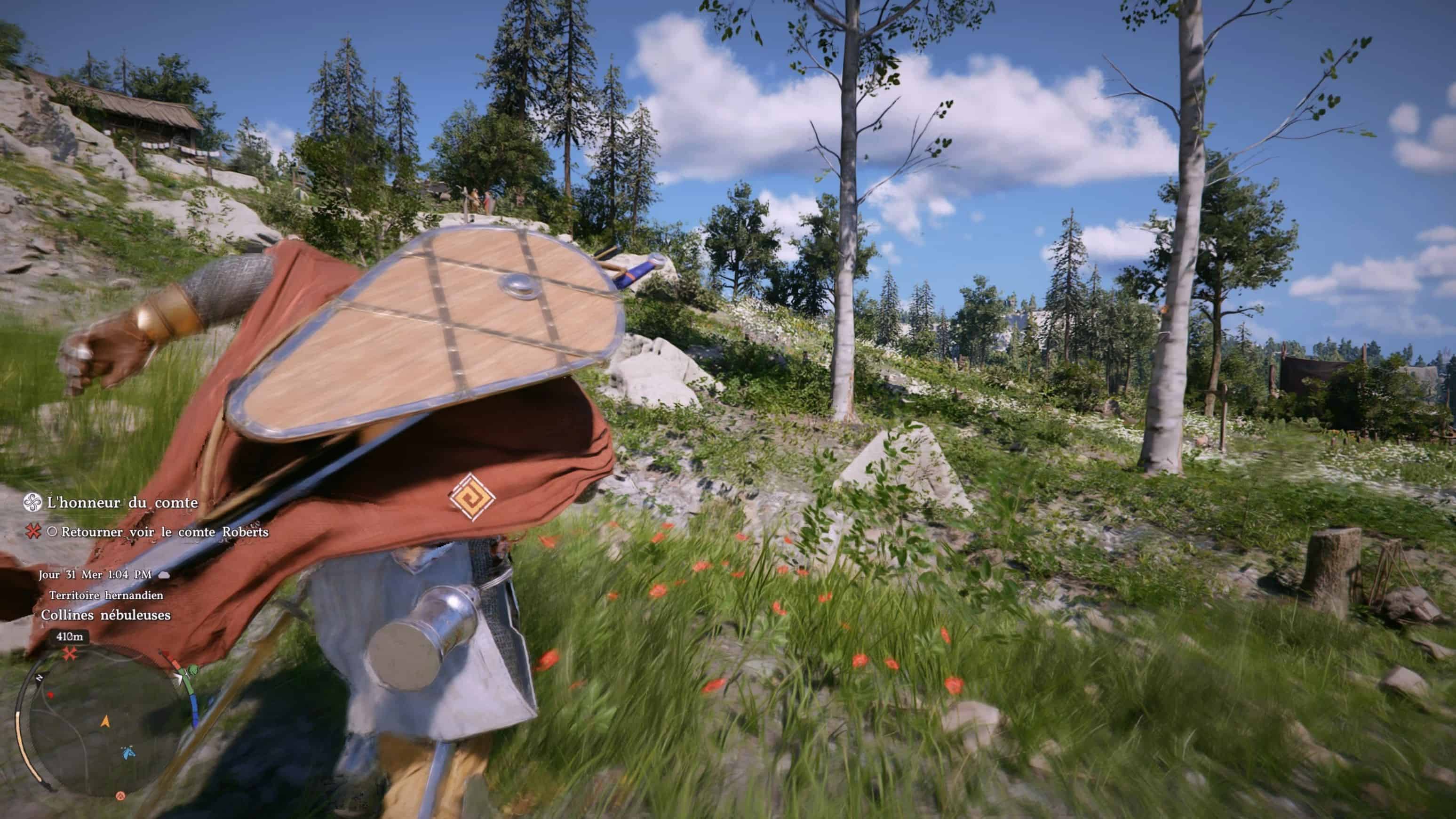
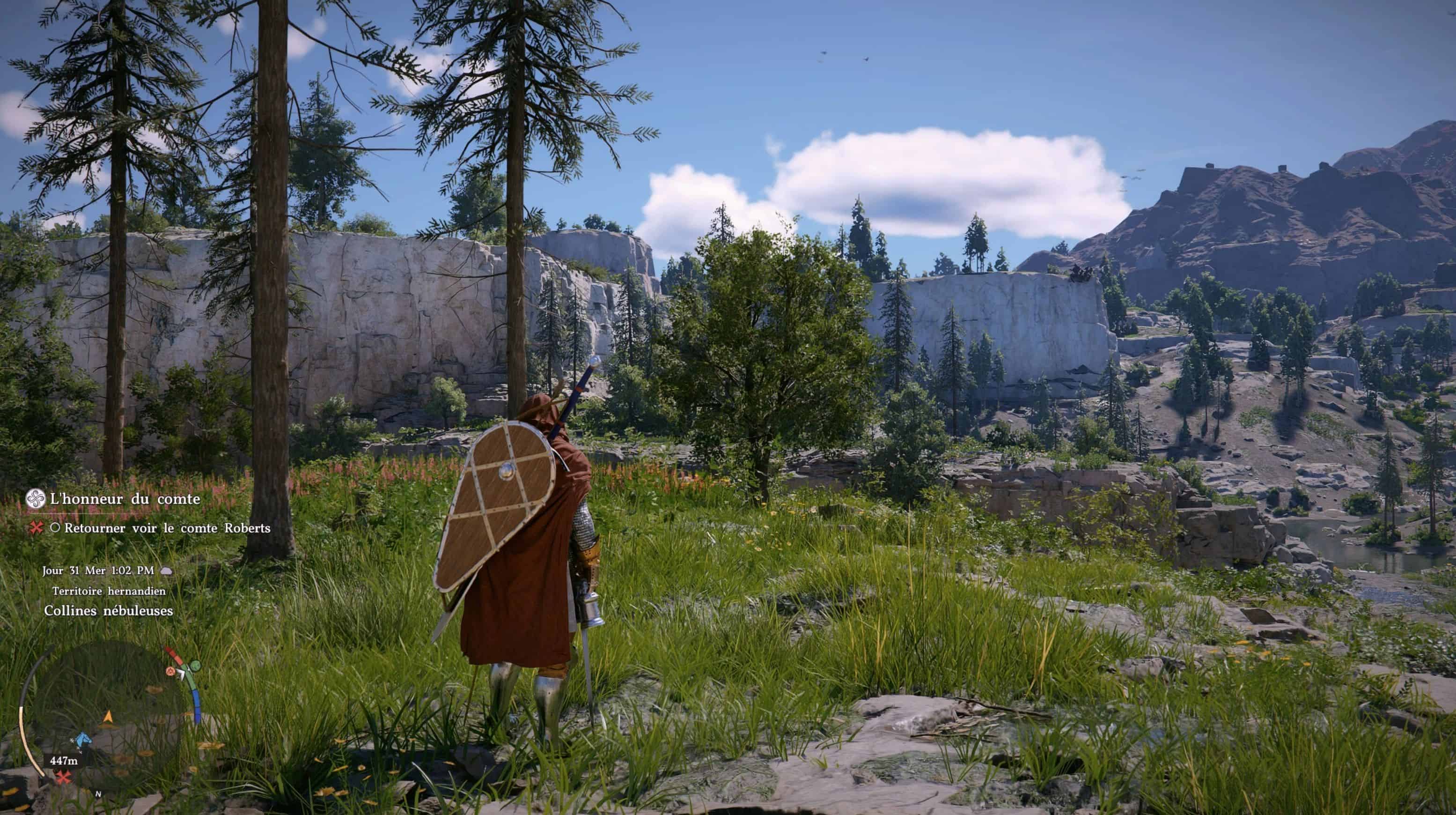
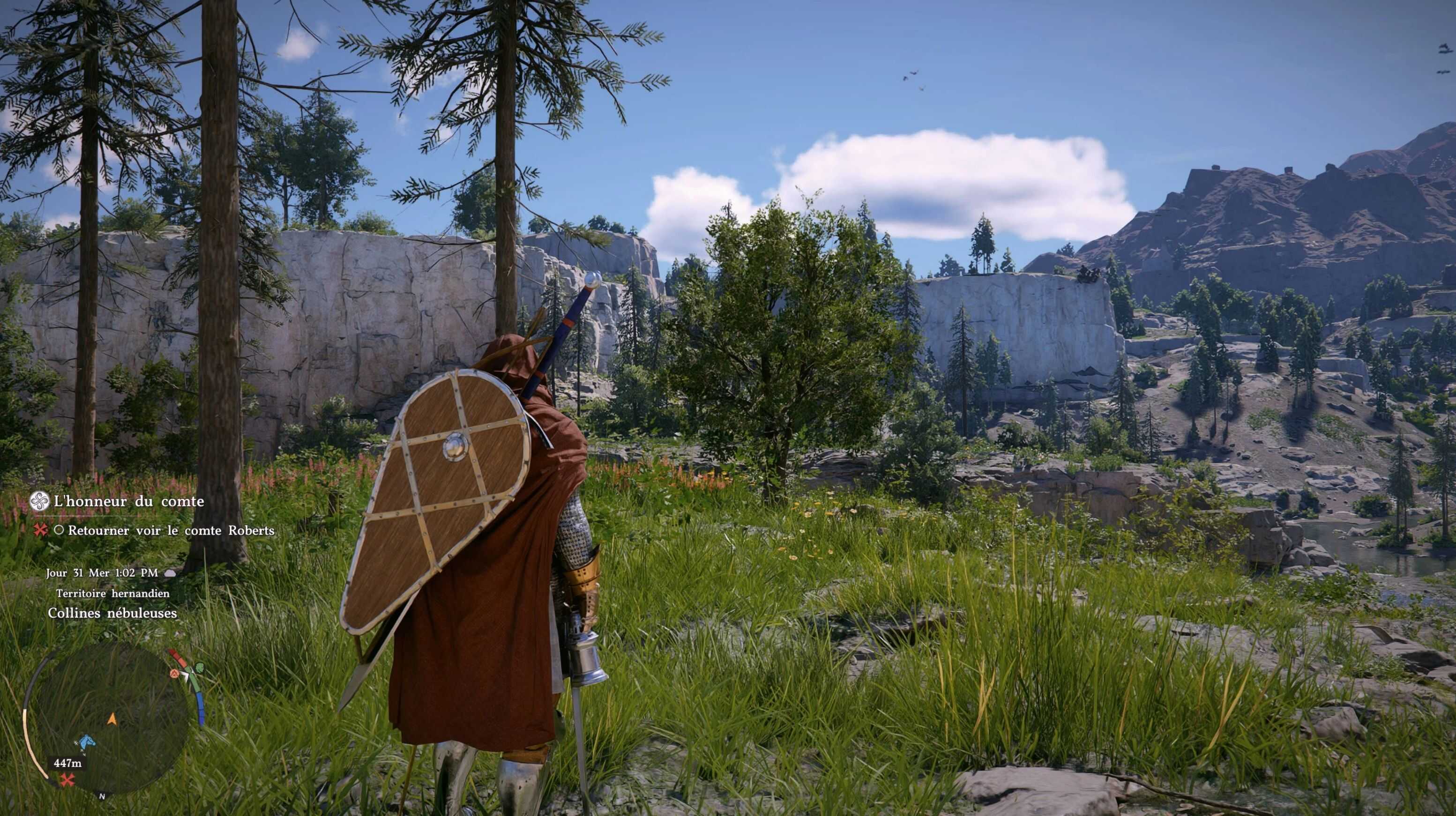
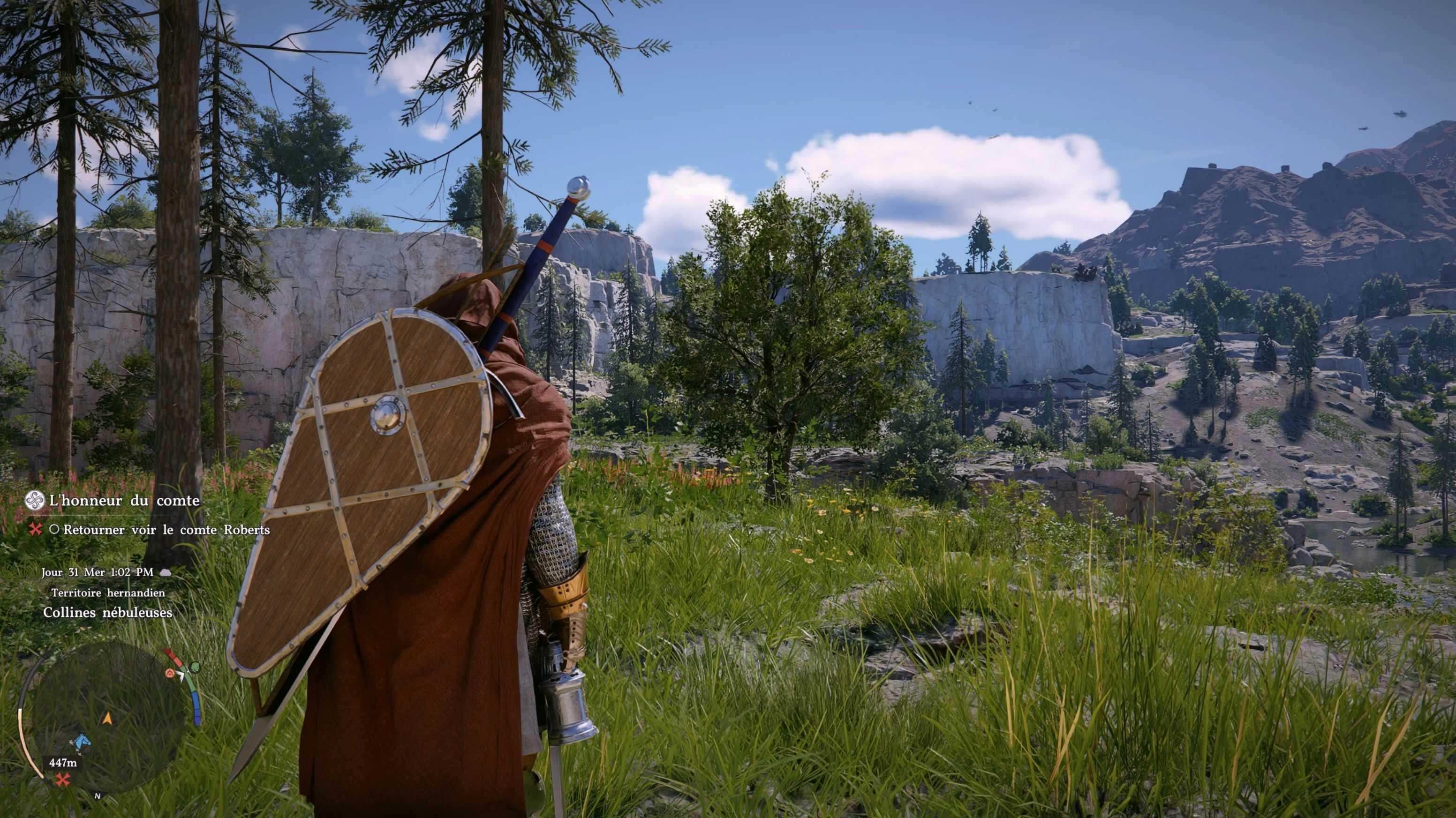
I couldn’t find a camera mod/preset i like, so i made mine.
INSTALLATION
– install the mod manager (link in Requirements)
– extract the “Shoulder Camera” folder in “…(crimson browser mod manager folder)\mods\”
– open Crimson Browser, then open Mod Manager on the top right
– check the box for the mod if not checked
– build active mods, deploy in game, launch game, enjoy
Once your mods are installed (active mods built and deployed in game), you can just launch the game normally (through steam or else).
STANDALONE VERSION AVAILABLE!
– for those who don’t use Crimson Browser
– check optional files!
UPDATING
– extract and replace the “Shoulder Camera” folder
– open mod manager
– remove deployed mods
– rebuild active mods and deploy in game
IMPORTANT
When the game has an update, remove deployed mods before updating the game if your game has updated automatically, remove deployed mods and verify game files through steam (also remove the “bak” folder in “…\Crimson Desert\meta\”).
This is because Crimson Browser makes backups of modified files. So if you remove deployed mods after a game update, the program will revert the file with the backup from older version of the game and this breaks the game.
But keep in mind, my mod is 1 single .xml file (just text) and shouldn’t “break” after a game update. You just need to reinstall correctly.
As of version 1.6, the “Unmatched files skipped”/”No valid replacement files found across enabled mods” error has been fixed. You must remove older versions before installing the new one.
If you still have the error, follow these steps:
– open mod manager
– wait for it to build search cache
– remove deployed mods
– close the program
– reopen the program
– wait for it to build search cache again
– rebuild active mods
– deploy in game
UNINSTALLATION
– uncheck the mod or remove mod to delete it
– if you have other mods, rebuild active mods and deploy again
When the game updates, reinstall the mod (in case it doesn’t work anymore)
I simply extracted 1 file from the game archives using Crimson Desert Unpacker by Lazorr (re-extracted as of 1.6 with Crimson Browser). You can edit the .xml file to make your own preset just like i did. No need to credit me for anything.