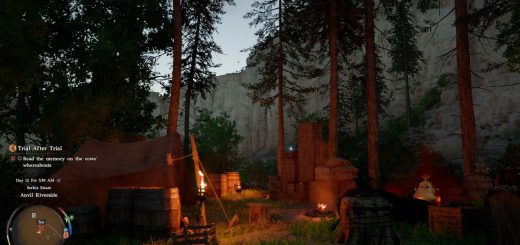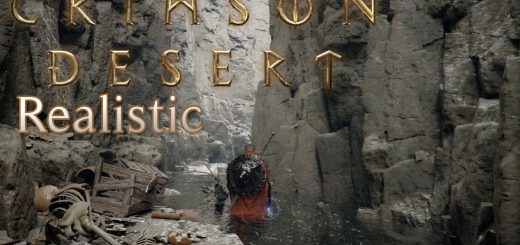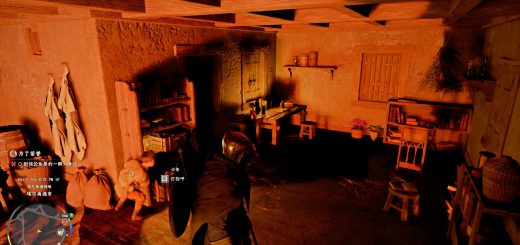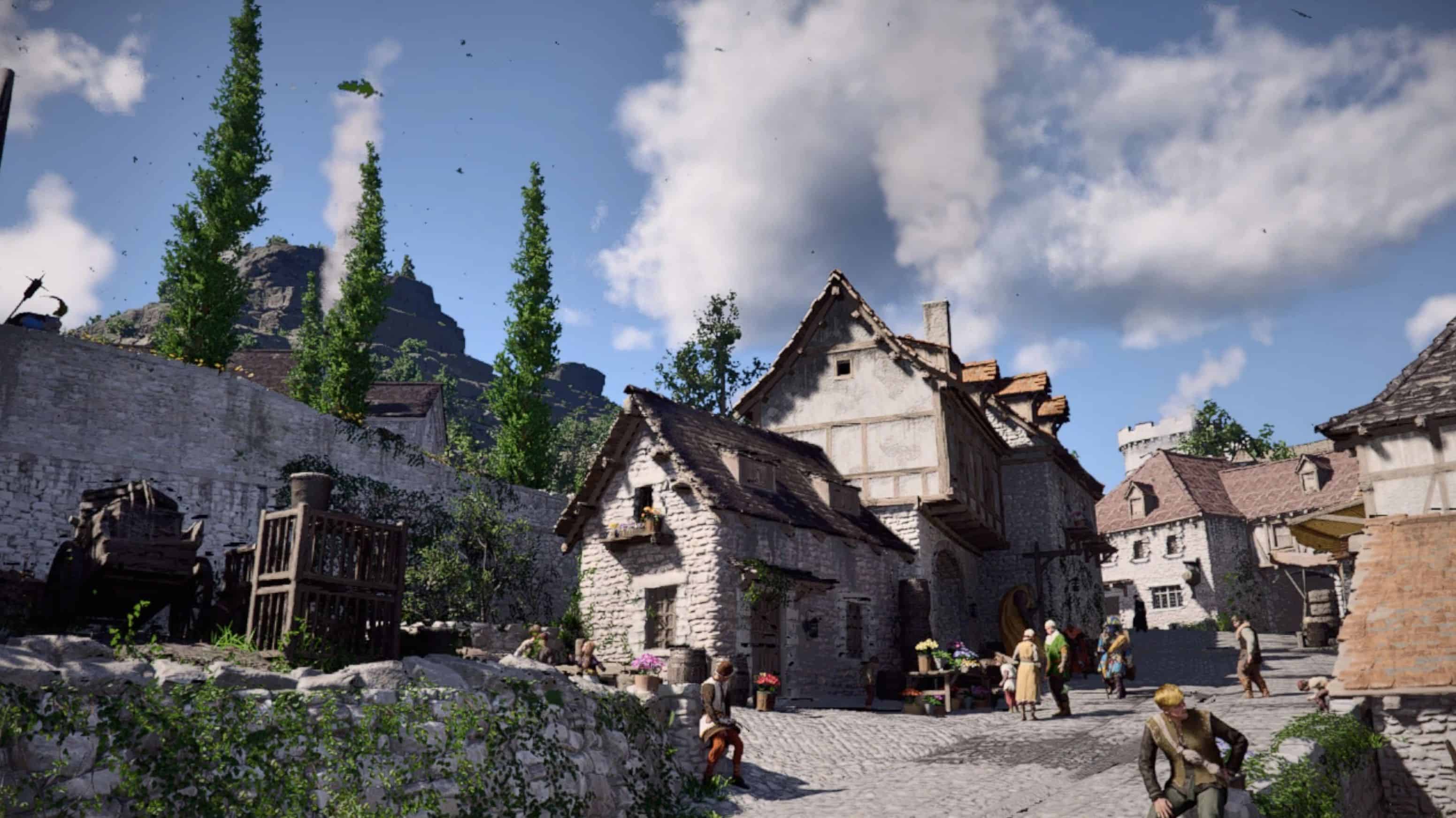
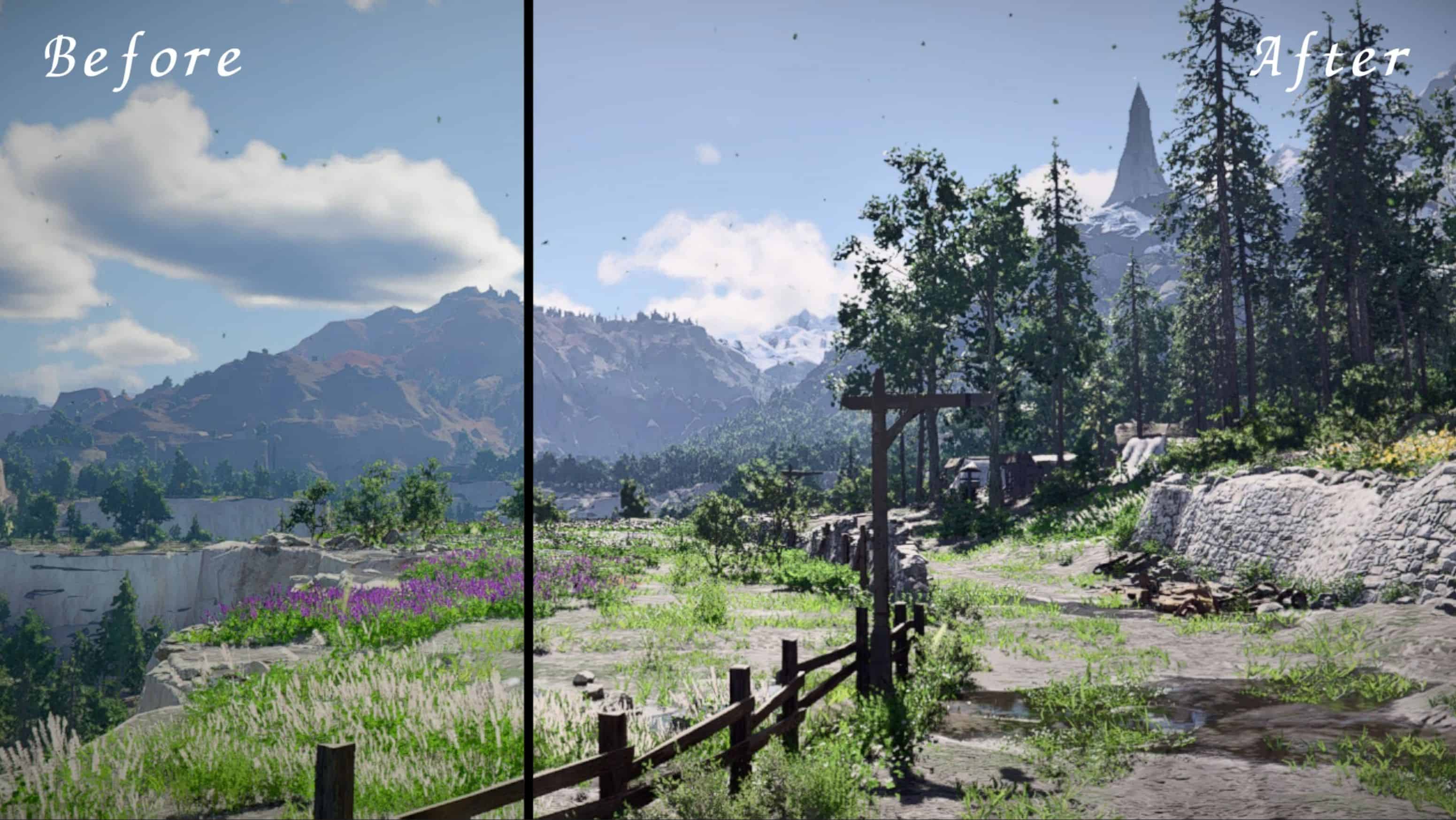
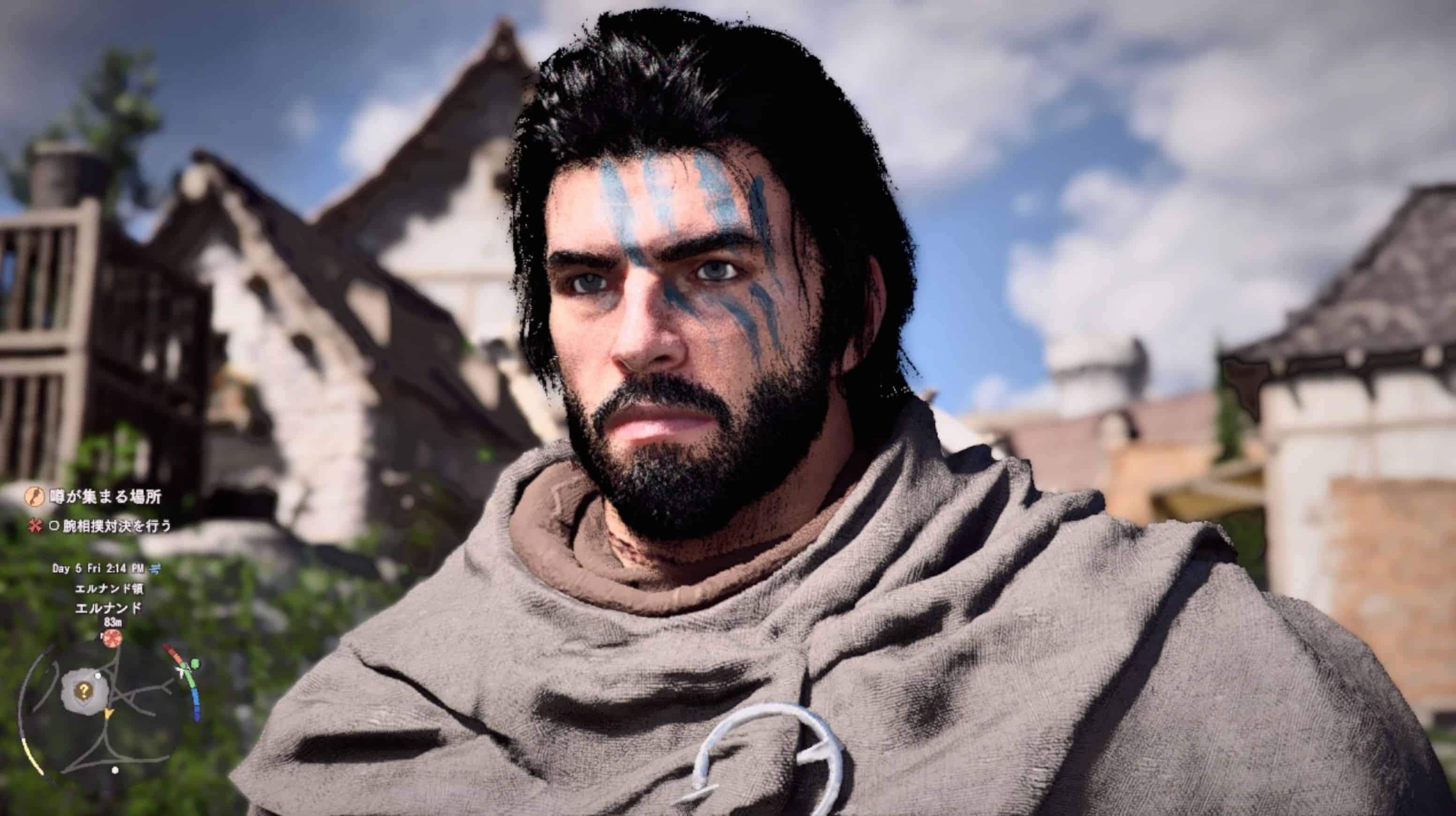
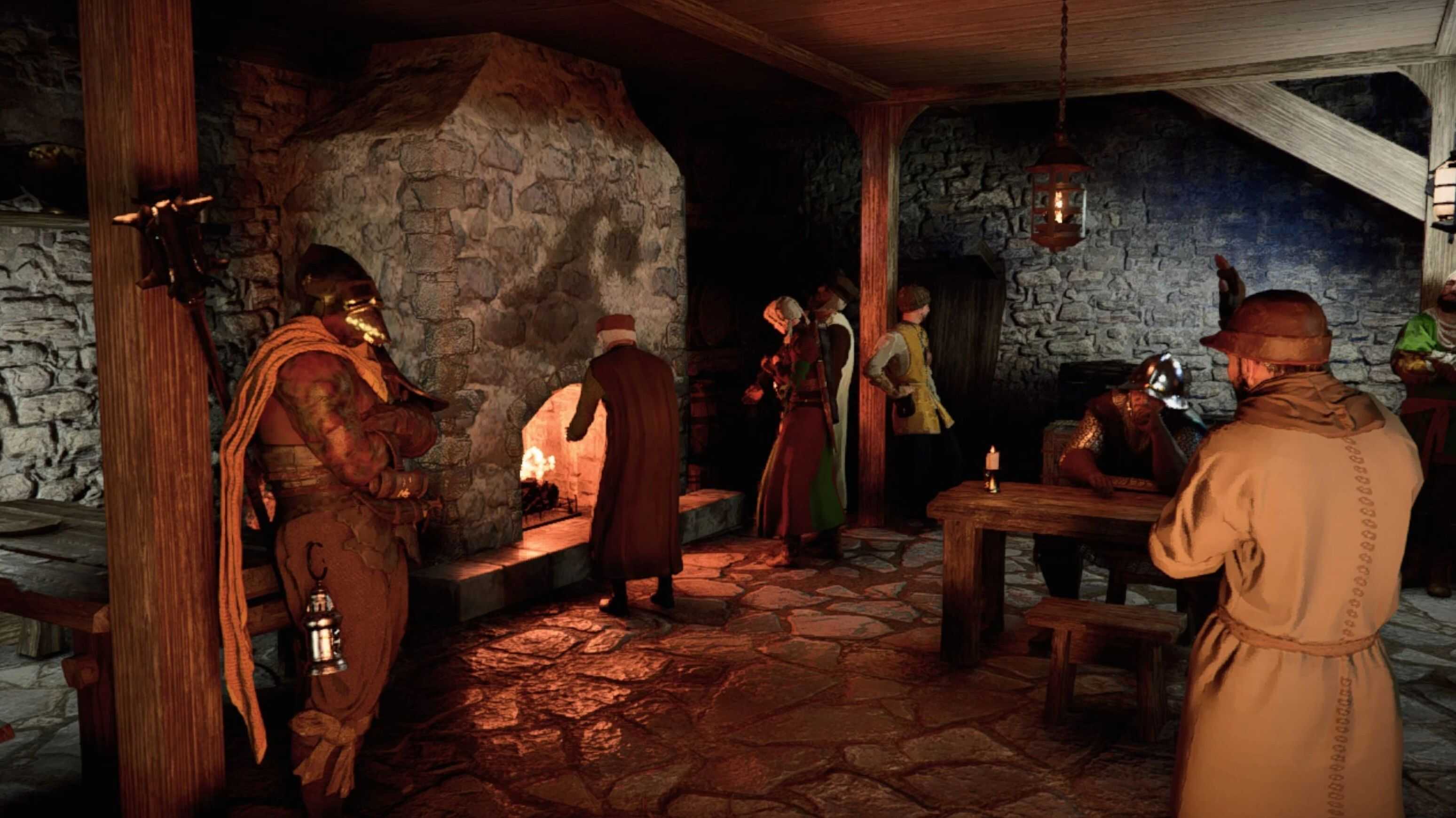
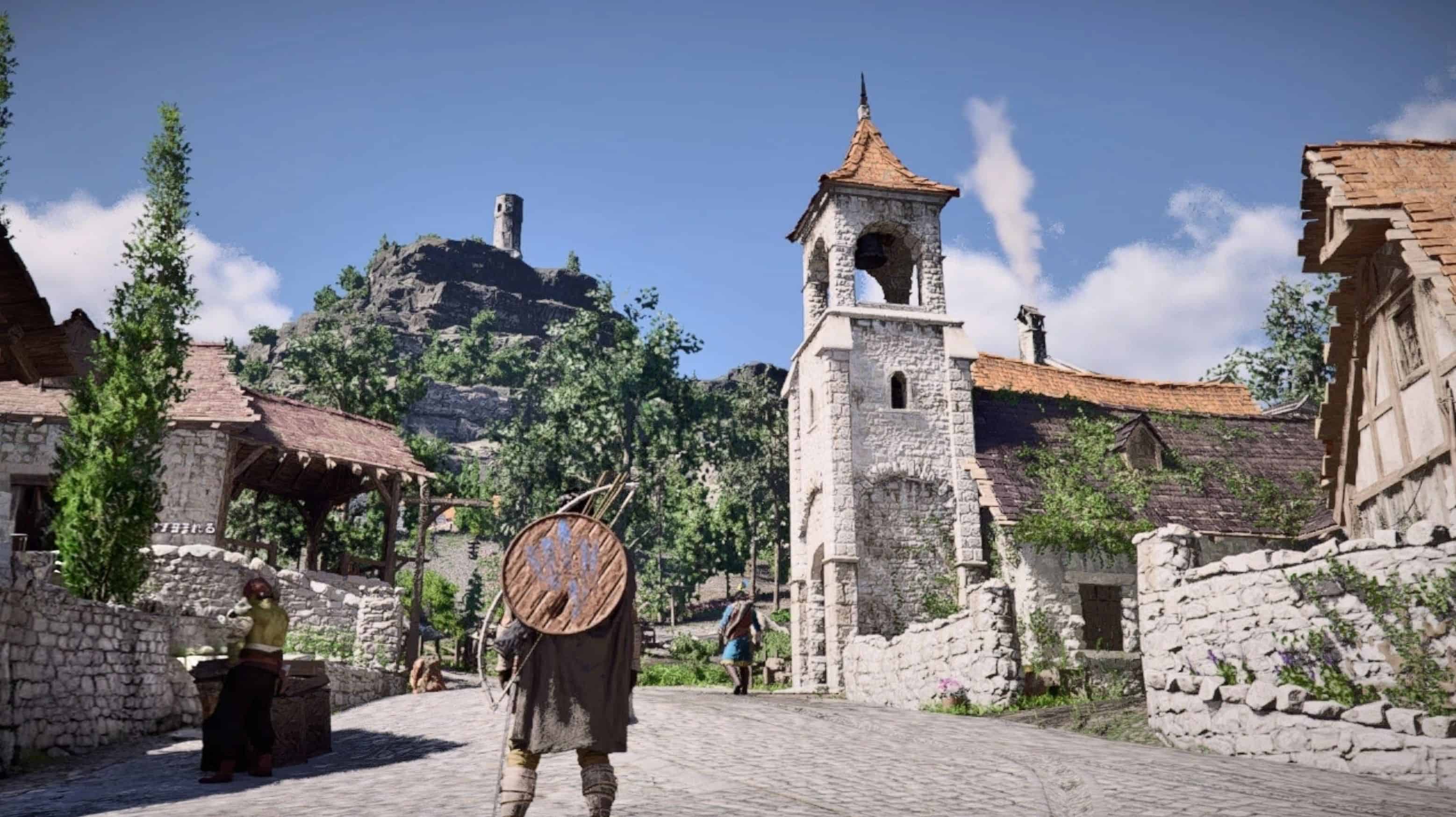
– A natural visual overhaul focused on balancing color and light.
– Reduces oversaturated greens and removes color haze for clearer, more realistic scenes.
– Improves contrast and lighting without over-sharpening or heavy effects, preserving a clean and vanilla-friendly look.
This ReShade preset focuses on correcting color balance and overall image clarity while keeping the original atmosphere intact.
The main goal is to remove excessive color tint and oversaturation—especially in greens—while restoring natural contrast and lighting.
Instead of simply lowering saturation, this preset rebalances how colors interact, allowing environmental details like terrain, vegetation, and structures to stand out more clearly.Lighting has also been adjusted to feel more defined without increasing brightness unnaturally.
Highlights are controlled to avoid washout, and midtones are slightly refined to improve depth and readability across different environments.The result is a cleaner, more natural image that enhances visibility and visual consistency without straying far from the vanilla style.Designed to work reliably across most situations without extreme changes, making it suitable for general gameplay.
nstallation1.Install ReShade for Crimson Desert (DX12)2.Place the preset .ini in the game folder3.Select it in-game via the ReShade menu.