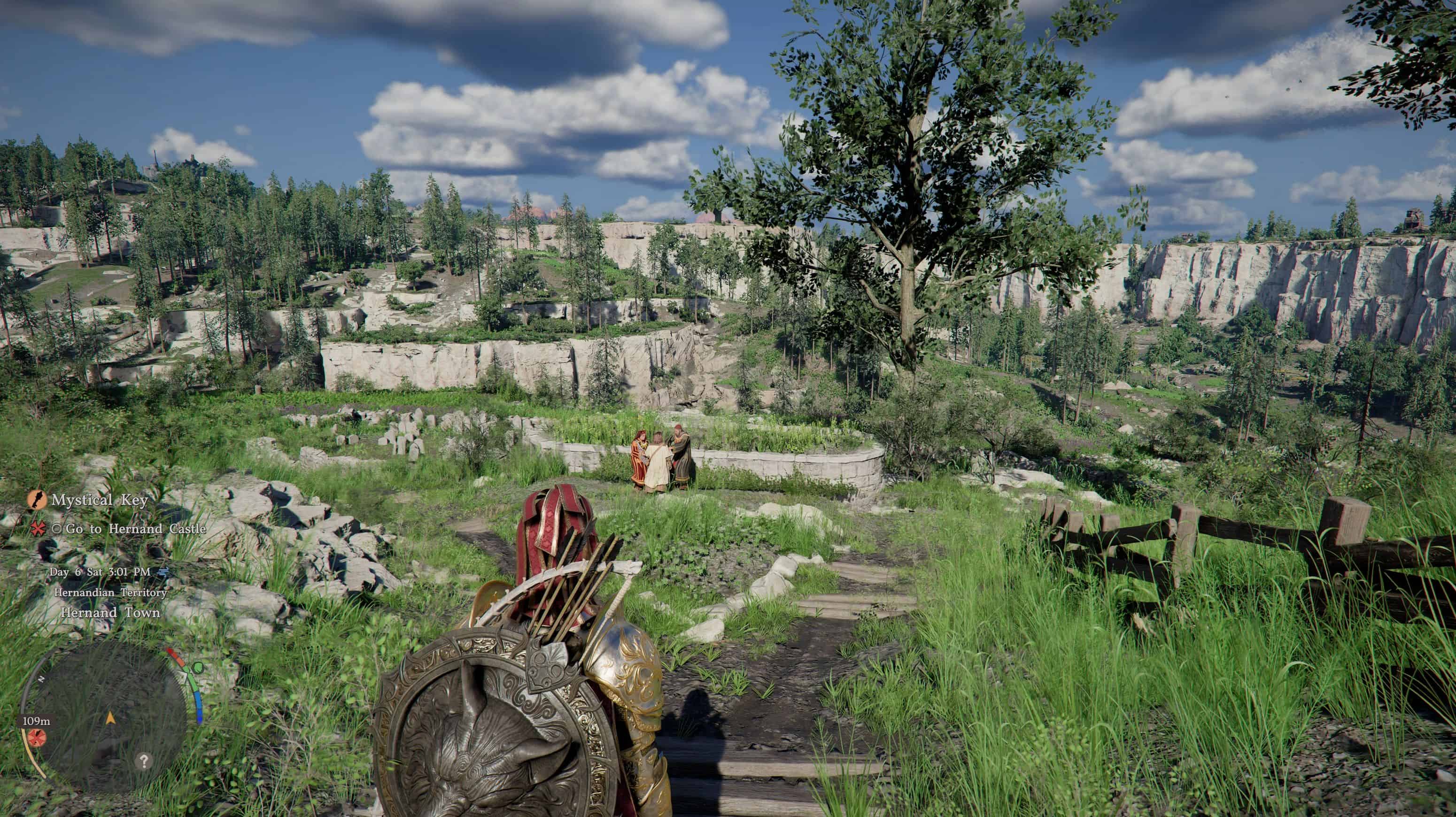
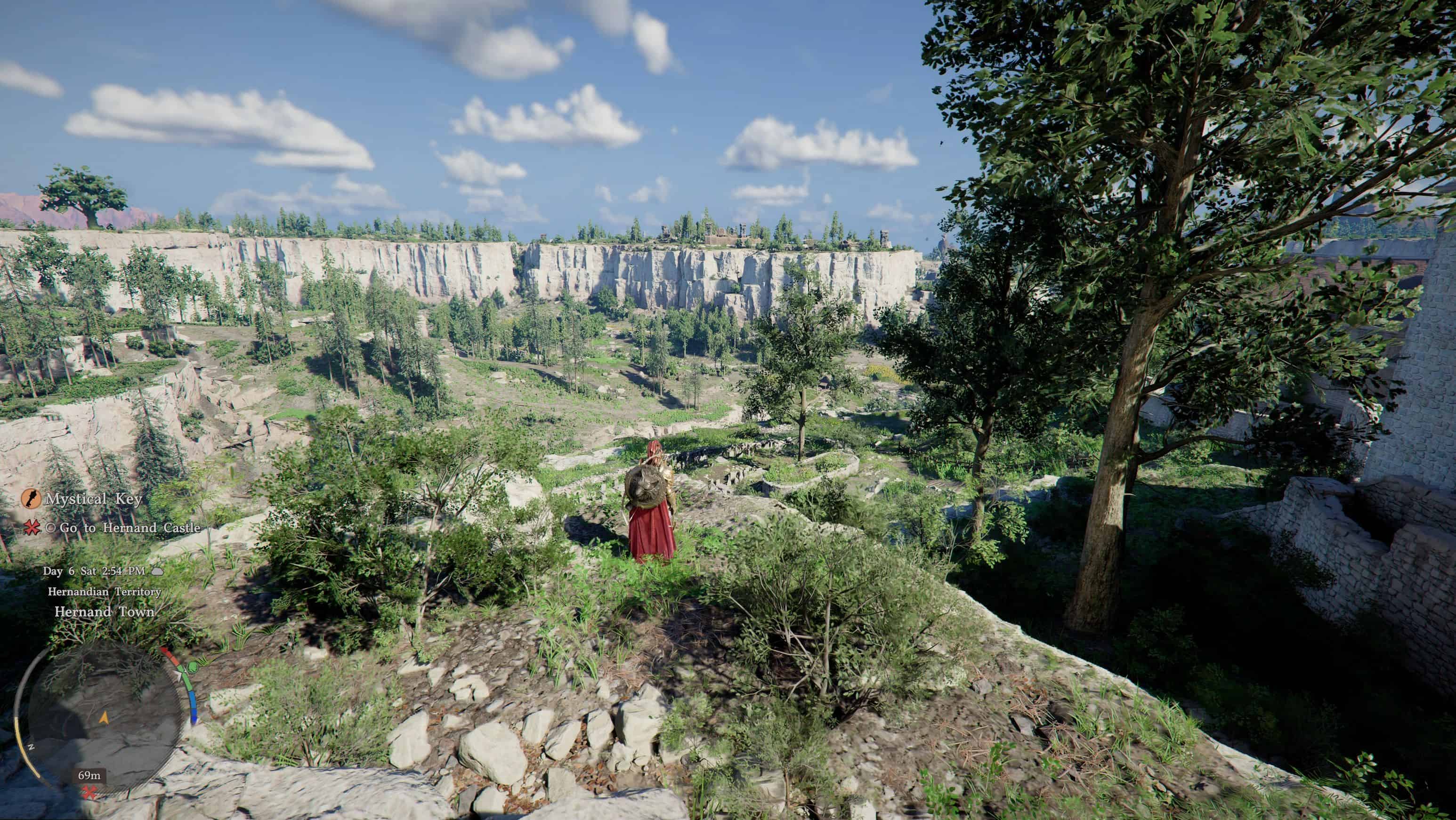
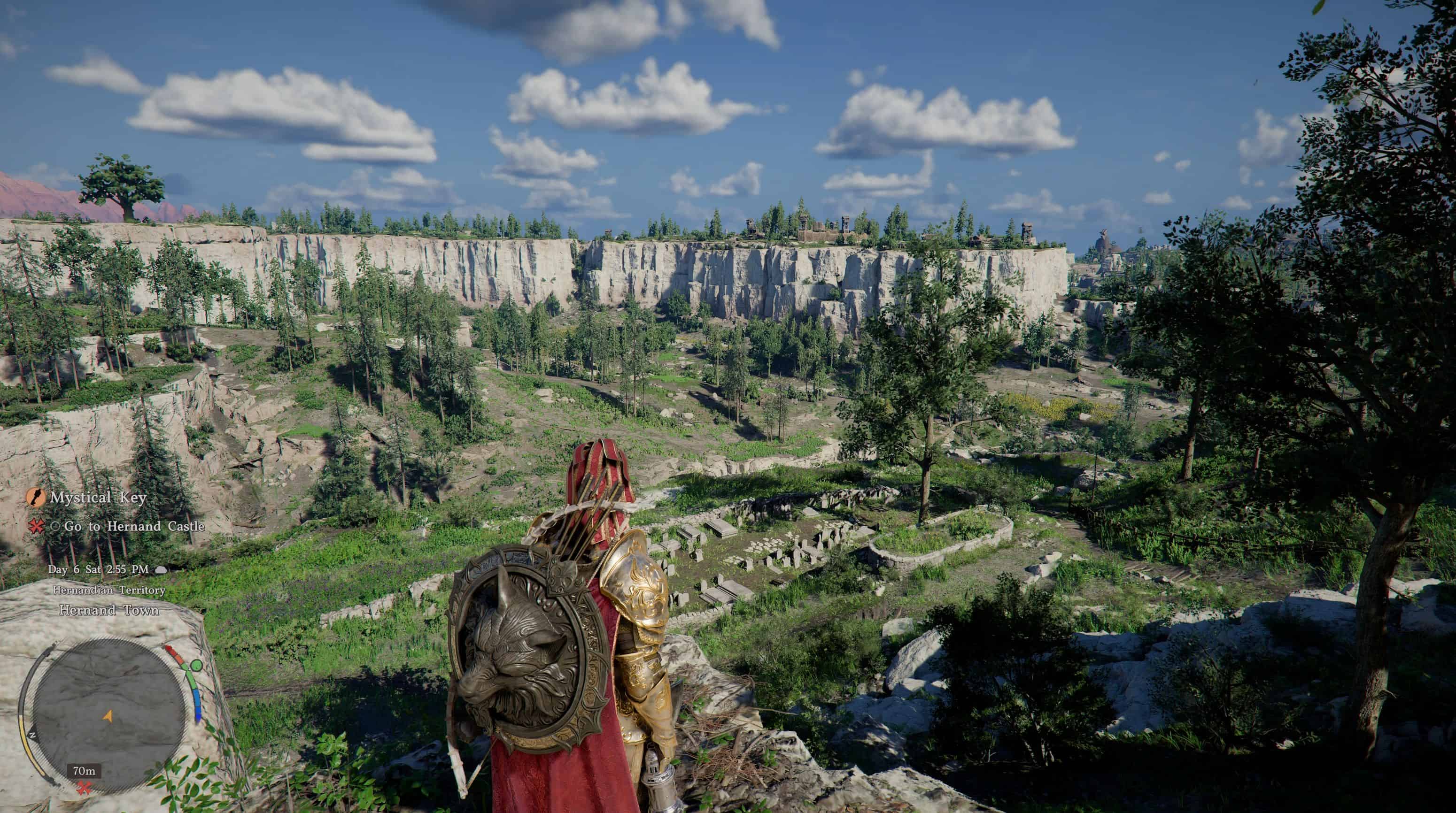
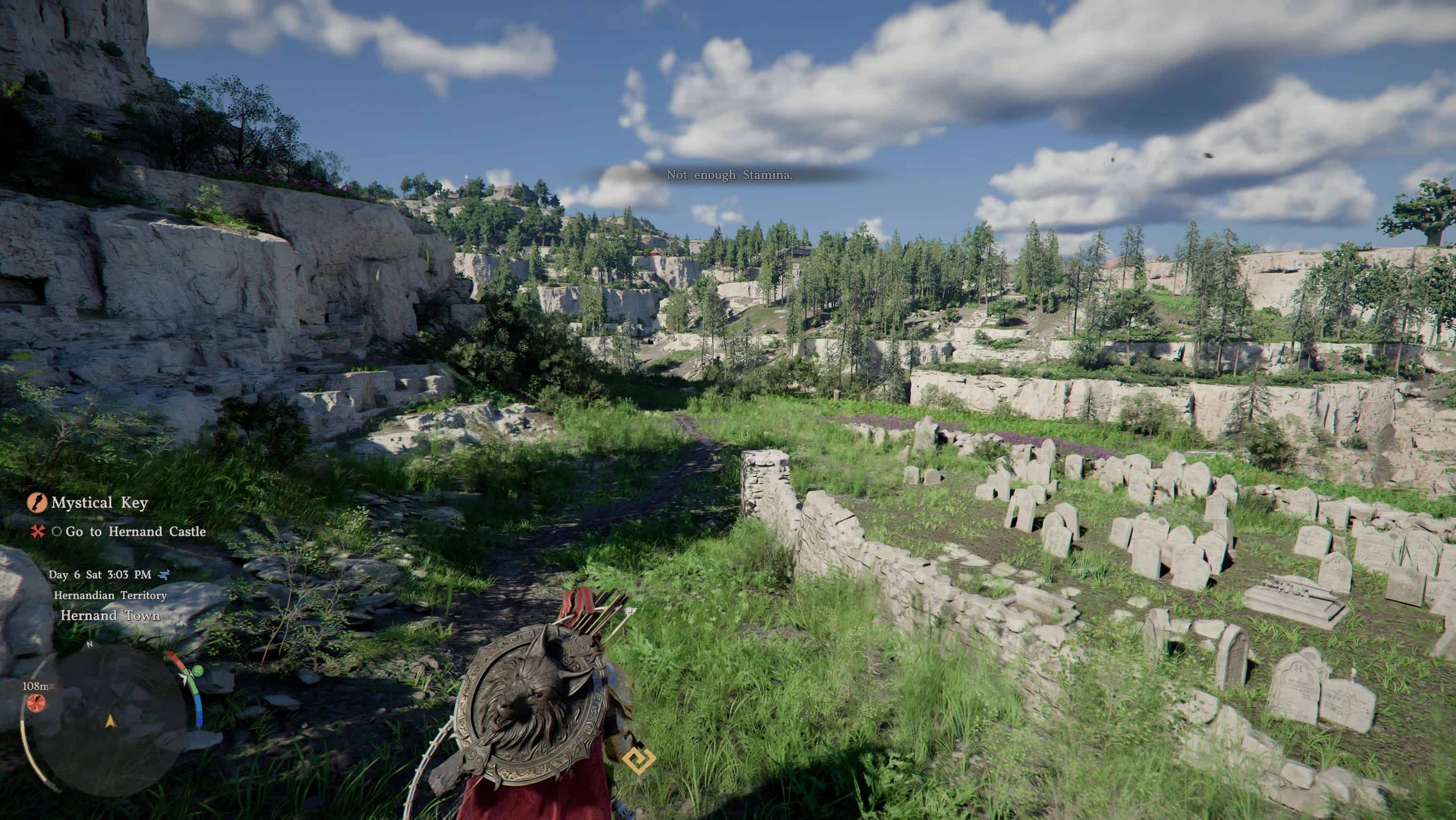
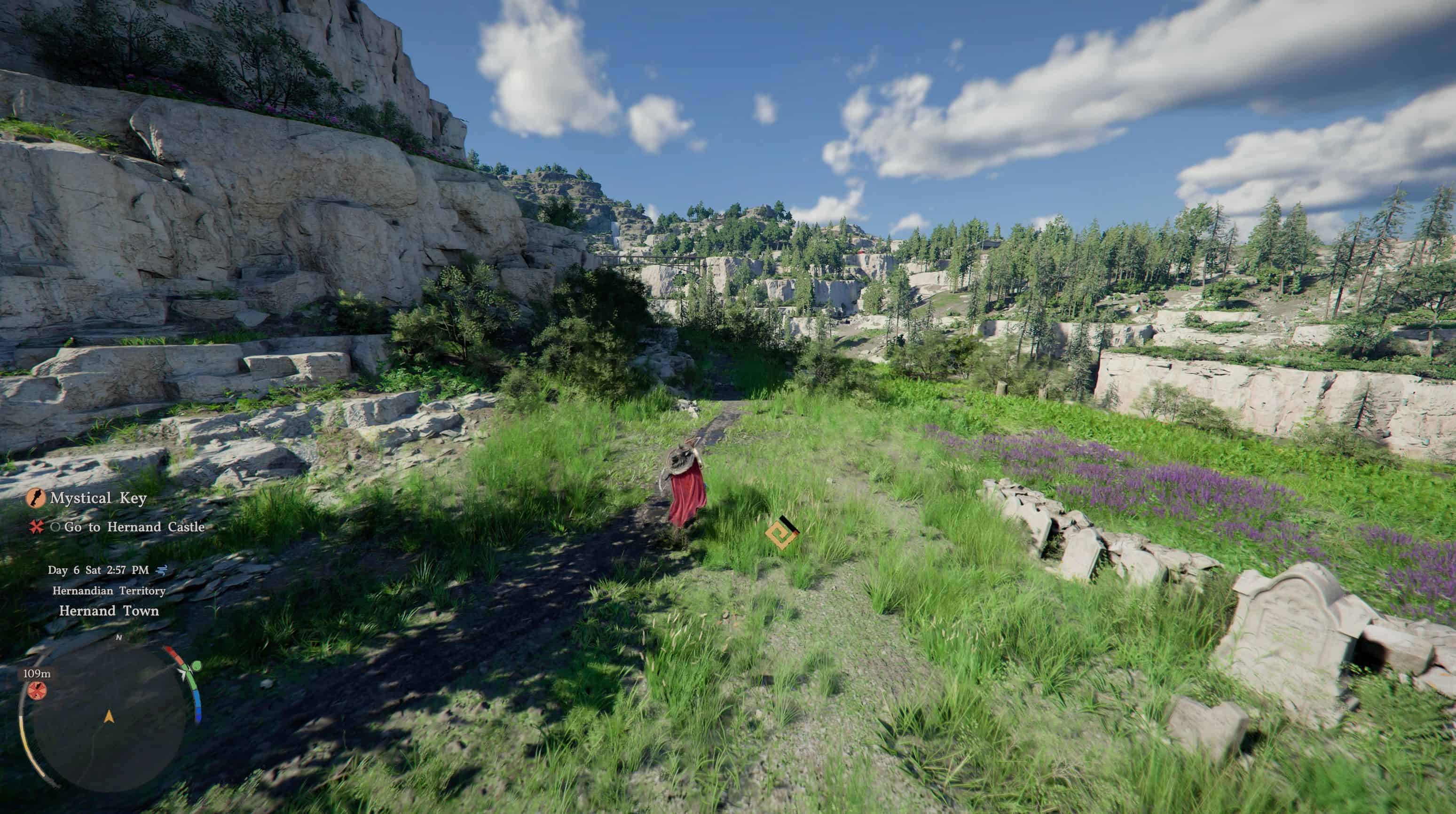
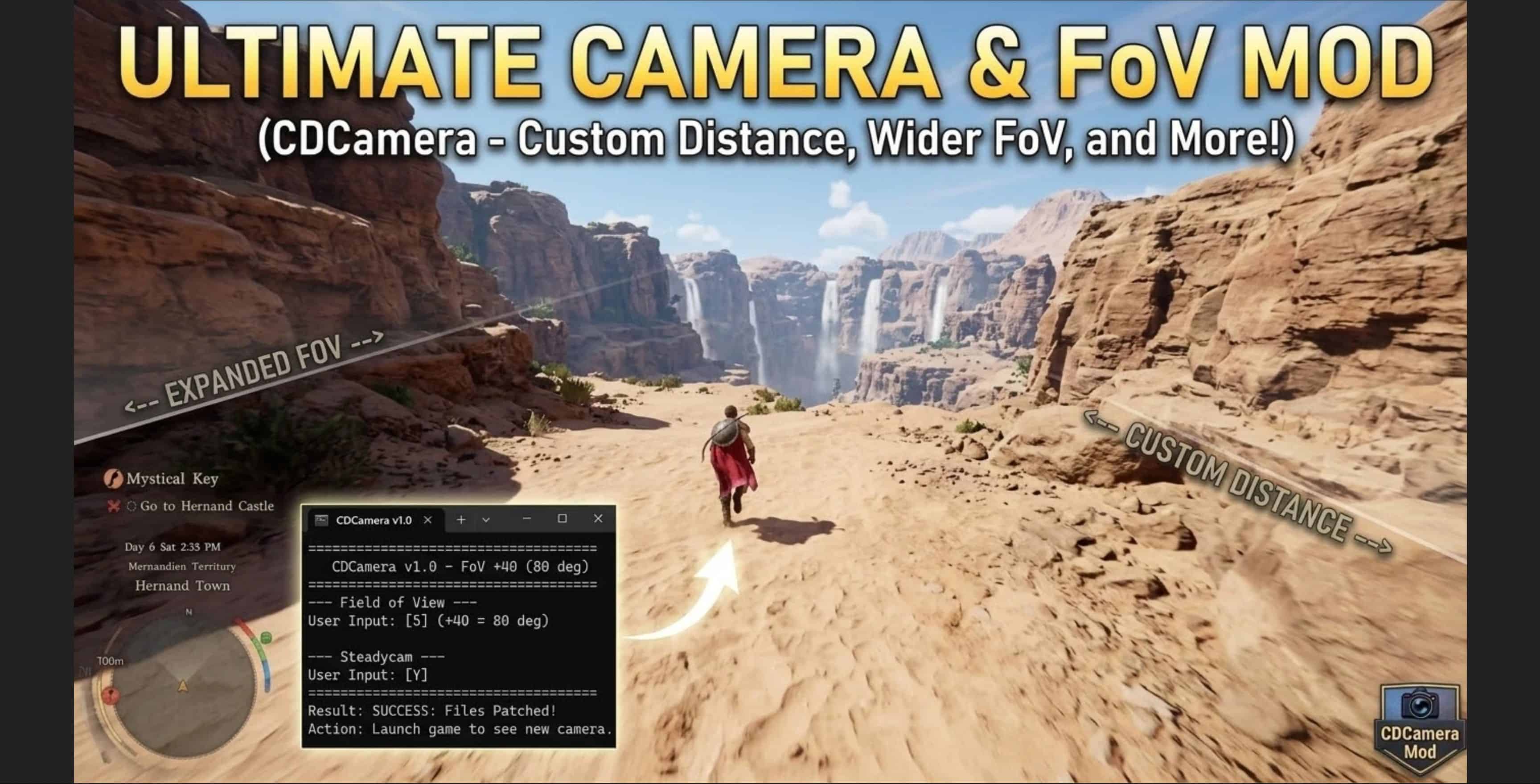
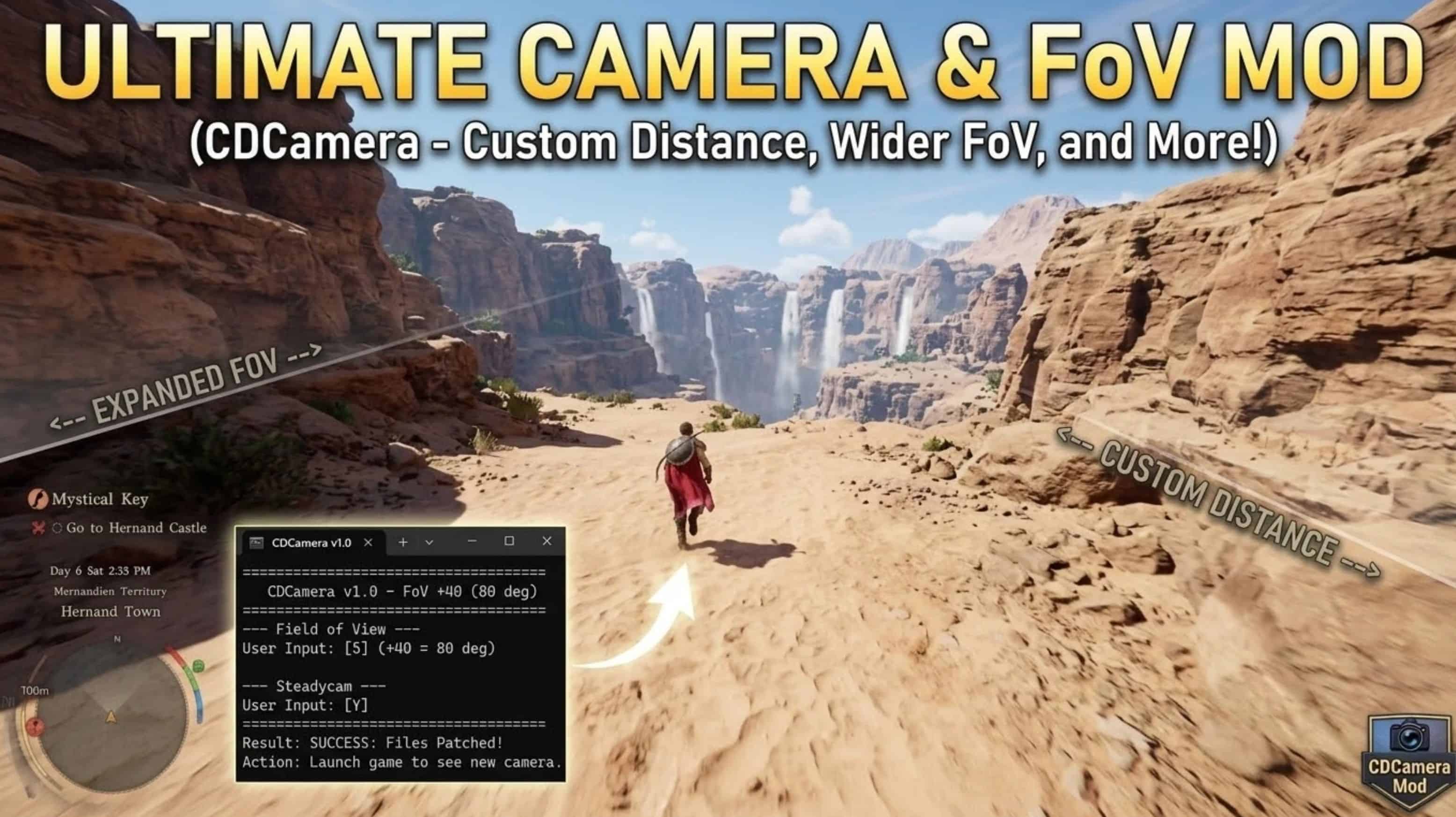
CDCamera – Camera Overhaul for Crimson Desert. Wider FoV, closer camera, and steadycam that actually stays steady. The vanilla camera has a narrow 40-degree FoV, sits too far back, and constantly zooms out and tilts when you move. CDCamera fixes all of that with a simple one-click installer. No mod loader needed.
Changelog
v1.2 (2026-03-23)
——————
GAME UPDATE FIX:
– Updated for Crimson Desert v1.3 (2026-03-23 patch)
NEW FEATURES:
– Added 3 Lower Camera presets (Witcher 3 / God of War style)
Camera sits lower, character’s chest at screen center.
Full body visible instead of just the top of the head.
STEADYCAM OVERHAUL:
– Fixed: Camera still zoomed out slightly when walking/running
Root cause: FoV changes per movement state (idle=40, walk=45,
sprint=53). Steadycam now flattens FoV to the idle value
across ALL states, eliminating the zoom effect entirely.
– Fixed: UpOffset differences between states caused vertical drift.
All movement states now use identical UpOffset values.
– Steadycam now truly locks the camera – zero movement on walk,
run, or sprint. Same position, same FoV, same angle.
OTHER FIXES:
– Uninstaller handles post-update gracefully (no confusing errors
when game update already restored original camera)
v1.1 (2026-03-23)
——————
– Fixed installer window closing instantly
– Added Xbox / Game Pass / Epic Games detection
– Added write permission check + manual path fallback
v1.0 (2026-03-23)
——————
– Initial release
FEATURES
– Field of View: Increase from 40 up to 80 degrees (6 levels)
– Camera Distance: Over-the-shoulder like RDR2/Witcher 3 (3 presets)
– Steadycam: Camera stays locked in place during all movement
– Close Zoom Lock: Closest zoom no longer resets when walking
PRESETS
– Western Camera: Close shoulder cam, like RDR2 (recommended)
– Immersive: Closest possible camera, almost first-person
– Cinematic: Pulled back with wide FoV for scenic views
– Default: Original distance, just FoV and steadycam fixes
– Every setting is individually configurable.
INSTALL
1. Extract zip anywhere
2. Close Crimson Desert
3. Double-click install.bat
4. Pick your settings
5. Play
No additional files needed.
To change: run install.bat again.
To uninstall: run uninstall.bat or verify game files