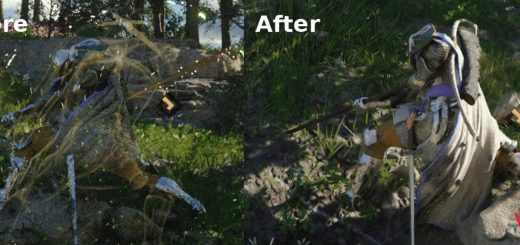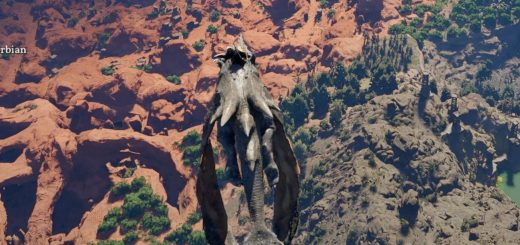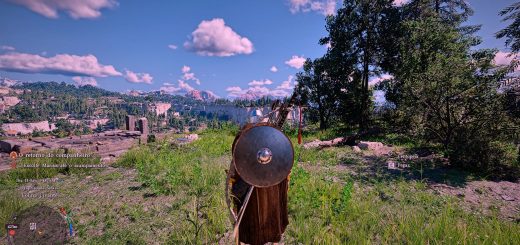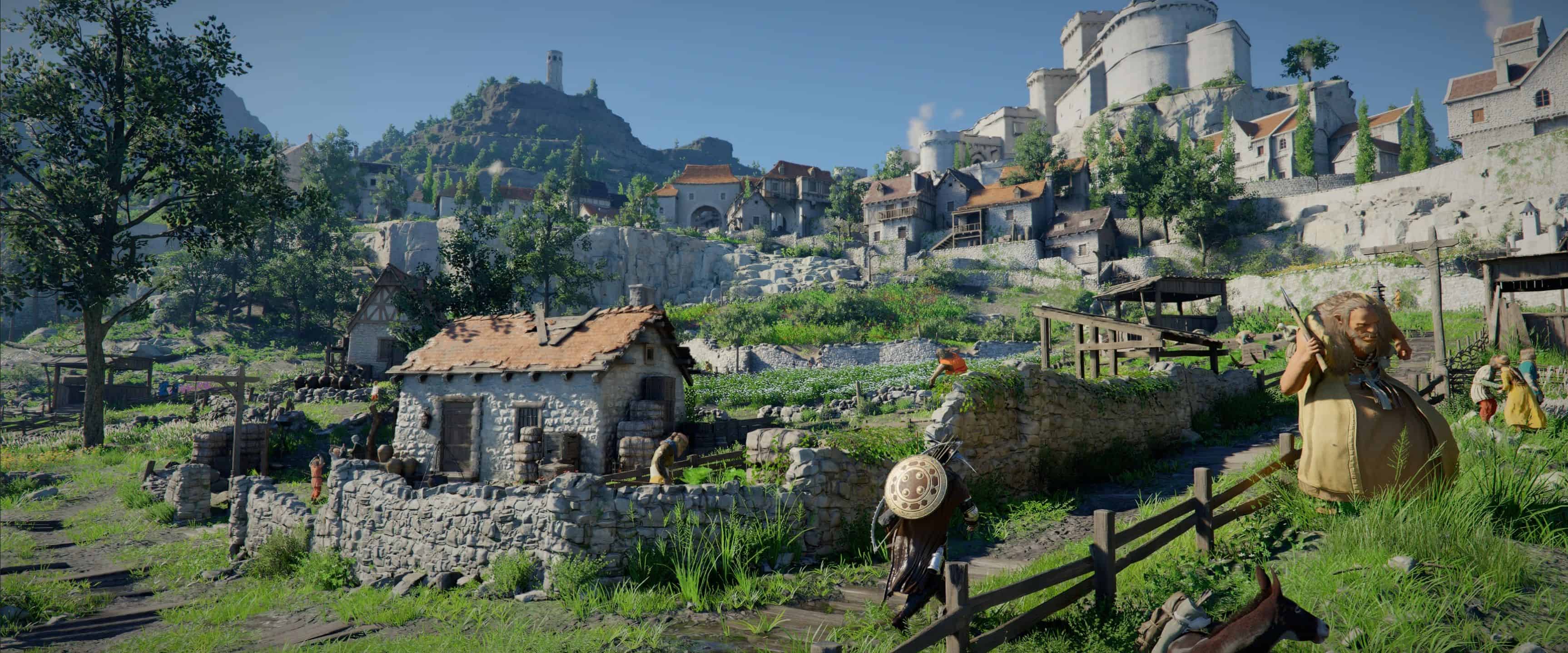
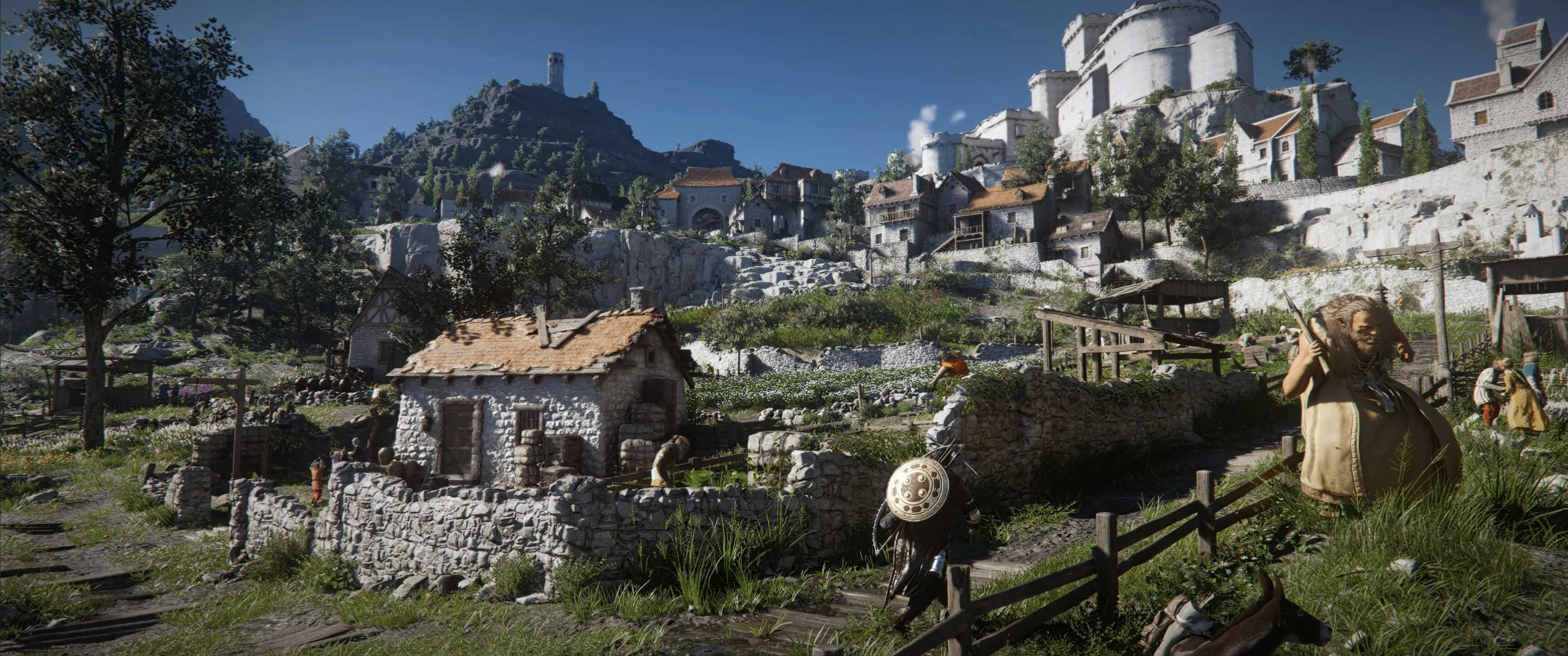
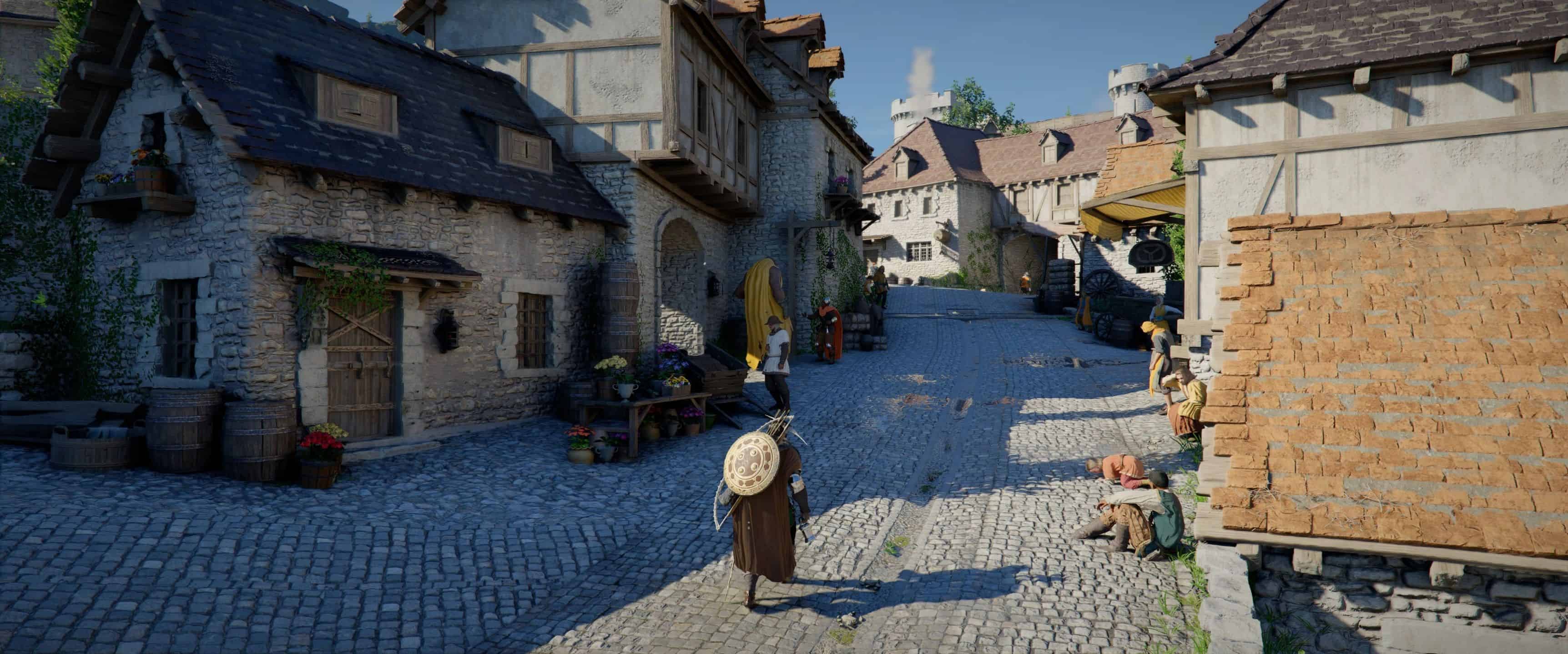
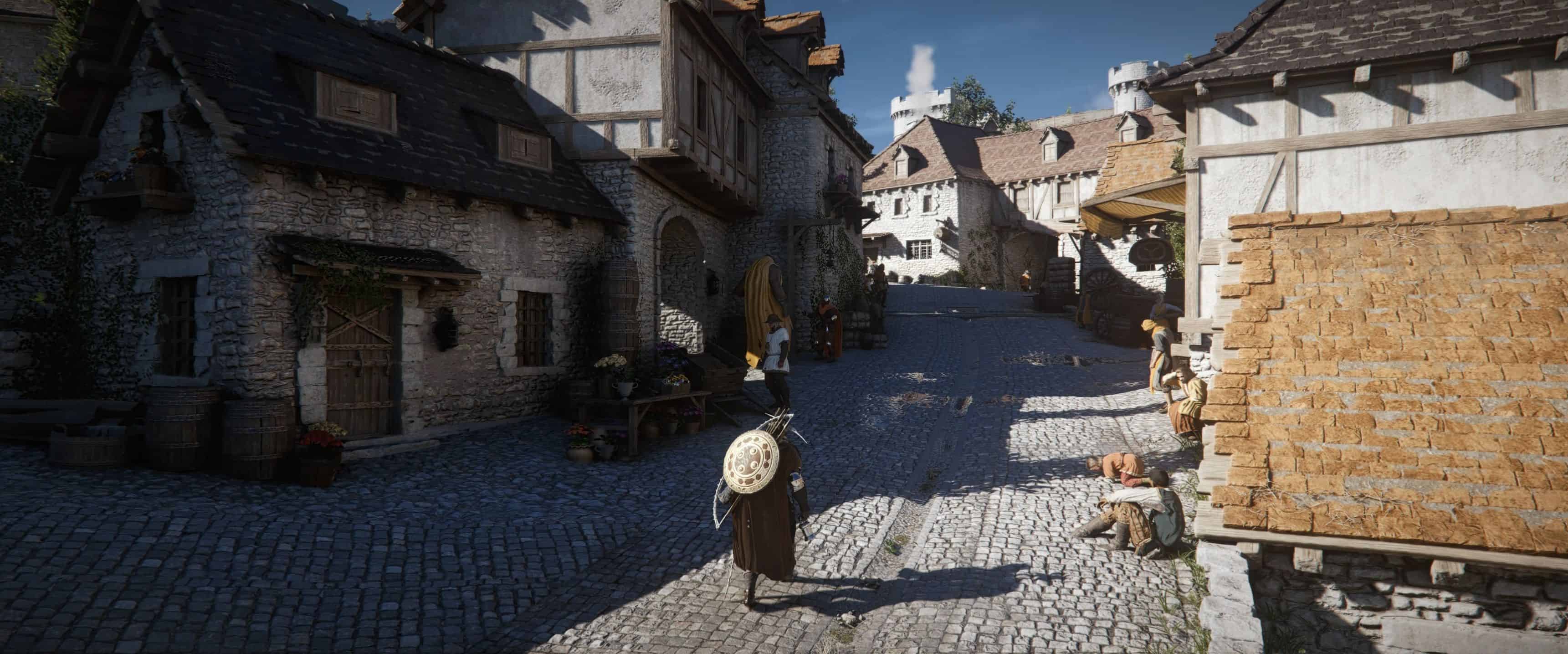
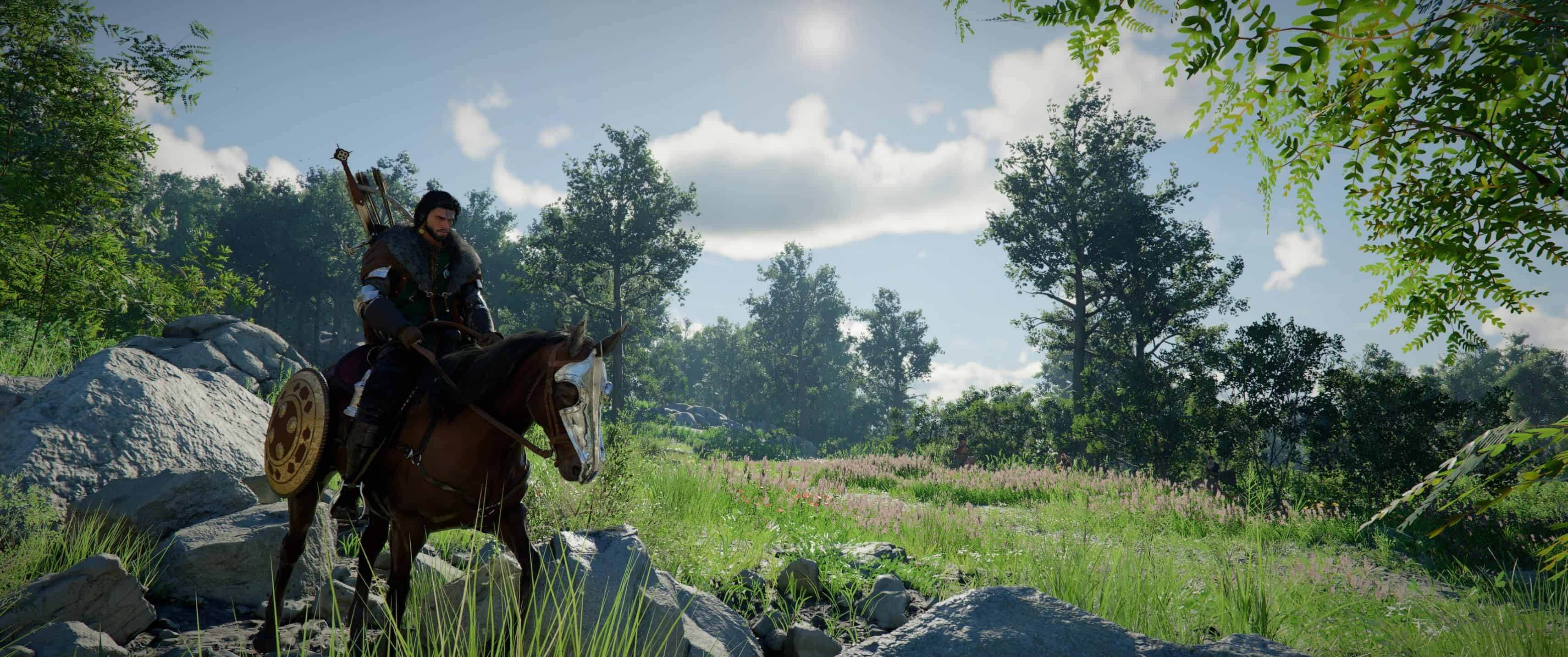
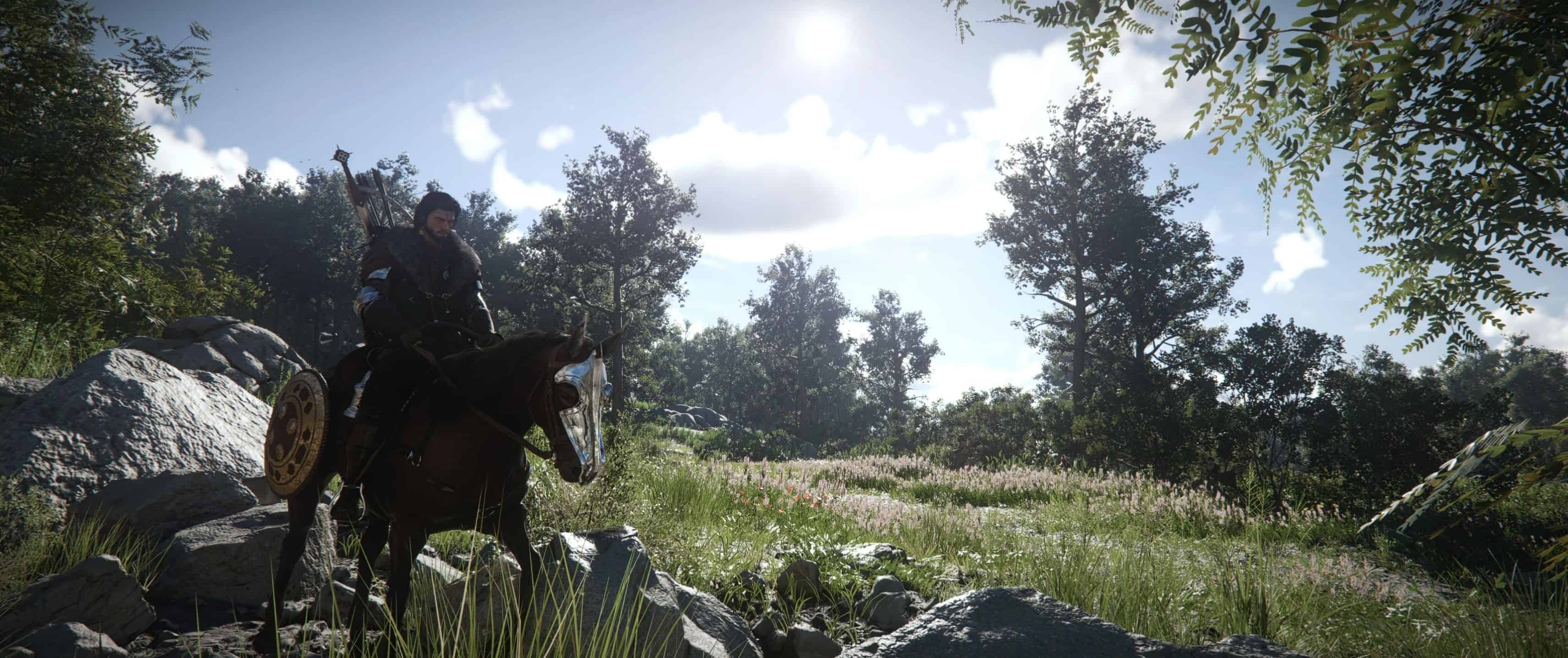
Verdant Ember reshapes the visuals into something rougher and more natural: muted colors, slightly dirty tones, and an atmosphere that feels like an early morning in a remote village — smoke in the air, damp الأرض under your feet.
– Verdant Ember – ReShade Overhaul.
– Too clean. Too colorful. Too modern.
– Crimson Desert deserves a more grounded, medieval feel.
Verdant Ember reshapes the visuals into something rougher and more natural: muted colors, slightly dirty tones, and an atmosphere that feels like an early morning in a remote village — smoke in the air, damp الأرض under your feet. Less shine. More character.
Features
– Muted, more natural colors
– Slightly “dirty” look for authenticity
– Earthy, realistic greens
– Medieval atmosphere instead of glossy visuals
– Subtle cinematic touch without overdoing it
What this preset does? It removes the overly clean, modern look and replaces it with a more believable, rough medieval atmosphere.
Installation – Quick & Easy
– Step 1 – Get ReShade
– Download and install ReShade
– Step 2 – Select the game
– Choose the Crimson Desert exe.
– Step 3 – Choose API
– Select DirectX 11/12
– Step 4 – Install shaders
– Install ALL shaders
– Step 5 – Drop the preset
– Copy the Verdant Ember – Resahde Overhaul.ini file into the game folder bin64
– Step 6 – Activate
– Launch the game
– Press Home or POS1
– Select “Verdant Ember – ReShade Overhaul”