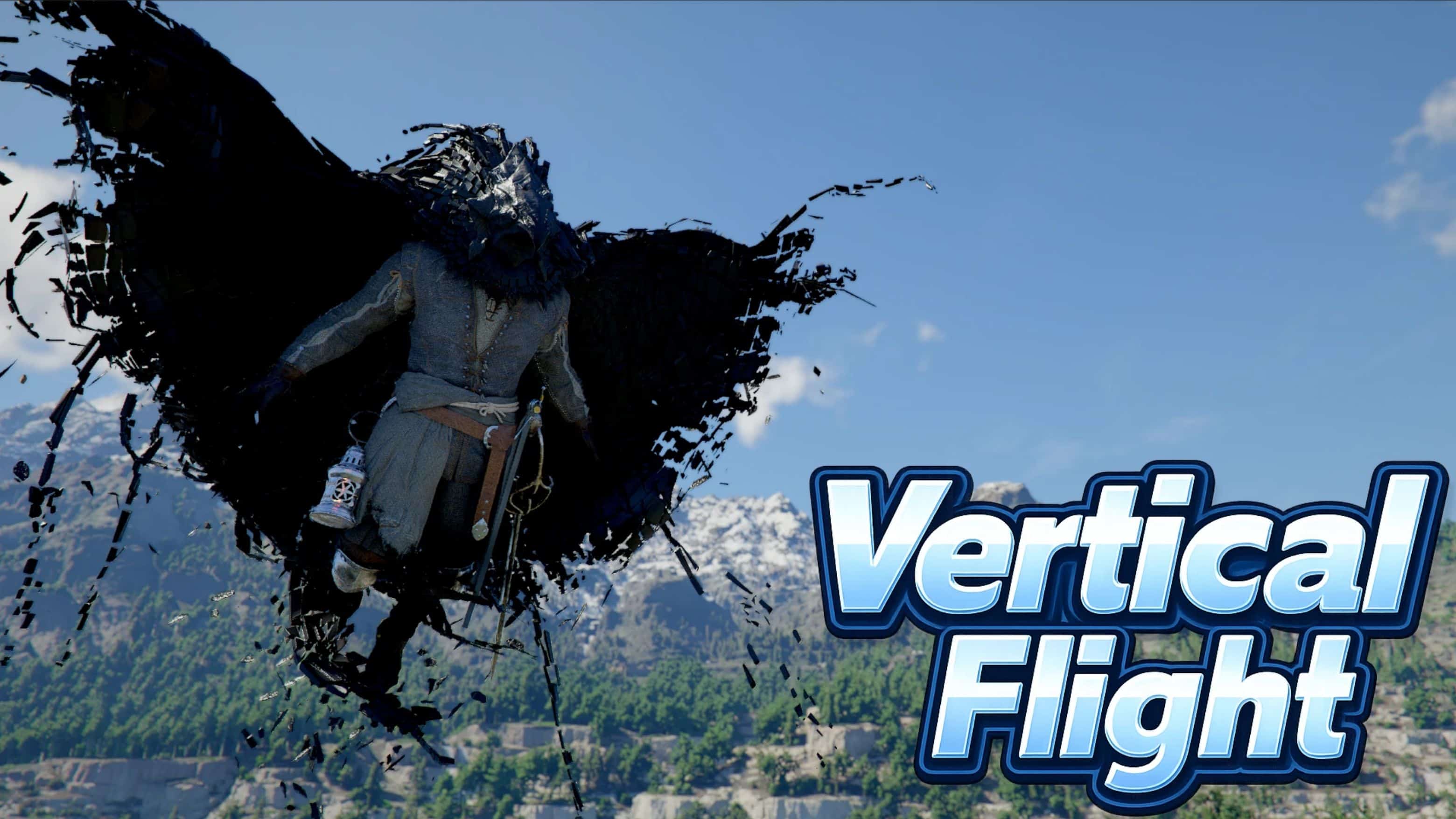
Let’s the player fly up by holding [Caps Lock] similar to Oongka’s Vertical Flight but for Kliff and Damiane as well.
Install:
1. Extract CD_VerticalFlight.asi, CD_VerticalFlight.ini, version.dll to
C:\Program Files (x86)\Steam\steamapps\common\Crimson Desert\bin64
If you already have version.dll in bin64, feel free to skip
Usage:
Hold [Caps Lock] while gliding to gain altitude
Config:
Edit CD_VerticalFlight.ini with notepad to change boost strength or key
Disclaimer:
In game settings, change Lock Target from [Caps Lock] to [`], otherwise modify the .ini file hotkey to match your preference.
Main files, extract all into \Crimson Desert\bin64
Includes support for xbox controller:
– I chose 512 as the base code but you can change
– 4096 = A
– 8192 = B
– 16384 = X
– 32768 = Y
– 256 = LB
– 512 = RB
– 64 = Left Stick Click / L3
– 128 = Right Stick Click / R3