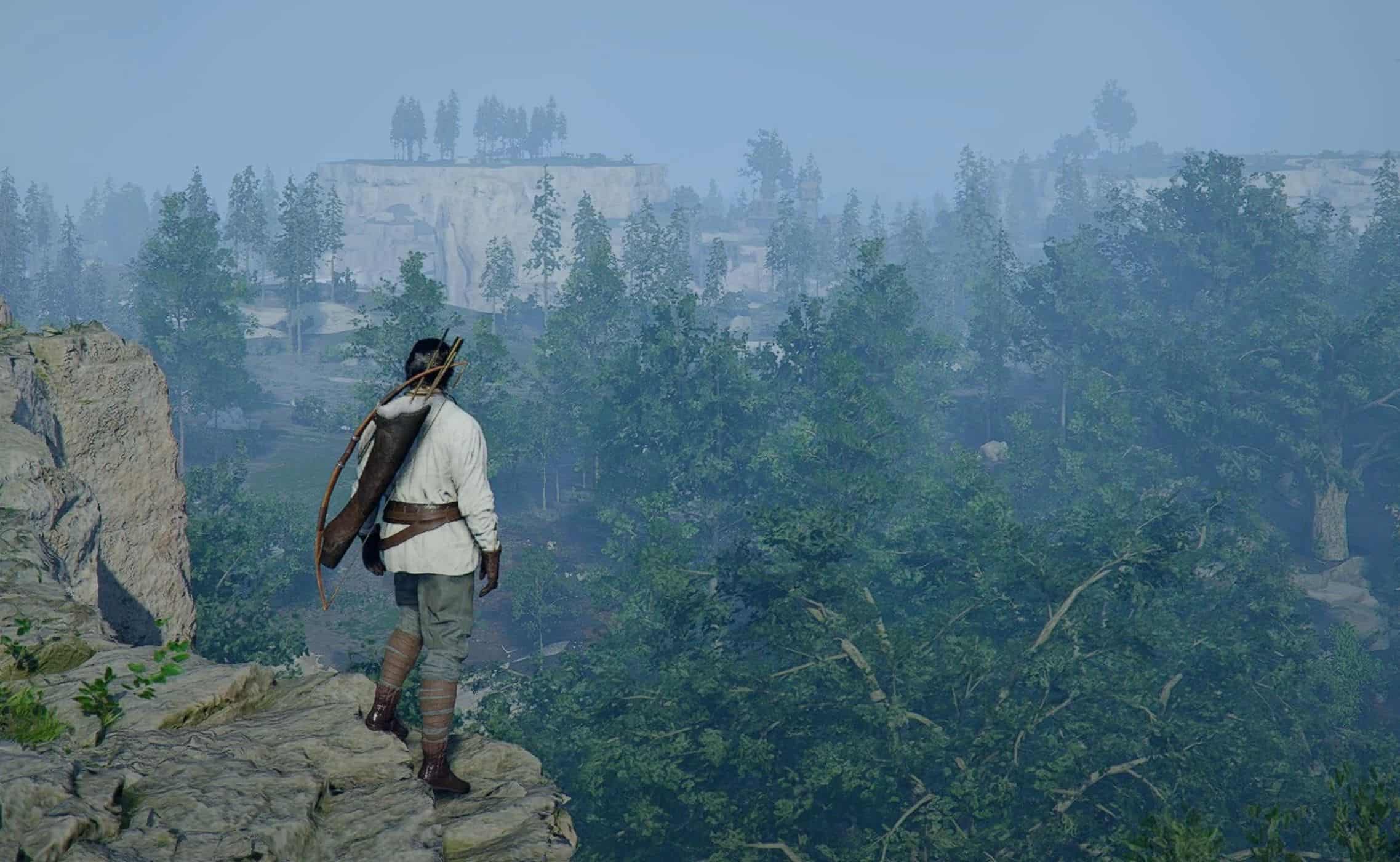
This mod allows you to hide equipped gear visually in Crimson Desert using customizable hotkeys. Toggle visibility per category — weapons, shields, bows, tools, and lanterns. Perfect for cleaner screenshots, aesthetic character builds, or simply enjoying the world without gear clutter.
Key Features
– Toggle equipment visibility per category with hotkeys (default: V)
– Categories: One-Hand Weapons, Two-Hand Weapons, Shields, Bows, Special Weapons, Tools, Lanterns
– Per-category configuration: enable/disable, hotkey, default hidden state, part list
– Fully customizable settings through INI configuration
– Open-source with full transparency
Requirements
Crimson Desert (Steam version)
Installation
1. Make sure you have an ASI Loader installed for Crimson Desert. If you don’t have one, download
version.dllfrom the Ultimate ASI Loader releases and place it in your Crimson Desert game directory (where the game executable is located).
2. Extract all files from the archive to your Crimson Desert game directory:
<Crimson Desert installation folder>/bin64/ Example:
D:\Games\SteamLibrary\steamapps\common\Crimson Desert\bin643. Launch the game and press V (default) to toggle equipment visibility
Configuration
The mod can be configured by editing the CrimsonDesertEquipHide.ini file:
[General]
; Delay in milliseconds before scanning for hooks
InitDelayMs = 3000
; Log level: Trace, Debug, Info, Warning, Error
LogLevel = Info
[OneHandWeapons]
Enabled = true
Hotkey = V
DefaultHidden = false
Parts = CD_MainWeapon_Sword_R, CD_MainWeapon_Sword_IN_R, …
[Shields]
Enabled = true
Hotkey = V
DefaultHidden = false
Parts = CD_MainWeapon_Shield_L, CD_MainWeapon_Shield_R, …
Hotkey Format
– Named keys: V, F3, Numpad1, Mouse4, Gamepad_A, etc.
– Modifiers: Ctrl, Shift, Alt (or LCtrl, RCtrl, etc.)
– Multiple combos: V,Gamepad_LB+Gamepad_Y (V alone OR hold LB + press Y)
– Empty Hotkey = disables toggle for that category
See the full list at the Supported Input Names reference.
Using with Controllers
DetourModKit supports gamepad input natively via the XInput API. Use gamepad button names directly in the INI file:
; Toggle with gamepad Y button
Hotkey = Gamepad_Y
; Use a modifier combo
Hotkey = Gamepad_LB+Gamepad_Y
; Multiple independent combos (comma = OR)
Hotkey = V,Gamepad_LB+Gamepad_Y
XInput only: Xbox controllers work natively. For PS4/PS5/Switch controllers, use an XInput translation layer (e.g. DS4Windows, DualSenseX, BetterJoy) or Steam Input to present your controller as XInput. See Gamepad Compatibility for details.
Known Limitations
– Toggle may take 1-3 seconds to take effect — the game caches mesh visibility and re-evaluates periodically, not per-frame
– After a major game update, AOB patterns may need updating
– Currently only tested with the Steam version of the game
Troubleshooting
If you encounter issues:
– Set LogLevel = Debug in the INI file
– Check the log file in your game directory (CrimsonDesertEquipHide.log)
– For memory pattern errors, the mod needs an update for the current game version
After a game update: The AOB pattern scanning system automatically adapts to minor game changes, but major updates may require mod updates if core game functions have been modified.