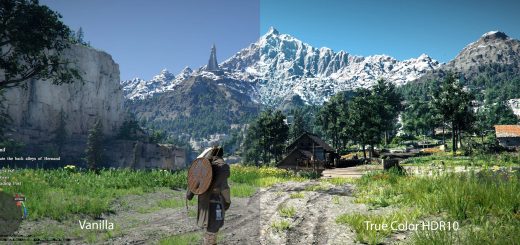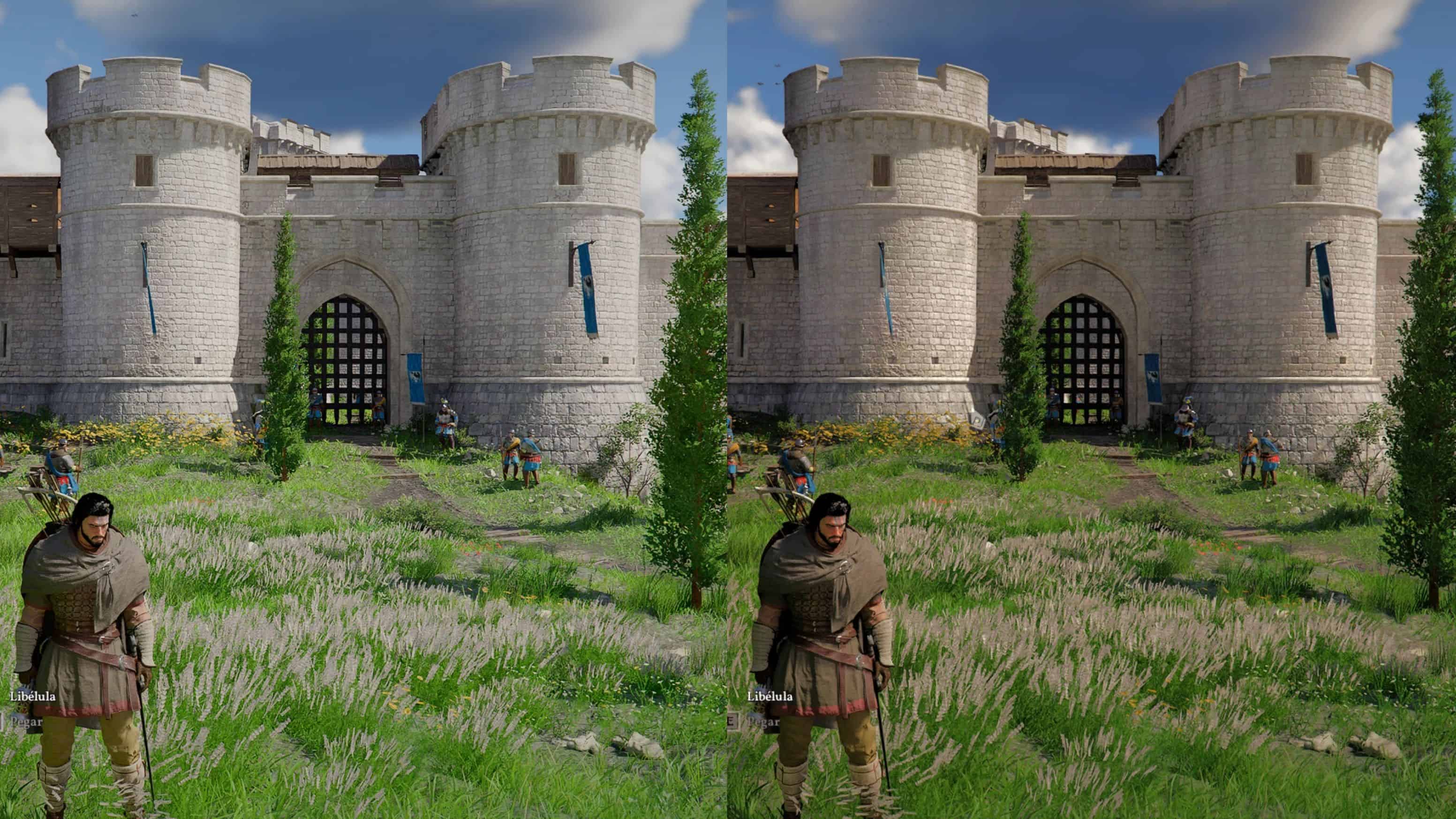
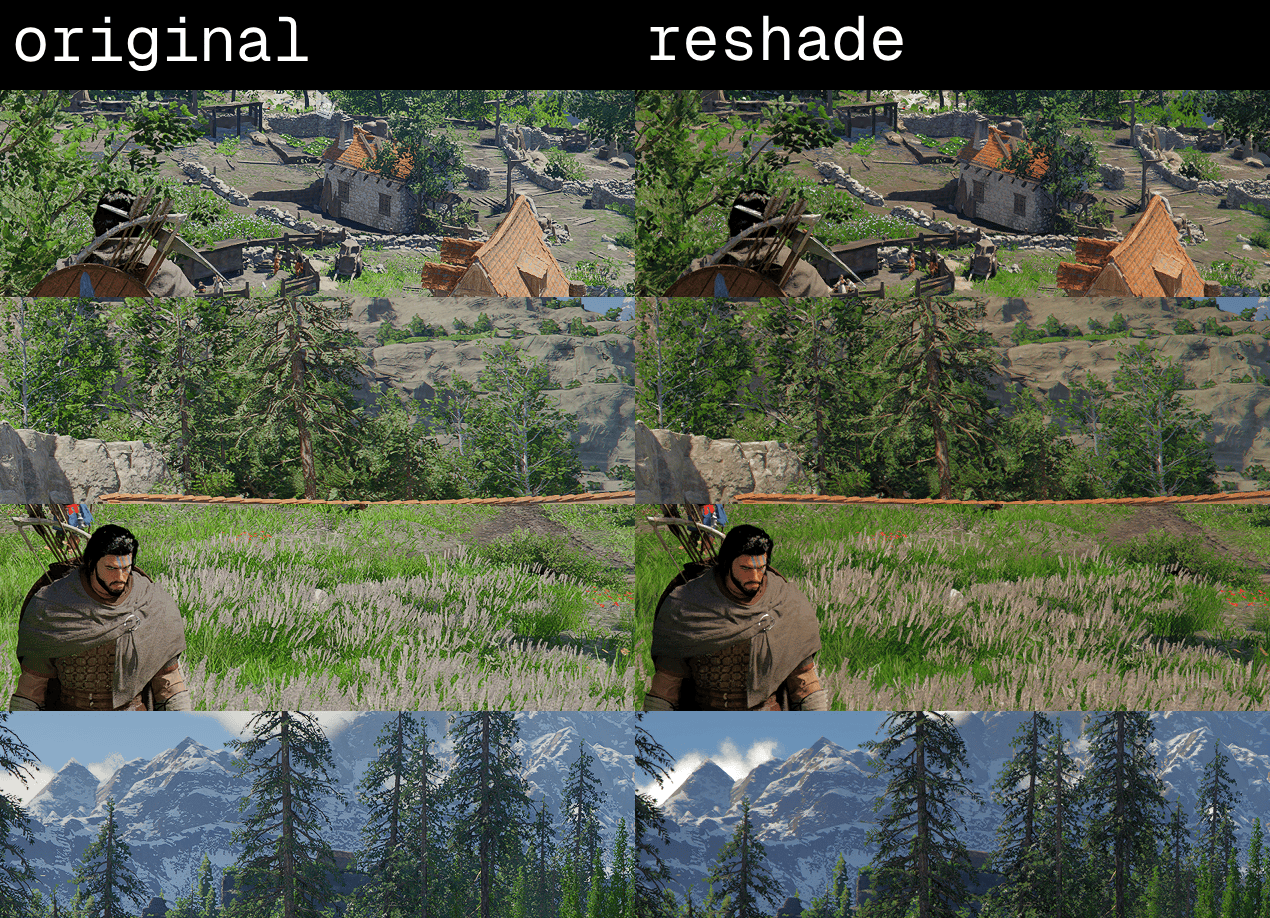
This ReShade preset is specifically designed to correct the overblown luminance and aggressive visual noise found in the base game. The main goal is to provide a clean, stable, and balanced image by neutralizing the “shimmering” pixels that cause significant discomfort during long play sessions.
Requirements:
– REDEMPTION
– https://reshade.me/
Installation Instructions:
– Install the original mod (link above) following its standard setup.
– Download my file: RedemptionEyeTweak.ini
– Place it in your game’s main folder (Crimson Desert\bin64)
– In-game, open the ReShade menu (Home key) and select RedemptionEyeTweak.ini from the list.
What this tweak fixes:
– Glaring Whites: Tames the aggressive “bloom” effect on bright surfaces.
– Pixel Shimmering: Smooths out the “sparkling” artifacts and digital noise.
– Eye Strain: Balanced contrast for a more natural, relaxed look.