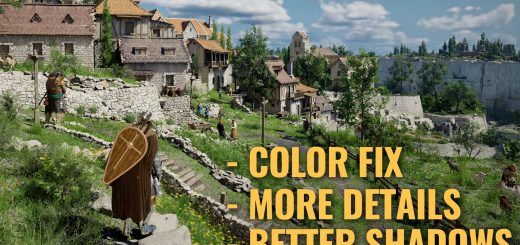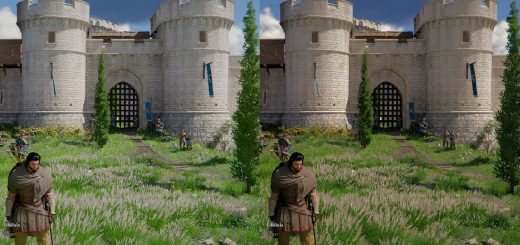
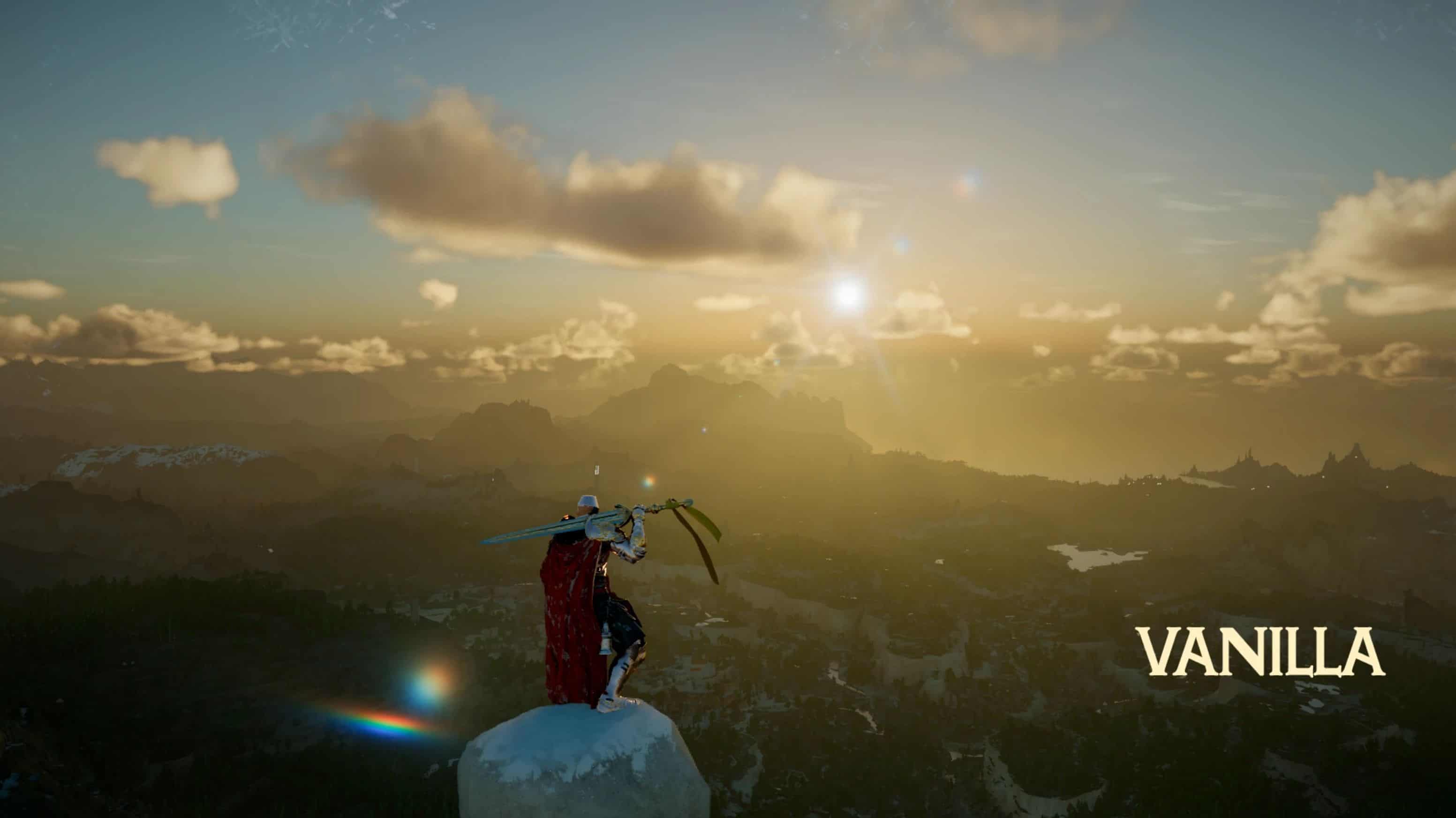
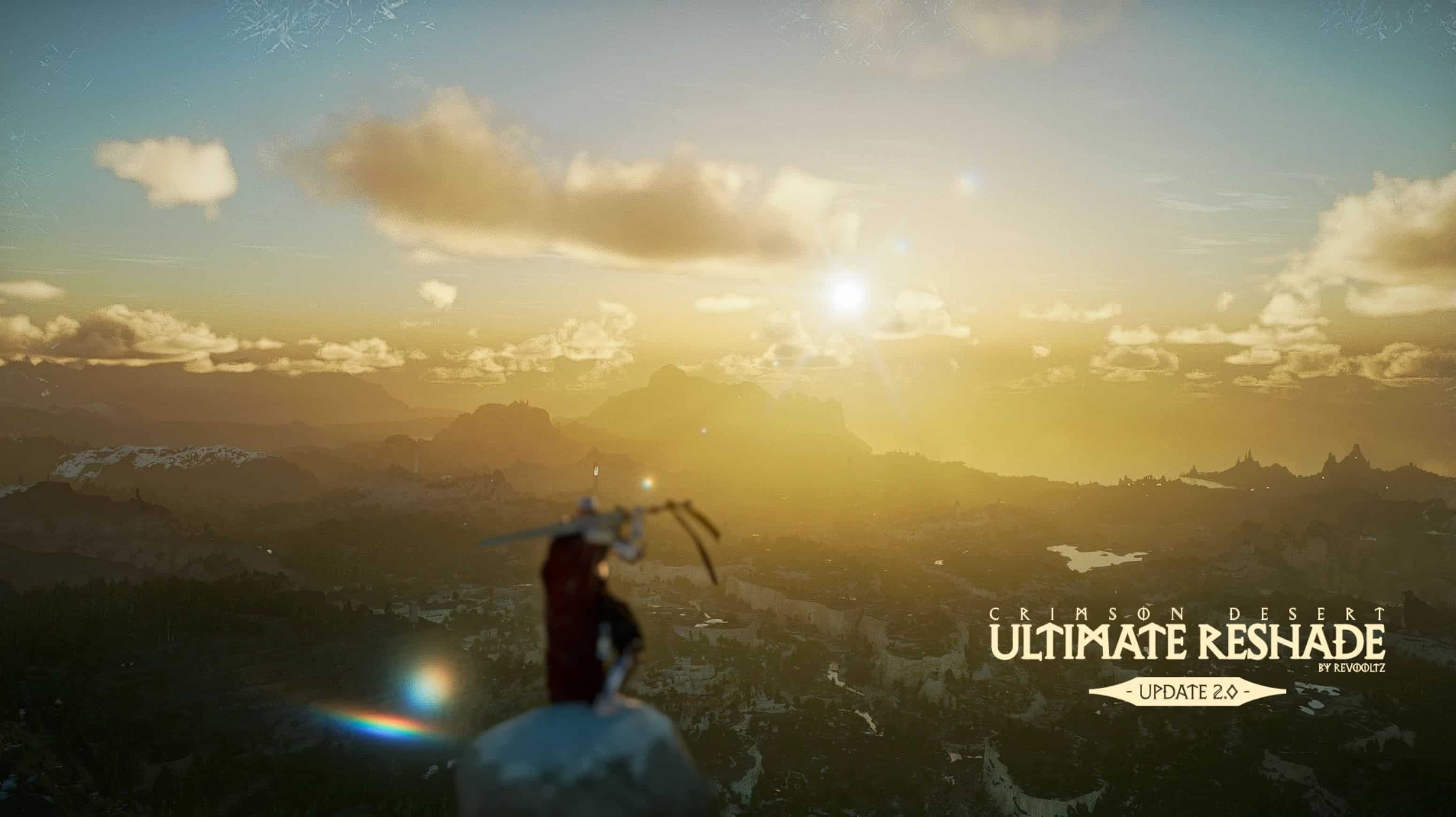
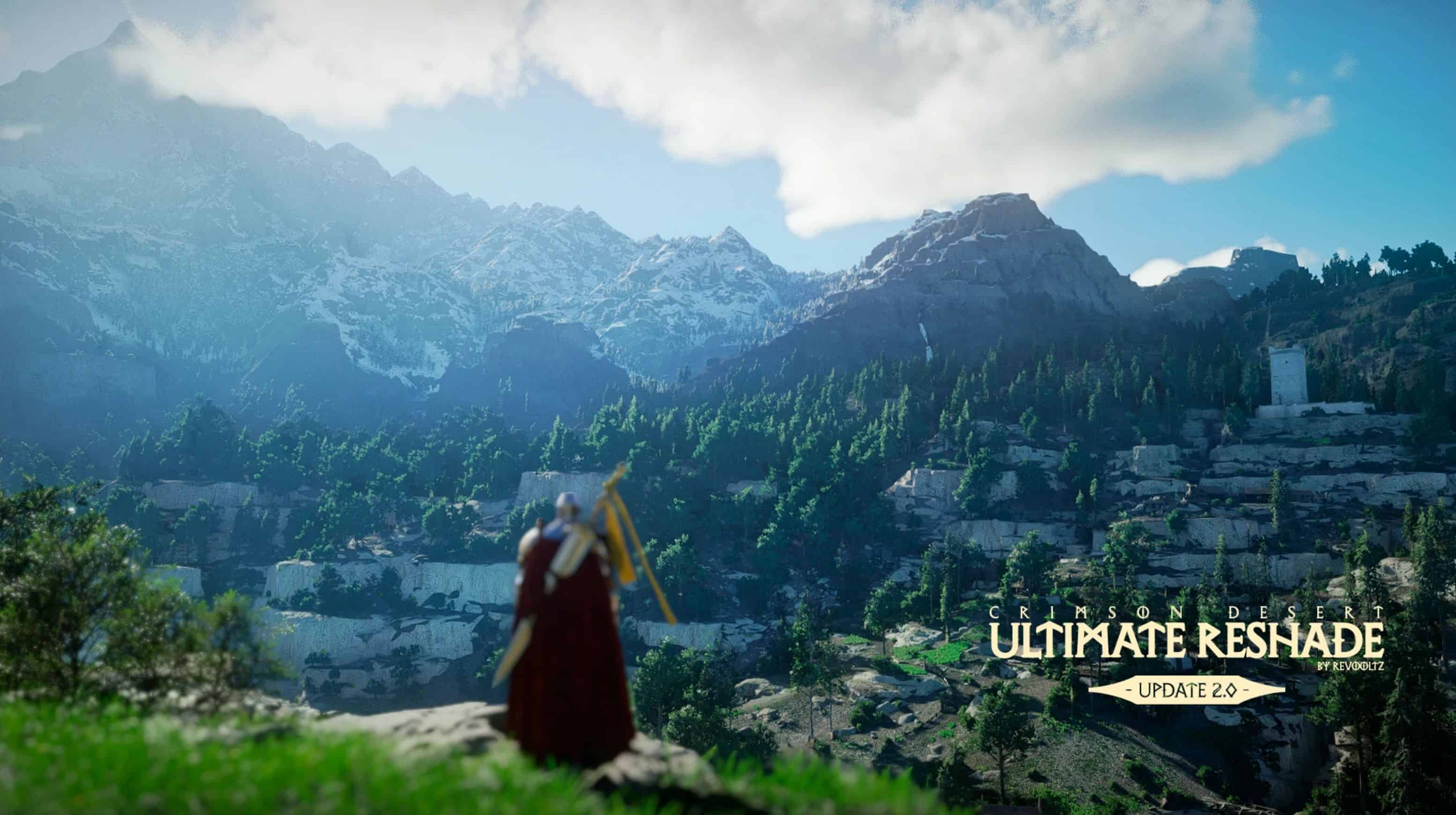
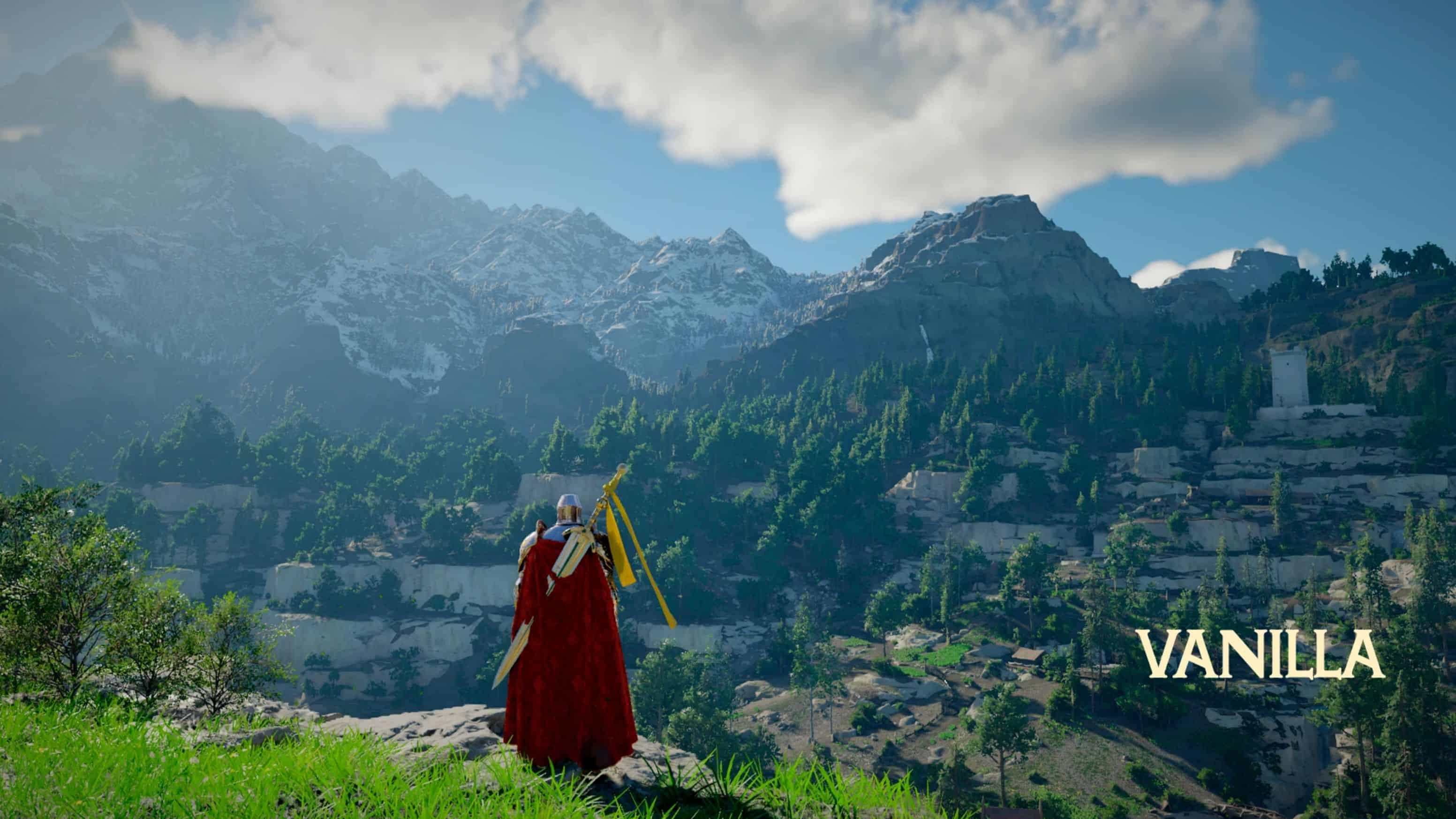
A near-realistic reshade preset, retaining some of the game’s original art style, but with increased Complete RT (ReSTIR GI) and custom Reshade preset improved Global Illumination, Ambient Occlusion, Cinematic Depth of Field (DOF), Realistic Grass, and Color Grading.
Installation instructions:
– Download the latest https://reshade.me/#download, preferably the version with add-on support.
– Run Reshade, select the game, uncheck all, next, skip, finish.
– If you are performing a new installation, download Ultimate Reshade 2.0 (New Installation).
– If you have already installed version 1.0 and only want to update, download Ultimate Reshade 2.0 (Only Update)
– After downloading and extracting, simply paste the files into the bin64 folder, which is usually located at: C:\Program Files (x86)\Steam\steamapps\common\Crimson Desert\bin64
– Now just test it in the game. I’ve already configured the number 1 key for you to activate and deactivate Reshade within the game.
– If at any point you find it necessary to disable Reshade, simply press the number key 1.
Main features:
– Complete RT ( ReSTIR GI )
– Global illumination
– Ambient Occlusion
– Cinematic Depth of Field (DOF)
– Realistic Grass
– Color Grading
Attention:
– My game settings are at maximum, with Ray Reconstruction, Frame Generation, and DLSS 4.5 enabled.
– I optimized as much as possible to balance graphics and performance, but you will still experience a loss of 15 to 20 FPS.
– My game at maximum settings with Reshade enabled runs between 70 and 80 FPS.
PC Specifications:
– RTX 5070 TI 16GB VRAM
– AMD RYZEN 7 5700X
– 32GB RAM