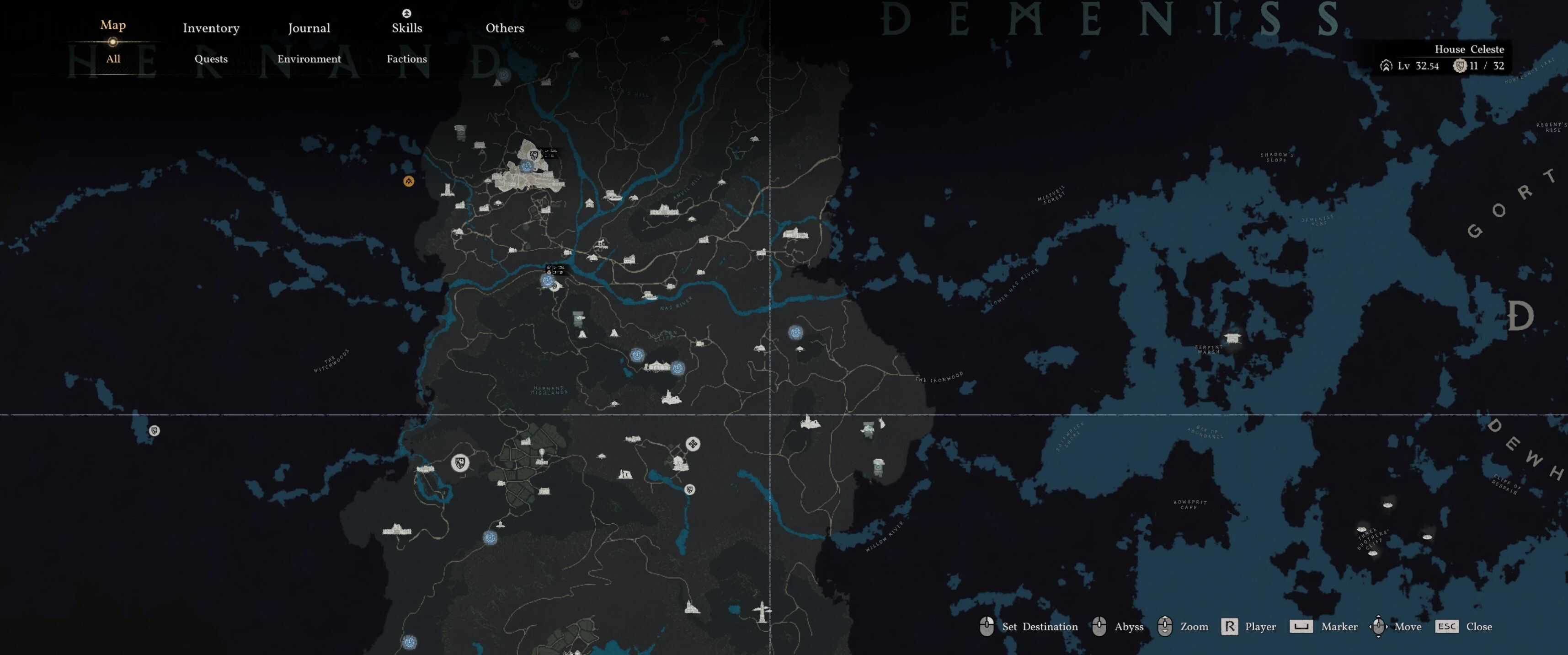
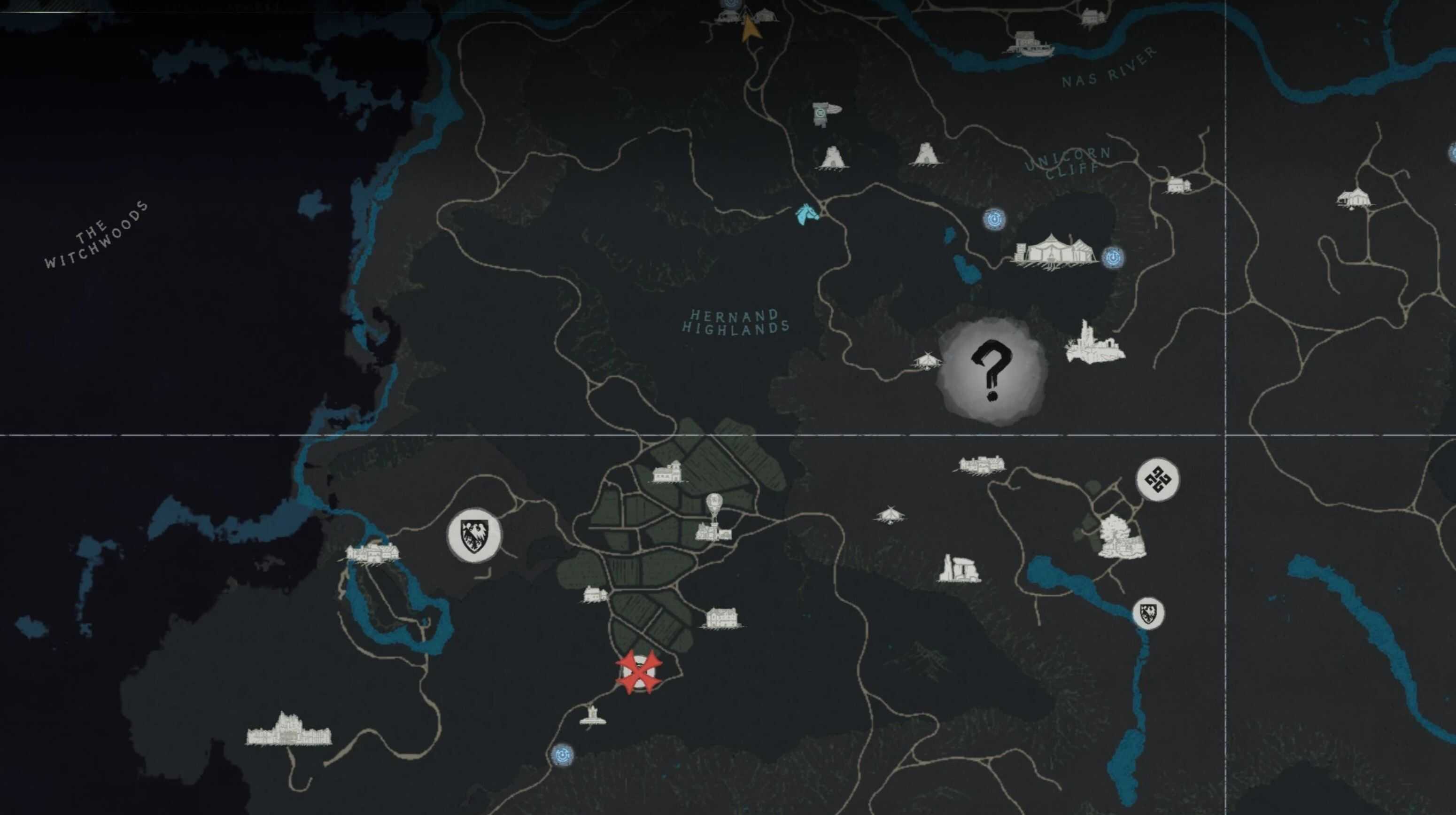
Turns the world map dark. Fully customizable. Change any color to your liking and share your own preset with the community.
– Dark mode map
– Fully customizable via colors.json. Edit any color and re-install
– Two methods: JSON Mod Manager and Standalone (Python)
JSON Mod Manager
Use with JSON Mod Manager (Tested working with V9 BETA)
Standalone (Python)
– Extract the zip anywhere
– Double-click install.bat.
– It will auto-detect your Crimson Desert install via Steam. If not found, you’ll be prompted to enter the path manually.
To uninstall, double-click uninstall.bat to restore vanilla colors.
Requirements (Standalone only)
– Python 3: During install, check “Add python.exe to PATH”
– Required Python packages are installed automatically.
Darkmode Patcher tool
Patches dark mode into another mod. Drop the target zip into the darkmode_patcher folder and run patch.bat.
Customization
All colors are defined in colors.json. Edit any “mod” value (e.g. “#030608”) then re-run install.bat to apply. You can share your colors.json with others as a custom preset.