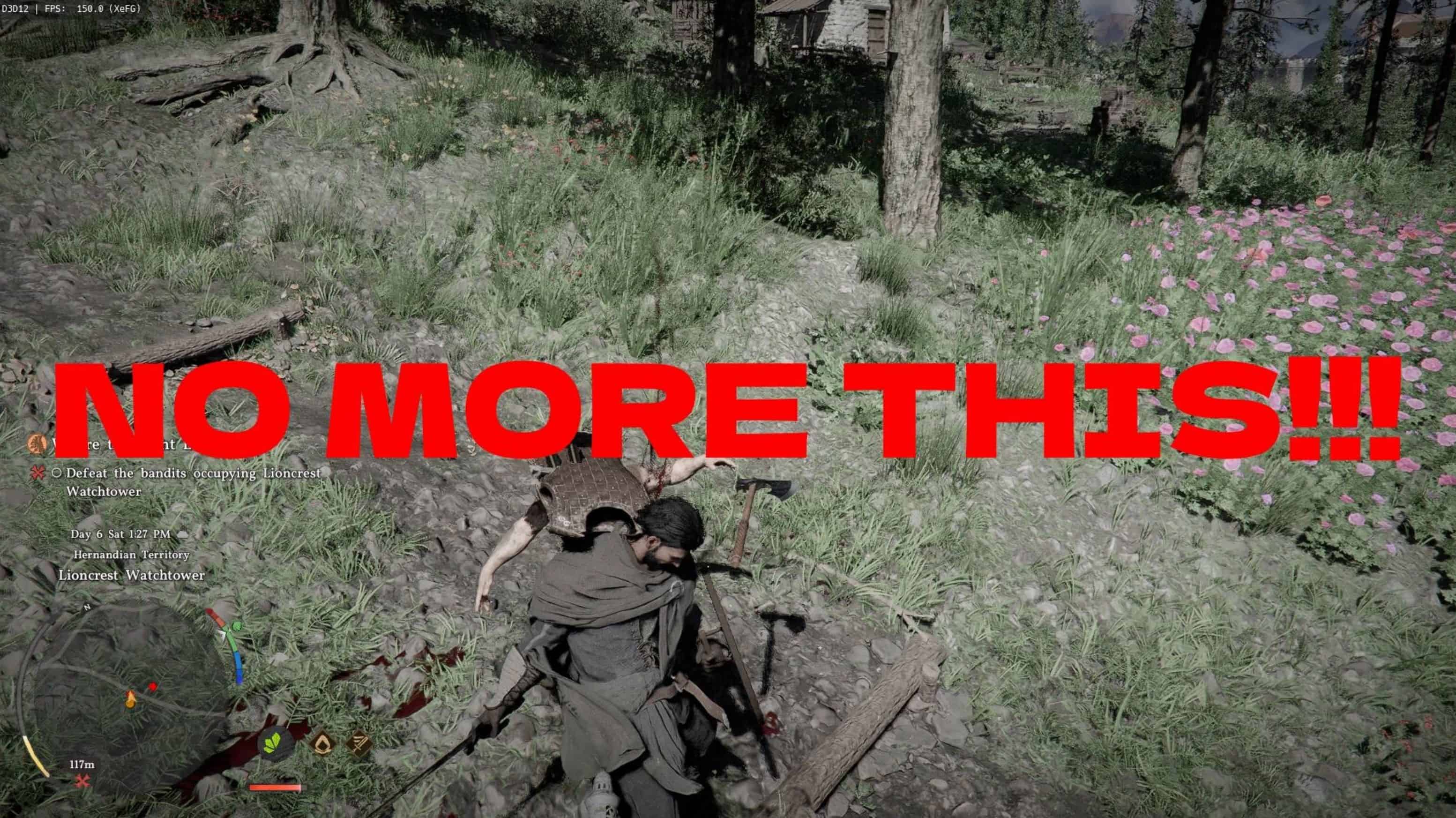
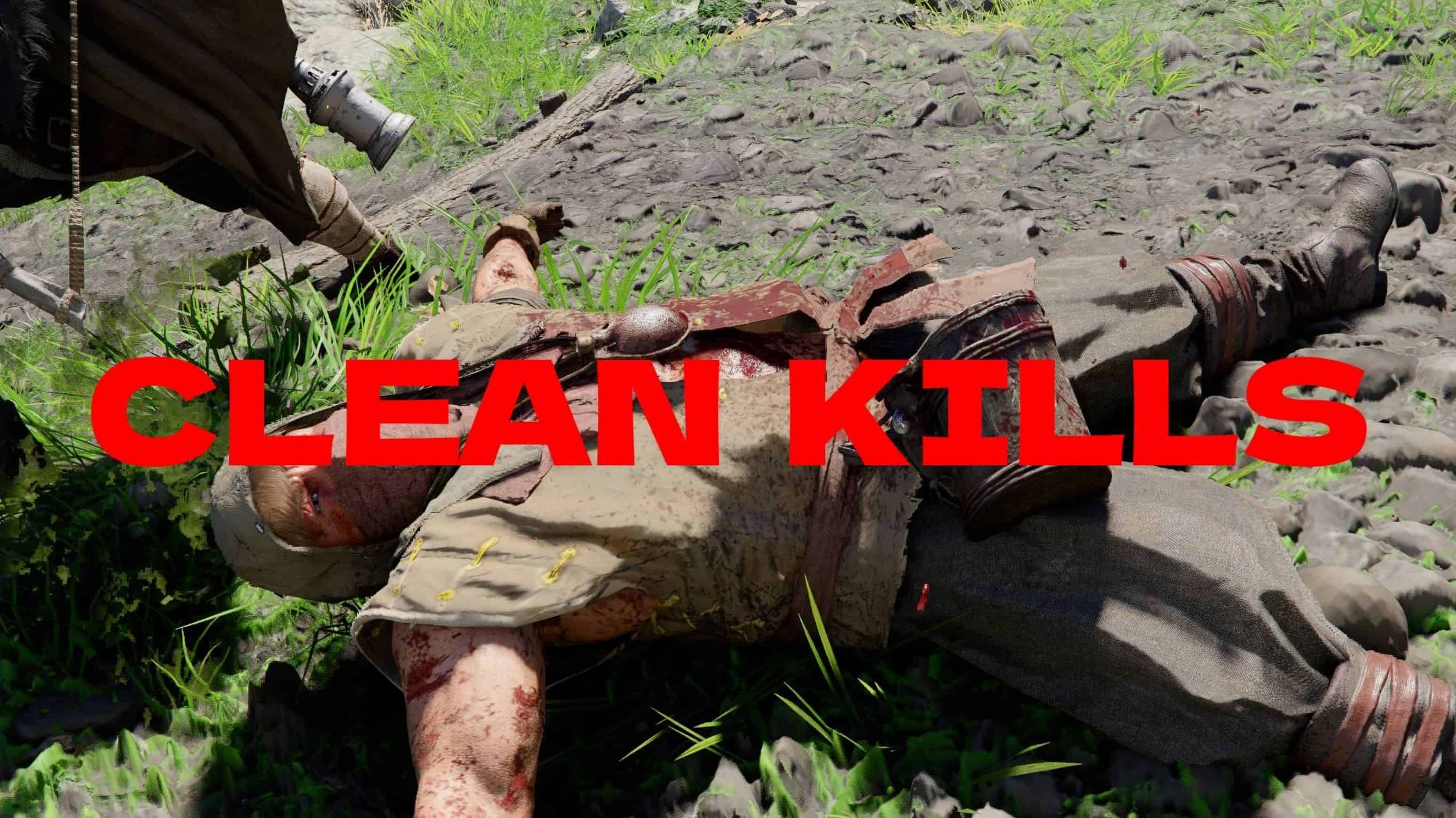
Removes that grey thing effect every time you kill an enemy.
Installation:
JSON Mod Manager
1. Copy Cleankills folder to your …\JSON Mod Manager\mods directory.
2. Launch JSON Mod Manager and activate the Cleankills mod.
3. Click APPLY MODS.
Crimson Browser
1. Copy the Cleankills folder to your …\Crimson Browser and Mod Manager\mods directory.
2. Launch Crimson Browser -> Mod Manager
3. Make sure Cleankills v1 is set to active.
4. Click Build Active Mods, then click Deploy In Game.
Standalone
Copy and paste the 0014 and meta folders into your game files.
Uninstall – Crimson Browser
1. In Crimson Browser -> Mod Manager
2. Select Cleankills v1 and click Remove Mod.
Standalone
Verify game file integrity on Steam.
Compatibility
Crimson Browser and JSON MOD MANAGER should work with other mods.
Standalone with not work with other standalone mods.