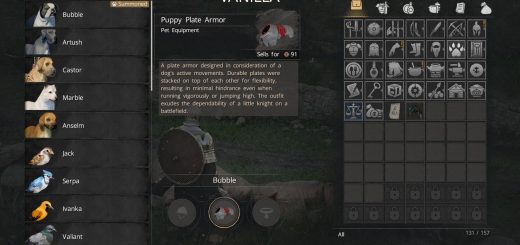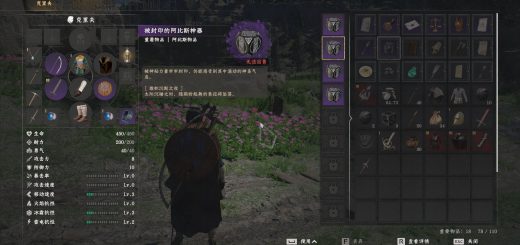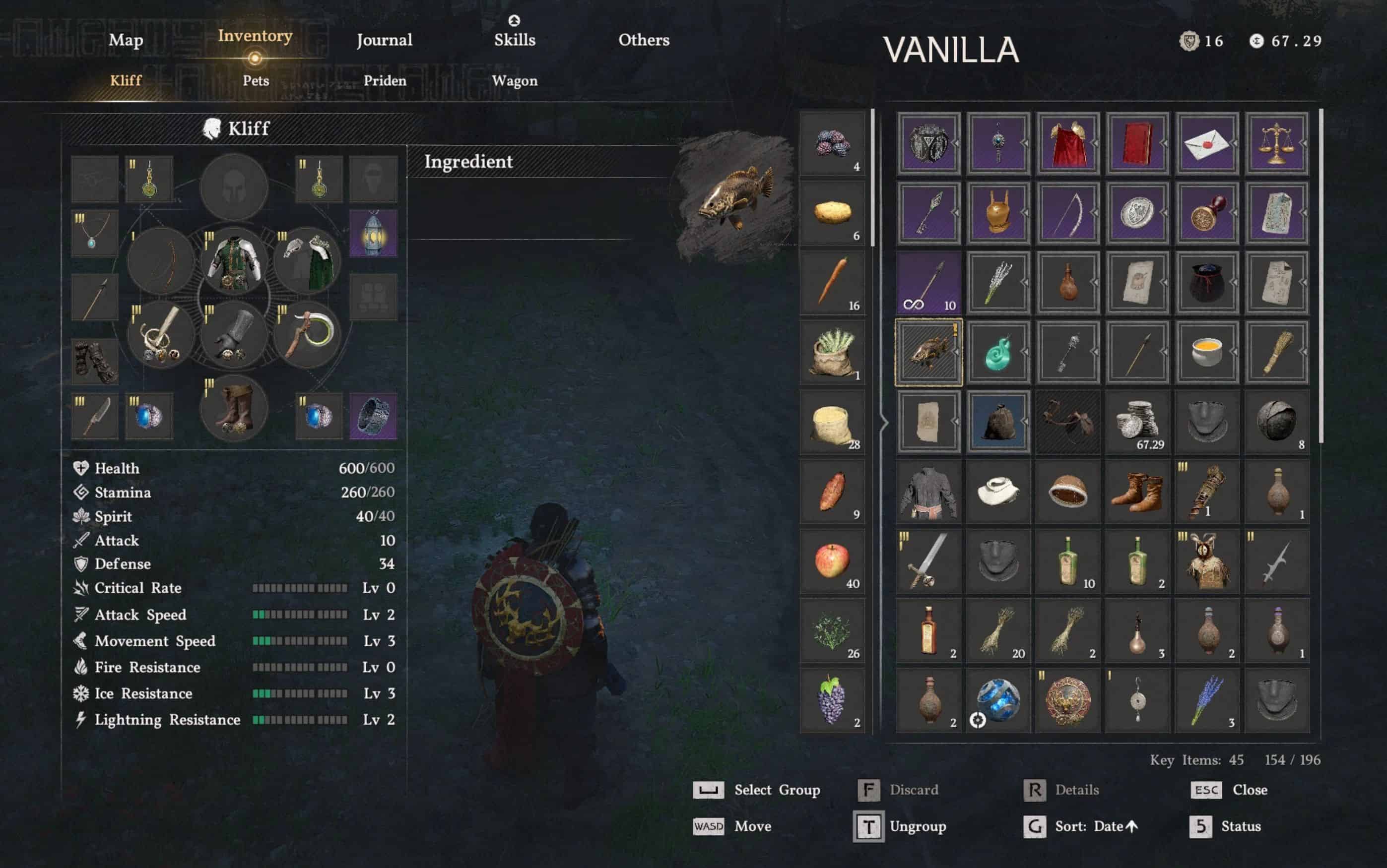
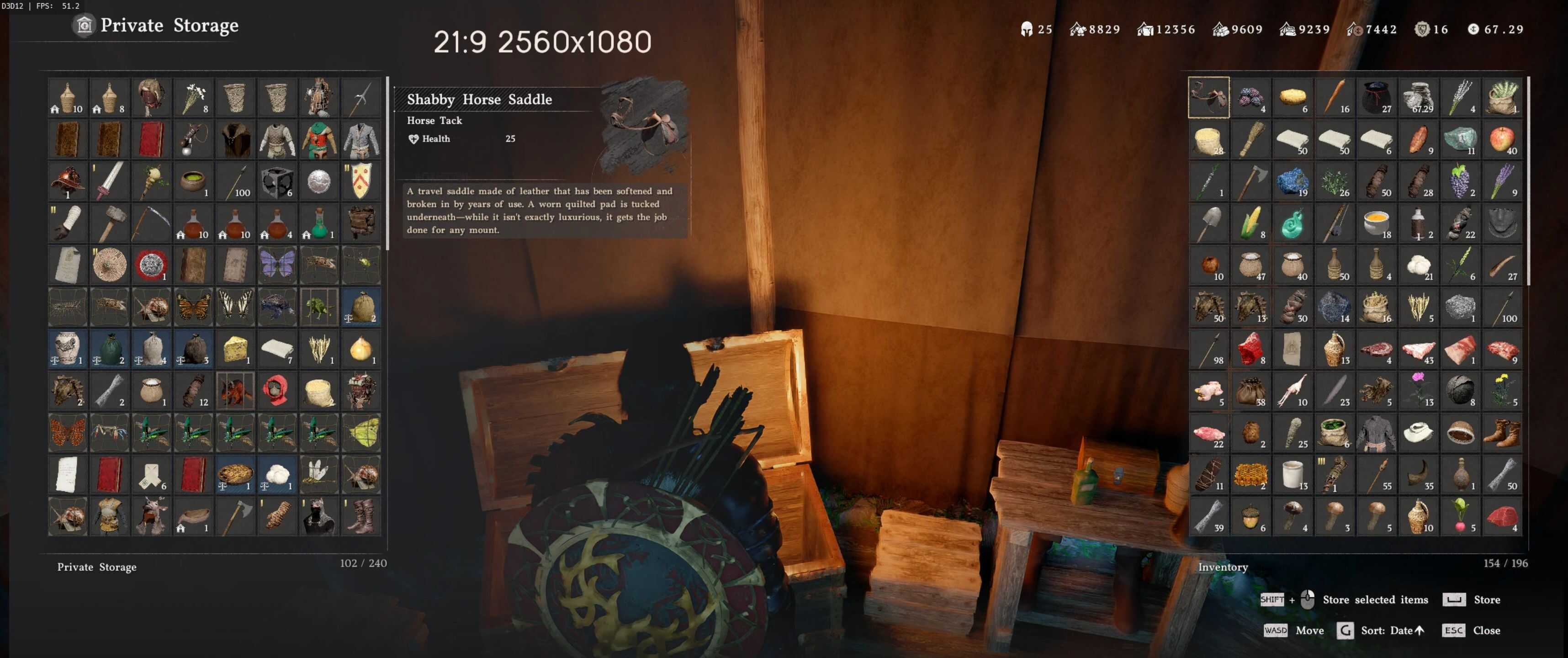
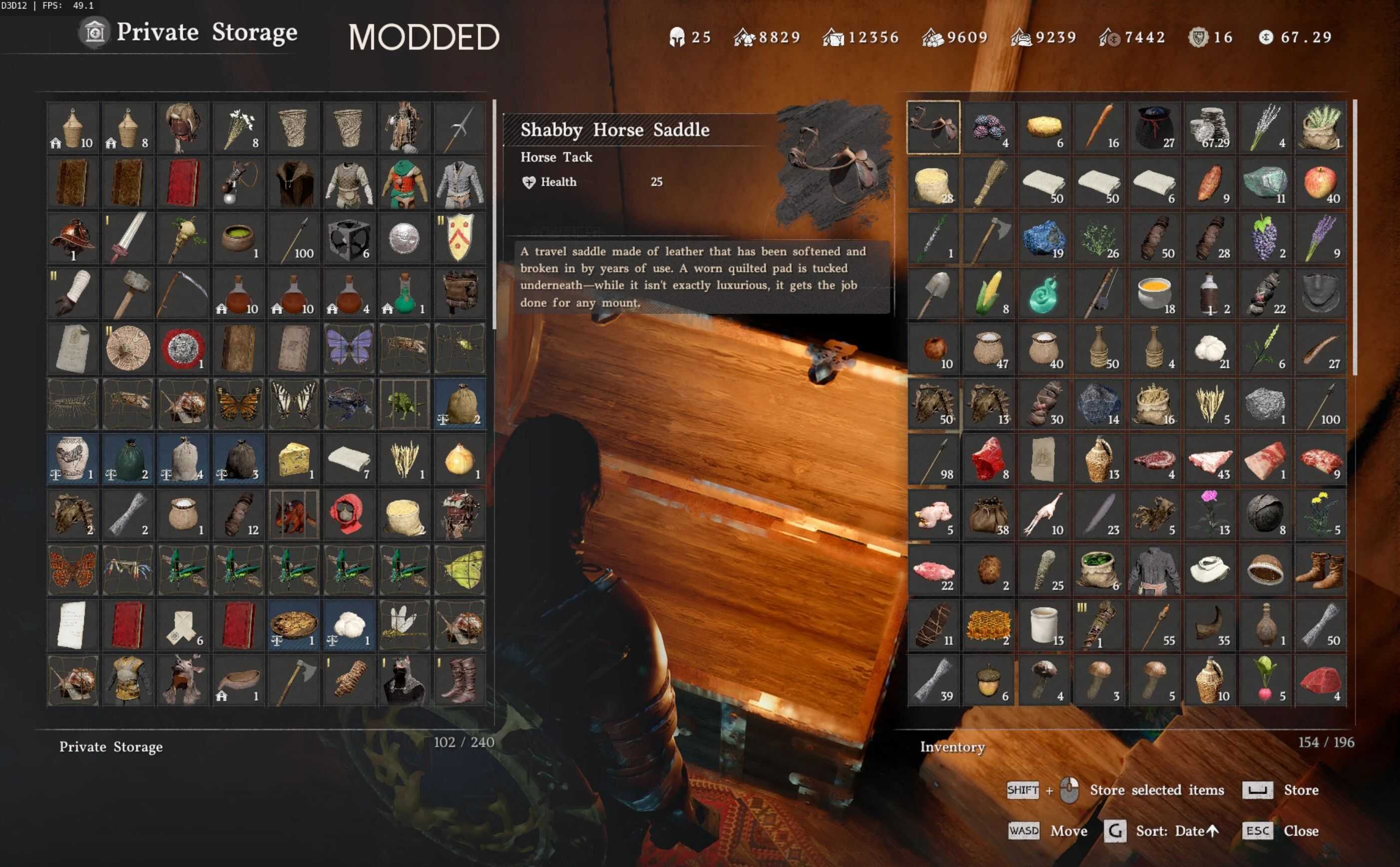
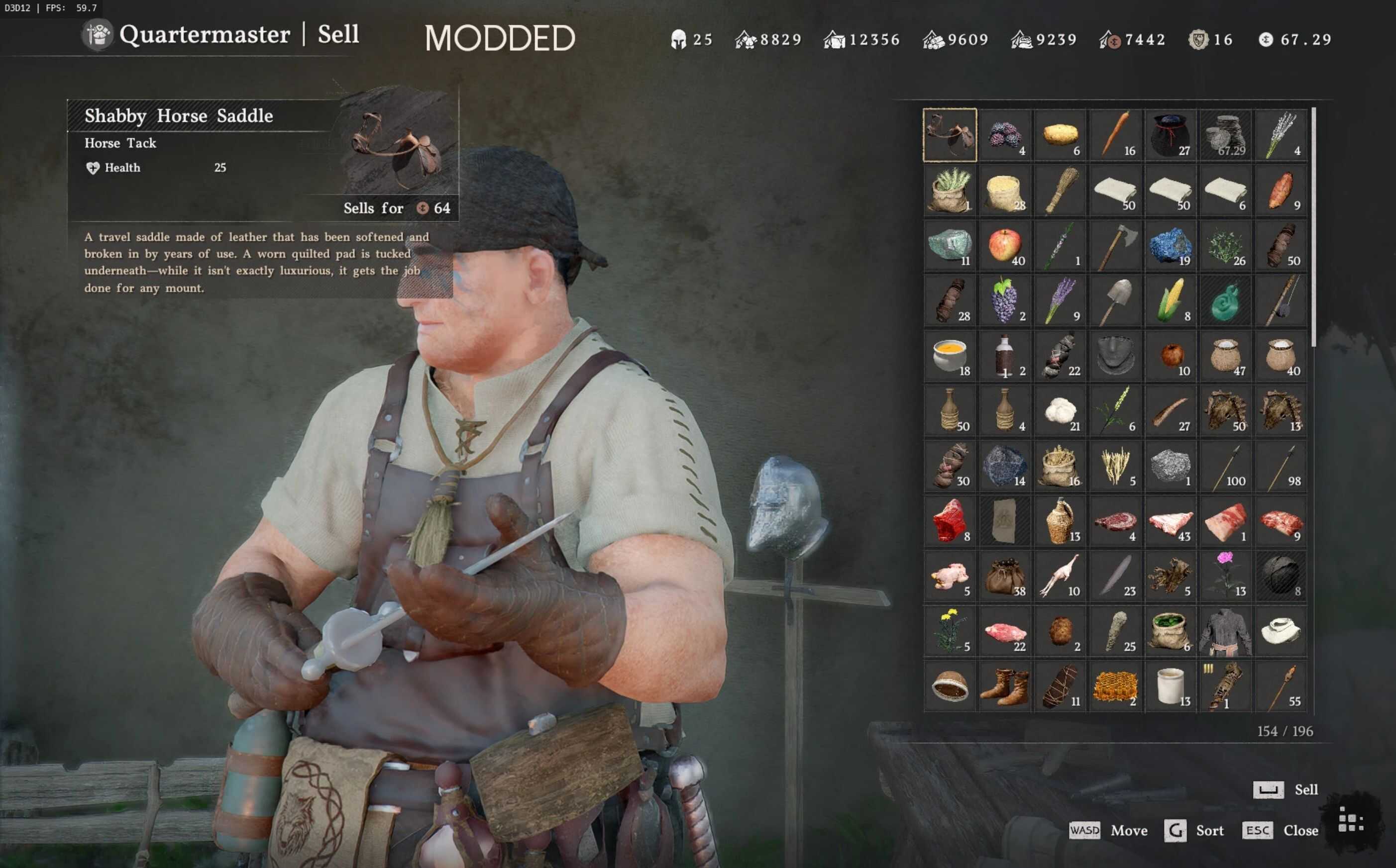
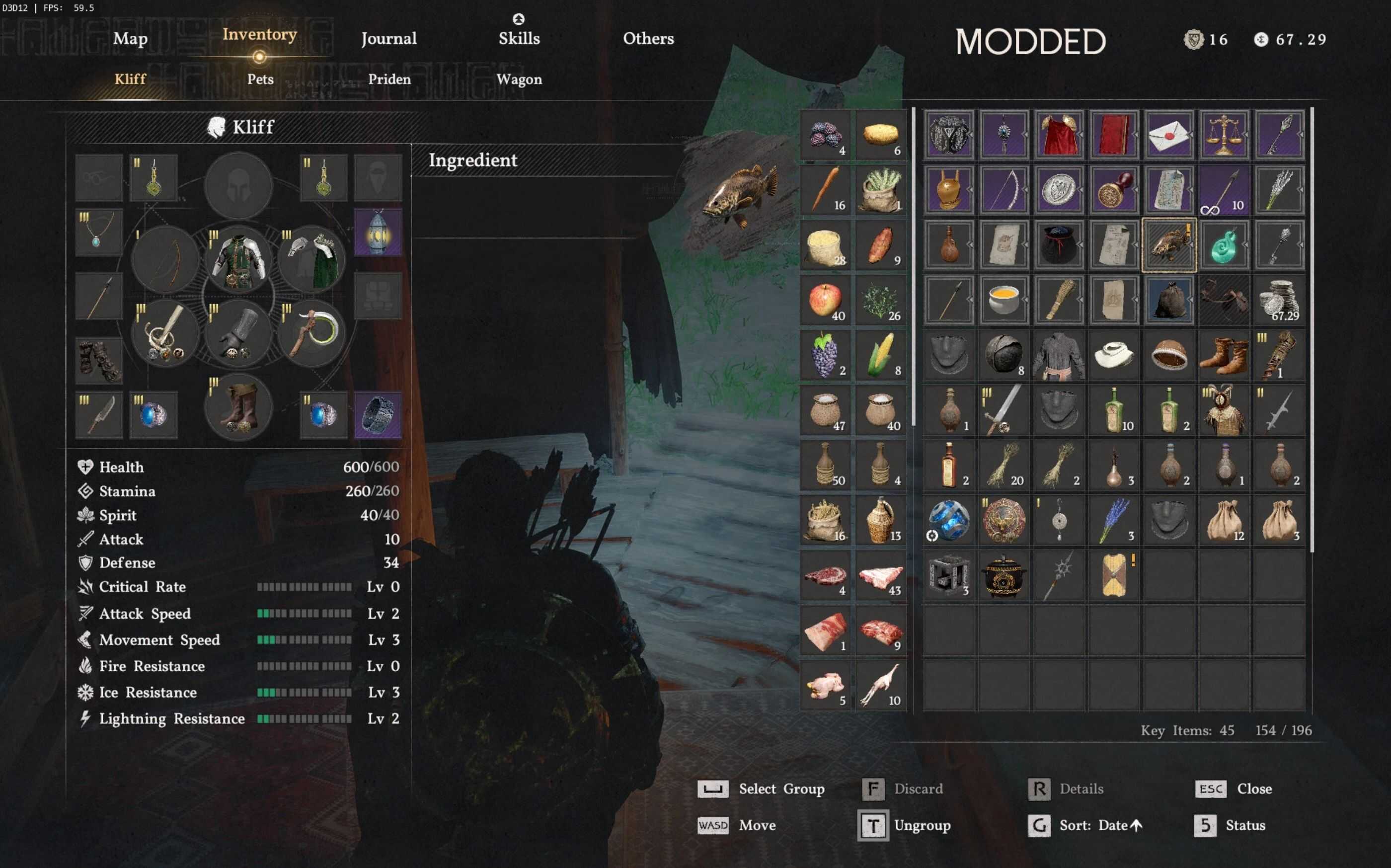
Mod increases number of visible slots in main inventory grid UI, item groups, warehouse etc.
– Vanilla -> Modded
– Main Inventory / Sell Grid: 6×9 -> 7×11 (+40% more visible slots)
– Item Groups: 1×9 -> 2×11 (+140%)
– Warehouse/Provisions: 6×9 -> 8×11 (+60%)
Made for 16:9 / 16:10 / 21:9 up to 1920×1080 / 1920×1200 / 2560×1080 reso. Might not look properly on higher resolutions.
Installation
Install one version.
1) Versions for Crimson Browser – install with Crimson Browser,
2) Folder versions – either install manually on verified game in Steam or use JSON Mod Manager to mix with other folder mods.
If you have Better Trade Menu installed with mod manager, use compatible version of this mod and place Better Inventory Menu lower in load order in your mod manager.
Uninstallation
Uninstall with Crimson Browser or, for standalone version, delete 0036 folder and verify with Steam / uninstall with JSON Mod Manager.
Compatibility
Version for Crimson Browser compatible with anything not affecting inventory related assets. Standalone version compatible with anything not affecting inventory related assets if installed with JSON Mod Manager.
Compatible with ASI mods and patchers.