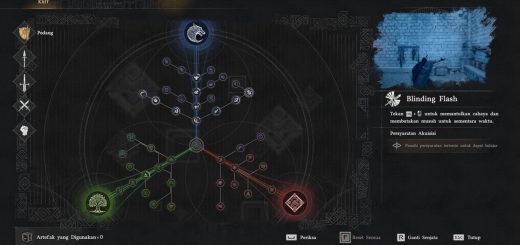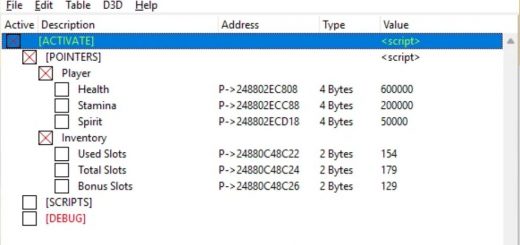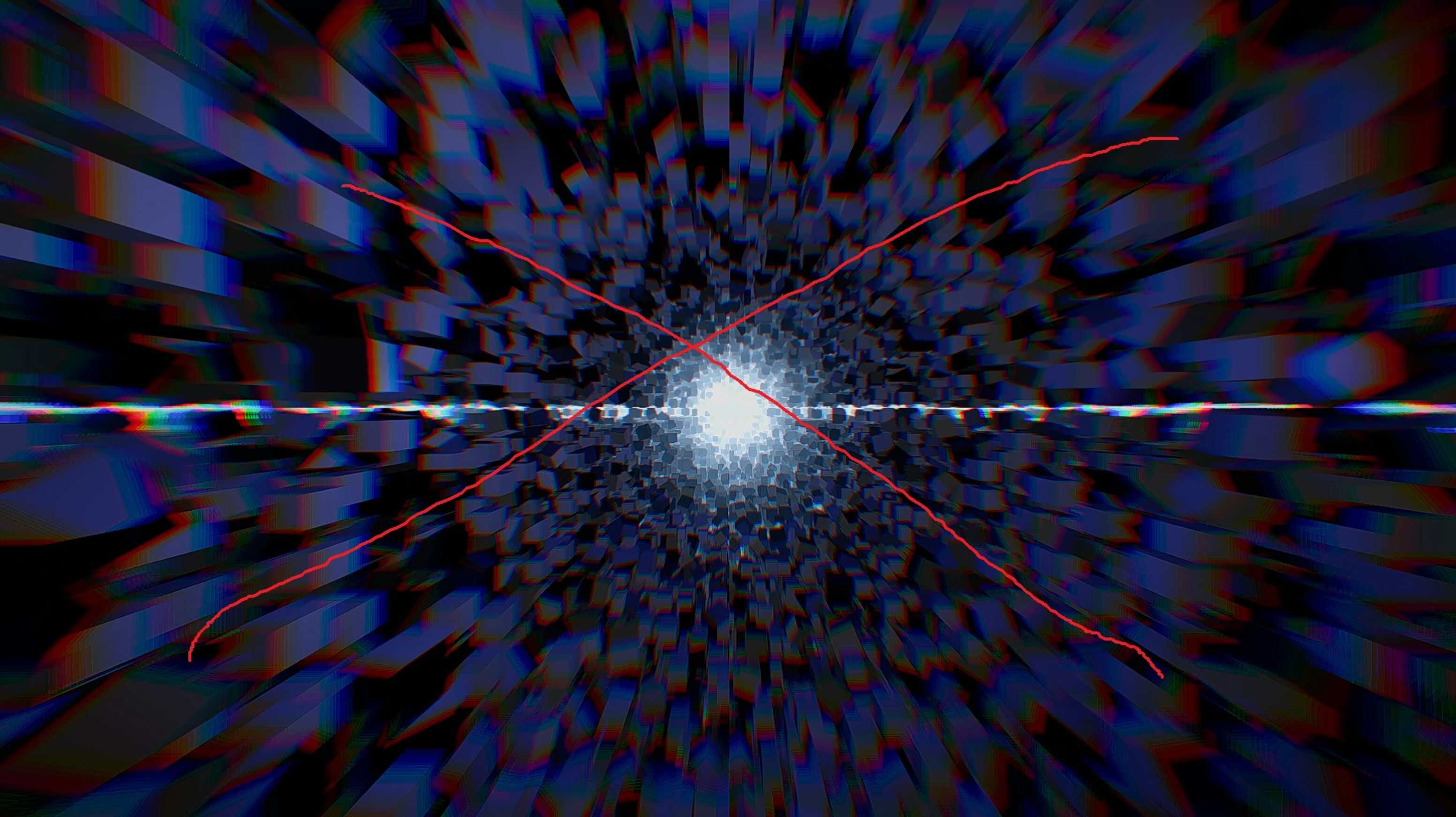
I’m tired of the time‑fixed loading scene! Removed all animations: Cube Rush, Character walking, Teleport.
Before / now
Cube Rush ~30s / ~8s
Character walking animation ~30s ~15s depends on your hardware
Installation
– Make sure you have installed JSON Mod Manager.
– Uninstall all mods in JSON Mod Manager. Try to launch the game. If you have problems with launching, use Steam to verify the integrity of game files.
– Unpack “Skip Character Walking Loading Scene.zip” or “Replace Character Walking To Hyperspace Loading.zip” to the game dir.
– You can get the game dir via JSON Mod Manager. Make sure to replace the original 0016 folder (better to make a backup, or use Steam to verify integrity to recover the 0016 folder if needed).
– Use JSON Mod Manager to install “Skip Cube Rush, Teleport Loading Scene.zip”. Drag the zip file into the manager and apply.
Install order matters.
Known Issues:
– Right now, all you can see is the 3D assets loading screen in the game (you can use “Hyperspace Loading” version to override it), and it is not well tested.
– Crashes when the character dies or in other situations. (You can remove the file globalstagesequencerinfo.pabgb to avoid this crash, but then walking animation and Teleport will not be remove. )
Report any problems you encounter.To report further problems, please include a screenshot or save file.
Changelog 0.2:
– Fixed a fatal crash issue. add Hyperspace Loading replacment
– Added Hyperspace Loading as a replacement.