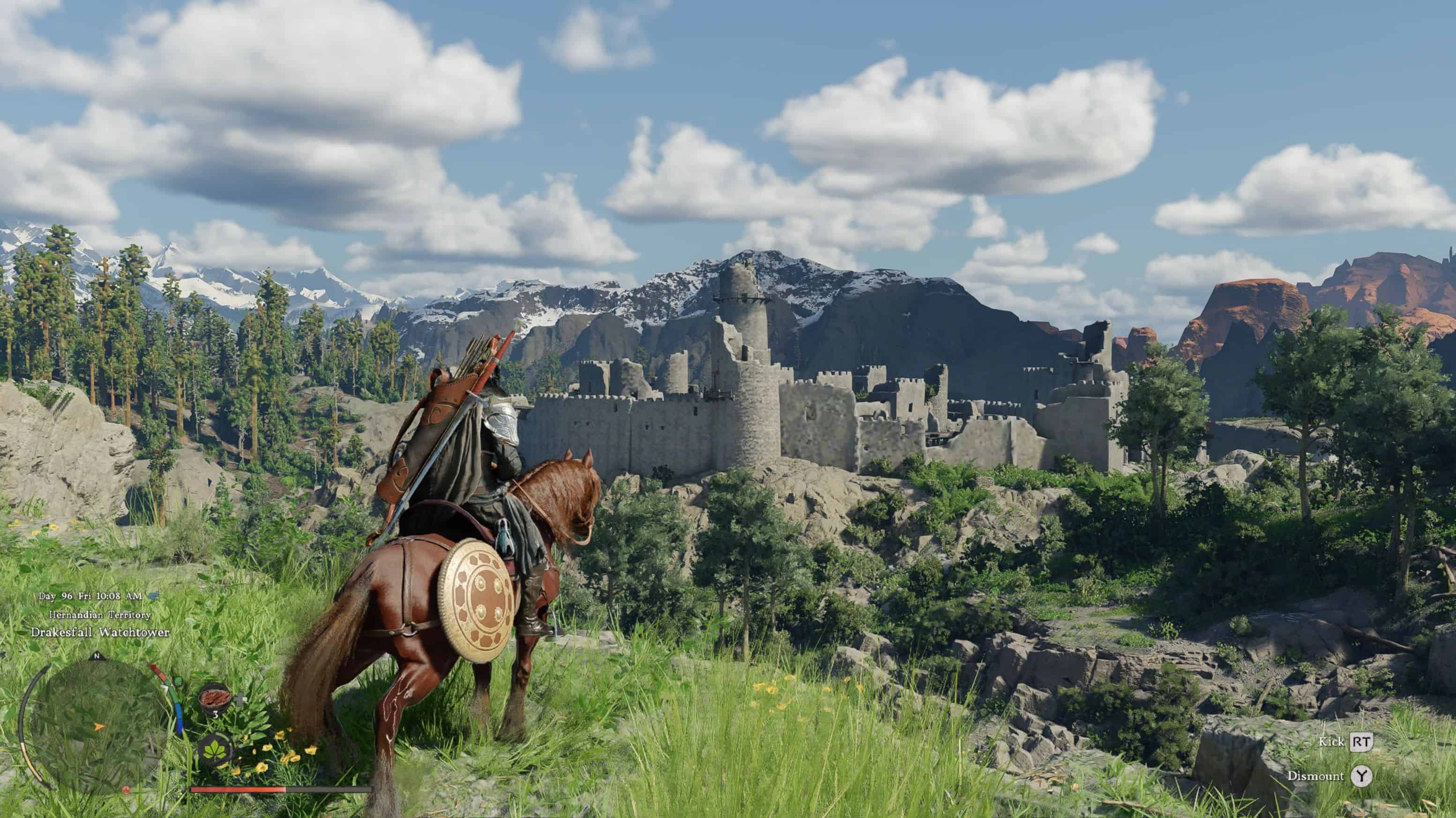
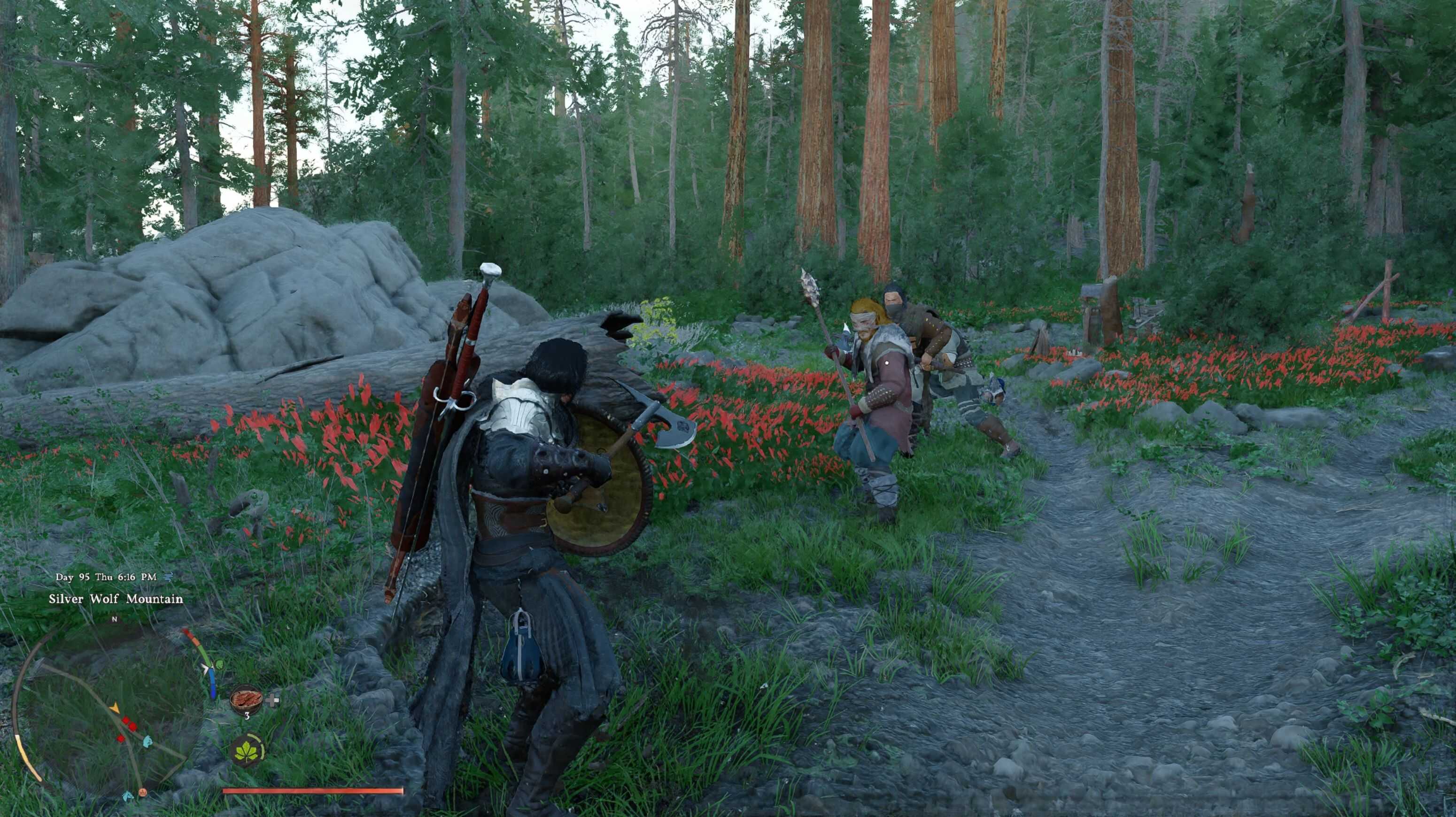
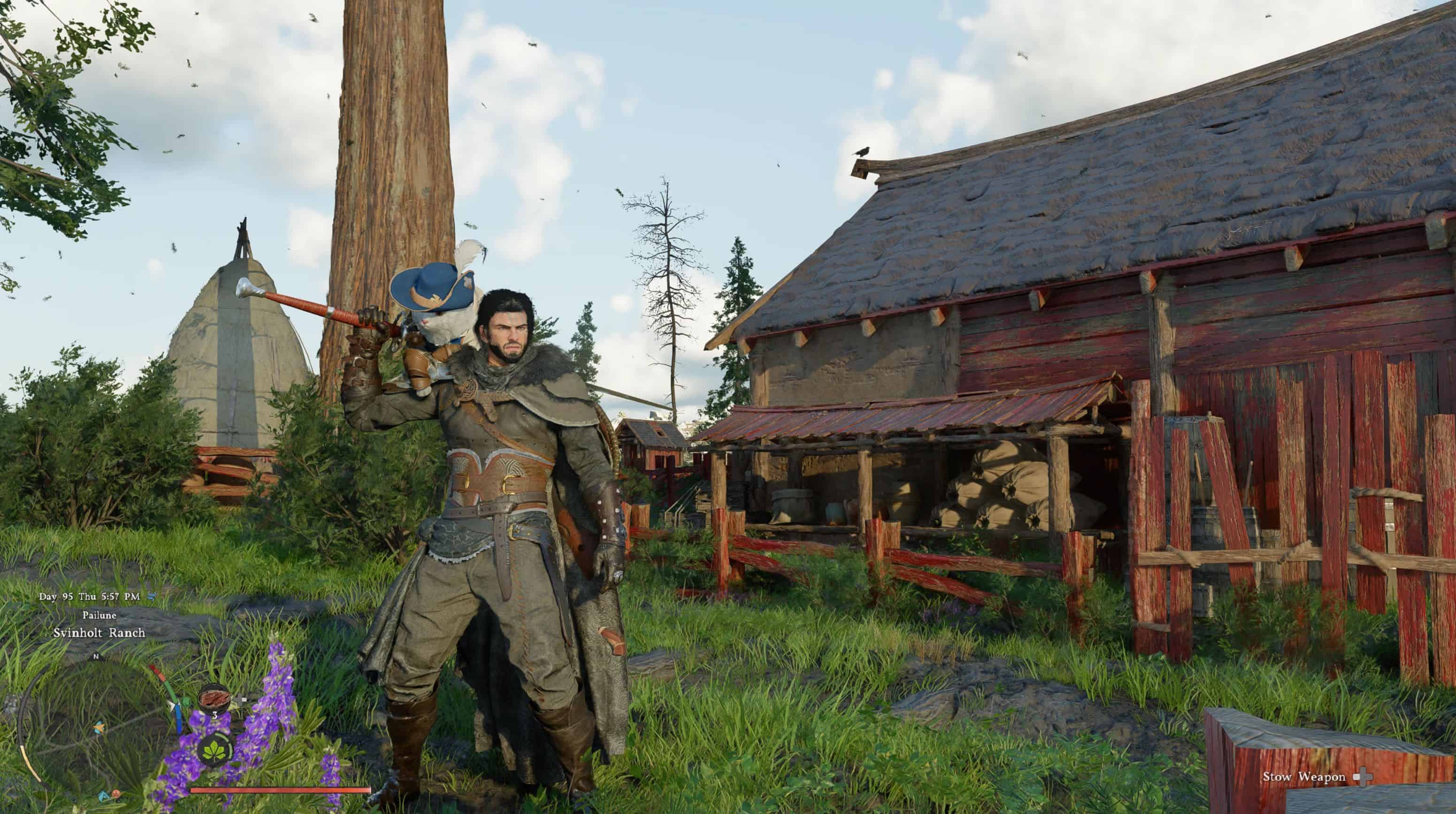
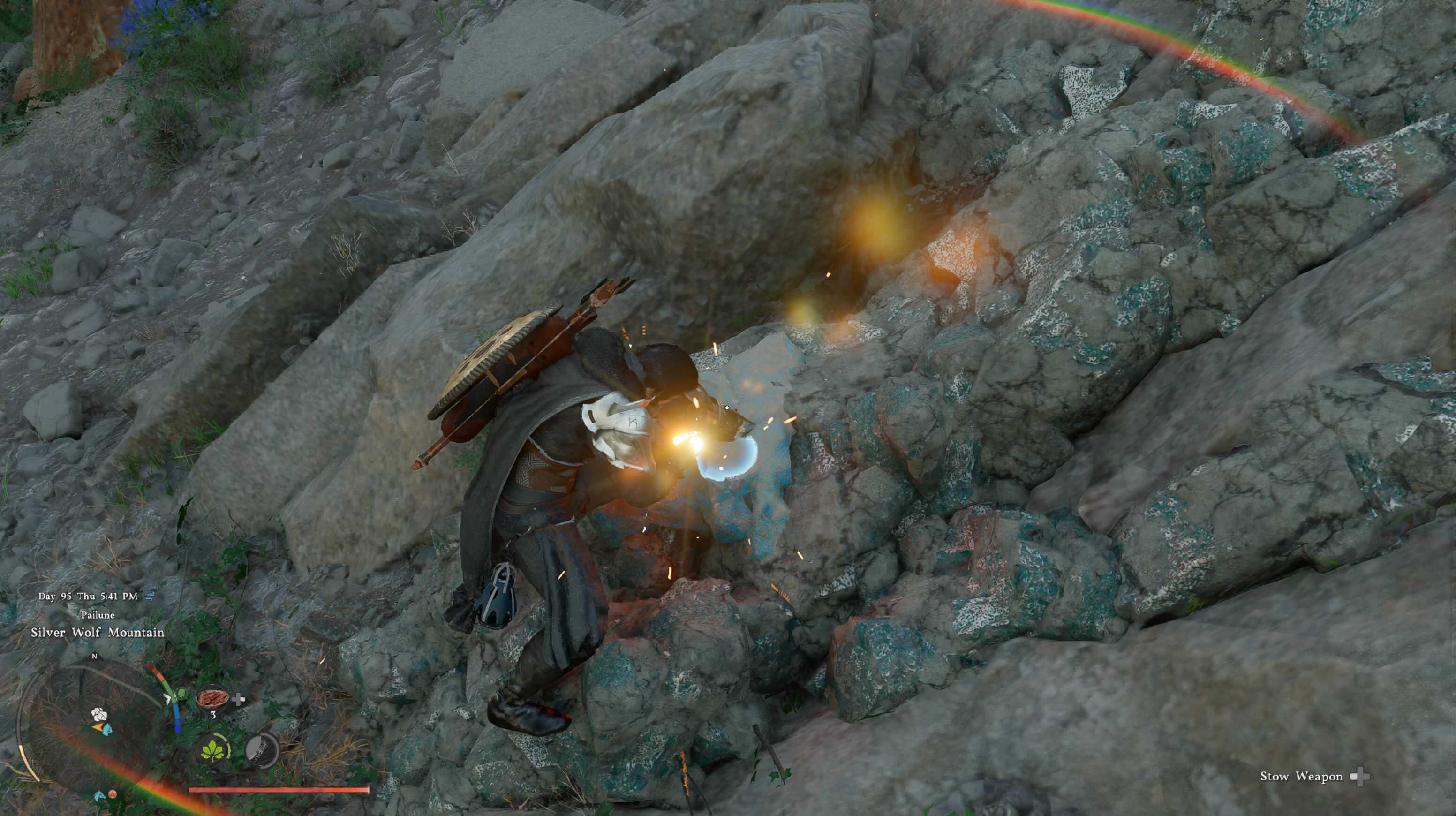
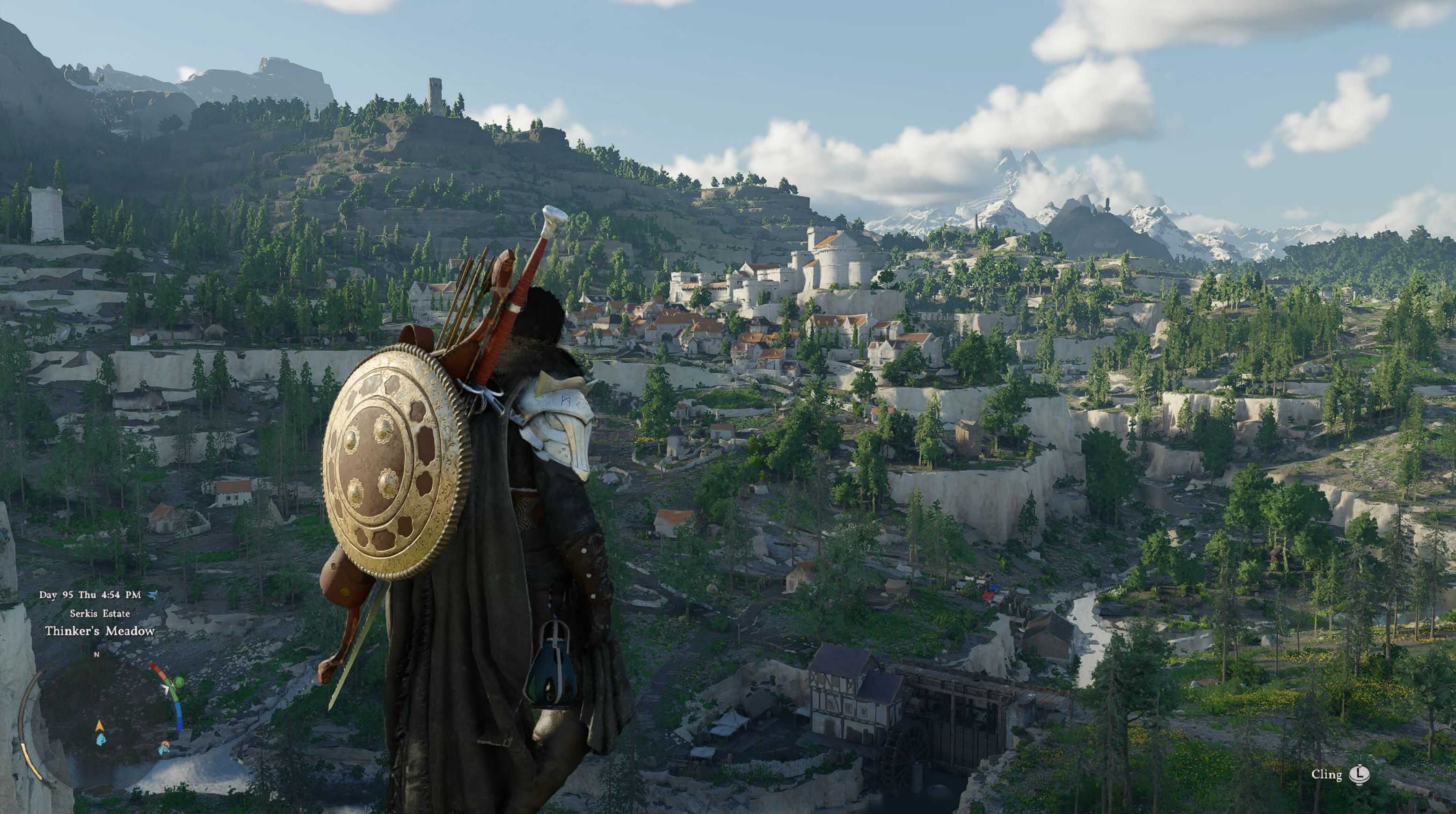
My intention with this mod is to keep the vanilla dynamic camera feel and improving camera states that are, in my opinion, disorienting and loose focus on the character you are playing. Especially the close zoom camera which is unplayable for me because you only see the upper torso of the character.
Update 1.1.1:
– improved lock-on camera and parry camera
– close zoom unarmed and armed cameras differ the most from vanilla and are now much lower and more offset to the right
– close zoom armed camera is slightly zoomed out compared to close zoom unarmed camera
– aim camera with the blue circle is now much lower and more offset to the right
– tool camera is lower and more offset to the right
– close zoom horse camera is lowered
– zoom level stays mostly consistent between moving and standing and the amount of FOV changes is reduced
– sprint camera is lowered
– medium and far zoom armed camera is lowered
Installation:
You can install the mod with JSON Mod Manager. Right click the downloaded zip —> extract all —> drag and drop the “Vanilla Enhanced Camera” folder inside the extracted folder into the JSON Mod Manager “mods” folder. After that activate the mod, click apply mods and start the game.