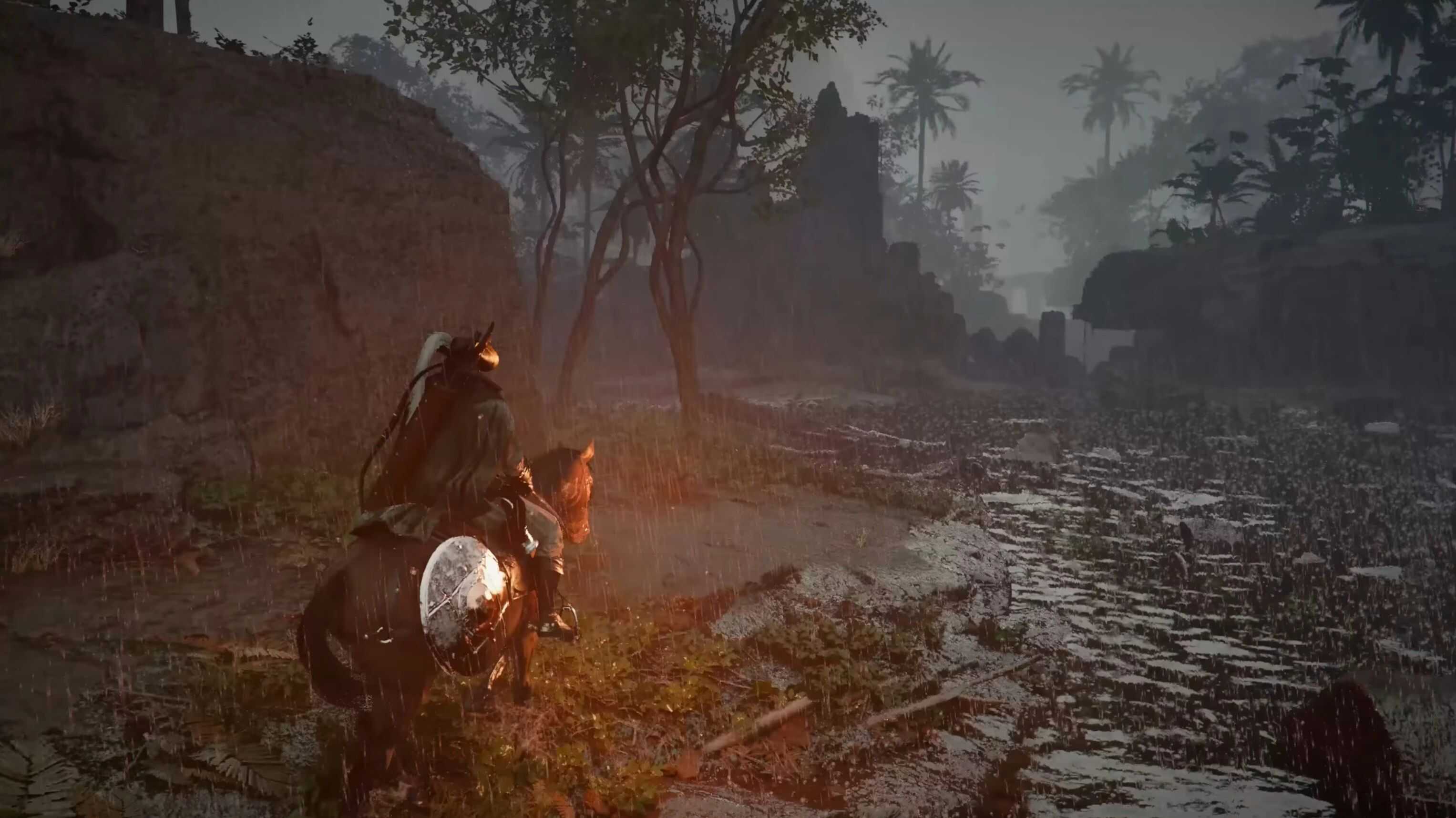
Boosts drop rates for Rare, Epic and Legendary items x5 / x10 / x25. Also increases ore and crafting material drops. Stop hunting. Start looting.
WHAT CHANGES
– Rare drops from enemies: vanilla ~10% → x5 = 50% / x10 = 100% / x25 = MAX
– Epic drops from enemies: vanilla ~3% → 5× = 15% / 10× = 30% / 25× = 75%
– Legendary drops: vanilla ~1% → 5× = 5% / 10× = 10% / 25× = 25%
– Ore from world sources: same multiplier applied
– Craft materials: same multiplier applied
– Chest bonus loot: same multiplier applied
PRESETS
– x5 — Rewarding Keeps the hunt fun. Recommended for first playthrough.
– x10 — Generous Rare drops feel obtainable. Good for NG+.
– x25 — Loot Shower Everything drops. Pure power fantasy.
INSTALLATION
– Back up save: Win+R → %LOCALAPPDATA%\Pearl Abyss\CD\save\ → copy folder
– Download CD JSON Mod Manager V9
– Steam → Verify integrity of game files (do this once before first mod install)
– Copy loot_rarity_overhaul.json into the mods\ folder
– Open mod_manager.exe → activate mod → enable only the patches for your chosen multiplier (x5 recommended)
– Click APPLY → wait for success
– Close Crimson Desert completely → relaunch from Steam
Kill a few regular enemies and open chests. With x5 or higher you should see Rare (blue) items dropping noticeably more often within 5-10 kills.
– Fully restart the game — not Alt+Tab, a full close and relaunch
– Make sure JSON Mod Manager is V9 BETA — older versions skip format-2 patches silently
– Steam → Verify integrity → re-apply the mod
– Check manager log — it prints exactly which patches were applied or skipped
COMPATIBILITY
✔ Fat Stacks, Inventory Expander, Camera mods — safe
✔ All Ore In Shop mods — different file, no conflict
⚠ Other mods editing dropsetinfo.pabgb — check for overlap in CDUMM’s conflict view