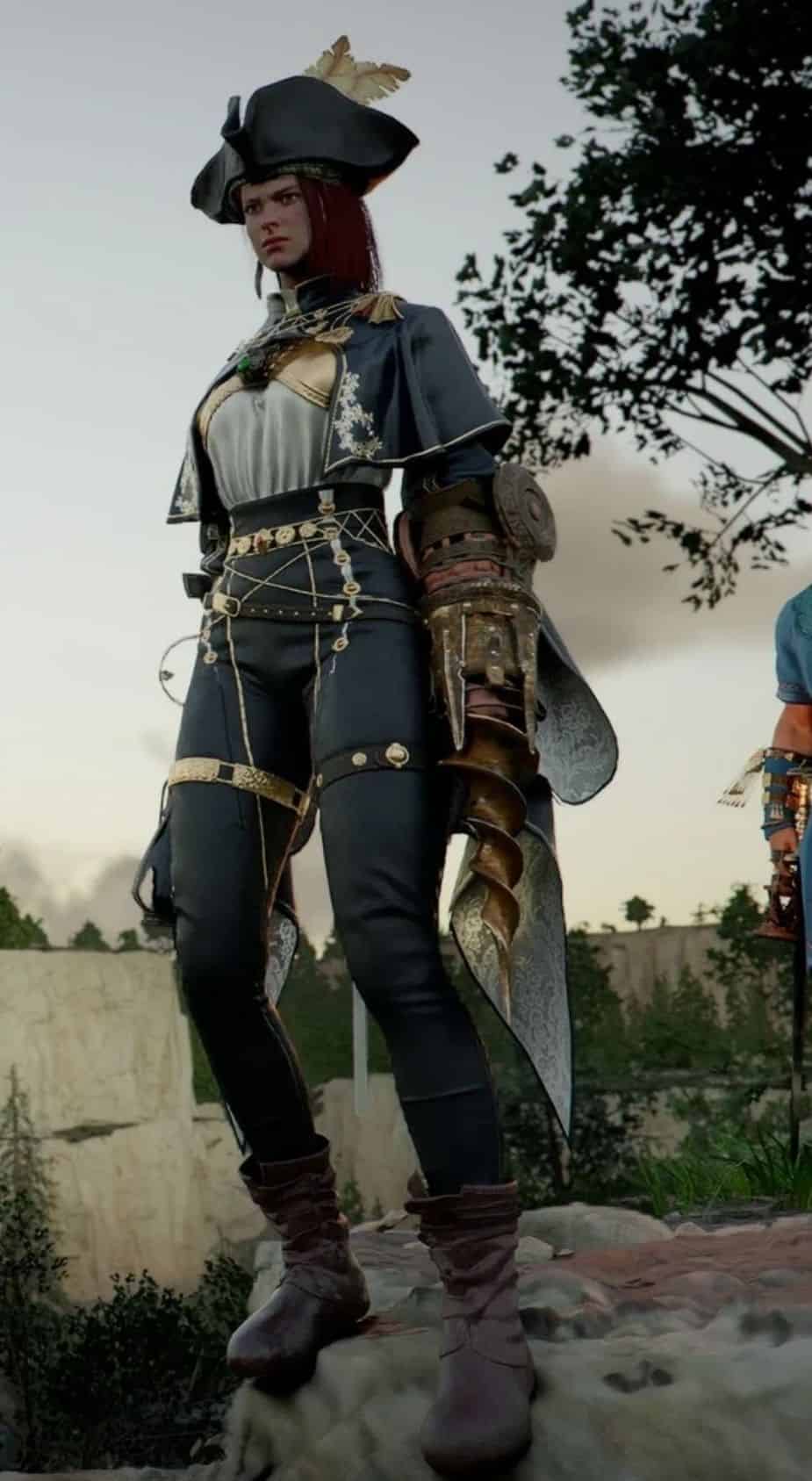
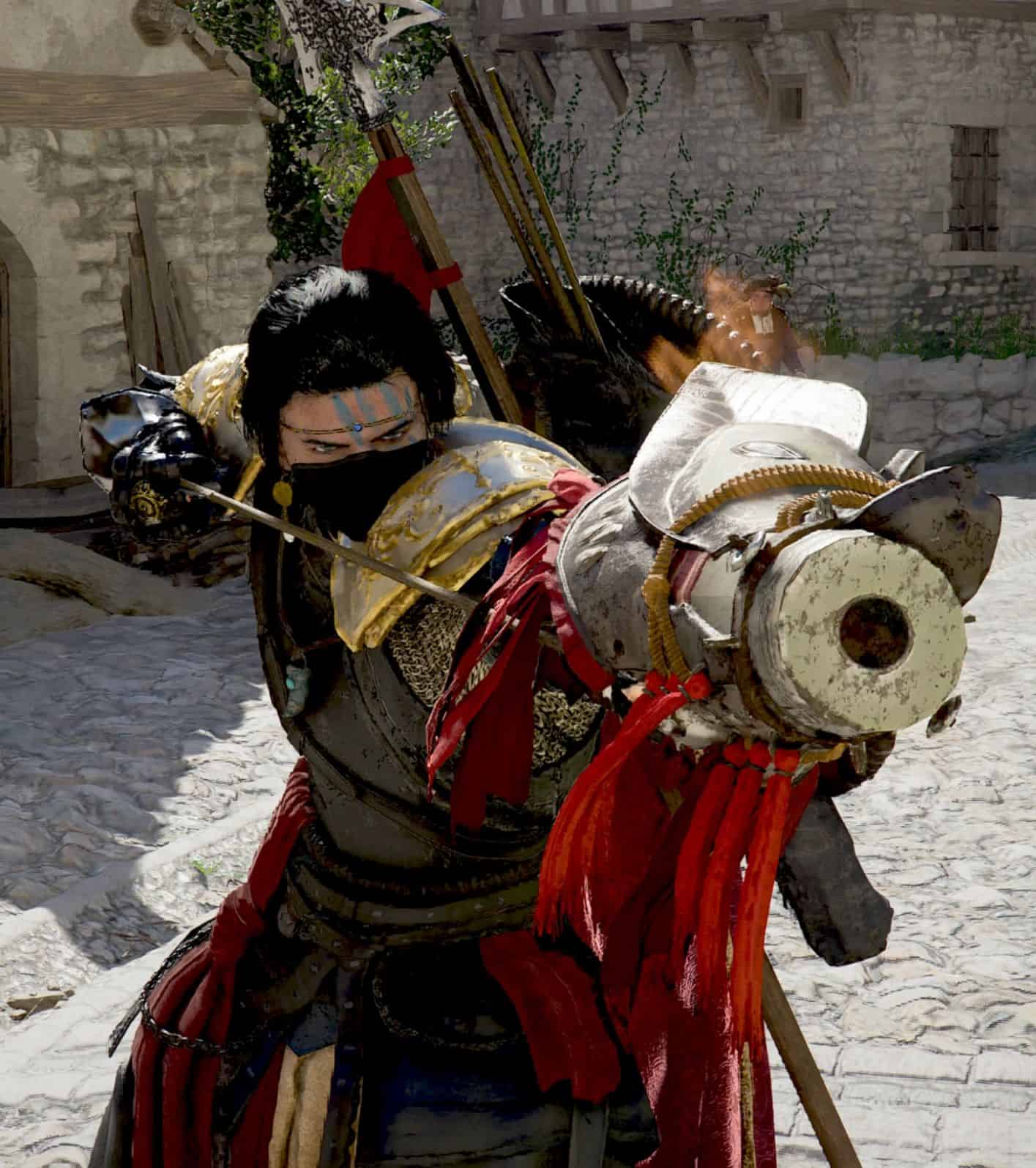
Update old mods to new game patch, full unlock Kliff and every character can use each other weapons and amor v3, Transmog / Visual Swap, mesh swap all characters, items edit customize your items, one-click: no cooldown + max charges + 999999 stacks + infinity durability, make all items 5 sockets, Increase ALL Spawns, Edit Drop rates.
What’s New in v1.0.6
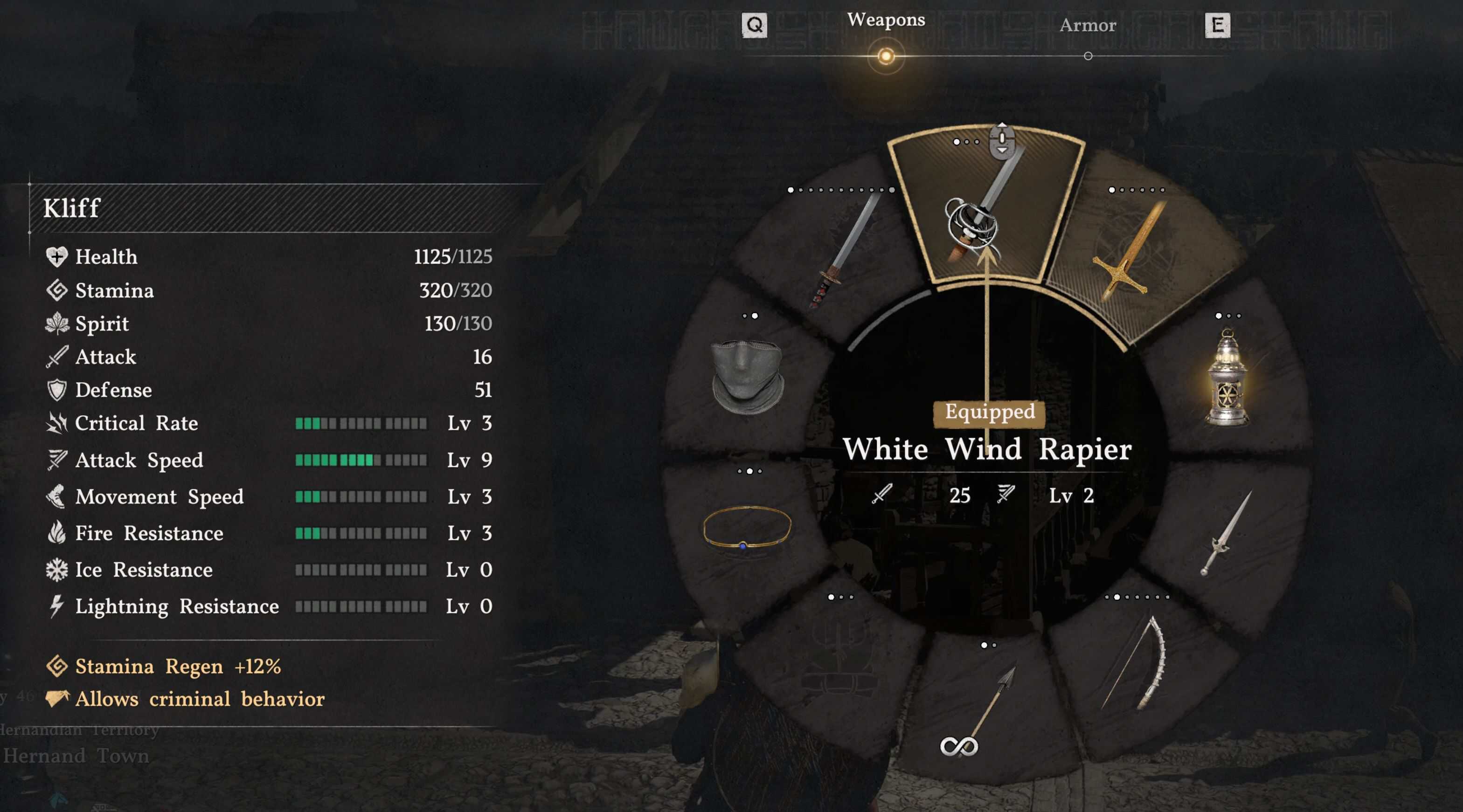
– Universal Proficiency — One click: every character can equip every weapon and armor type.
– Import Mod Folder — Reverse-engineer any .pabgb mod folder back into an editable config. See exactly what other mods do, tweak, and re-export.
– Enable All QoL — One click: no cooldown + max charges + 999,999 stacks + infinity durability.
– Searchable Imbue dropdown — Find any Equip_Passive skill by key, name, or internal name. Three-tier markers show which passives render a visual vs stat-only.
– Import/Load auto-detects QoL flags — Max Stacks and Infinity Durability checkboxes now auto-tick if an imported mod had them set.
– Apply to Game is public — No longer dev-mode gated.
– Auto-version splash + misc tooltip/UX cleanups.
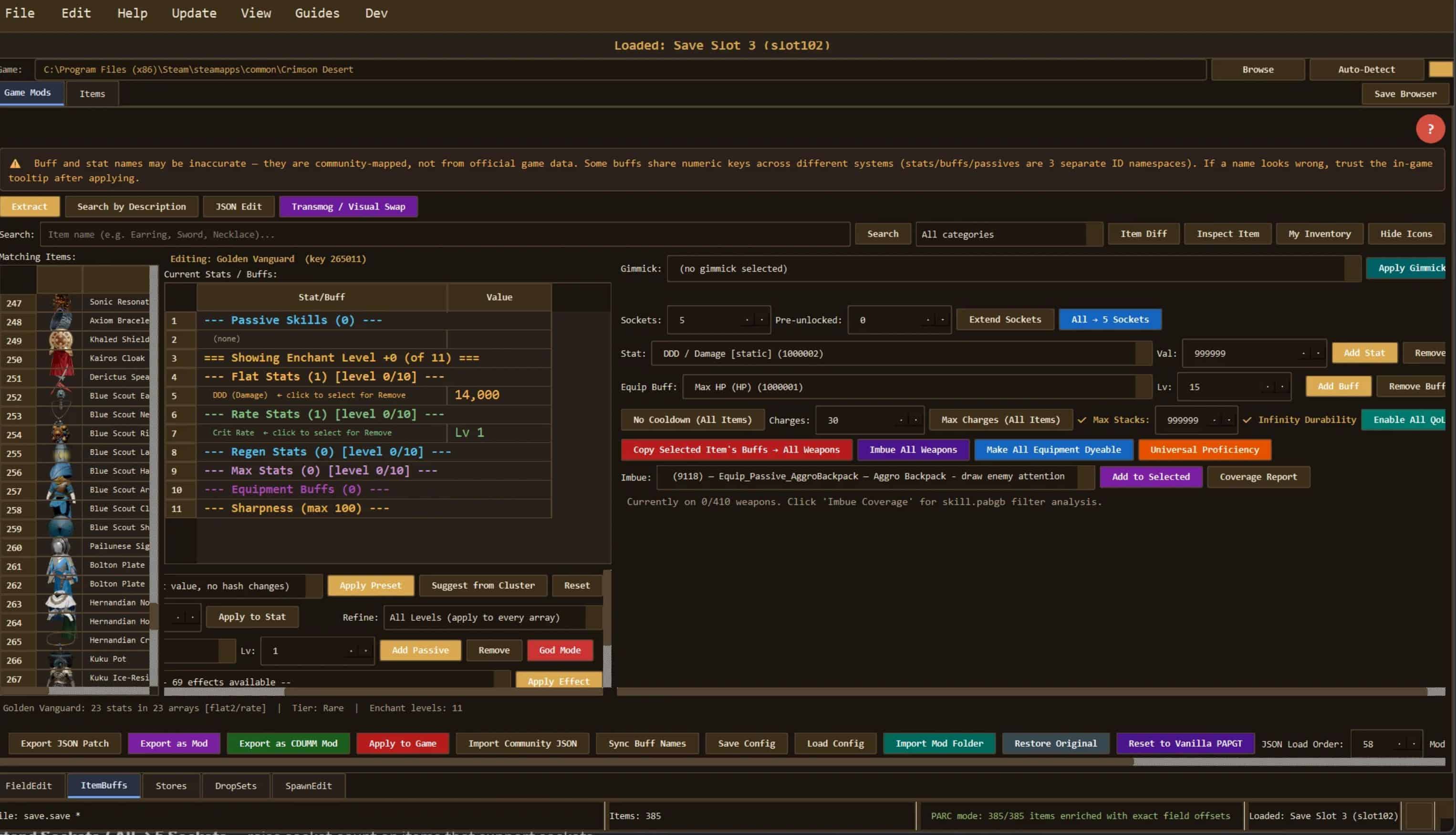
ItemBuffs Tab (weapons, armor, accessories).
Top Toolbar
– Extract — Parse the game’s iteminfo.pabgb (6,000+ items) via Potter’s Rust parser. Entry point for everything in this tab.
– Search by Description — Free-text search across item descriptions (English localization included).
– JSON Edit — Raw JSON editor for a single item’s full iteminfo record.
– Transmog / Visual Swap — Swap one item’s mesh for another’s (looks like X, stats of Y).
– Item Diff — Byte-level diff between two items in the table.
– Inspect Item — Full field dump for the selected item.
– My Inventory — Filter the table to items in your current save.
– Icons — Toggle icon rendering in the table (faster scroll without icons).
– Preview Item — Preview the modded item’s final tooltip.
Stats / Effects Panel
– Apply Preset — Apply a named stat preset (e.g. “Max God Mode weapon”, “Bismuth spear”, dev-ring presets).
– Suggest from Cluster — Auto-suggest stats based on similar items.
– Add / Remove Stat — Add or remove individual stat fields on an item.
– Apply to Stat — Edit a selected stat value.
– Reset — Revert all edits on the selected item.
Passives / Skills
– Add Passive — Add an Equip_Passive skill (searchable dropdown with 176 skills).
– Remove — Remove a passive from the selected item.
– God Mode — Inject full God-Mode stat preset (the dev-debug ring layout).
– Copy Effect — Copy the full effect set from one item to another.
– Shadow Boots / Lightning Weapon / Great Thief — One-click famous presets.
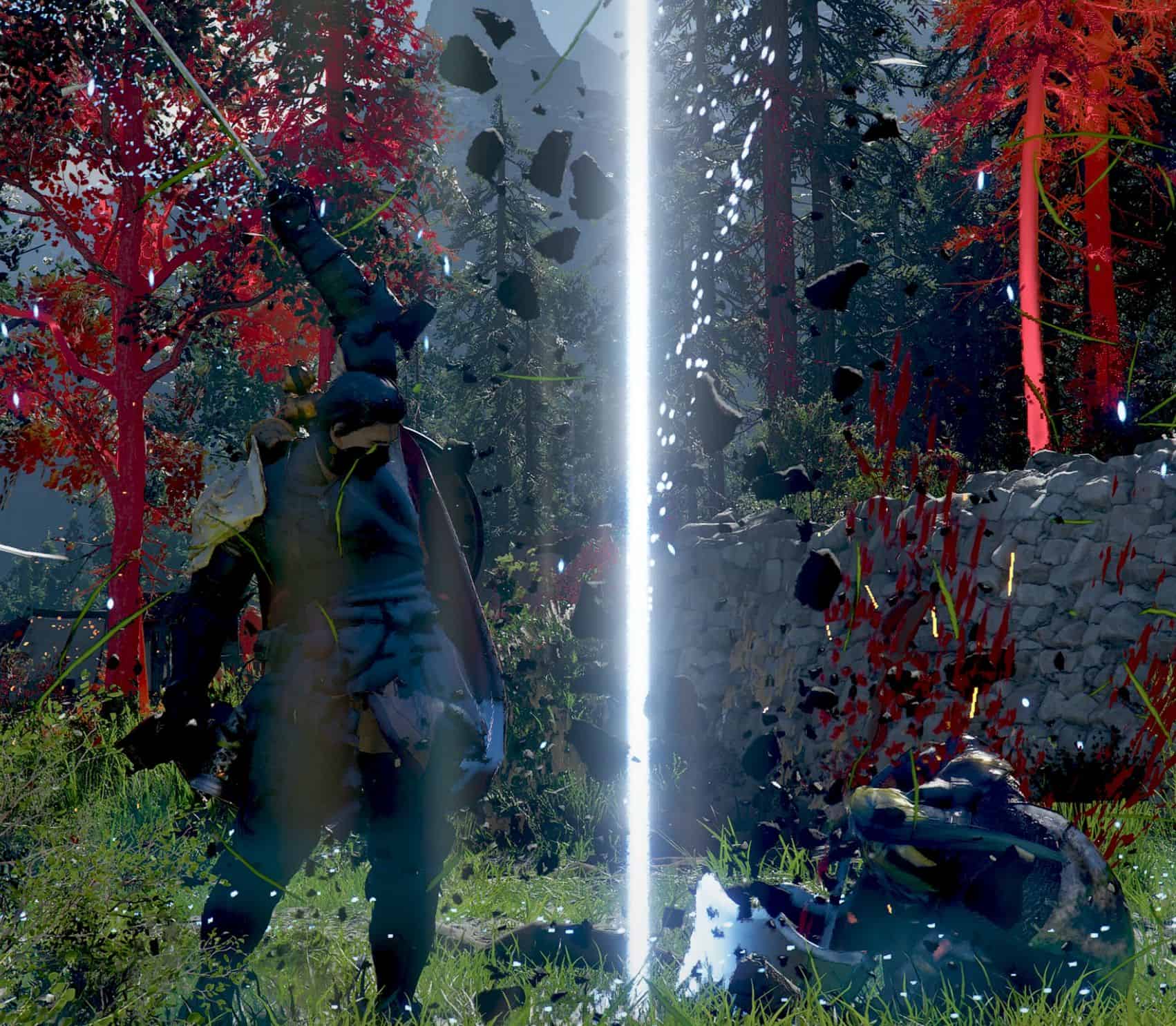
– Apply Gimmick — Attach a VFX gimmick (searchable combo of 12,000+ gimmicks).
– Extend Sockets / All → 5 Sockets — Raise socket count on items that support sockets.
Equip Buffs / Enchant-Level Buffs
– Add Buff — Add an equip_buff at a chosen enchant level.
– Remove Buff — Remove one buff.
– Copy Selected Item’s Buffs → All Weapons — Broadcast the current item’s equip_buffs onto every weapon. Merges dupes; higher level wins.
Utility Row
– No Cooldown (All Items) — Sets cooltime → 1 on everything.
– Max Charges (All Items) — Set max_charged_useable_count to chosen value on all charged items.
– Max Stacks — Tick to include stack-size edits in export (default 9,999; raise to 999,999 if wanted).
– Infinity Durability — When checked, every export sets max_endurance=65535 + is_destroy_when_broken=0.
– Enable All QoL — One click: all of the above with sensible defaults (999,999 stacks, 99 charges, 65535 durability, cooltime=1). Auto-ticks the checkboxes too.
Bulk Actions Row
– Copy Selected Item’s Buffs → All Weapons — See above.
– Imbue All Weapons — Apply the selected Imbue passive (Lightning/Fire/Ice/Bismuth/etc) to every weapon. Single-pass batched; safe for large class-hash lists.
– Make All Equipment Dyeable — Flip is_dyeable + is_editable_grime on every equipment item. Note: items whose mesh has no dye channel won’t render dye changes — asset-level gate.
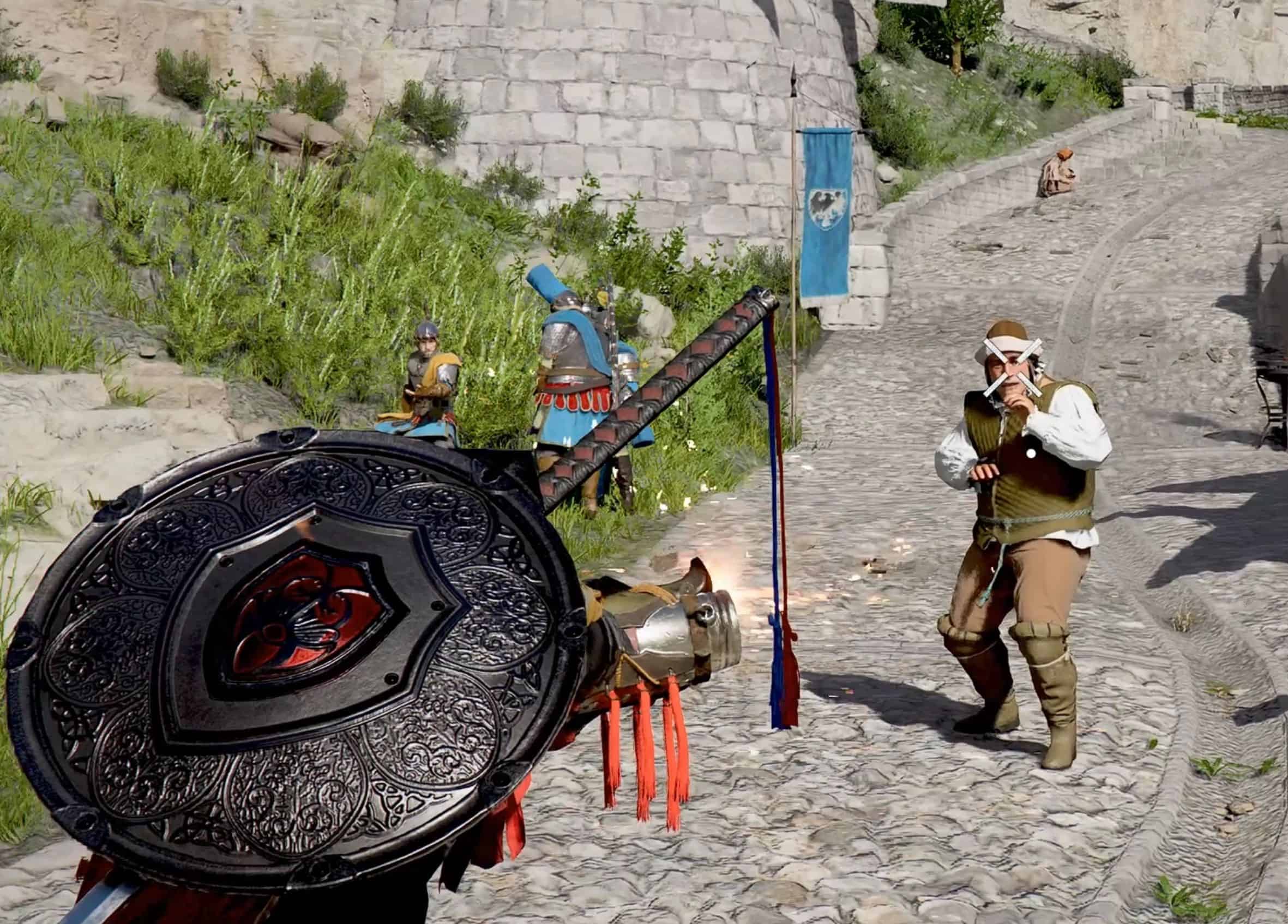
– Universal Proficiency — Removes the character→weapon filter. Two things happen: (1) equipslotinfo.pabgb — every character’s equip slots get every weapon hash for that slot type. (2) iteminfo.pabgb — player-tribe hashes are unioned into every item’s tribe_gender_list. Animation caveat: weapons without a character’s native animation set (e.g. muskets on Kliff) will equip but won’t fire/reload correctly.
Imbue Row
– Visual — Vanilla item uses this passive with a bone-attached gimmick → real VFX renders.
– Functional — Gimmick exists but socket is empty → invisible effect (stealth, immunity, faction filters).
– Stat-only — No vanilla gimmick reference → skill filter edit only, no visual.
– Add to Selected — Apply the imbue to one item (adds passive + gimmick + docking + cooltime config + skill.pabgb filter patch).
– Coverage Report — Show how many weapons allow this imbue, how many would be unlocked, and a per-weapon-class breakdown.
Bottom Bar / Export
– Export JSON Patch — Value-only edits (cooldowns, stats at existing offsets). Pldada/DMM format.
– Export as Mod — Full PAZ mod folder (iteminfo.pabgb + modinfo.json). For structural edits (new buffs, passives, god mode).
– Export as CDUMM Mod — Proper 0036/0.paz + 0.pamt + meta/0.papgt. Direct import into CDUMM.
– Apply to Game — Deploy a PAZ overlay directly (no mod manager required). Requires admin. Restart game after.
– Import Community JSON — Import a Pldada/DMM-format byte patch.
– Sync Buff Names — Refresh buff name database.
– Save Config / Load Config — Save current edits to JSON; reload later on fresh vanilla data.
– Import Mod Folder — Reverse-engineer any CDUMM/PAZ mod folder back into an editable config. Auto-ticks Max Stacks / Infinity Durability if the mod used them.
– Restore Original — Remove the ItemBuffs PAZ overlay + PAPGT entry (preserves other overlays).
– Reset to Vanilla PAPGT — Nuclear recovery option if the game won’t launch.
FieldEdit Tab (world rules)
– Load FieldInfo — Parse the field/region data.
– Enable Mounts Everywhere — Remove the “can’t summon here” checks across all regions.
– Make All NPCs Killable — Flip killable flags on faction NPCs.
– Invincible Mounts — God-mode your mounts.
– Mesh Swap — Character appearance swap (e.g. swap Kliff’s model to Damian’s).
– Wipe Ally Lists — Clear faction ally lists (makes more NPCs attack each other).
– Intruder Flag (slot 2) — Flip the slot-2 flag.
– Apply to Game / Export as Mod / CDUMM / JSON / Restore — Same deployment options as ItemBuffs.
Stores Tab (vendors / shops)
– Load Store Data — Parse storeinfo.pabgb (254 stores, 9 with populated item lists).
– Swap Selected — Swap one store’s inventory for another’s.
– Apply Limit / Set ALL Limits — Edit per-item or global stock limits.
– Import/Export JSON Patch — Trade configs between installs.
– Apply to Game / Restore — Deploy or revert.
DropSets Tab (loot tables)
– Load DropSets — Parse dropsetinfo.pabgb.
– +Add / Remove / Swap — Edit loot table entries.
– Add Pack to Selected — Bulk-add a pack of items to a drop set.
– 5x Drop Rates / Max Drop Rates / Zero Cooldowns — One-click bulk buffs.
– Apply to Chest Tiers / Apply to Selected — Targeted application.
– Save/Load Config / Apply to Game / Export as Mod / Restore — Standard deployment options.
SpawnEdit Tab (NPC spawn density)
– Load Spawn Data — Parse the 7 spawn pabgb tables.
– Increase ALL Spawns / Increase ALL Life — World-wide density and HP boost.
– Halve Respawn Timers / Halve Sub Times — Faster respawns.
– x Camp Max / x Camp Min / x World Rates / x Sub-Slots — Multiplier presets.
– Apply to Game / Export Mod / Restore Vanilla / Reset Edits — Standard deployment options.
Database / Items Tabs
– Scan PAZ / Load File — Database scanning and loading tools.
Notes & Limitations
– Skeleton/rig binding is asset-level. The engine has a third gate beyond equipslotinfo and tribe_gender that checks whether the weapon’s .pab mesh binds cleanly to the character’s skeleton. Oongka-specific axes and character-tied meshes still refuse to equip on Kliff even after Universal Proficiency. Not fixable from data — requires editing the .pab appearance asset itself.
– Dye material is asset-level. Make All Equipment Dyeable flips the flag correctly, but the game’s dye UI checks whether the mesh has a dye-enabled material slot. Items not authored with a dye channel will still refuse to open the dye dialog.
– Muskets on non-native characters equip but don’t animate. The animation graph is per-character; unlocking the slot doesn’t give Kliff Damian’s fire/reload animations.
– Saves aren’t touched. This tool edits game data (PAZ overlays), not your save file. Existing items keep their current state — new drops use the modded values.
– Admin required for Apply to Game. The game is in Program Files; writing to the overlay folder needs elevation. Mod export paths don’t need admin.
– Auto-updater — Checks the manifest on each launch. In-app “Check for Updates” pulls the latest exe.