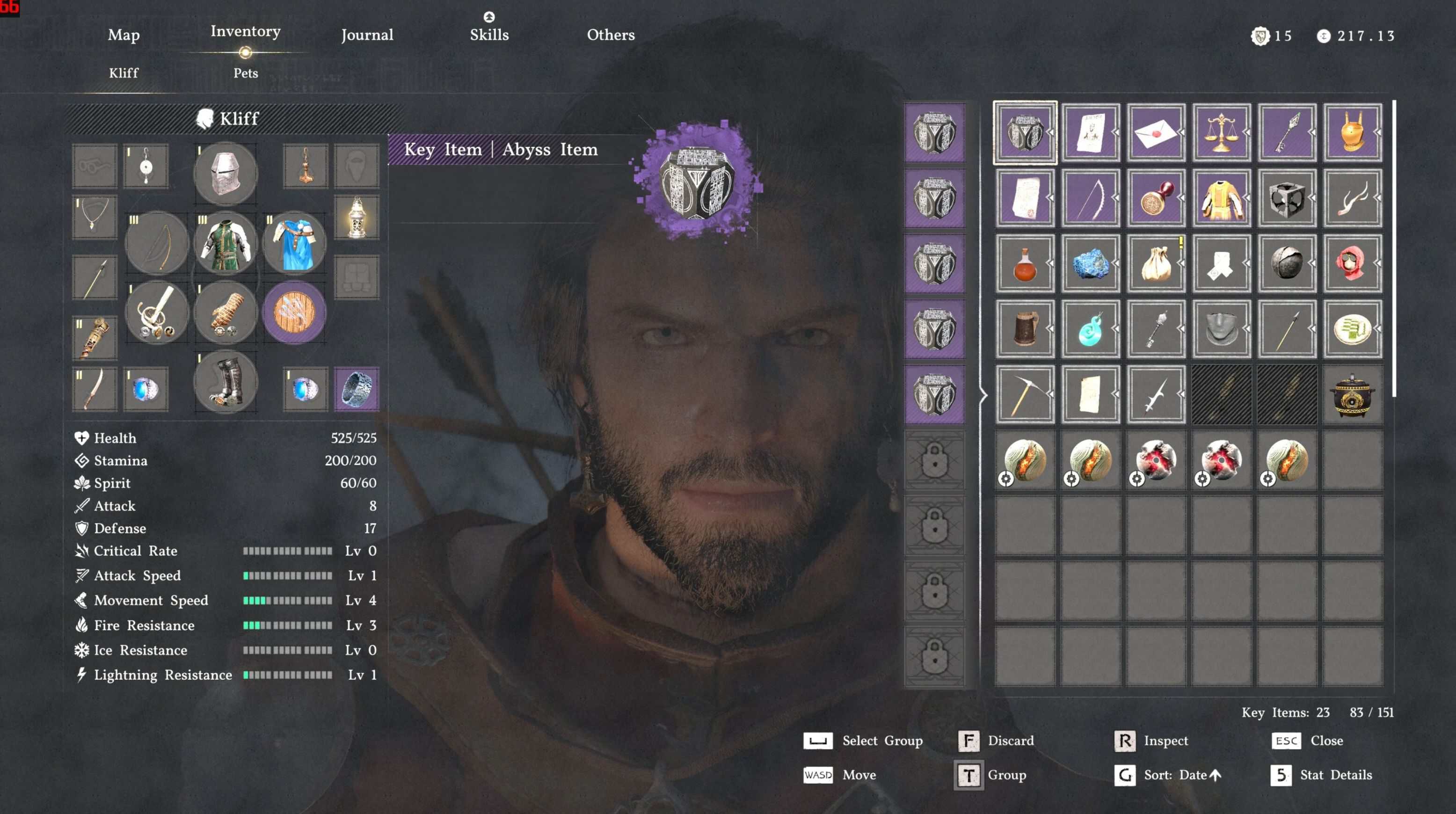
Big update. Transmog is here, three new outfits, and a bunch of fixes for Character Swap.
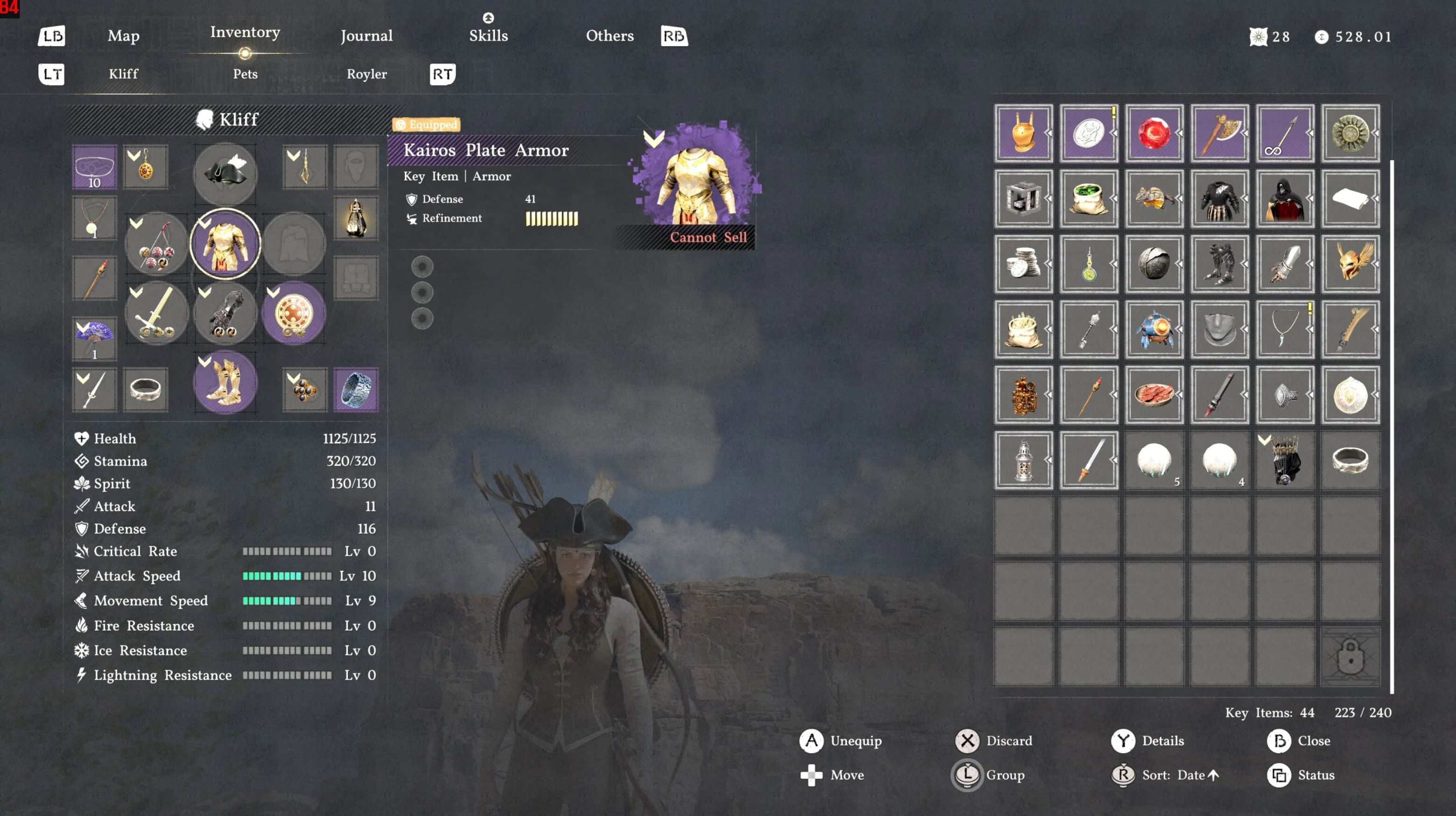
New this version: Transmog (Item Swap). You can now swap the look of any equipped armor piece to look like a different item. Pick a source (what you’re wearing) and a target (what you want it to look like), and the tool generates the swap rules. Works across all armor slots and you can target All characters, just Kliff, or just Damiane.
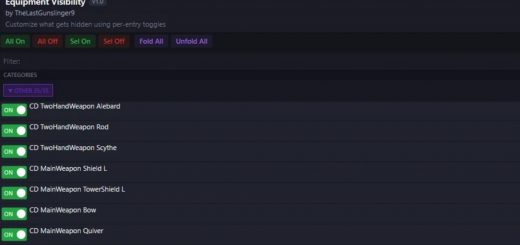
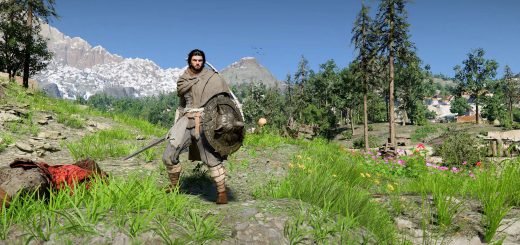
Hides armor, weapons, and tools on Kliff or Damiane. Helmet, chest, gloves, boots, cloak, shoulders, mask, glasses, accessories, swords, shields, bows, all weapon types, and all tools. Check what you want gone and hit export.
Weapons hidden while sheathed on your belt/back still appear when drawn for combat. Tools hidden while stowed still reappear when you use them. The game engine just handles this on its own through its PartInOutSocket system. Some weapon types already do this in vanilla (daggers, axes, maces, etc.), I’ve just extended it to everything else. I left the vanilla-hidden ones in the tool for completeness and in case I find a use for them later.
BaldFix prevents the game from removing your character’s hair when you hide a helmet or hooded cloak. Without it, hiding a helmet makes your character bald. Not ideal. BaldFix is global though, so there’s a small chance NPCs wearing helmets might show some hair clipping. I played for a while looking for examples and couldn’t find any, so I think the tradeoff is worth it.
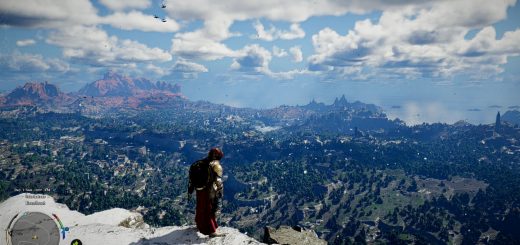
CrowFix prevents hidden armor (helm, cloak, shield, bow, etc.) from briefly reappearing after you land from Crow Flight. The game’s action chart forces certain equipment visible during flight transitions and CrowFix patches those visibility groups so your hidden stuff stays hidden. Same overlay system as armor hiding, so it’s non-destructive and easy to remove.
Character Swap lets you replace Kliff with an NPC. Damiane, Hexe Marie, more coming. You pick who replaces Kliff, then you’ve got five equipment slots (Helm, Armor, Cloak, Gloves, Shoes) that you can assign independently. There’s an Outfit Preset that fills everything at once, but you can override any slot with a piece from a different outfit. Want Hexe Marie’s cloak with Elegant Carmine armor? Cool. Set a slot to “None” and it just doesn’t swap that slot, so whatever Kliff has equipped shows through normally. Under the hood all the NPC characters are riding Damiane’s body because hers is the only skeleton rigged for player armor. They just get their own head and hair swapped in. Doesn’t need any other mods.
Planning on adding more characters and more outfits. Feel free to leave suggestions. Works with Mod Managers (recommended) or as a direct install.
What’s New in 2.3.0
**Transmog (Item Swap).** This is the big one. You can swap the visual appearance of any equipped armor to look like a different item. Two search panels let you find items by name, filter by slot, pick your source and target. It scans the full game archive for equippable armor and pulls in real localized names where they exist. Stack as many swaps as you want.
**Three new outfits** for Character Swap. These work for both Damiane and Hexe Marie:
– Elegant Carmine Leather (full 5-piece: helm, armor, cloak, gloves, boots)
– Demenissian Uniform Leather (4-piece: armor, cloak, gloves, boots. No helm)
– Light of the Battlefield (full 5-piece: helm, armor, cloak, gloves, boots)
**Underwear options.** Character Swap now has a per-character Underwear dropdown. Vanilla (normal), Dark (tinted near-black to hide clipping through outfit gaps), or Nude (fully invisible). Outfit presets auto-fill a sensible default.
**NPC Damiane fix.** There’s now a toggle to prevent NPC companion Damiane from stealing your Character Swap outfit. She shares the same body as the player character, so without this she’d also get swapped. That was a fun bug to discover.
**Character data split.** Outfit configuration moved to its own file (HAWT_Swap_characters.py). If you want to add your own outfits, that’s the file to look at.
Requirements
– Windows 10 or 11 (64-bit)
– Internet connection (first run only)
– Crimson Desert installed via Steam
You don’t need Python installed. The tool handles all of that on first launch.
How to Use
Extract the zip wherever you want. Double-click **HAWT Swap.bat**. First time you run it, a setup process kicks off in the terminal window. It downloads a small Python runtime and the packages it needs. Takes a minute or two depending on your connection. Just let it finish. You’ll see “Setup complete!” and then the tool opens on its own. Every launch after that is instant.
When the tool opens, your game directory should auto-detect (it reads your Steam library paths). If it doesn’t, hit Browse and point it to your Crimson Desert folder (the one that has the 0009 folder in it).
There are four main tabs:
Character Swap
Replace Kliff with an NPC. Pick a Head (Damiane, Hexe Marie), then select an Outfit Preset to fill all five equipment slots at once, or set each slot individually. Mix and match however you want. Set a slot to “None” to skip it (Kliff’s normal gear shows through for that slot).
HelmFix and CloakFix checkboxes show up when you put something in the Helm or Cloak slot. These are PAZ patches that ensure every single helmet/cloak in the game properly swaps to your chosen outfit piece. Leave them checked unless you have a reason not to.
The Underwear dropdown lets you choose Vanilla, Dark (tinted to reduce clipping visibility), or Nude (fully invisible). There’s also a checkbox to prevent NPC Damiane from stealing your look.
Item Swap (Transmog)
Swap the look of equipped armor. Search for items by name, filter by slot, pick a source (what you’re wearing) and a target (what you want it to look like). Add as many swaps as you want. You can scope swaps to All characters, just Kliff, or just Damiane.
“Show Unknown” reveals items that don’t have proper localized names. Useful for finding obscure pieces, but most people can leave it off.
Hide Items
Two character panels (Kliff and Damiane) with categories for Armor, Weapons, and Tools. Check the boxes for what you want hidden. Click the arrow on any category to toggle individual sub-parts.
Settings
Game directory, BaldFix, CrowFix, export format, PAZ Patch Mode options.
Installing Your Changes
Mod Manager Export (Recommended)
Pick an output folder, choose Compiled (precompiled 0036 PAZ, what most people should use) or RAW (loose XML files), configure your stuff, and hit Export.
It creates up to two folders in your output directory:
– **Item Hider – Armor** is the main mod (armor hiding, weapons, tools, character swap, and transmog)
– **Item Hider – PAZ Patches** contains BaldFix and CrowFix PAZ patches (only shows up if needed)
Drop those into your mod manager’s mods directory and enable them. Done.
Direct Install
Switch to the Direct Install tab if you’re not using a mod manager. Apply Mod installs everything directly into your game files and creates backups automatically. Undo All Changes reverts to vanilla. You can apply and undo as much as you want. The tool manages the backups. If the game updates, it detects stale backups and handles it.
PAZ Patch Mode
When you check BaldFix, a “PAZ Patch Mode” section appears with two options:
**Compiled** is the default. Exports BaldFix as part of the PAZ Patches mod folder. Use this if you don’t have any other mods touching the 0009 archive.
**Patcher** is for when you have another mod that replaces 0009/0.paz (like a character appearance mod). Instead of creating a separate mod that would conflict, the patcher applies the fix directly into that mod’s PAZ file.
How to use it:
1. Select Patcher mode
2. Pick your source. PAZ file (browse to a specific 0.paz), Mods folder (it’ll scan for mods with a 0009/0.paz and let you pick), or Game folder (patches the game’s own 0009/0.paz directly)
3. Hit Export
The tool creates a backup before patching (with a .armorhider_patch.bak extension). If you’re using JSON Mod Manager, it also patches the copy in the _enabled folder so you don’t have to re-enable anything. To undo, switch to Patcher mode and hit Revert.
Changing Your Setup
Want to hide different pieces later? Just reopen the tool, change your checkboxes, and export/apply again. Settings are remembered between sessions. If you’re using Mod Manager Export, you’ll need to re-export and swap the folders in your mod manager. Disable the old ones, drop in the new export, re-enable.
Upgrading from a Previous Version
Delete your old `runtime` folder (if you have one) and replace all the files with the new ones. Settings carry over automatically.
Known Issues
– BaldFix is global. There’s a possibility that hair renders under NPC helmets. I spent a while watching for it and couldn’t find any examples, but if you find a particularly bad one send it to me and I can take a look.
– When Hexe’s Cloak is selected, the cloak may fail to appear if you load into the game without a cloak equipped then equip another cloak. This is a game engine quirk with how cloaks are loaded. Saving with a cloak equipped (any will do) and reloading fixes it.
Troubleshooting
**The bat window flashes and nothing happens.** Delete the `runtime` folder next to the bat and run it again. Forces a clean setup.
**”Game directory not found.”** Browse to your Crimson Desert install manually. You’re looking for the folder that contains 0009, 0010, meta, etc.
**BaldFix warning about backups.** Normal on first use. The tool creates a backup of the game file before patching. If you see a warning about stale backups after a game update, just proceed normally. The tool handles it.
**Antivirus flags the runtime folder.** The setup downloads Python from python.org, which is the official source. Some aggressive antivirus software flags unfamiliar executables. You can add an exception for the runtime folder if this happens.
**Errors after game update.** You have to rebuild the patches after each game update. You won’t usually have to wait for the mod to update, but if they fundamentally change things in the file structure, I might have to manually update some of the patch logic.
Uninstalling
– Mod Manager: disable/remove the mod folders from your mods directory
– Direct Install: open the tool and click Undo All Changes
– The tool itself: just delete the whole folder