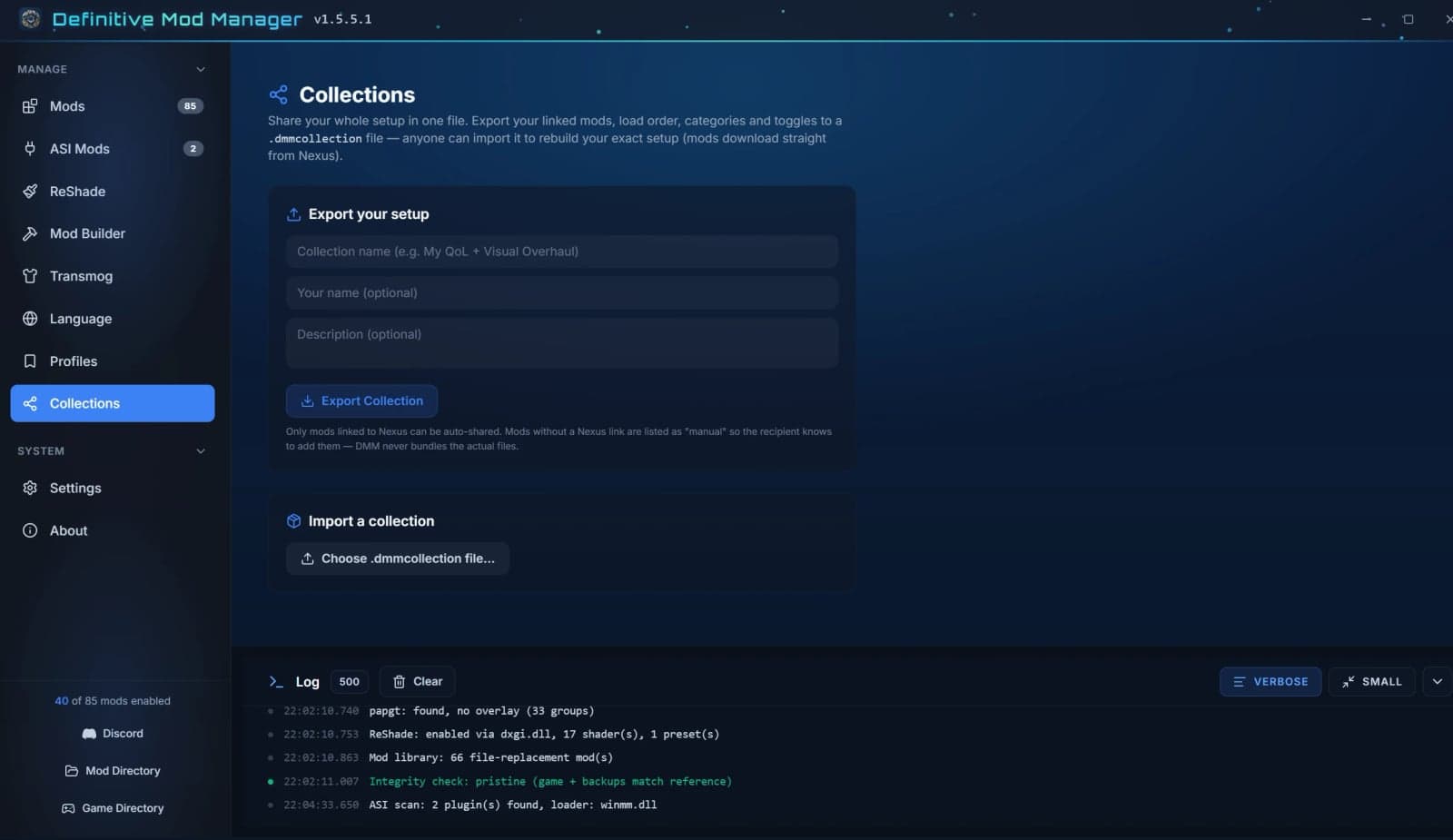
YOU NEED: Microsoft Edge WebView2 Runtime (Required for the app UI. Pre-installed on Windows 10 (1803+) and Windows 11)
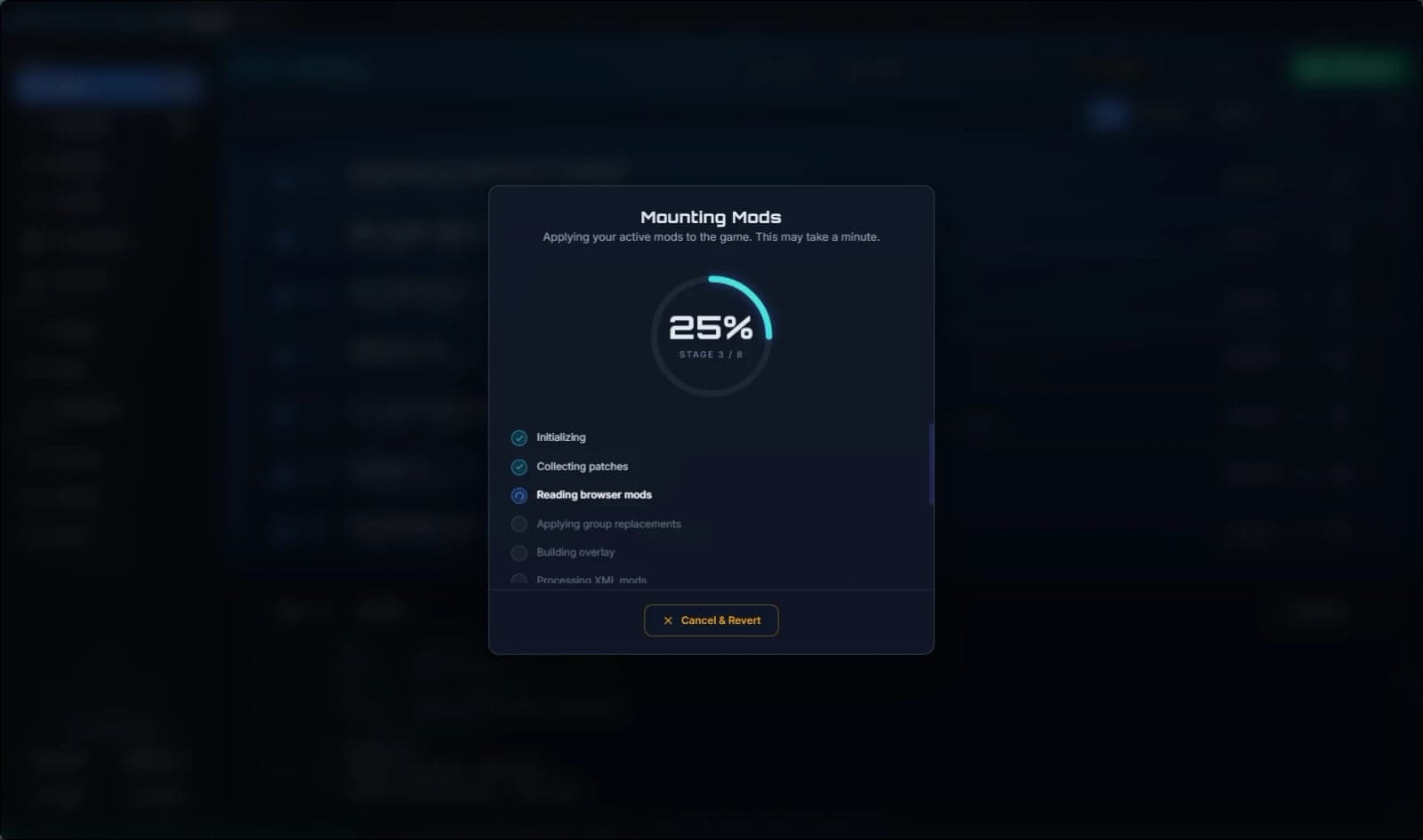
Mod manager for Crimson Desert. One-click mount and unmount with automatic backup. Supports JSON byte-patches, textures, file replacements, ASI/DLL plugins, and PAZ overlays. Pattern scanner auto-relocates patches after game updates.
Features
- Handles every mod type. One manager for JSON gameplay/table mods,
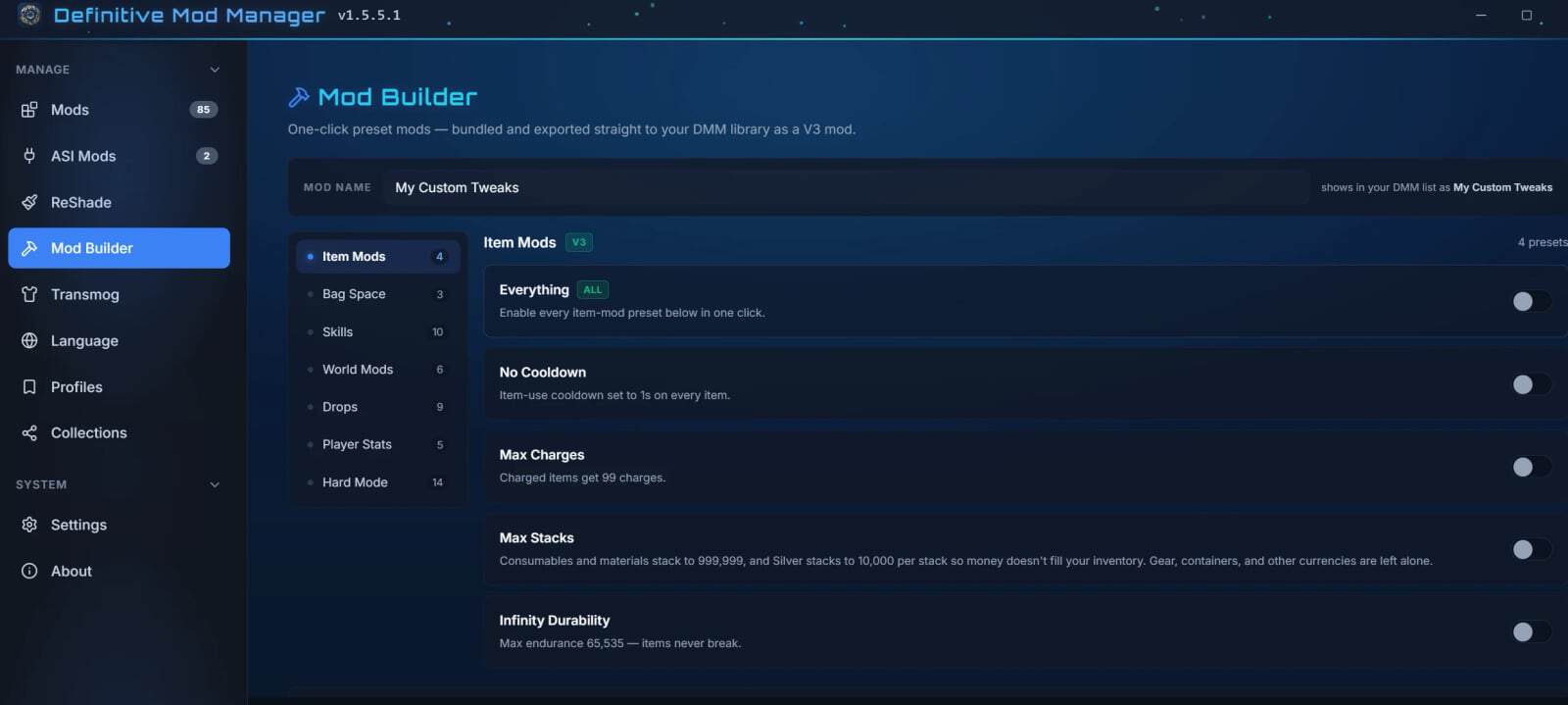
.ddstextures, file-replacement mods (XML/CSS/HTML/audio), ASI/DLL plugins, ReShade, and language packs. - Build your own mods. The Mod Builder turns ready-made presets into a clean, working mod, including infinite stamina, drop & gathering multipliers, bag space, move speed, no cooldowns, and a full Hard Mode tab with enemy HP, faster durability, consumable cooldowns, reduced gold income, and craft costs. Presets resolve against your installed game version, so they keep working across most game patches.
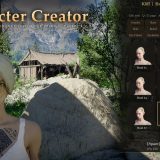
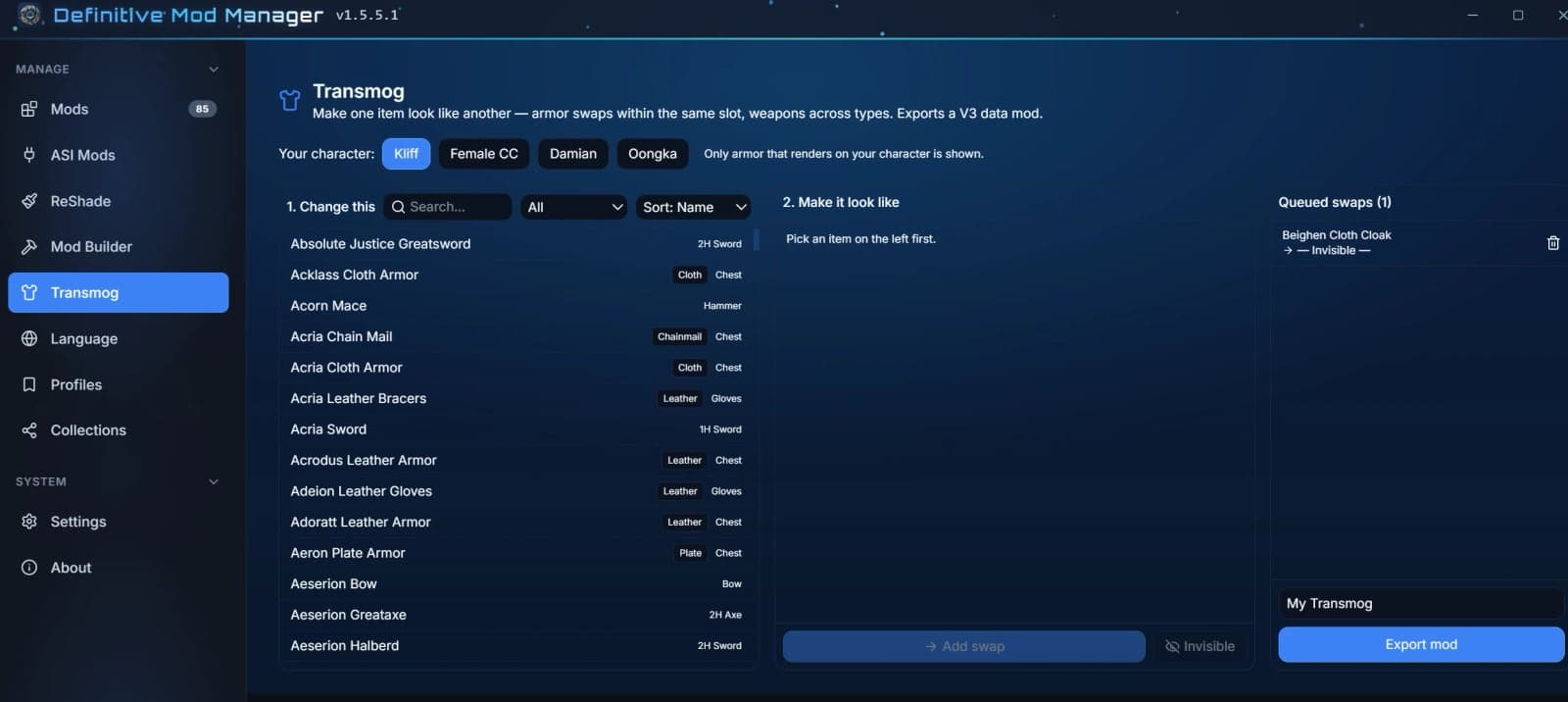
- Transmog your gear. Change how your armour and weapons look without changing what they do. Browse an appearance catalog built from the game’s own data, filtered to your character (Kliff, Female CC, Damian, Oongka) by category and material, with real item names in your language. Pick a look and export it as a mod.
- Transmog your pets and mounts. Change what your mount or pet looks like without changing what it does. Horses, dogs, cats, wolves, birds and more are grouped with their own kind so a swap always makes sense, another horse for your horse and another dog for your dog. Every group is built from the game’s own creature data, with machines, siege emplacements, scripted props and wildlife you can’t actually ride filtered out, and mounts won’t offer you a donor too small to carry you. Pick a look and export it as a mod.
- Create your own equipment. Make a genuinely new item instead of editing one that exists. Pick any weapon or piece of armour to base it on. Your item keeps that look, icon and animations, and gets its own name, description and stats. Add buffs, passives, attachments and elemental effects, strip out whatever it inherited, set its abyss sockets and whether the blacksmith will refine it. The original is untouched, so you can carry both. Yours goes on sale in Hernand, Rhett for weapons and Tina for armour. Name it, price it, and export it as a mod.
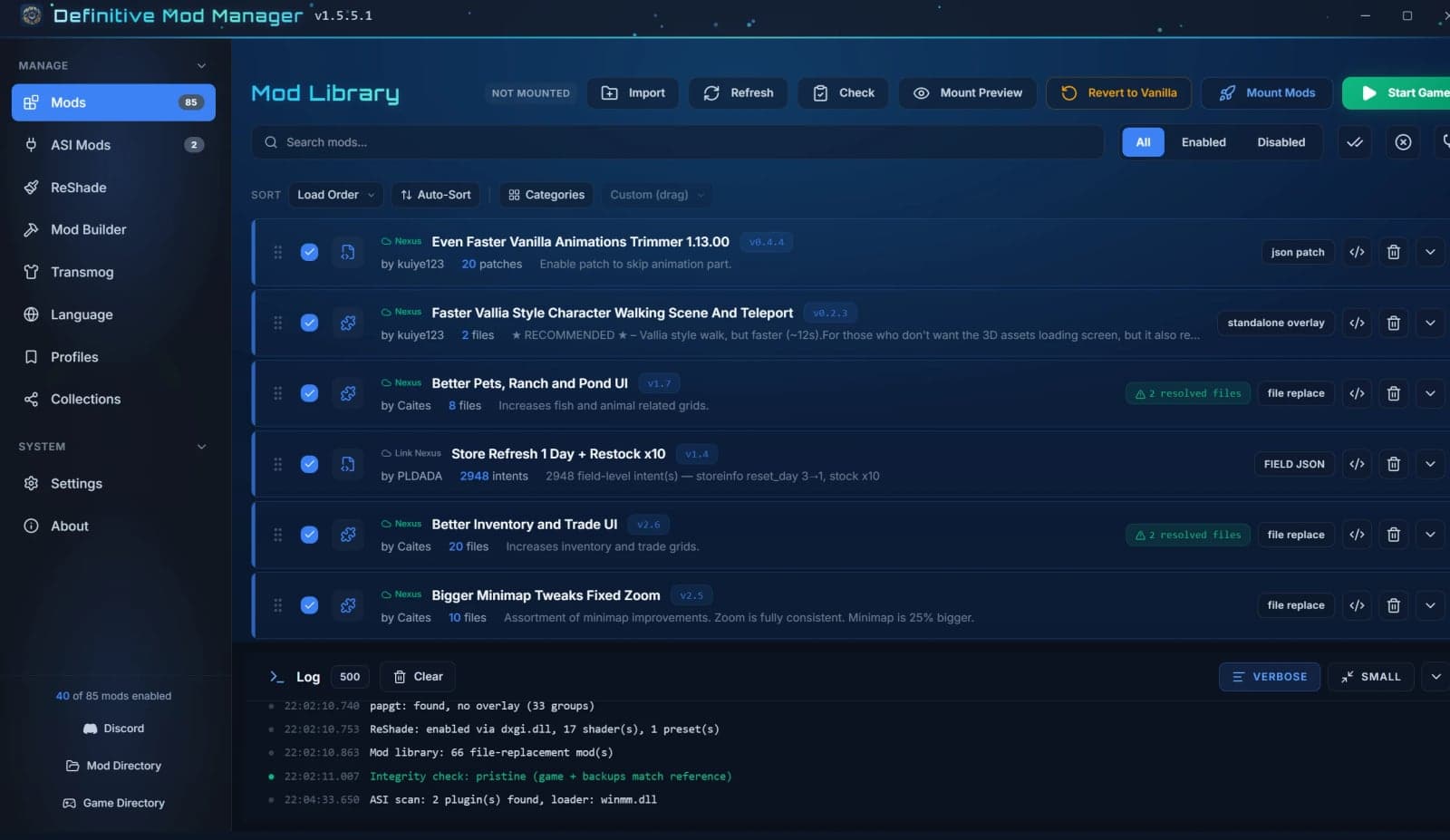
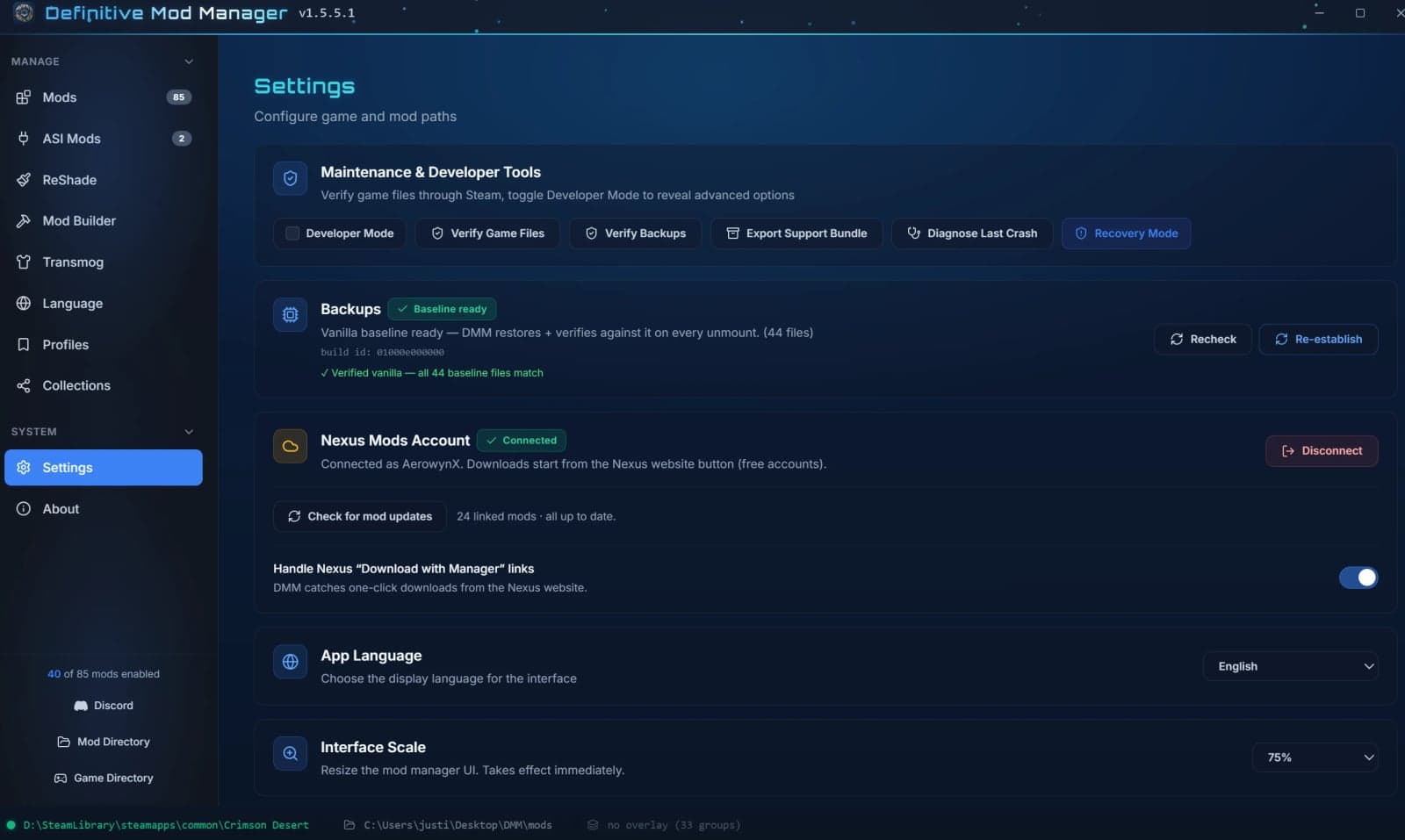
- Full Nexus Mods integration. Log in once, then use the “Mod Manager Download” button on any mod page to send it straight to DMM. DMM tracks installed mods, flags available updates, and updates them in place, keeping your load order, settings, and category intact.
- Automatic conflict detection. DMM spots when two mods touch the same file or the same record, merges them safely when it can, including color/customization packs and UI files, and lets you pick a winner when it can’t. No silent overwrites.
- Organize your setup. Sort mods into custom categories, drag to reorder load order, or let DMM auto-sort by conflict priority, and manage multi-option mods with variant dropdowns and module packs.
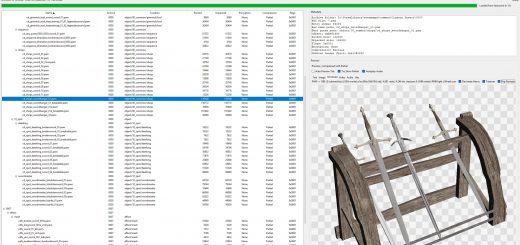
- Built-in Health Check. Scan any mod for common problems, including broken textures, dangling references, and packaging mistakes, and export a report for players and mod authors.
- Power-user tools. Edit mod files in the built-in code editor, manage ASI plugins and their configs, install ReShade, and apply translation packs without leaving DMM.
Specifications
- Built with Tauri (Rust) + React + Tailwind CSS + Monaco Editor.
- Standalone single exe: zero dependencies, no runtime install required.