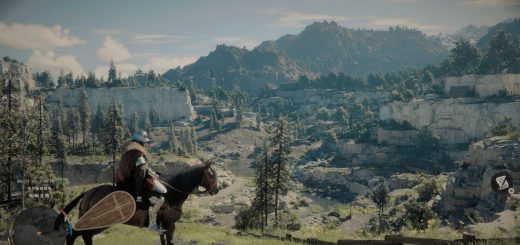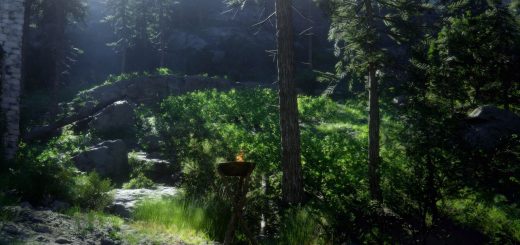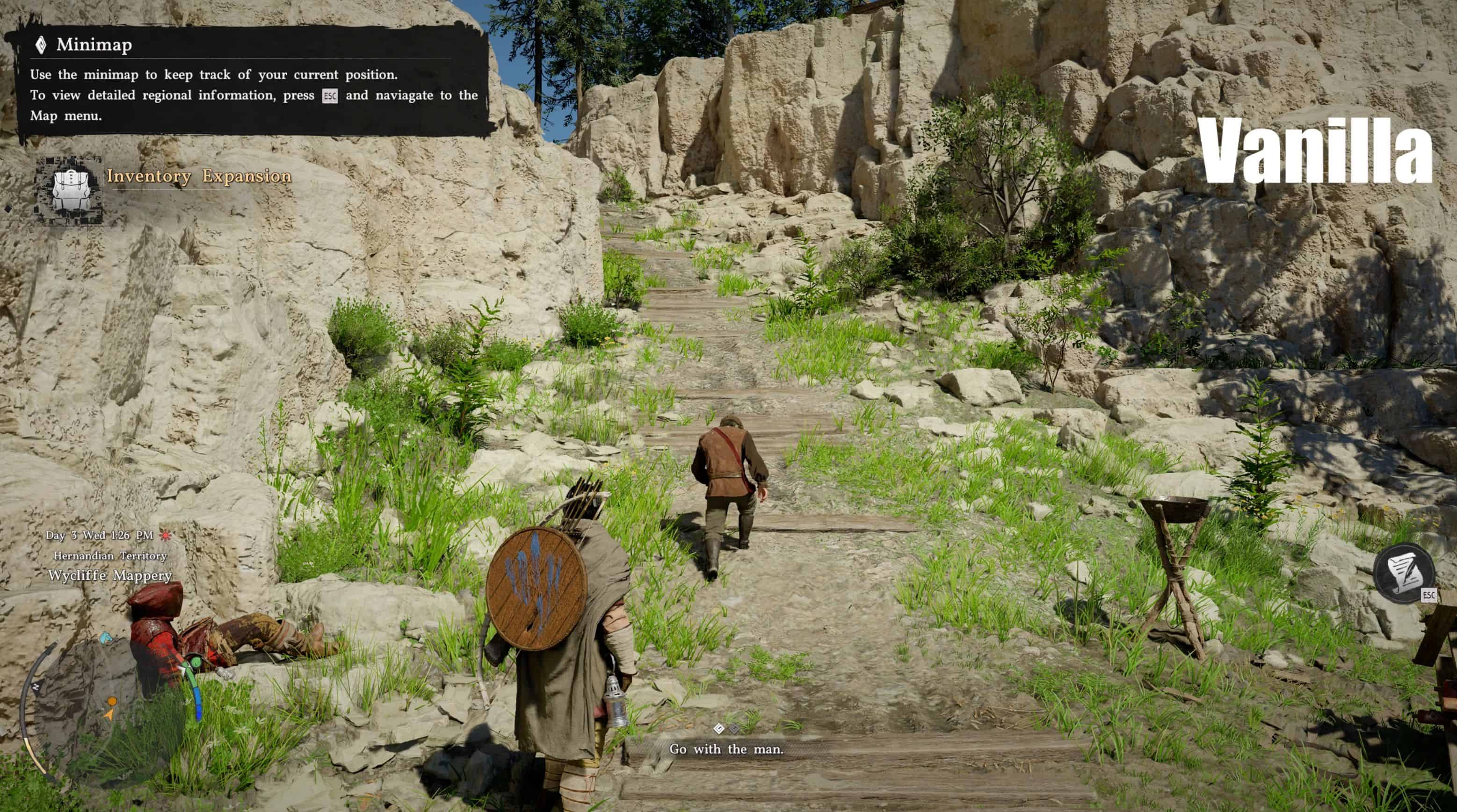
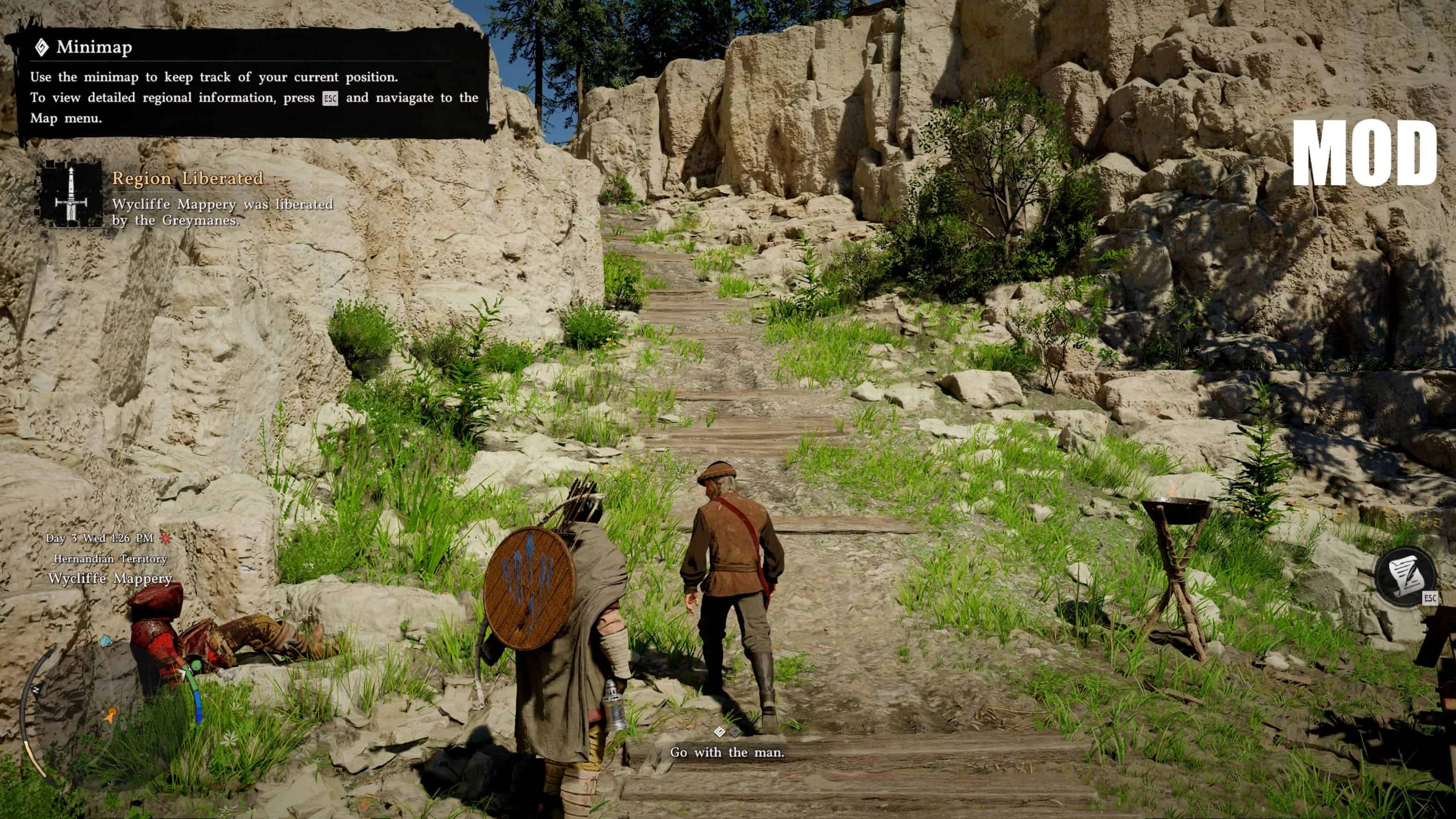
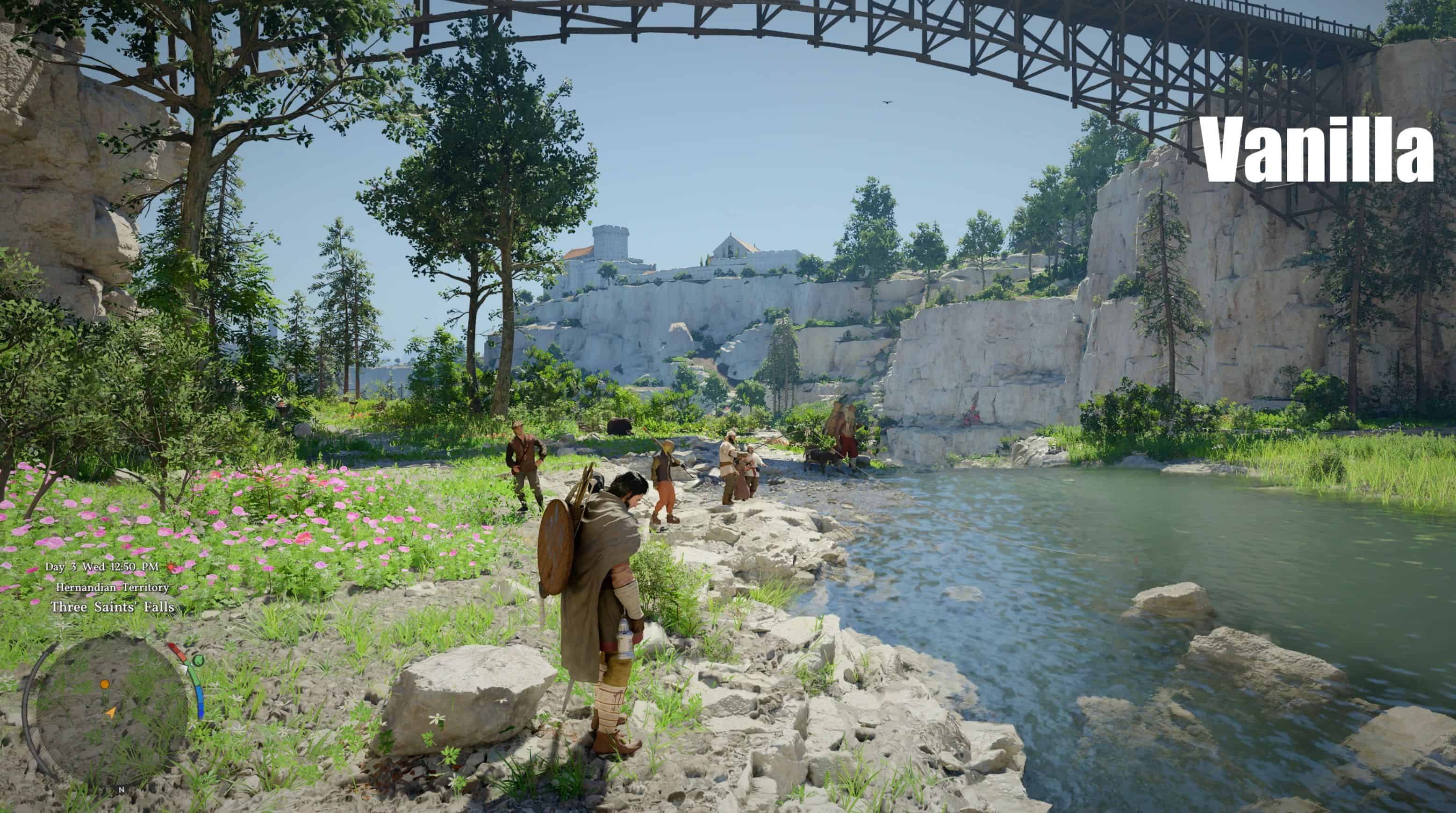
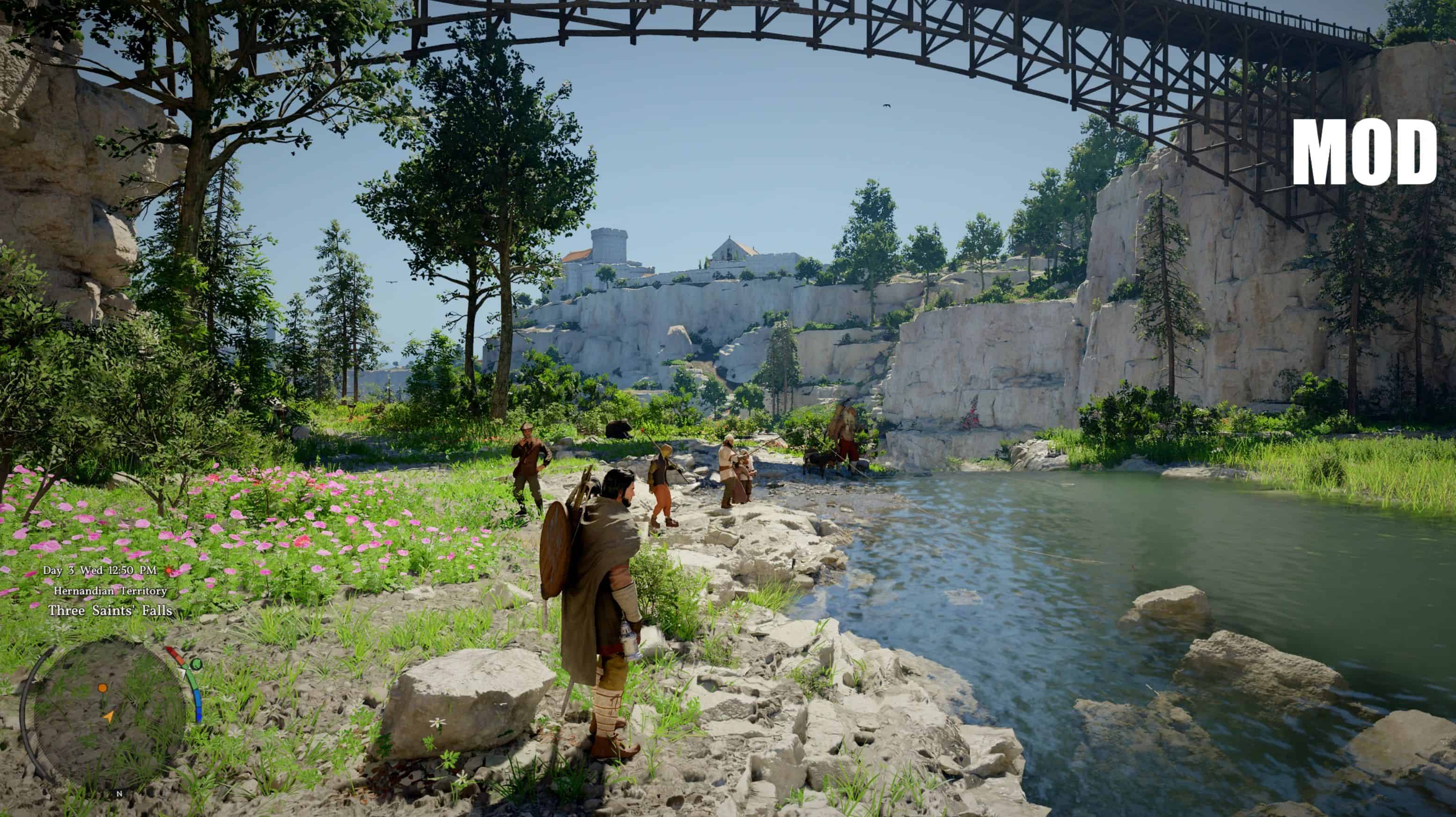
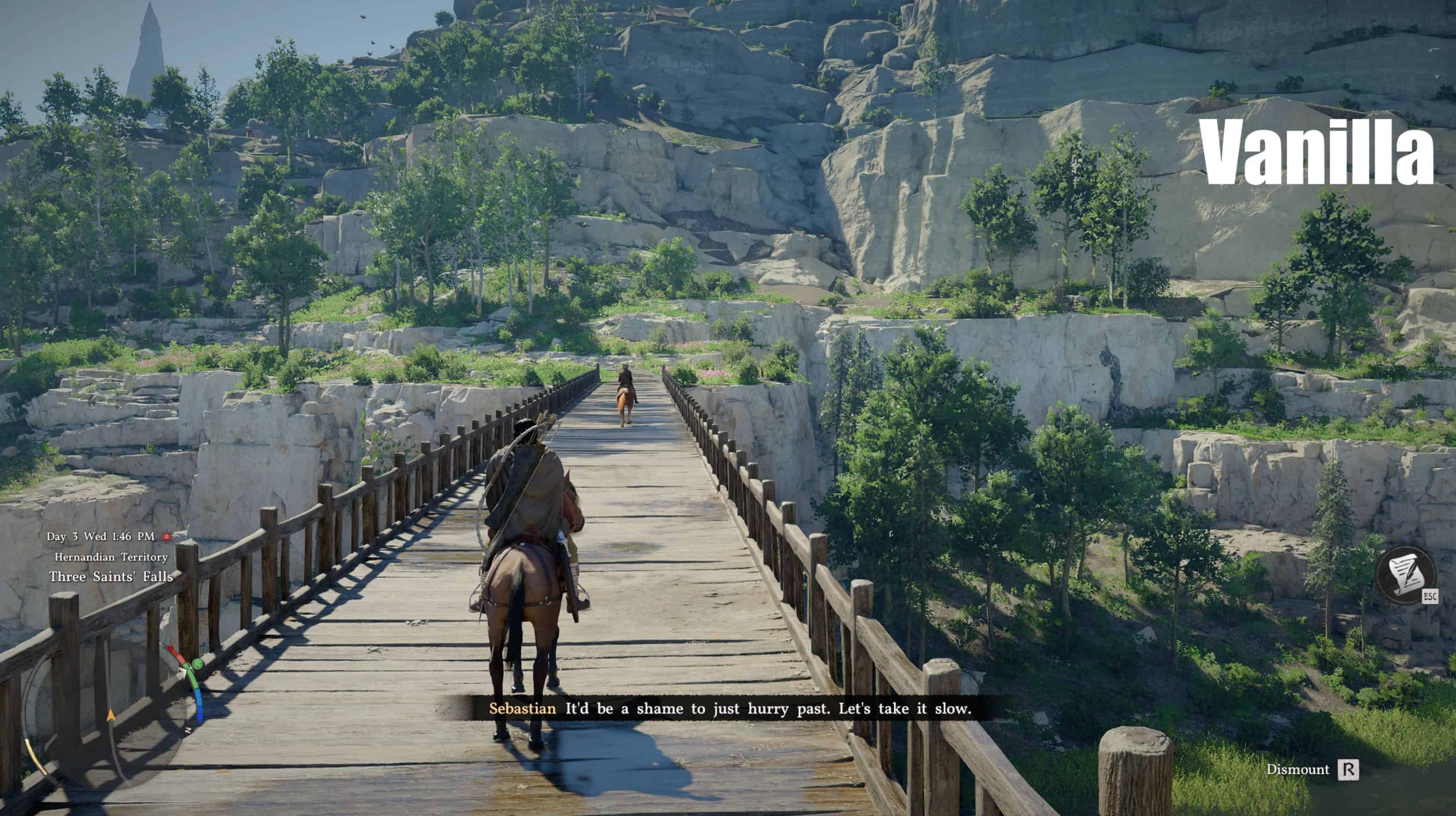
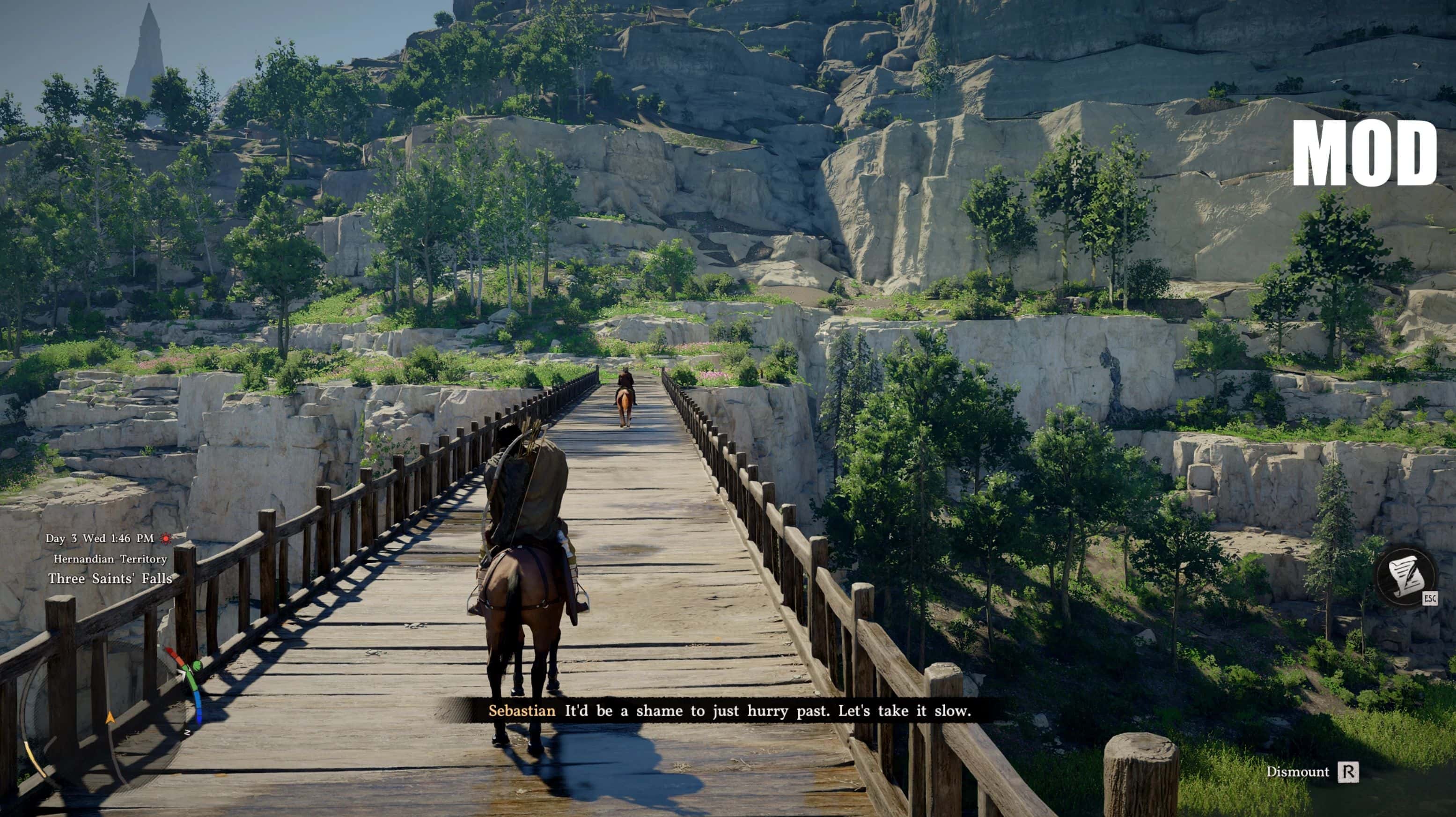
Makes the colors of the game look more realistic, killing off the Vanilla game’s washed out colors, bringing more depth to the colors.
HOW TO:
1…Extract “NaturalDesert”.ini from .rar archive into your “Crimson Desert/bin64” game folder
2…Download Reshade
3…Open Reshade installation, select CrimsonDesert.exe
4…Then Select “NaturalDesert”.ini file, when asked about choosing a preset
4b.Just click on Next after that
5…Reshade will automatically install all the needed effects and apply the preset when launching the game, if it somehow does not, open Reshade by pressing Home when in-game and select NaturalDesert.ini
There is no performance impact on your game!