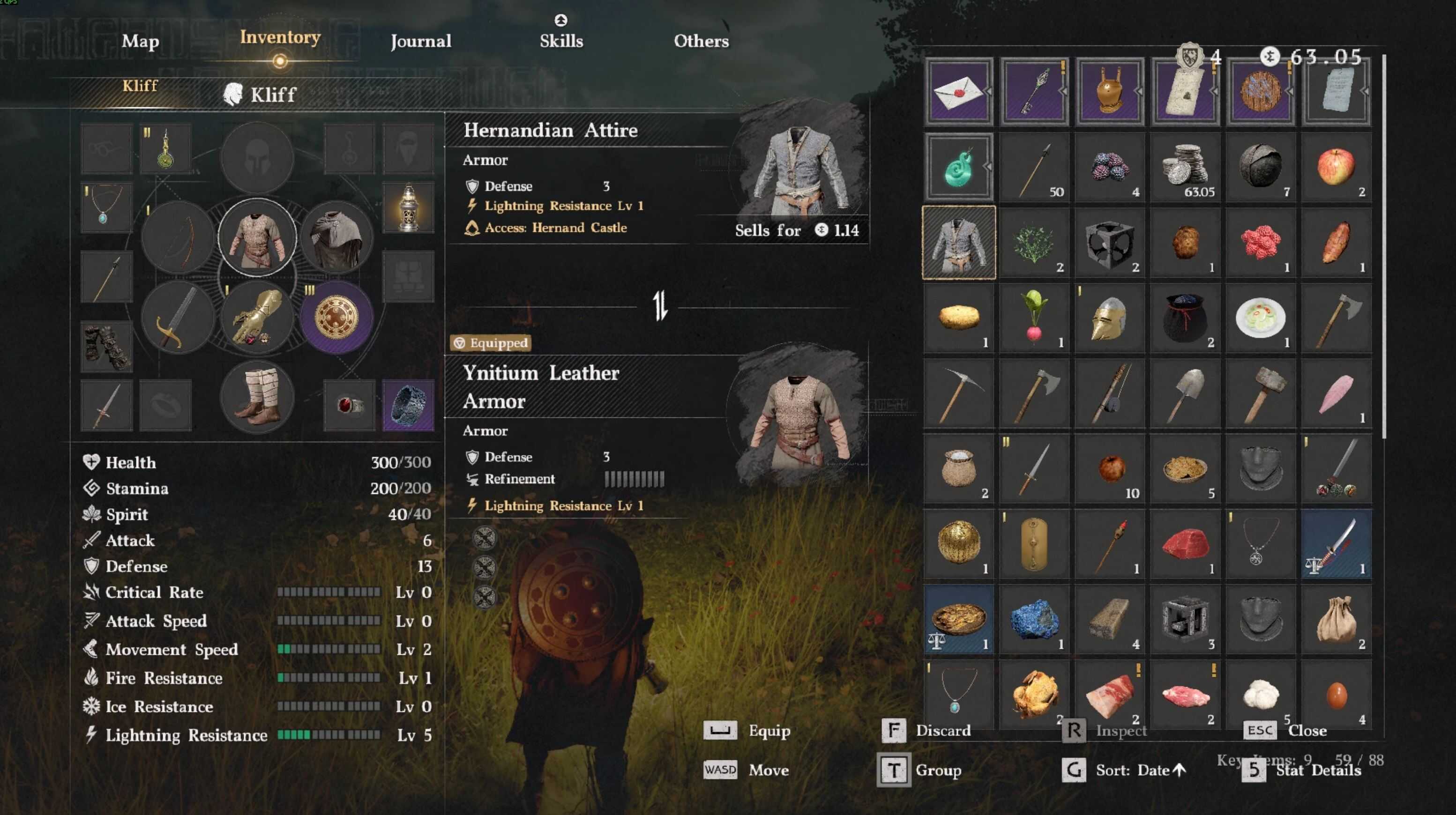
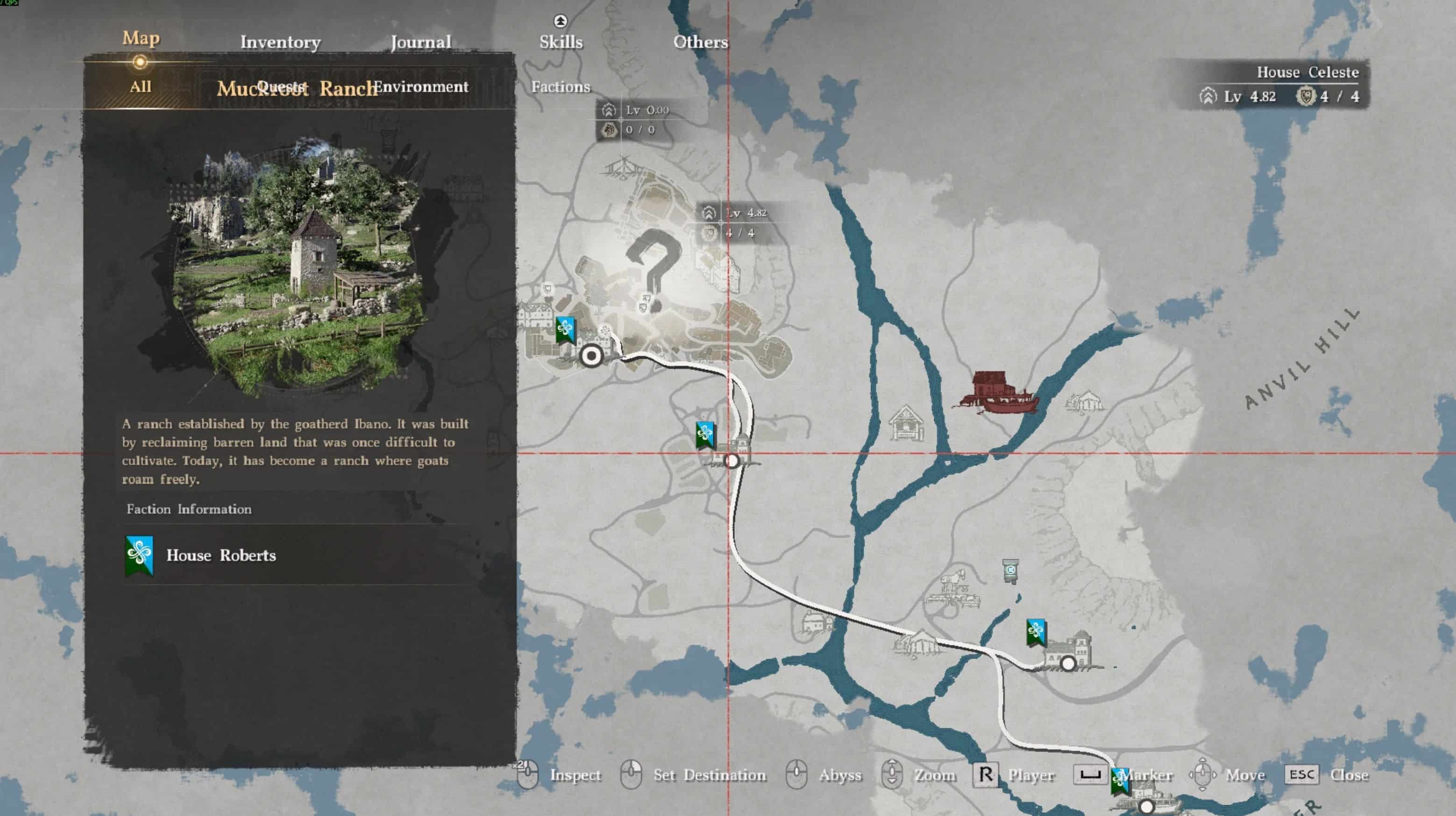
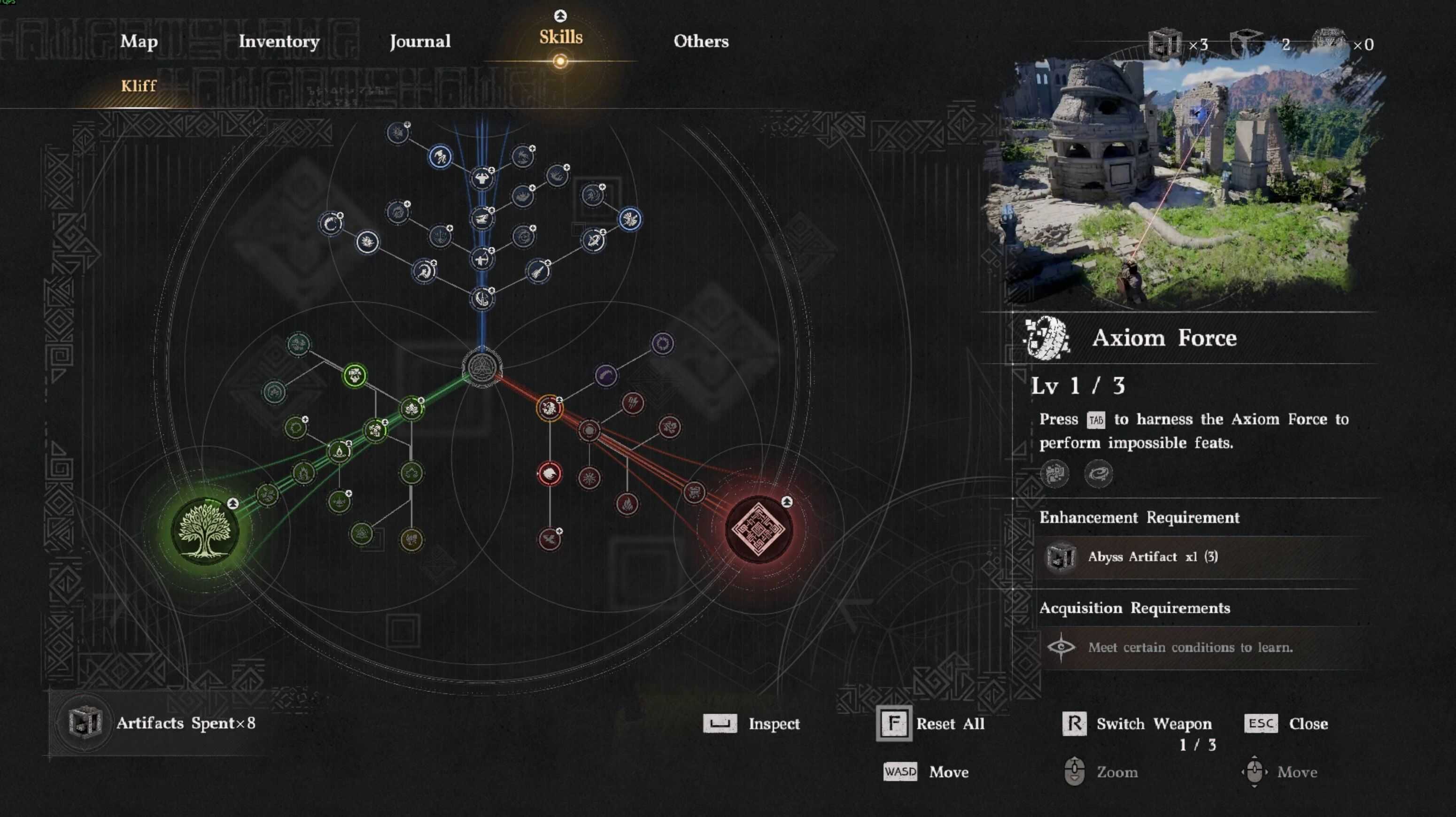
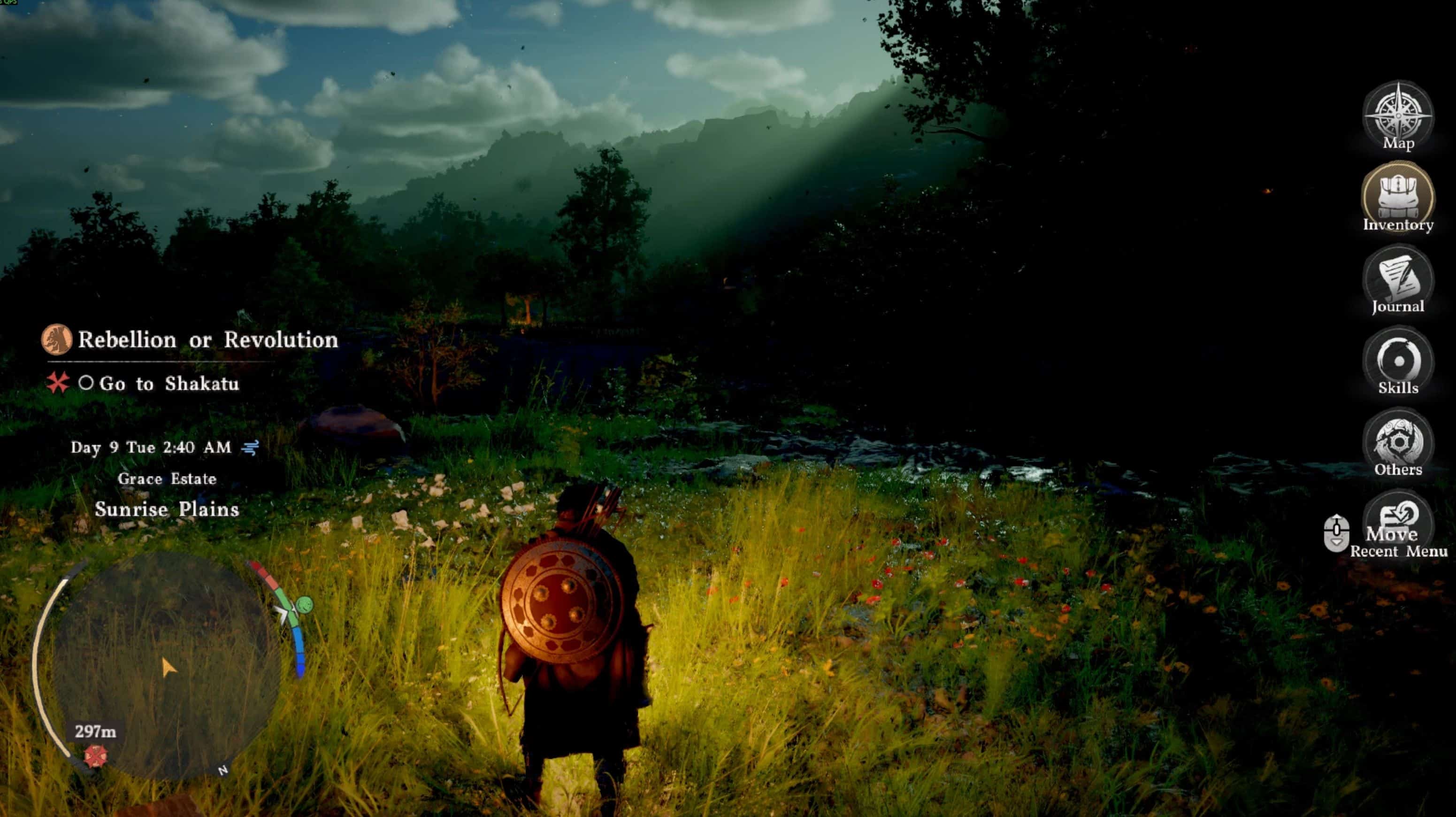
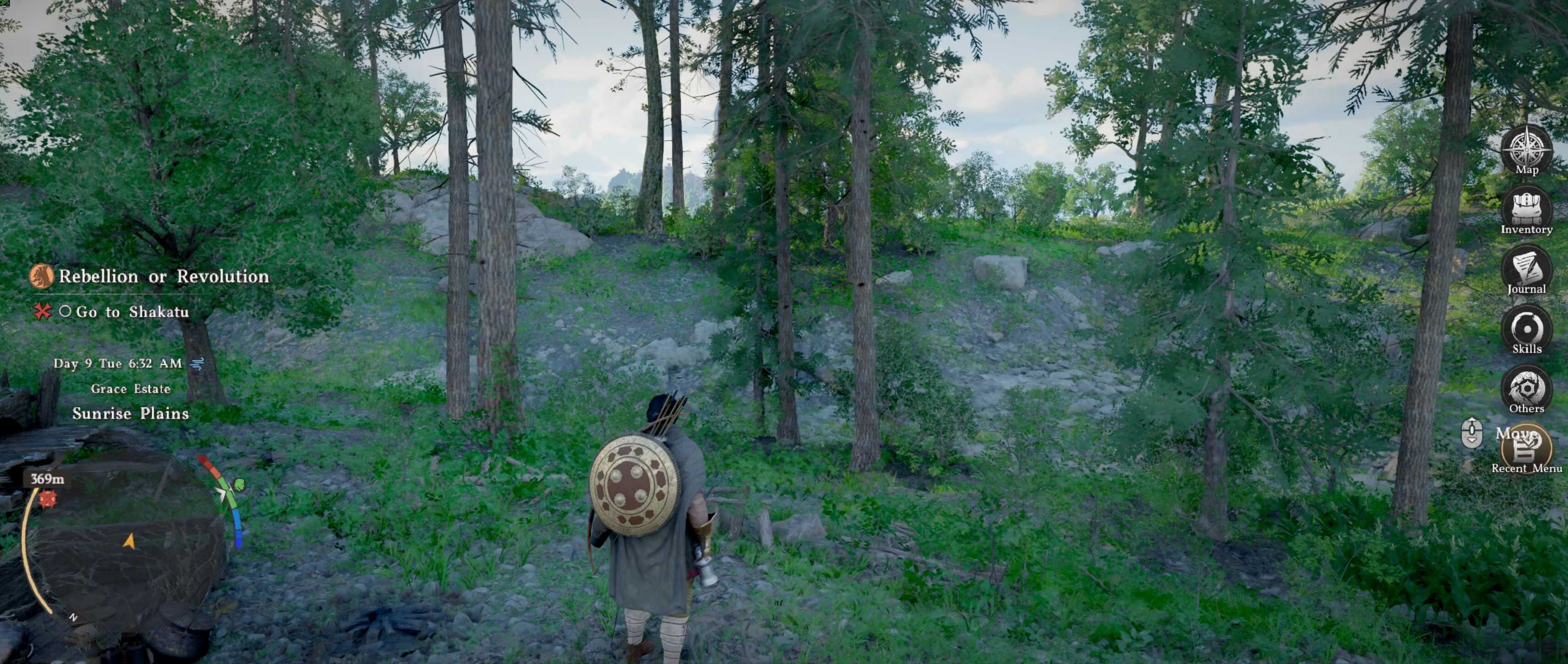
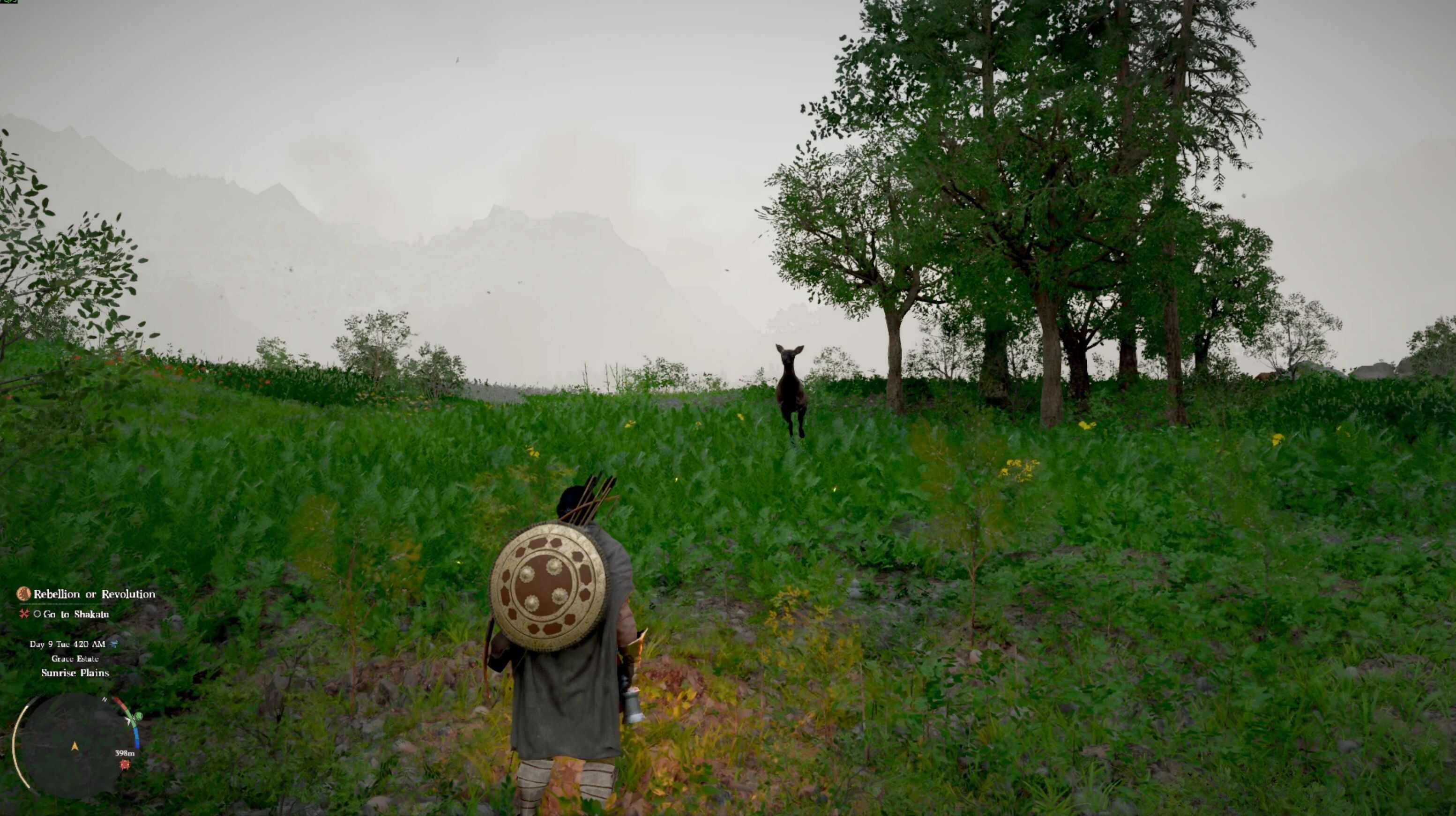
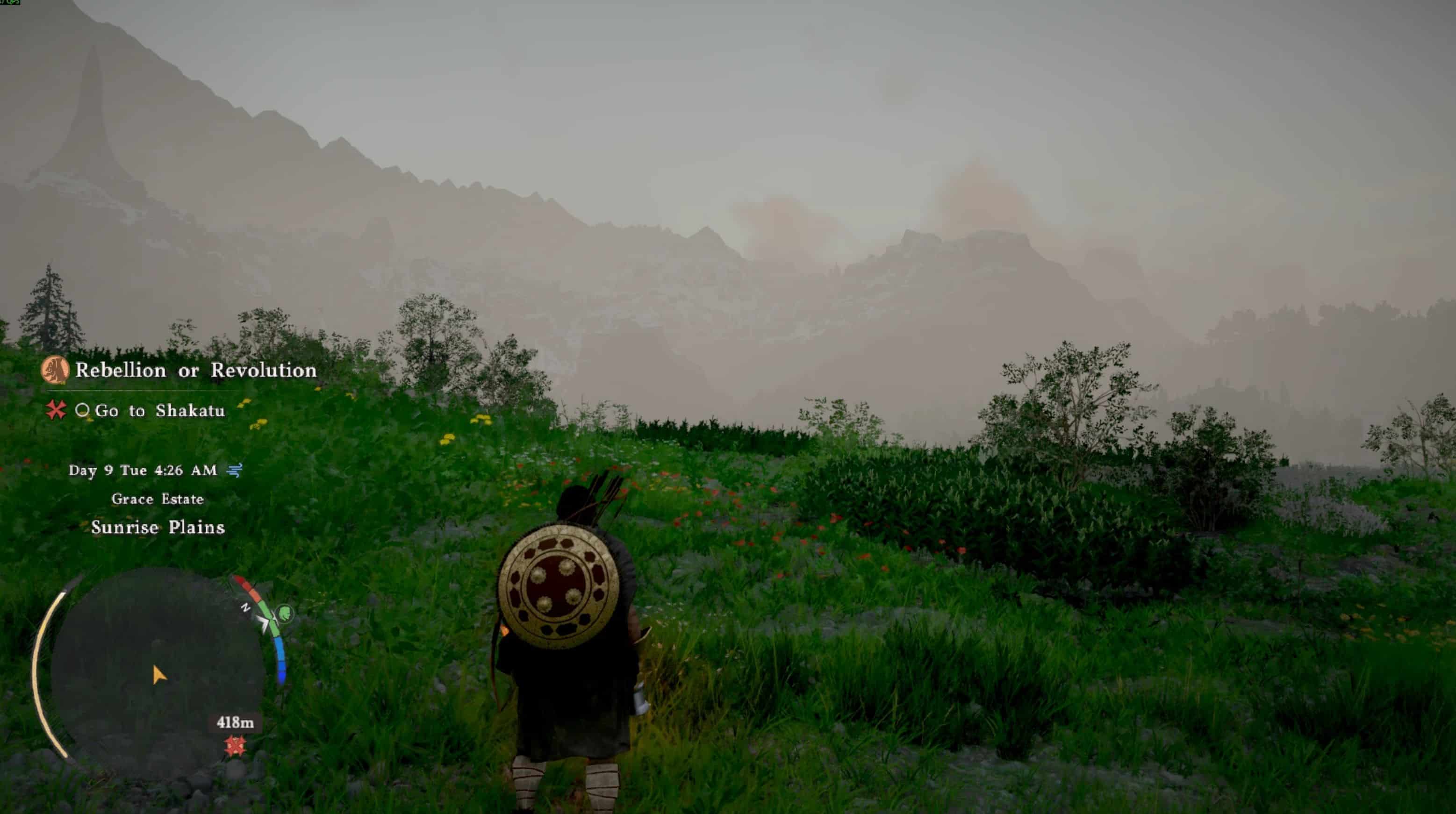
This tool allows you to bypass the game’s default UI and HUD scale limits. Easily increase or decrease your UI/HUD size beyond the 100% maximum lock to any custom value (e.g., 120%, 50%). A starting point for changing UI res on high-resolution displays or better accessibility. Runs in the background.
About this Tool
– Crimson Desert currently locks the maximum UI and HUD scale at 100%, which is honestly terrible for high-res monitors or accessibility.
– I got desperate trying to read the tiny text, so I threw together this quick memory patcher to force the game to accept higher values.
READ THIS BEFORE DOWNLOADING
Let me be completely clear: this is not a perfect, definitive fix. It’s a very basic, rushed workaround born out of pure necessity. I didn’t spend days polishing this because Pearl Abyss will almost certainly drop an official patch with a proper UI slider soon (at least I hope). This is just a temporary band-aid so I can actually play the game right now.
Because the game wasn’t designed to scale past 100%, if you push the numbers too high (like 140+), the UI and HUD elements will probably start overlapping each other. You’ll have to play around with the values to find what looks acceptable on your screen.
How to Use (The .EXE version)
– Launch Crimson Desert and load your save.
– Run the tool
– Type your desired UI and HUD scale (e.g., 120).
– Click “Apply & Freeze”.
– Go back to the game. Open the config menu and change any option (e.g. audio volume) to force the interface to refresh
– Important: Leave the tool running in the background while you play, or the game will eventually reset the UI back to 100.
False Positives & Source Code
Because this tool actively injects and freezes memory addresses (like Cheat Engine does), Windows Defender will probably flag the .exe as a virus or trojan. If you don’t trust the compiled .exe, I totally get it. I also uploaded the raw Python source code (the .py file) in the files section. You can read the code yourself and run it directly from your machine if you want.
How to run the raw Python script instead:
– Download and install Python on your PC
– Open your command prompt (cmd) as Admin.
– Install the required library by typing on cmd: pip install pymem
– Run the script by typing: py CDHudPatcher.py