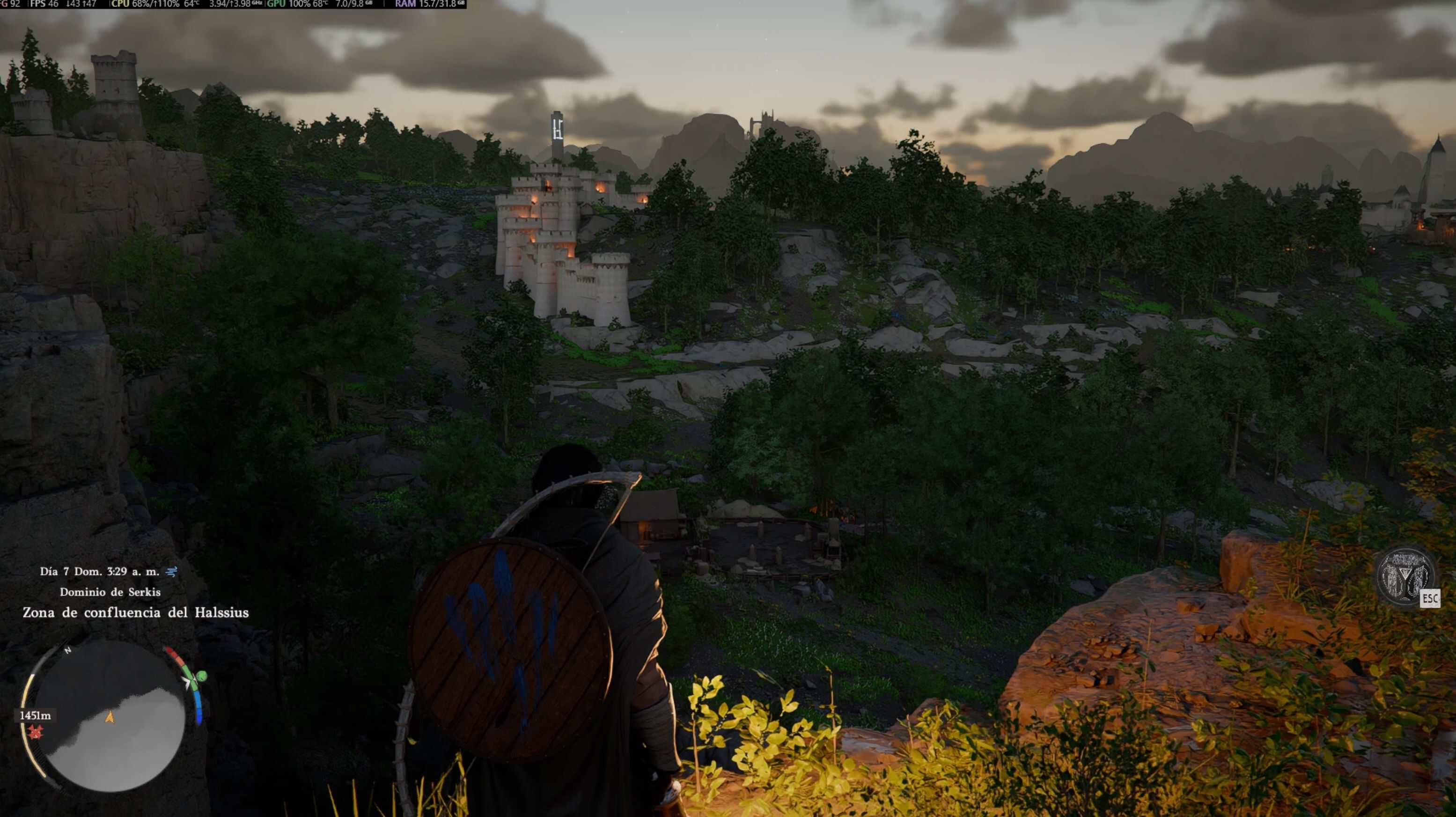
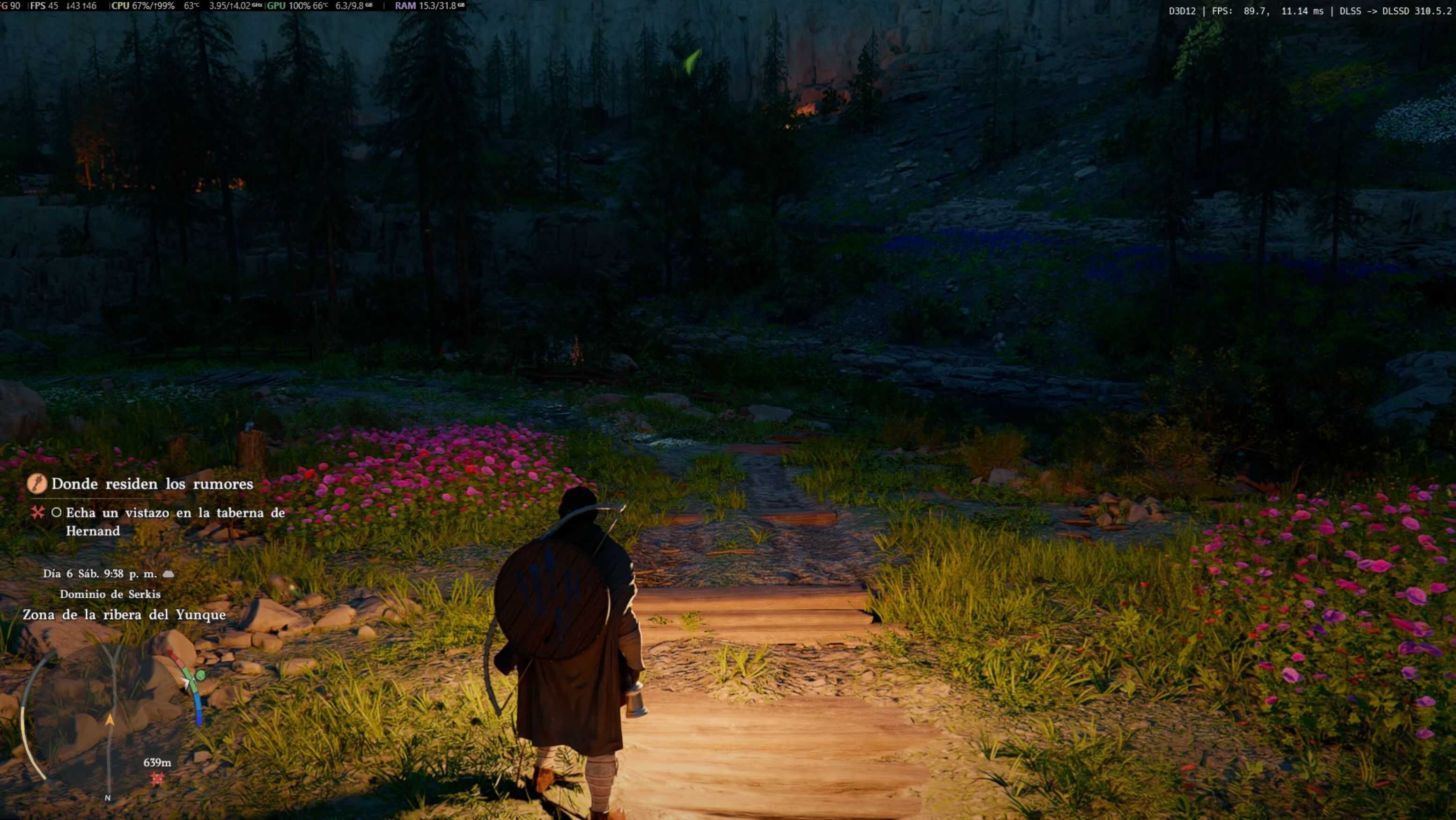
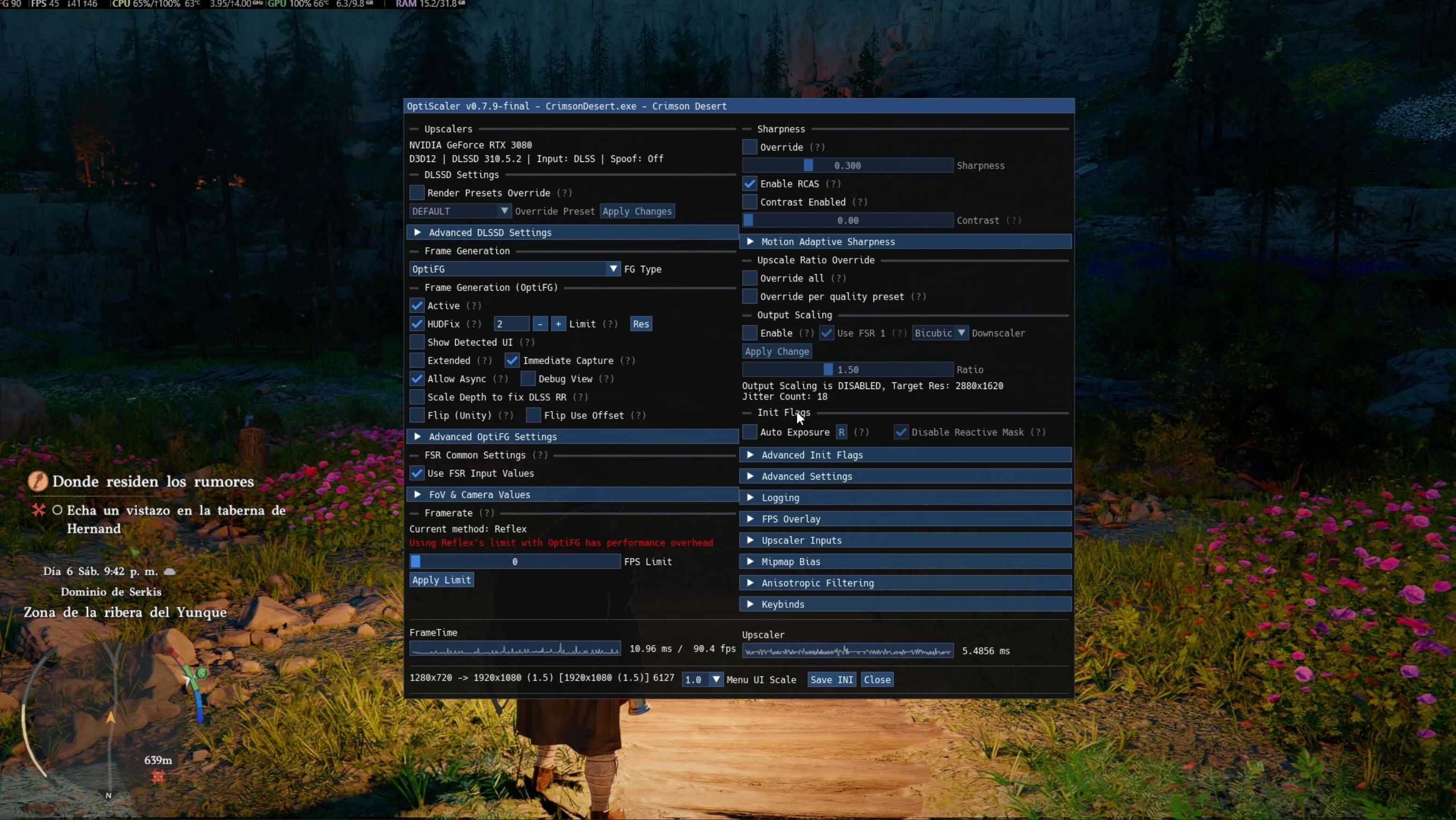
This is a ready-to-use OptiScaler preset that enables FSR3 (FG) frame generation in x2 mode for RTX 20 and 30 series GPUs.
✔ Pre-configured for ease of use
✔ Fixes ghosting in the UI with FG.
✔ No manual configuration required
✔ Optimized for greater stability and performance
INSTALLATION:
1. Extract the files to the game folder (where the .exe file is located, steamapps\common\Crimson Desert\bin64).
2. Launch the game and enable DLSS.
3. Open the OptiScaler menu (Insert key) and verify that FG is enabled.
REQUIREMENTS:
– OptiScaler installed
– Enable DLSS (DLAA/Q/B/P) in the game options.
CREDITS:
– OptiScaler Developers
– AMD FidelityFX FSR3 FG
This is only a configuration/preset for OptiScaler, not a standalone mod.