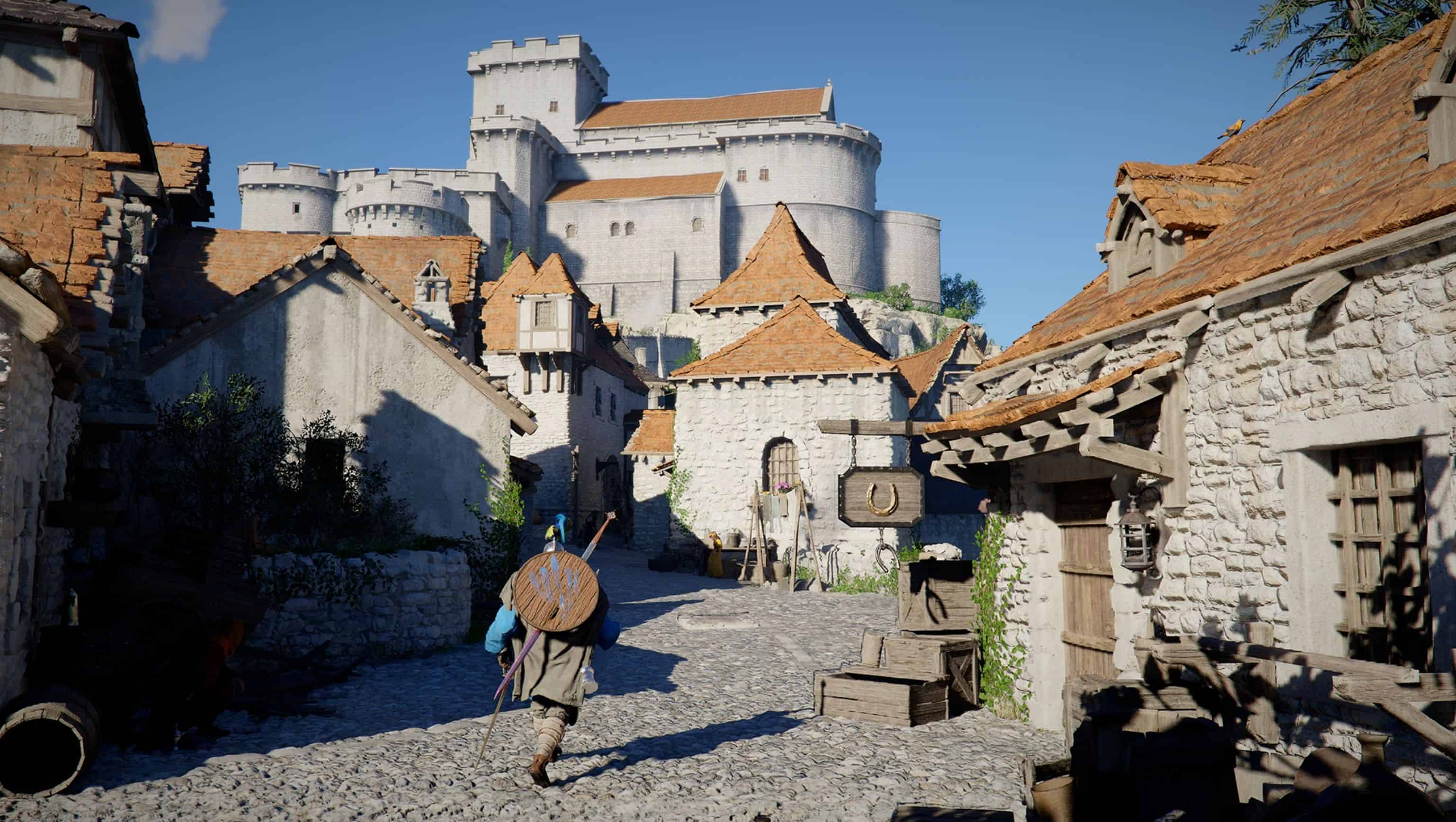
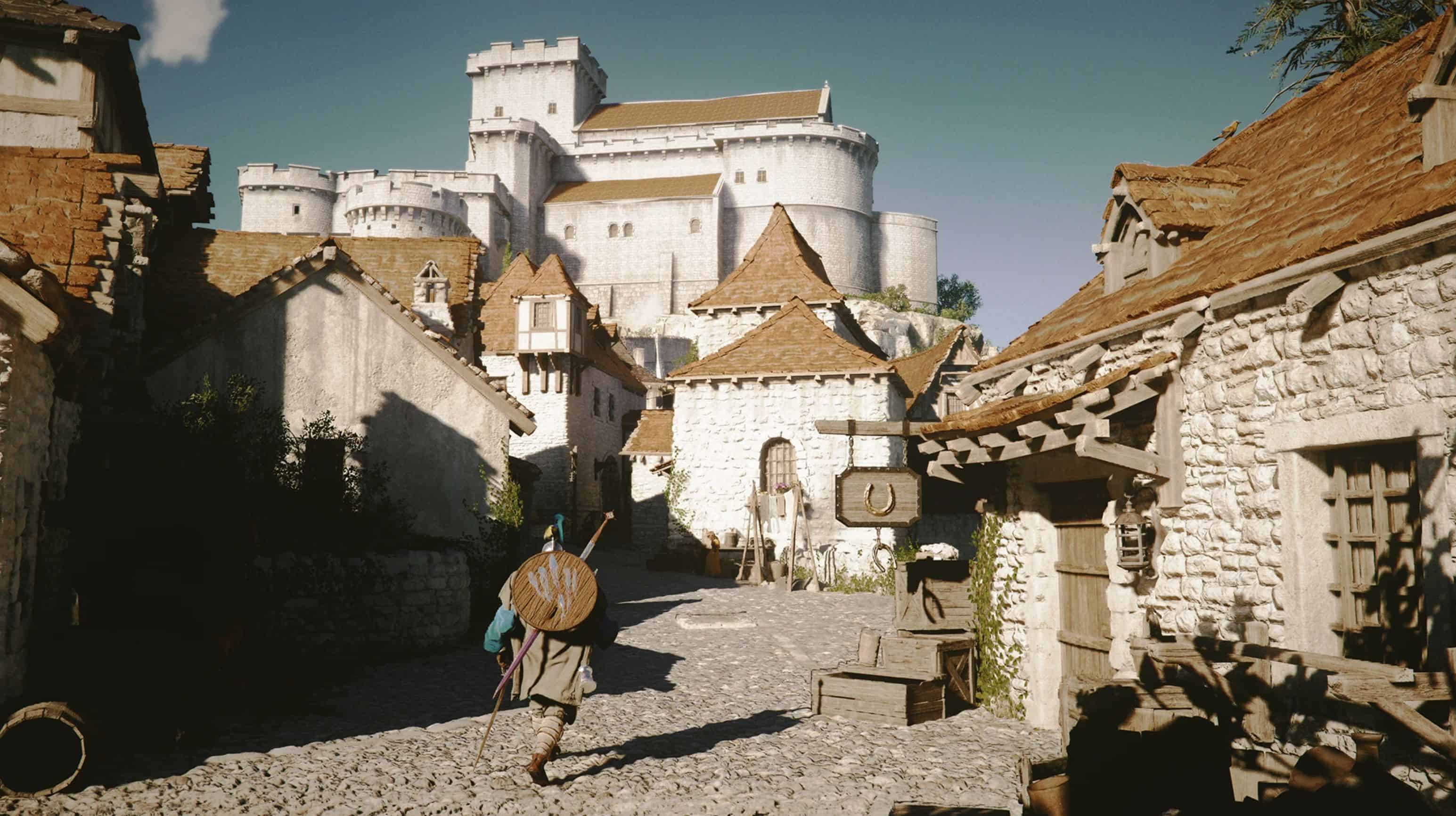
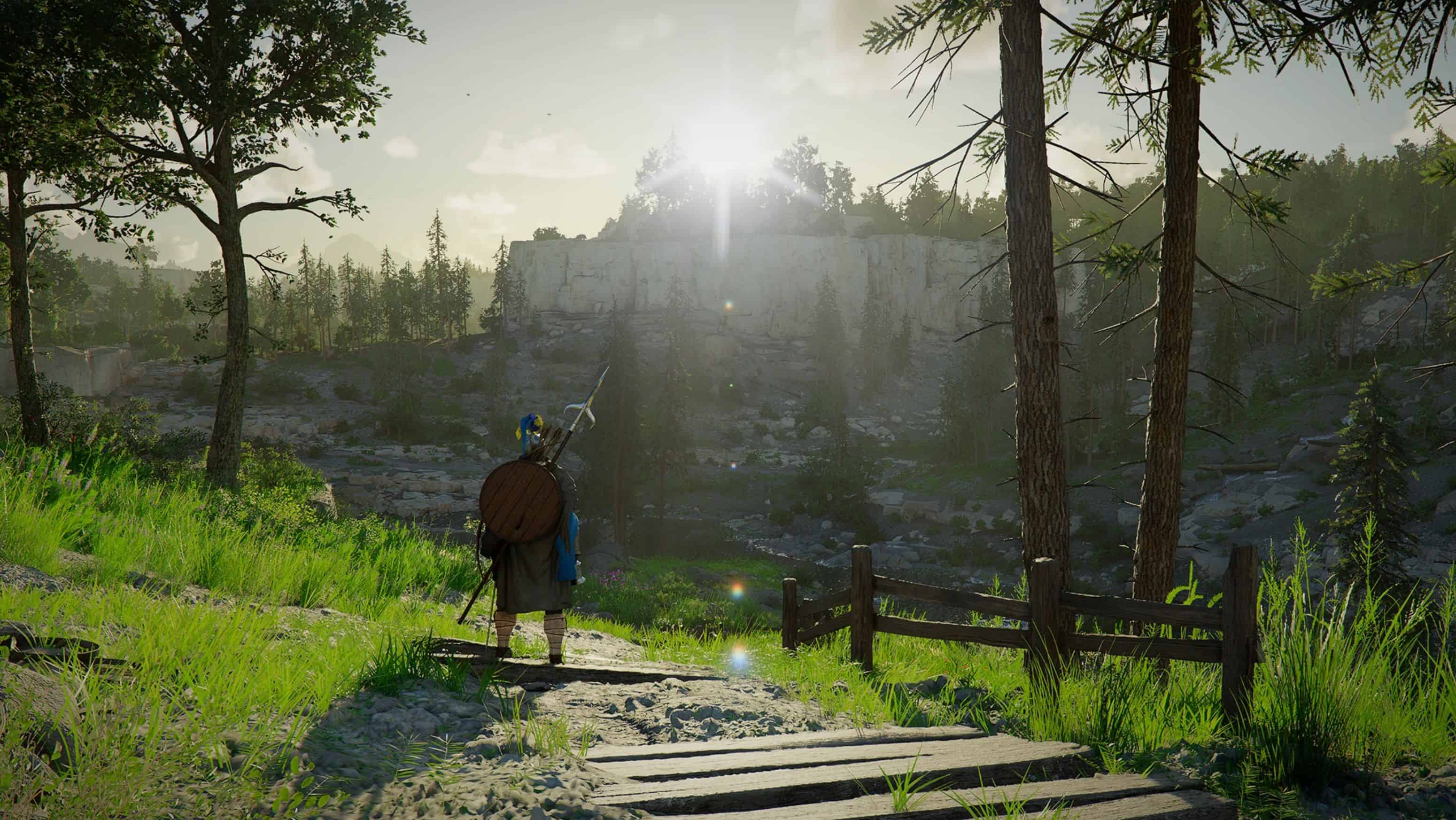
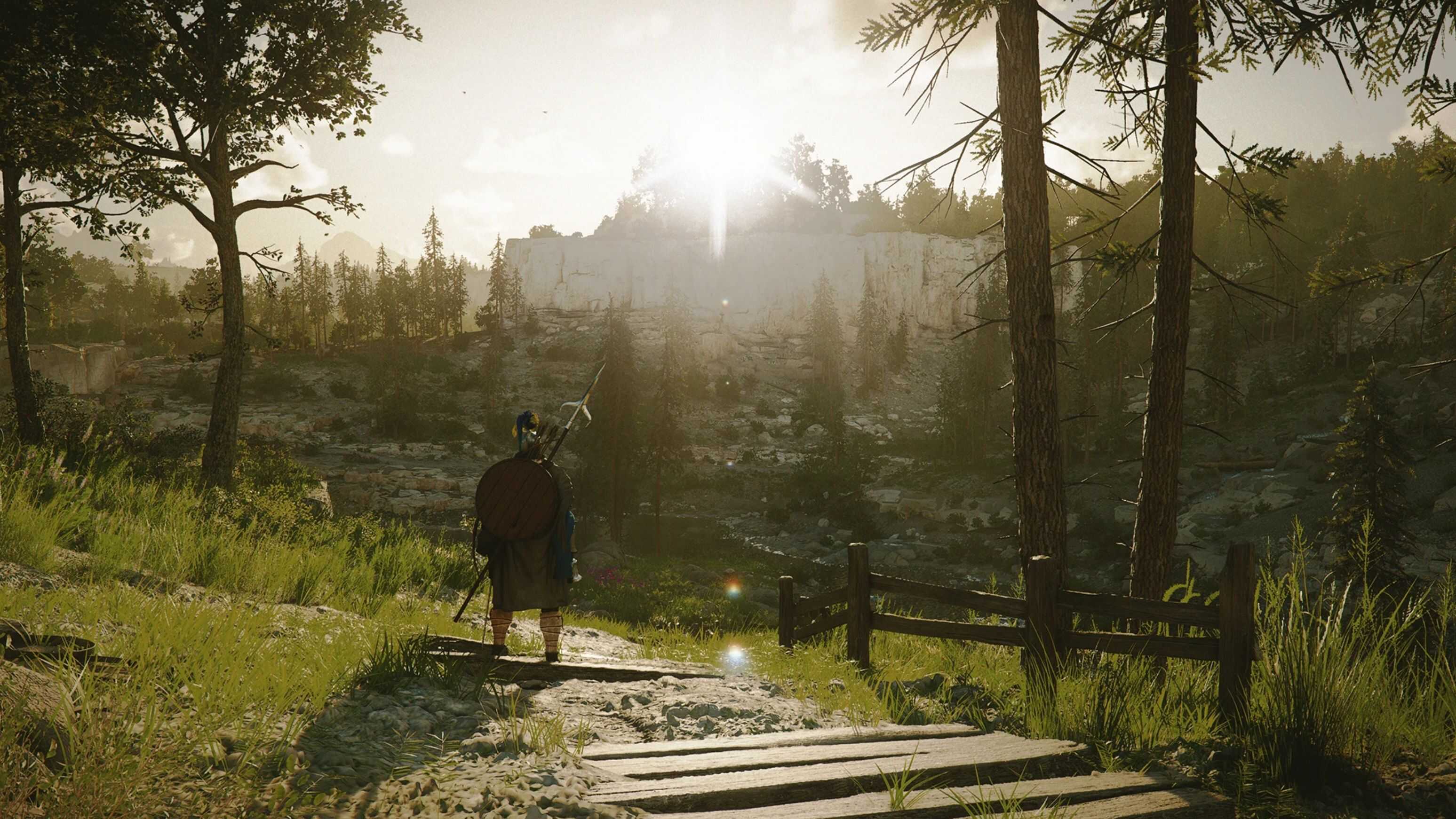
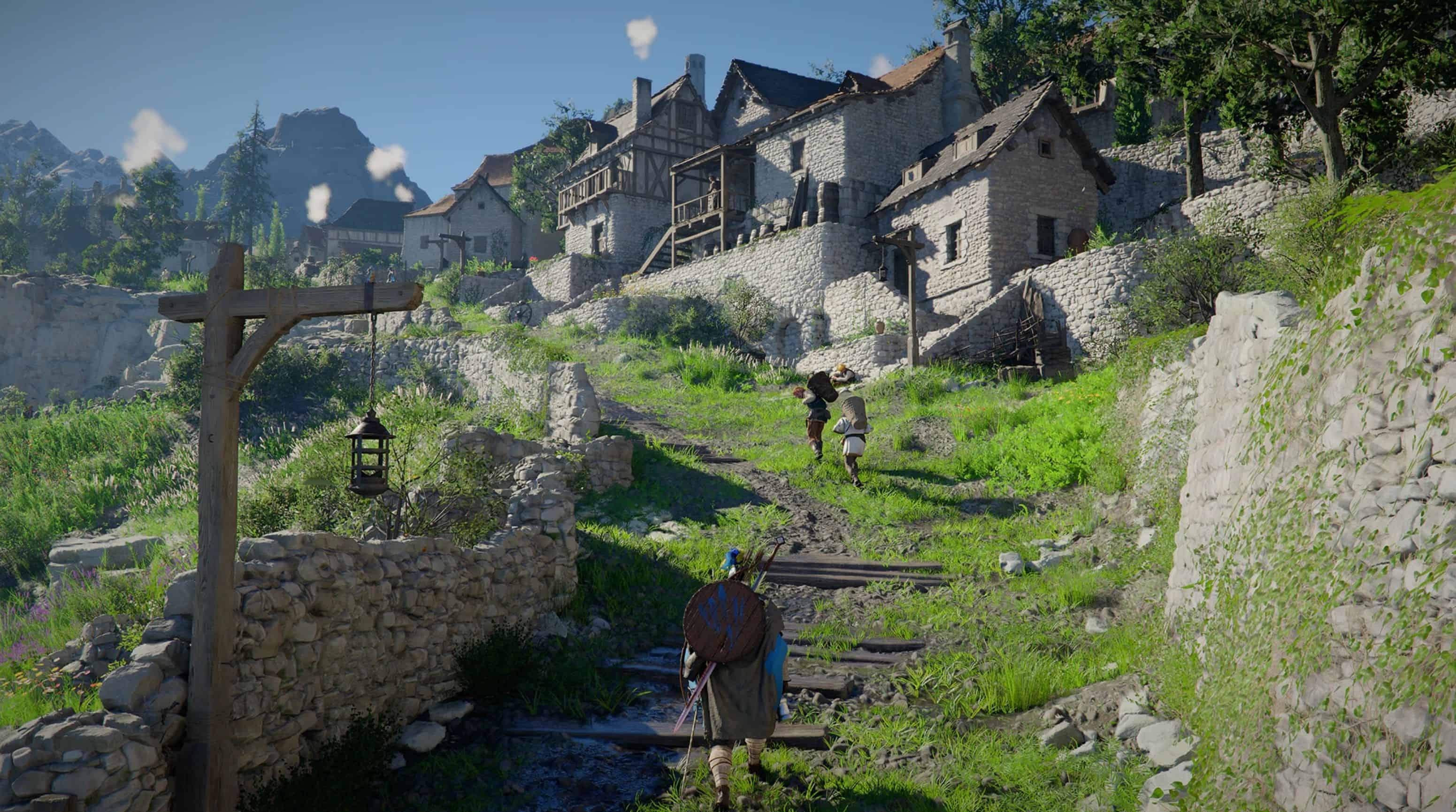
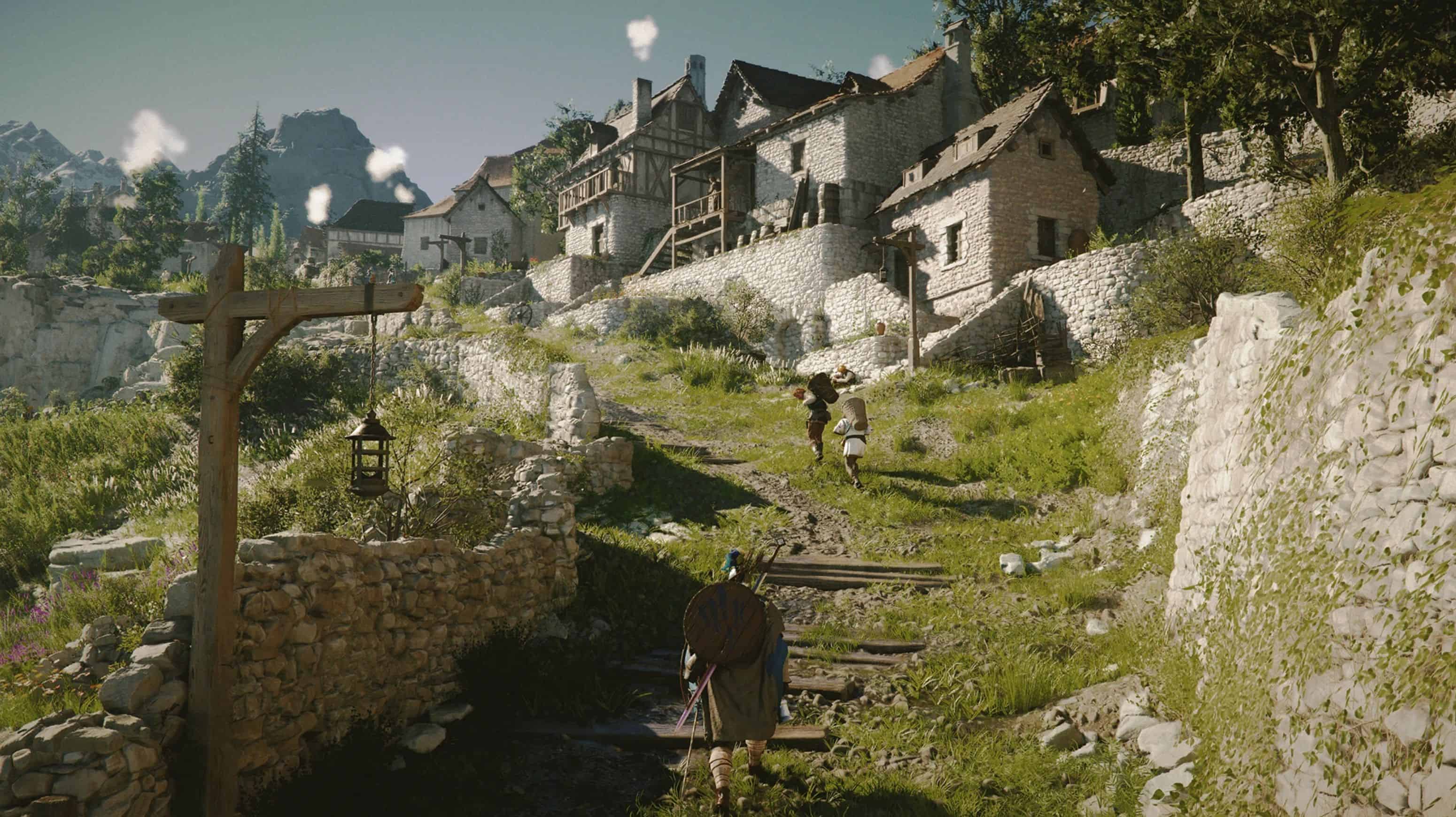
A Filmic Reshade inspired by the renowned expansion: The Witcher 3: Blood and Wine. If you’re looking for a preset with a realistic visual style, this probably isn’t what you need. My intention was to create a color grading that feels less “gamey” and more cinematic with a touch of fantasy.
I’ve prepared four versions for you to choose from based on your preference. Personally, I’d like the shadows to be even brighter since the base game is quite dark, but pushing it too far can sometimes make the image look washed out and reduce the cinematic atmosphere.
– BnW_Filmgrain: Film grain enabled. Shadows remain as dark as the game’s default.
– BnW: Film grain disabled. Shadows remain as dark as the game’s default.
– BnW_FilmGrain_BrighterShadows: Film grain enabled with brighter shadows.
– BnW_BrighterShadows: Film grain disabled with brighter shadows.
INSTALL
1. Download and extract my .rar file, copy “BnW.ini” and paste into your bin64 folder (where “CrimsonDesert.exe” lives) normally located at: …SteamLibrary\steamapps\common\Crimson Desert\bin64
2. Download and install the latest https://reshade.me. At the “Select effects to install” step, scroll to the bottom, click “Browse” to locate the BnW.ini file, and then press “Next” to complete the installation.
3. Copy and paste the rest from my .rar ( “reshade-shaders” folder and 3 .ini files ) into the directory: …SteamLibrary\steamapps\common\Crimson Desert\bin64
4. Done. Start the game.
5. Press HOME key to open Reshade interface. If you want to use or test the other 3 versions, go to the Home tab in ReShade and select one of the remaining .ini files (right above the Search bar).
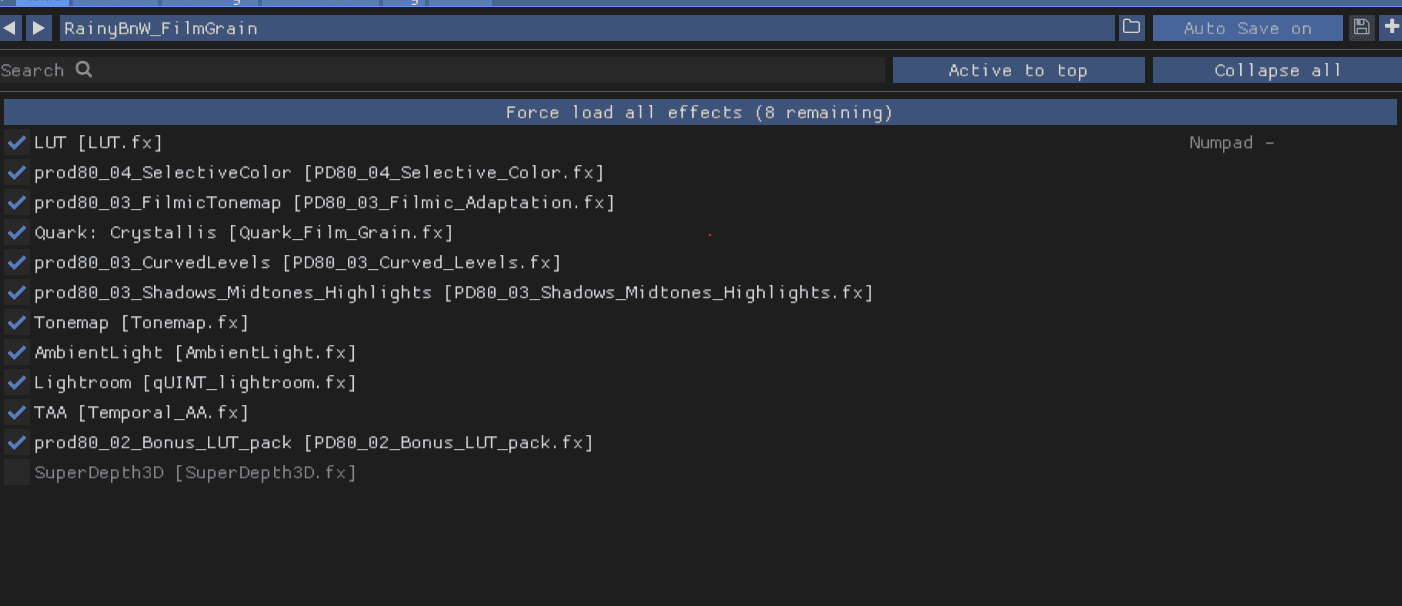
Make sure the followed effects are enabled ( for the 2 versions without filmgrain, Quark FX will not be checked).
– Because I configured and tested this preset on SDR, 4K resolution. So I’m not sure how the visual will change at different settings.
UNINSTALL
Just delete these files and folder:
– reshade-shaders folder
– dxgi.dll
– ReShade.ini
– BnW.ini