Basic hotkeys for Jogging, Runing, Esc menus – for native controls.
Installation
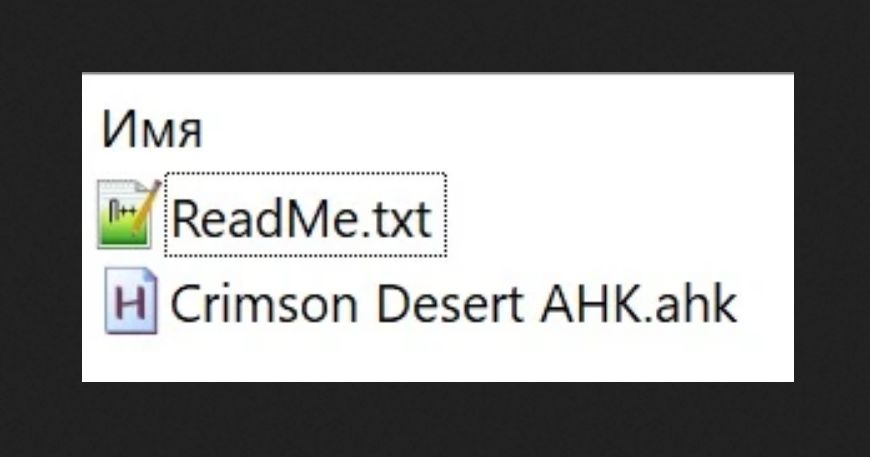
– Unpack archive somewhere
– Install AHK
– Launch “Crimson Desert AHK.ahk” (or make .exe file with it and launch)
– Launch the game
Usage with native controls
– “W” = Walking
– Single-tap “Shift” + holding “W” = Jogging (faster walking)
– Double-tap “Shift” + holding “W” = Fast Running (people)
– Holding “Shift” + holding “W” = Fast Running (horse)
– “I” = Open Inventory (Esc + scrolling down 2 times)
– “J” = Open Journal (Esc + scrolling down 3 times)
– “K” = Open Skills (Esc + scrolling up 2 times)
– “O” = Open Others (Esc + scrolling up 1 time)
Troubleshooting / Change Keybindings
– Install AHK and edit “Crimson Desert AHK.ahk”
– Change delays (keypressDelay, scrollDelay)
– Change keys: inventory, journal, skills, others or LShift initiating
Removal
– Delete”Crimson Desert AHK.ahk”