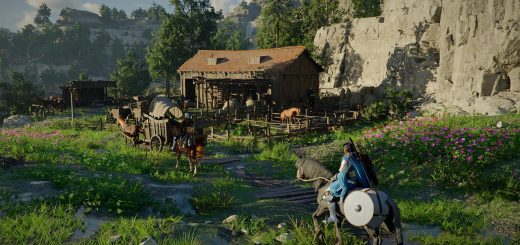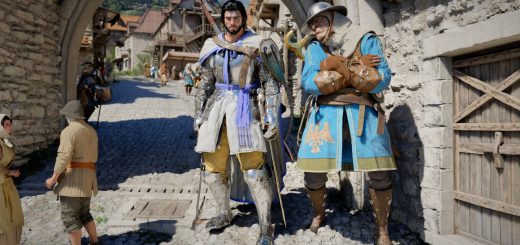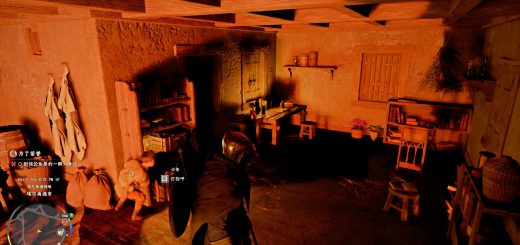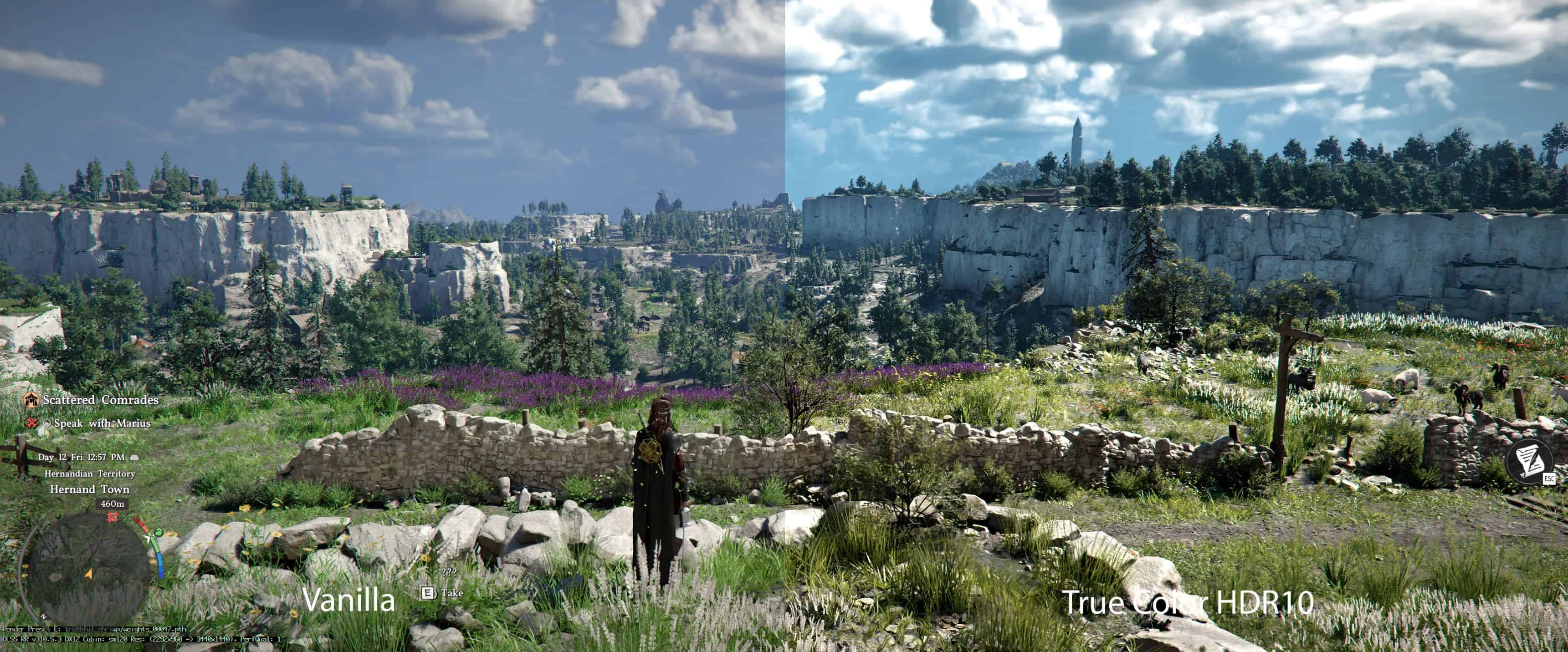
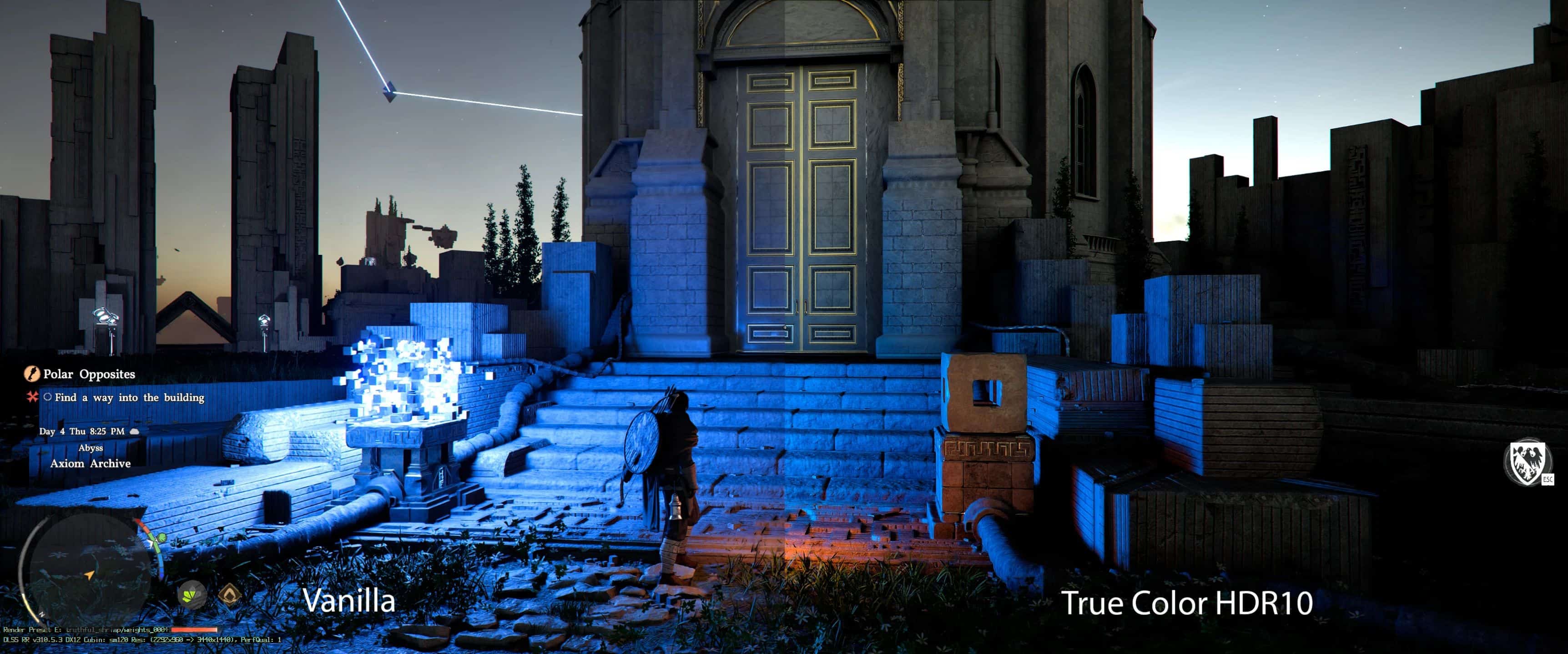
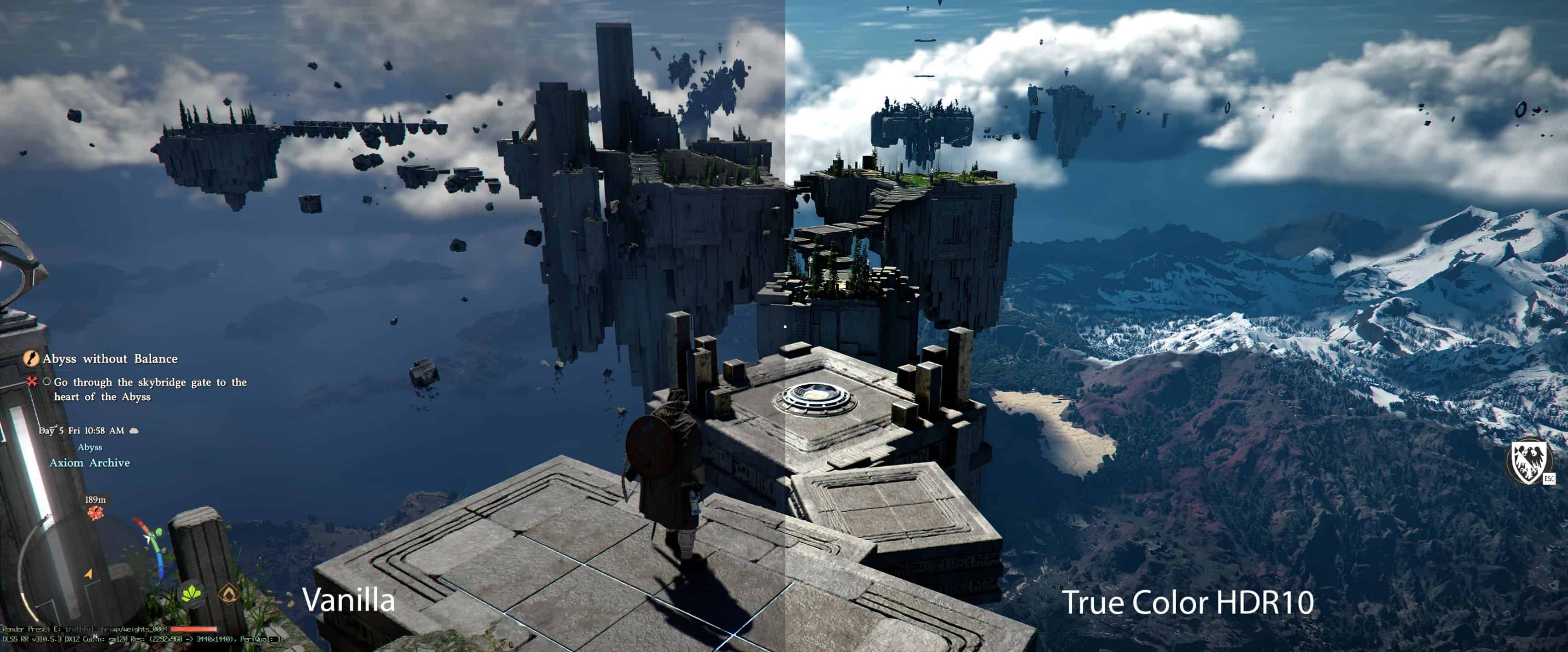
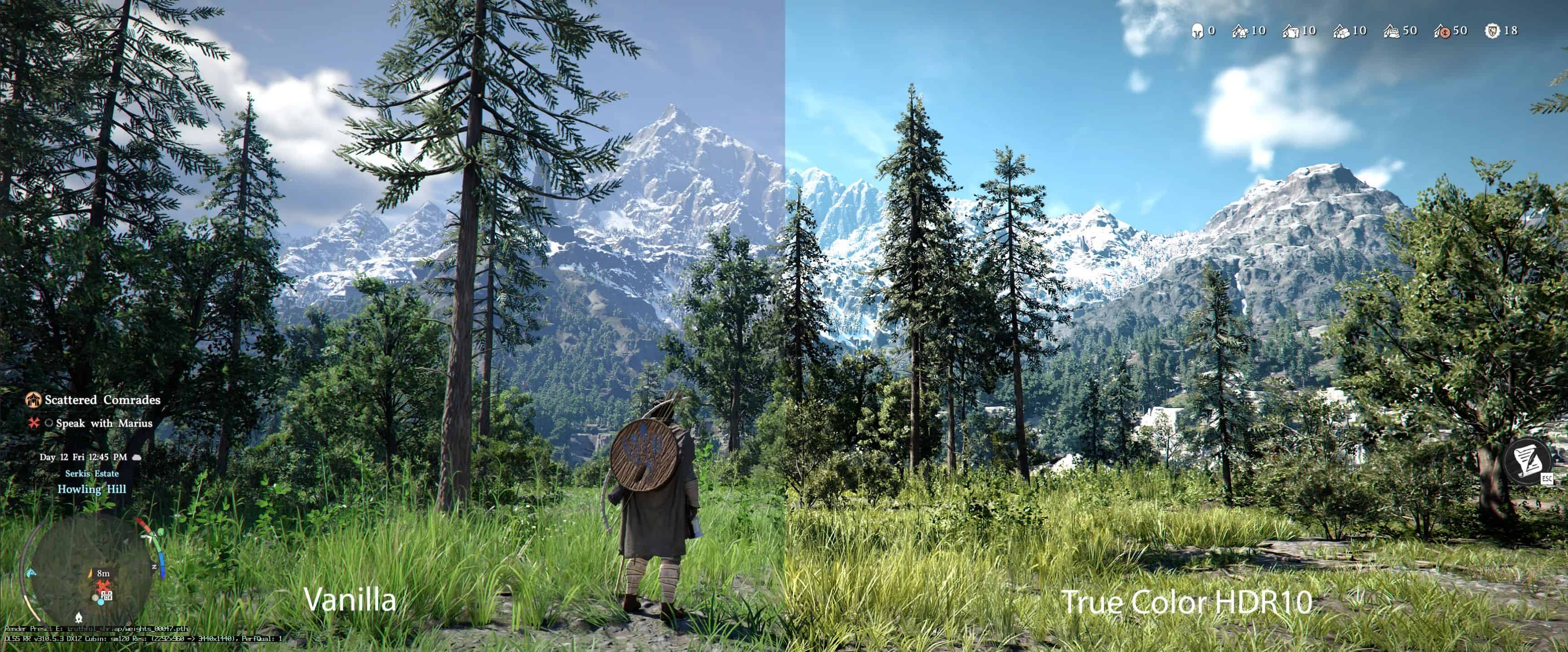
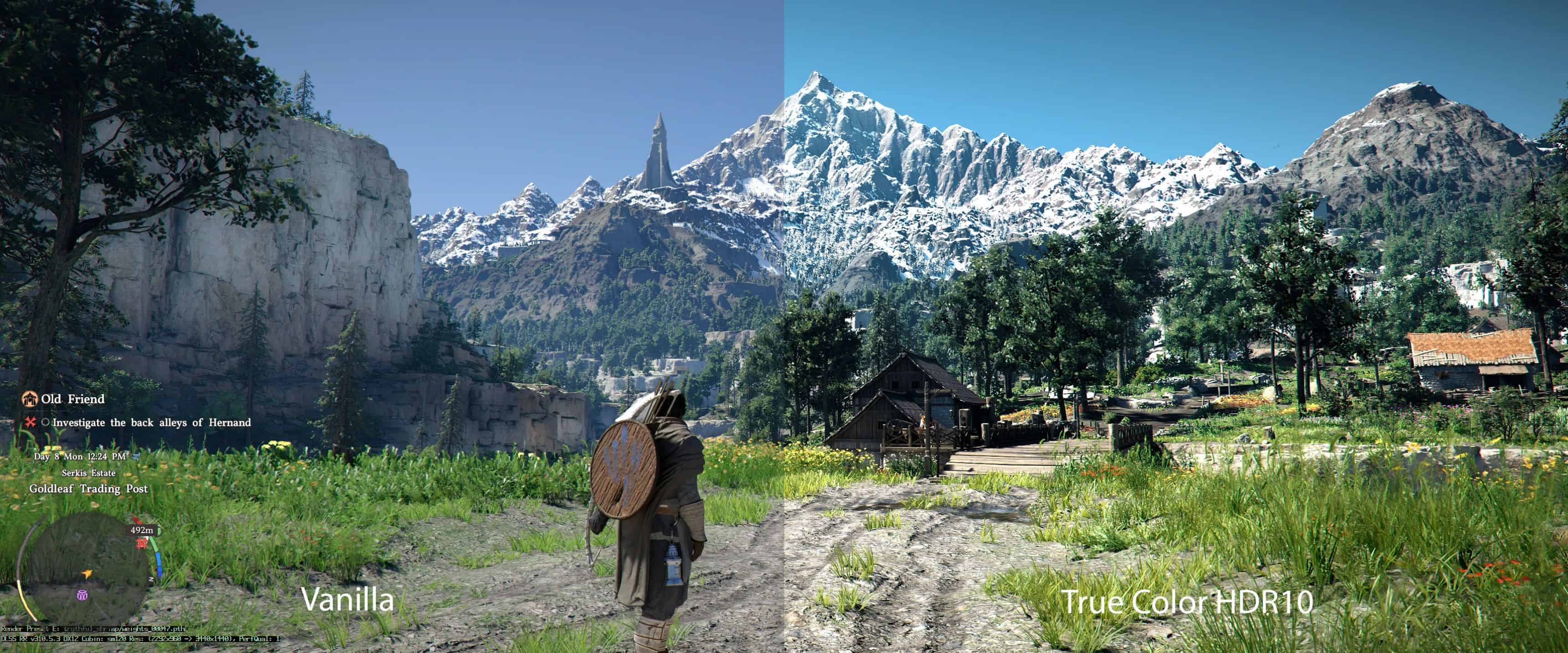
The ultimate HDR10 ReShade is here. Better colour, contrast and cinematic looks. Enjoy the game with the best HDR experience ever.
Quick Info
– All photos are not captured in HDR format. (just Windows Snipping Tools lol)
– Photos might not up-to-date with the latest updates. Need to test to see the real picture.
– Contains various shaders. All credit to the owners. Thanks for the great work. GG!
– This ReShade preset is created by using HDR400 True Black OLED monitor from Alienware.
– This ReShade is meant to be used with HDR turned on.
– Recommended & Tested : in-game HDR
ReShade Installation
1 – Open ReShade installer and Select *game.exe then click next.
2 – Select DirectX 10/11/12 then click next.
3 – Click Uncheck All then click next. Wait until it successfully installed then click Finish.
or
Manual Installation
1 – Install latest ReShade (refer steps above)
2 – Copy and paste the files and folders from RAR/Zip into the root folder and replace all
3 – Run game, hit Home key and select True Color HDR10 preset