NEW Controller Button Preset (Personal) v1.0

Crimson Desert Mods |
NEW Controller Button Preset (Personal) v1.0


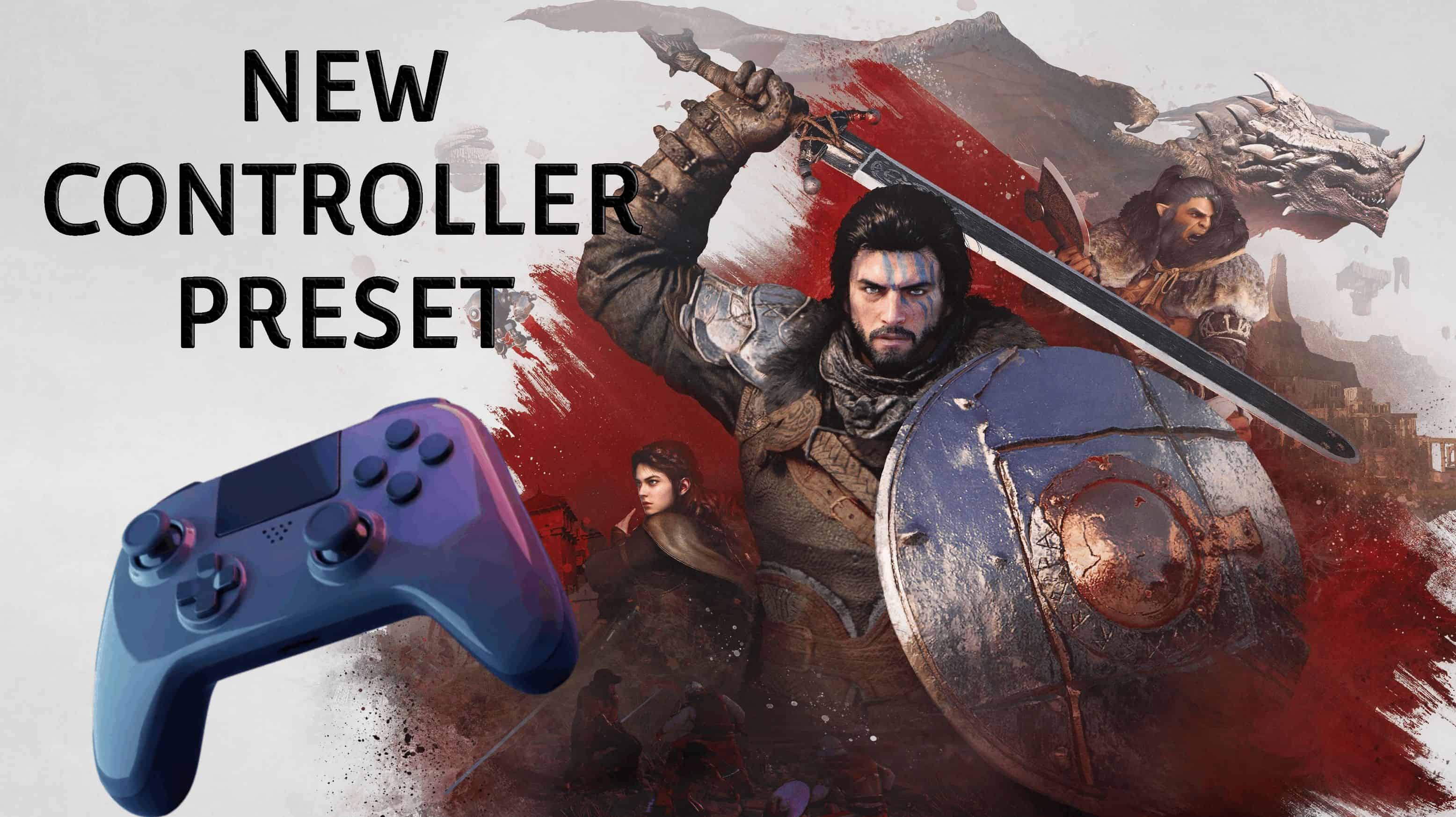
A new button configuration preset for controller that’s more intuitive than vanilla. This is a personal preset based on the Controller Button Remapper mod – all credit to the mod author.

The changes include:
– A = Jump
– X = Light Attack
– Y = Heavy Attack
– RB = Sprint
– RT = Axiom force/crouch
– LS = Palm Attack

(The rest of the buttons are unchanged.)

Installation:
Simply extract and paste contents into Crimson Desert/bin64 folder in game directory.

PSA for Dualsense or Dualshock users:
You will need DS4Windows software with Hide DS4 Controller ticked in the settings; otherwise, the mod won’t work.

These changes have truly made the game more enjoyable for me, the only con is that menu buttons are now changed as well… So if you have a solution to that, please post in comments.



Author: Nimbo


Download

Crimson Desert mods give players the freedom to expand and personalize their adventure across the vast world of Pywel. With a wide range of free mods available, you can enhance gameplay, improve visuals, and introduce new features that make every moment in the game even more exciting. Try the Crimson Desert NEW Controller Button Preset (Personal) v1.0 mod to bring something new to your journey, and continue exploring other mods that help you shape the experience exactly the way you want, with no limits.
Useful Information: How to install Mods | System Requirements | Crimson Desert Guides | Crimson Desert News

Leave a Reply

Your email address will not be published. Required fields are marked *