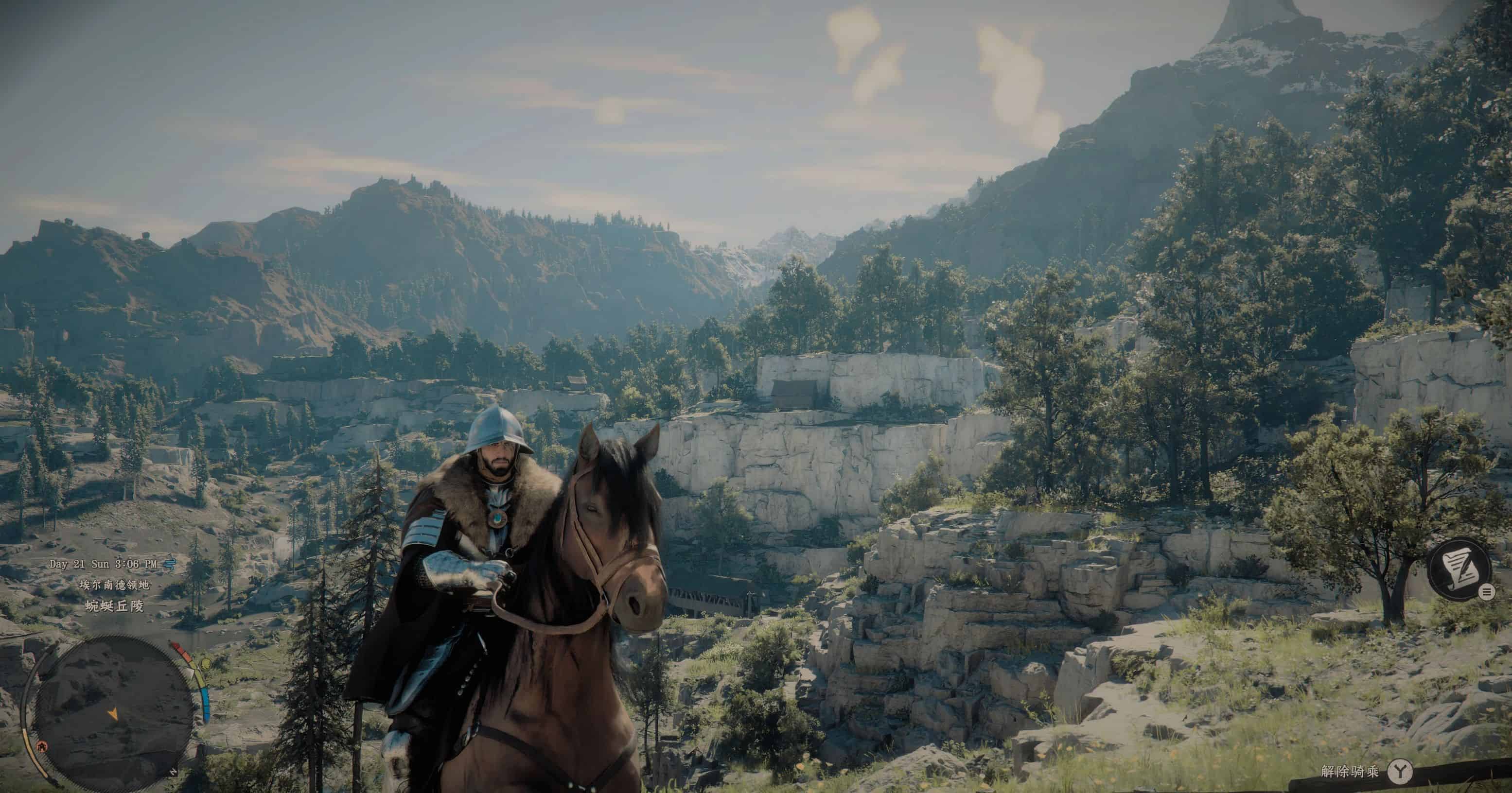
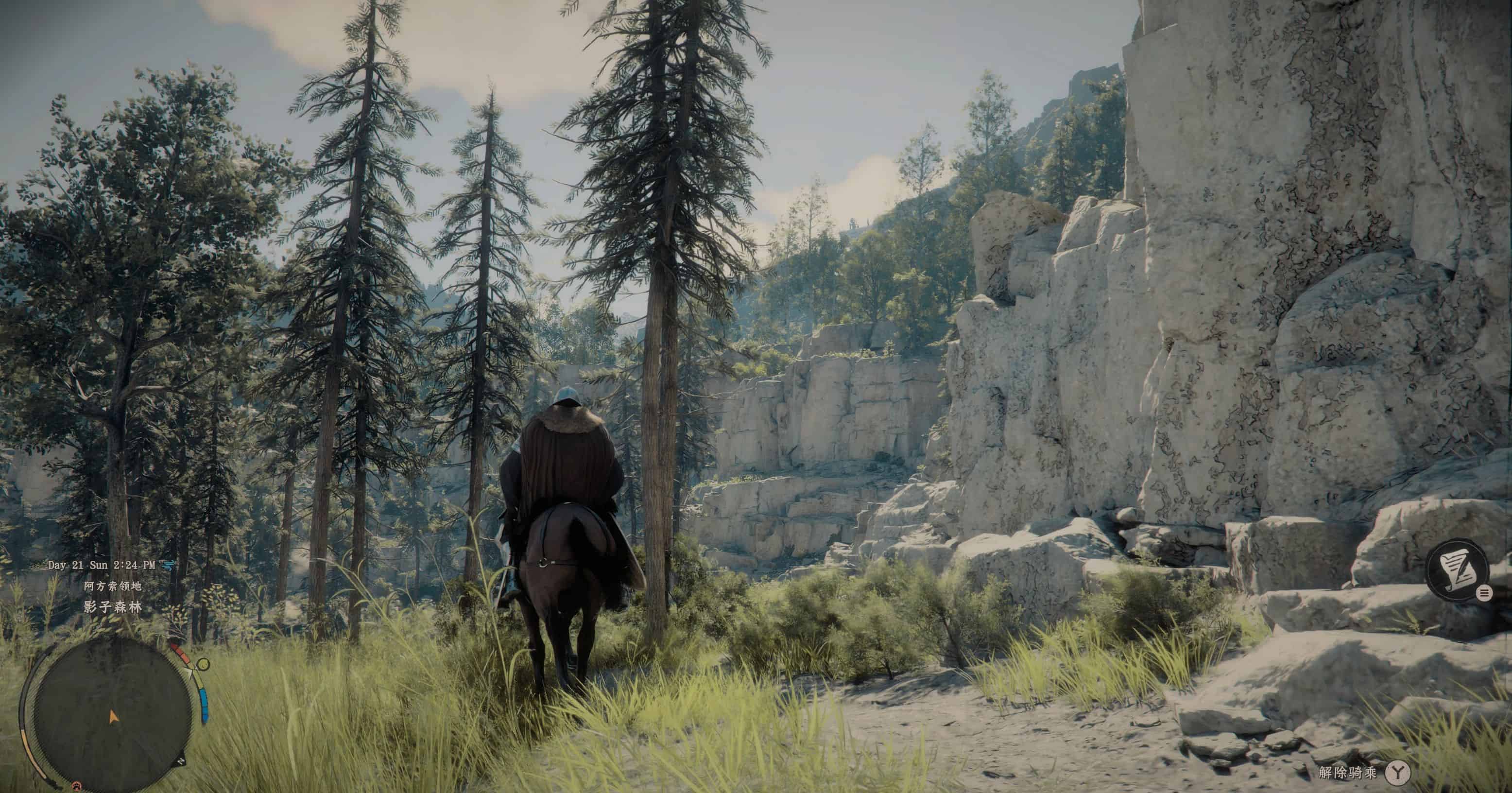
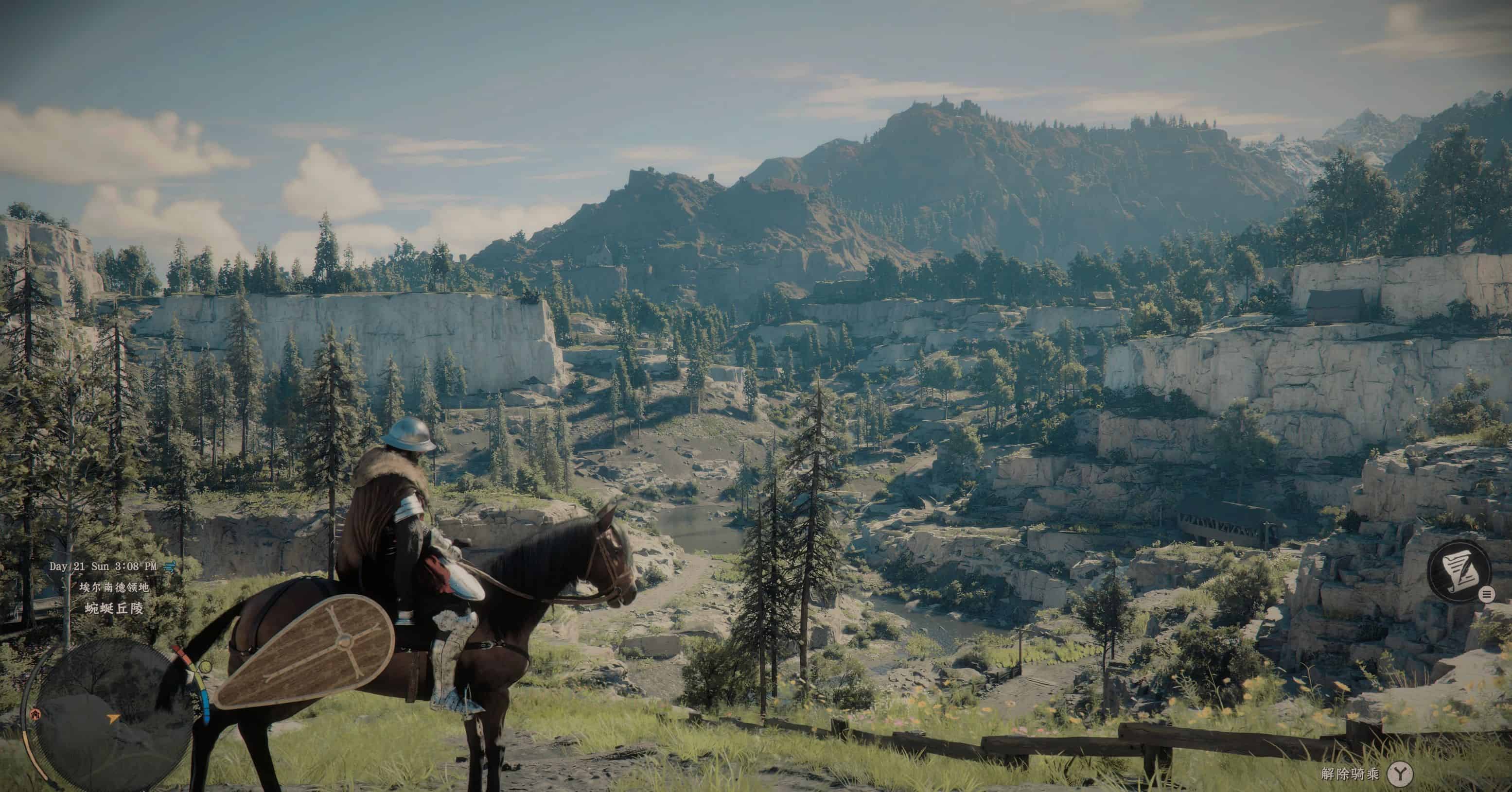
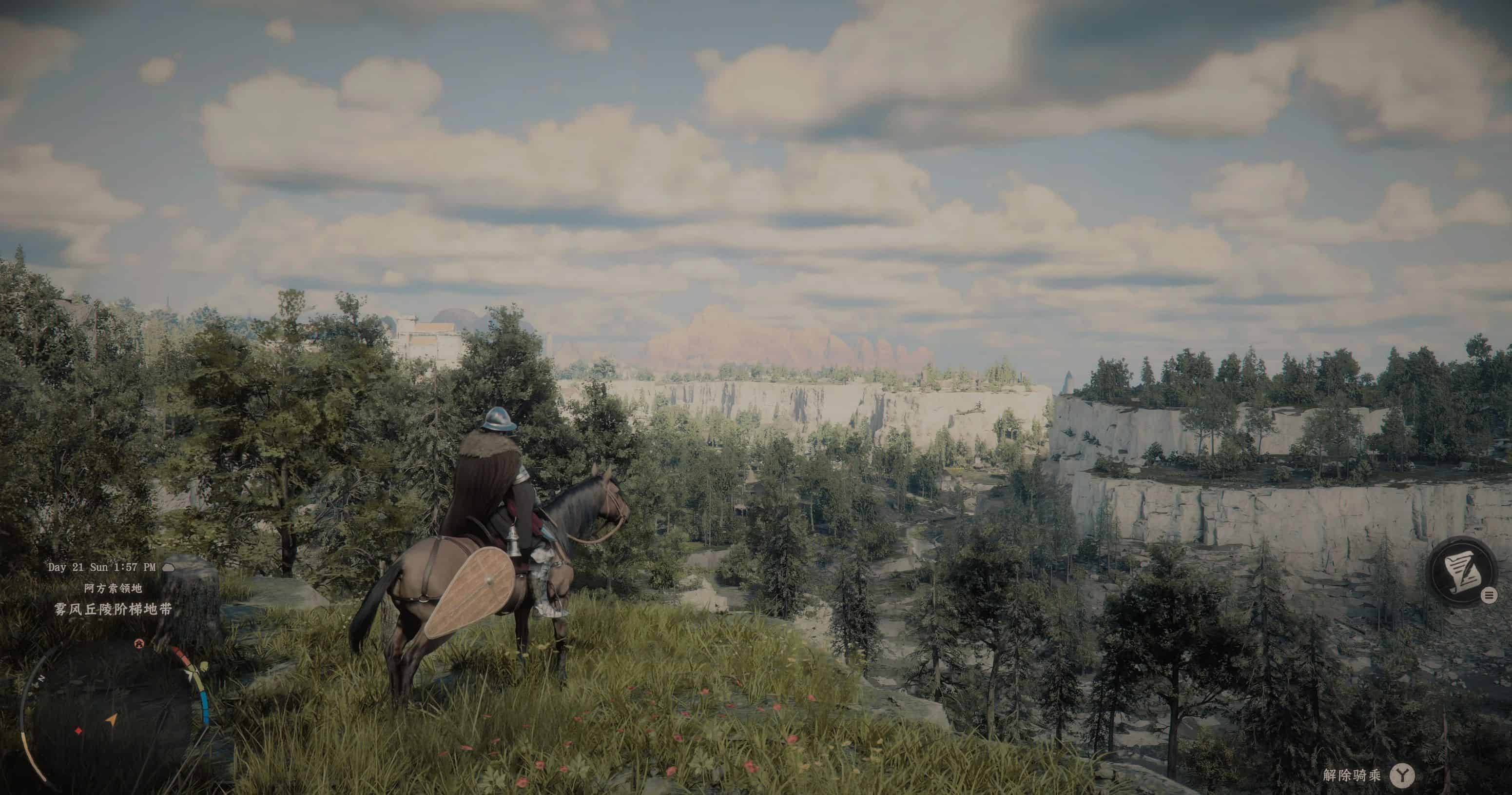
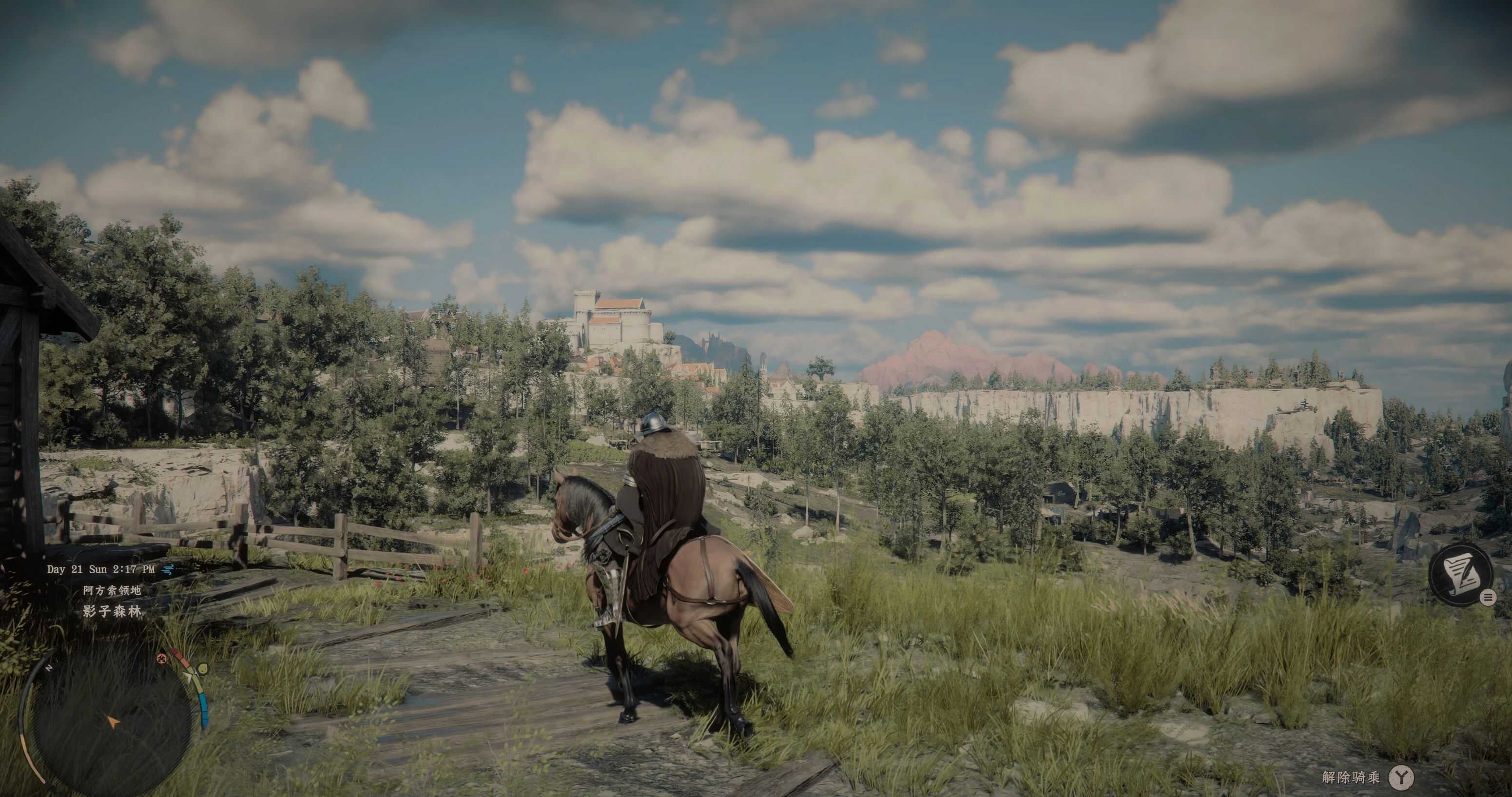
Crimison Desert Desaturated Filter v1.0

Crimson Desert Mods |
Crimison Desert Desaturated Filter v1.0


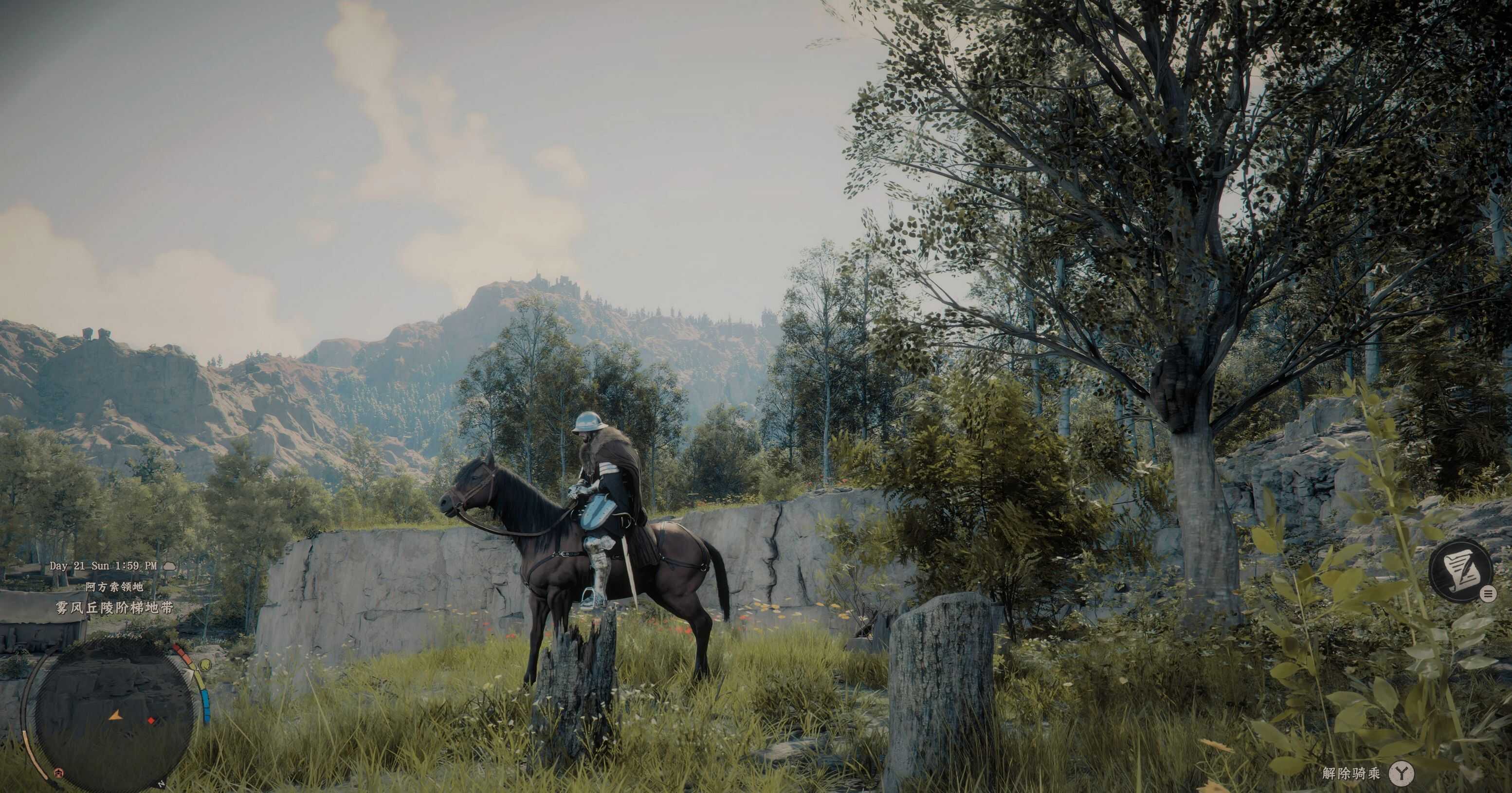
Ever thought the vanilla game’s visual direction makes your eyes hurt? This filter is meant for ease your eyes from the over-saturated green foliages throughout the game. I don’t understand what the dev-team are thinking to have over-saturated green, so I made this filter to make my eyes comfortable.

Installation:
Download and install Reshade(6.2.0 or above) for Crimison Desert, install all the effects.

1.Copy and Paste everything inside the compressed file to bin64 folder under the game’s install location, overwrite any files if needed.
2.Under Video settings in game, set the contrast to low-end values (0-15).
3.Turn-on HDR in the same menu, set the brightness to low-end and exposure to max under the HDR setting.
4.Enjoy the new visuals.



Author: JasonLandstriker


Download

Crimson Desert mods give players the freedom to expand and personalize their adventure across the vast world of Pywel. With a wide range of free mods available, you can enhance gameplay, improve visuals, and introduce new features that make every moment in the game even more exciting. Try the Crimson Desert Crimison Desert Desaturated Filter v1.0 mod to bring something new to your journey, and continue exploring other mods that help you shape the experience exactly the way you want, with no limits.
Useful Information: How to install Mods | System Requirements | Crimson Desert Guides | Crimson Desert News

Leave a Reply

Your email address will not be published. Required fields are marked *