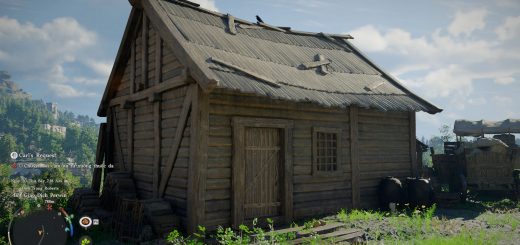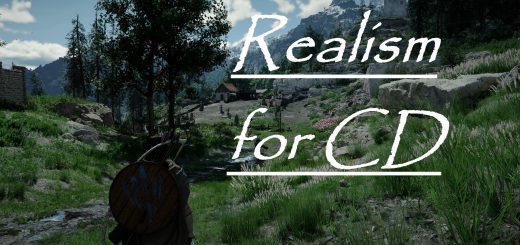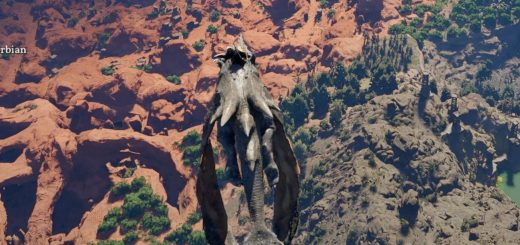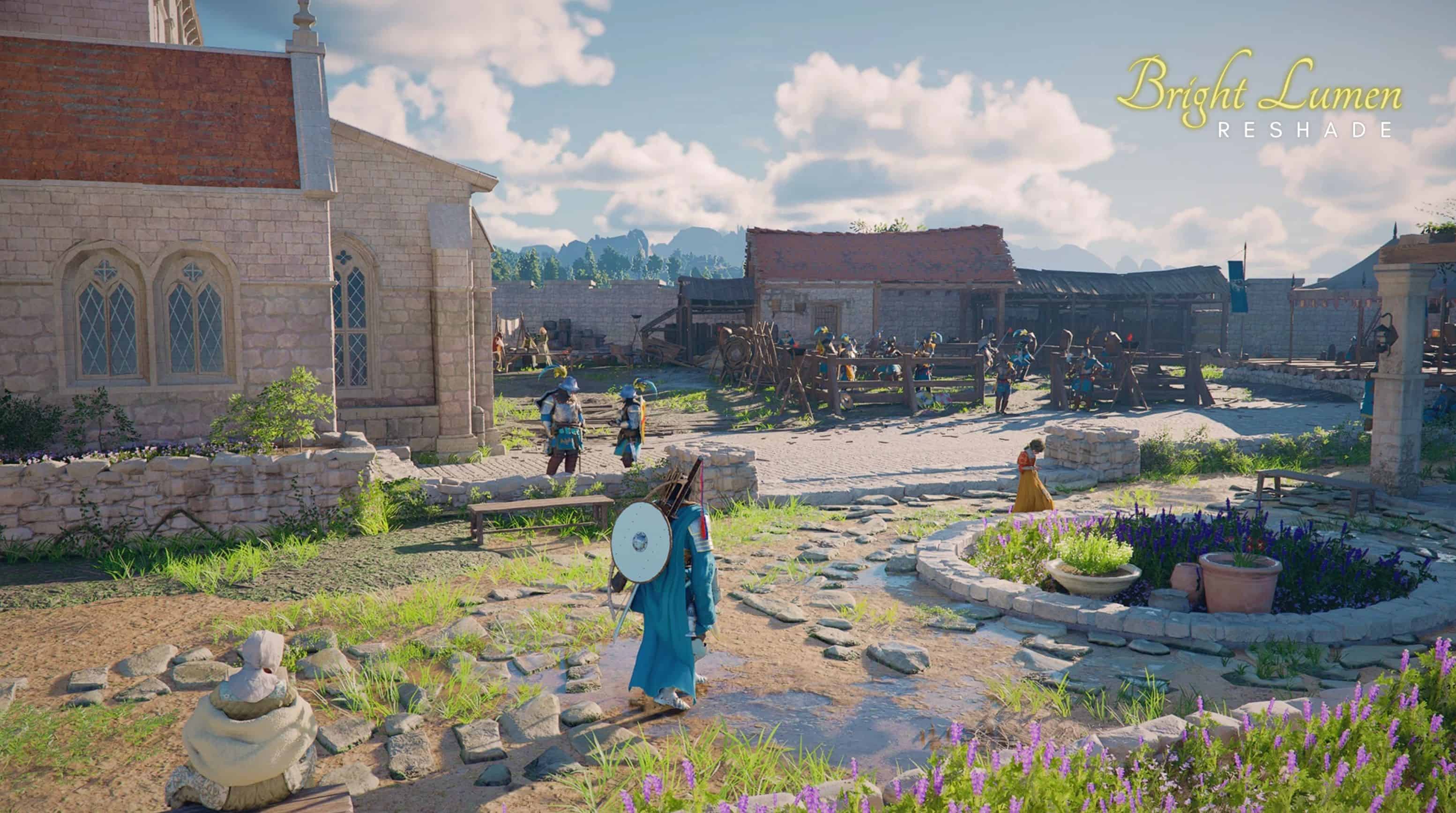
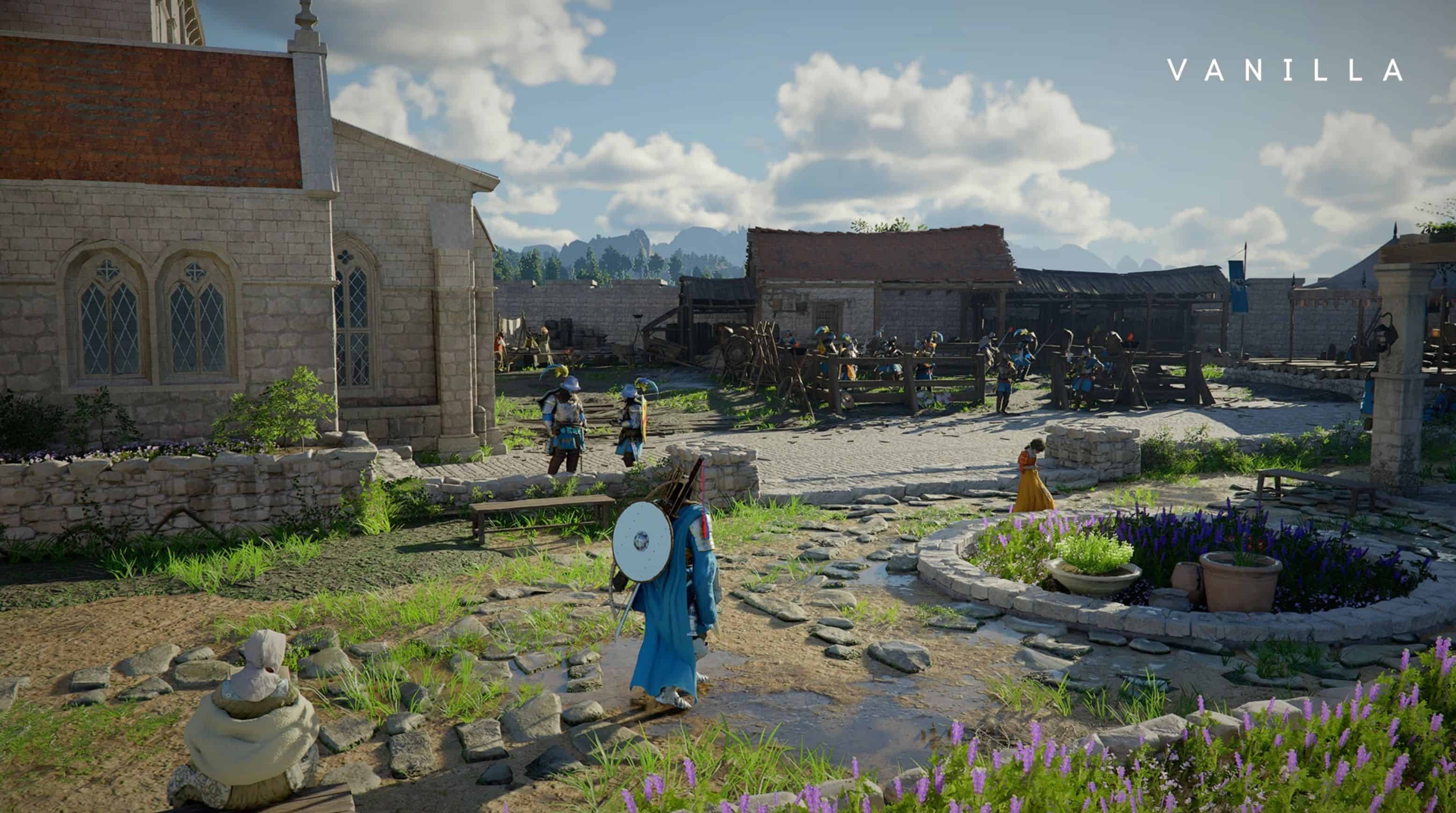
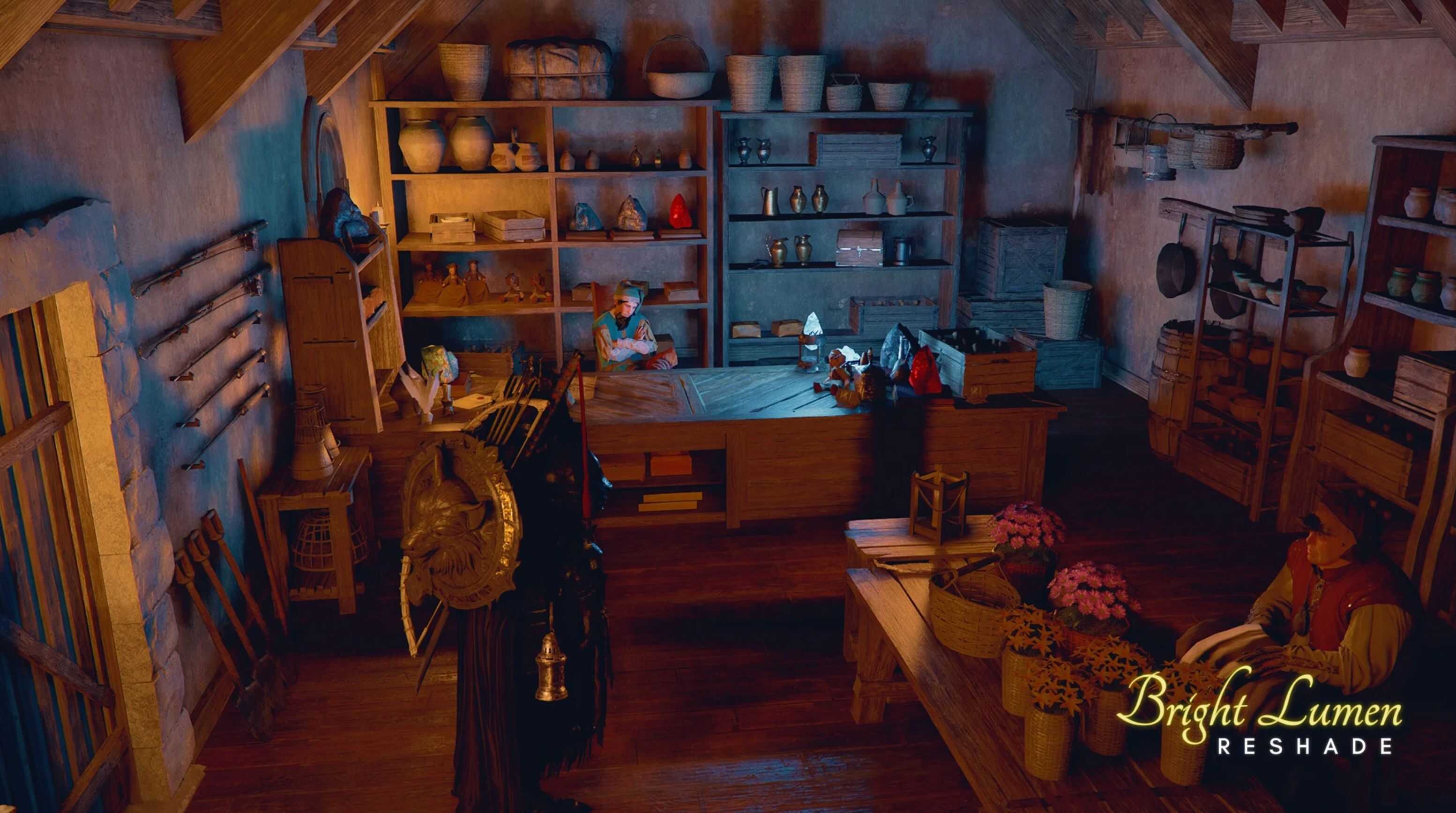
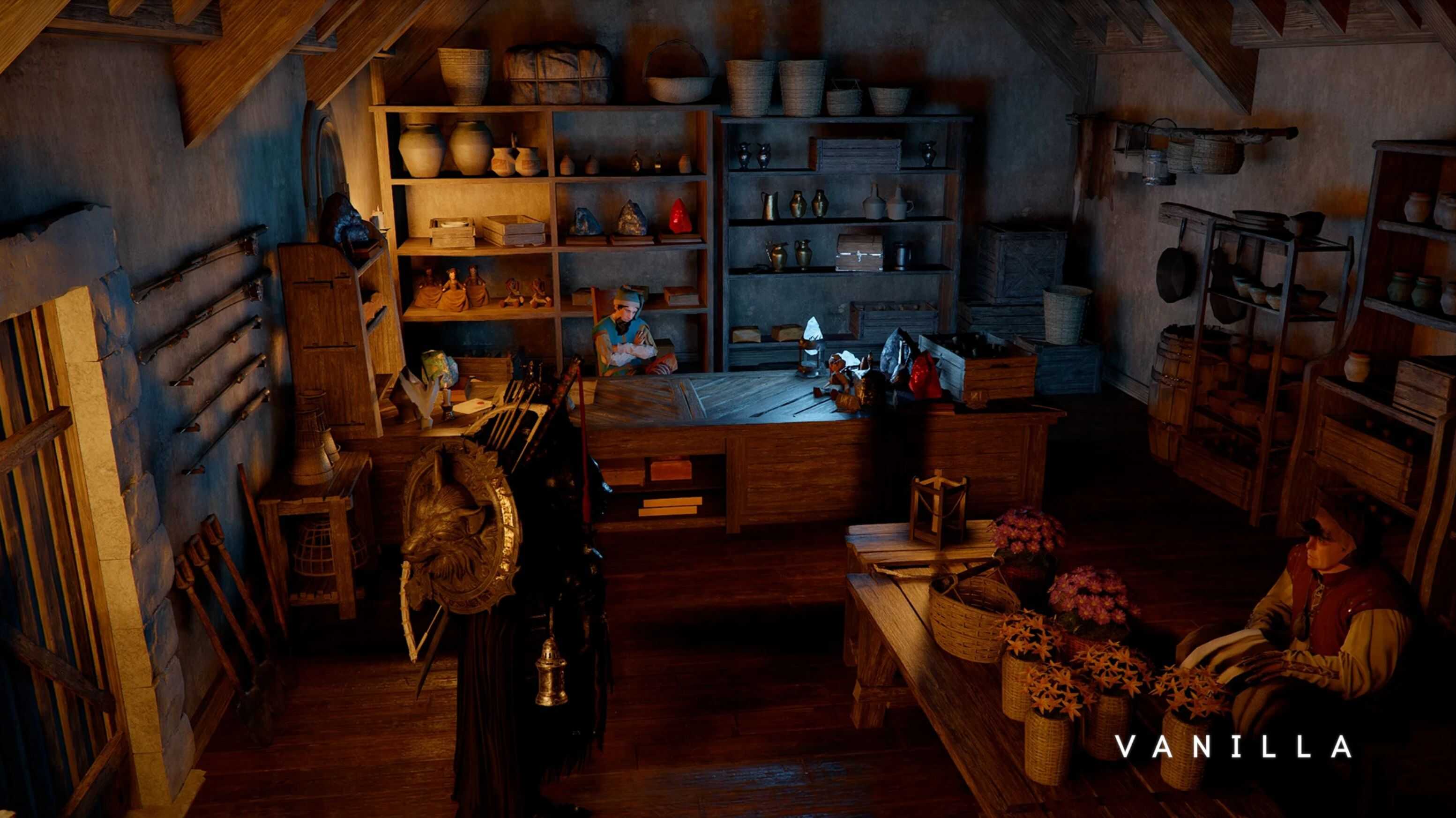
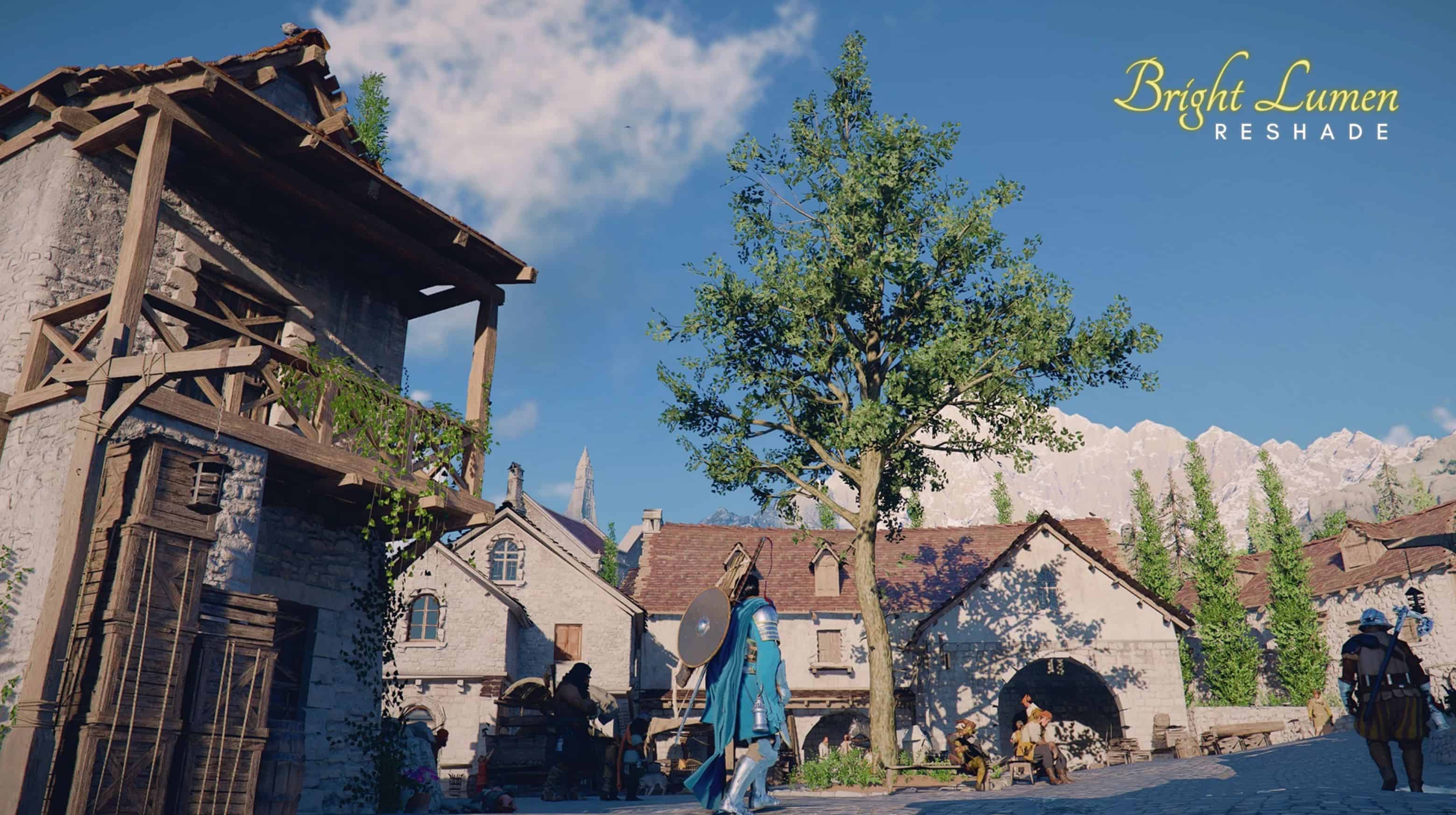
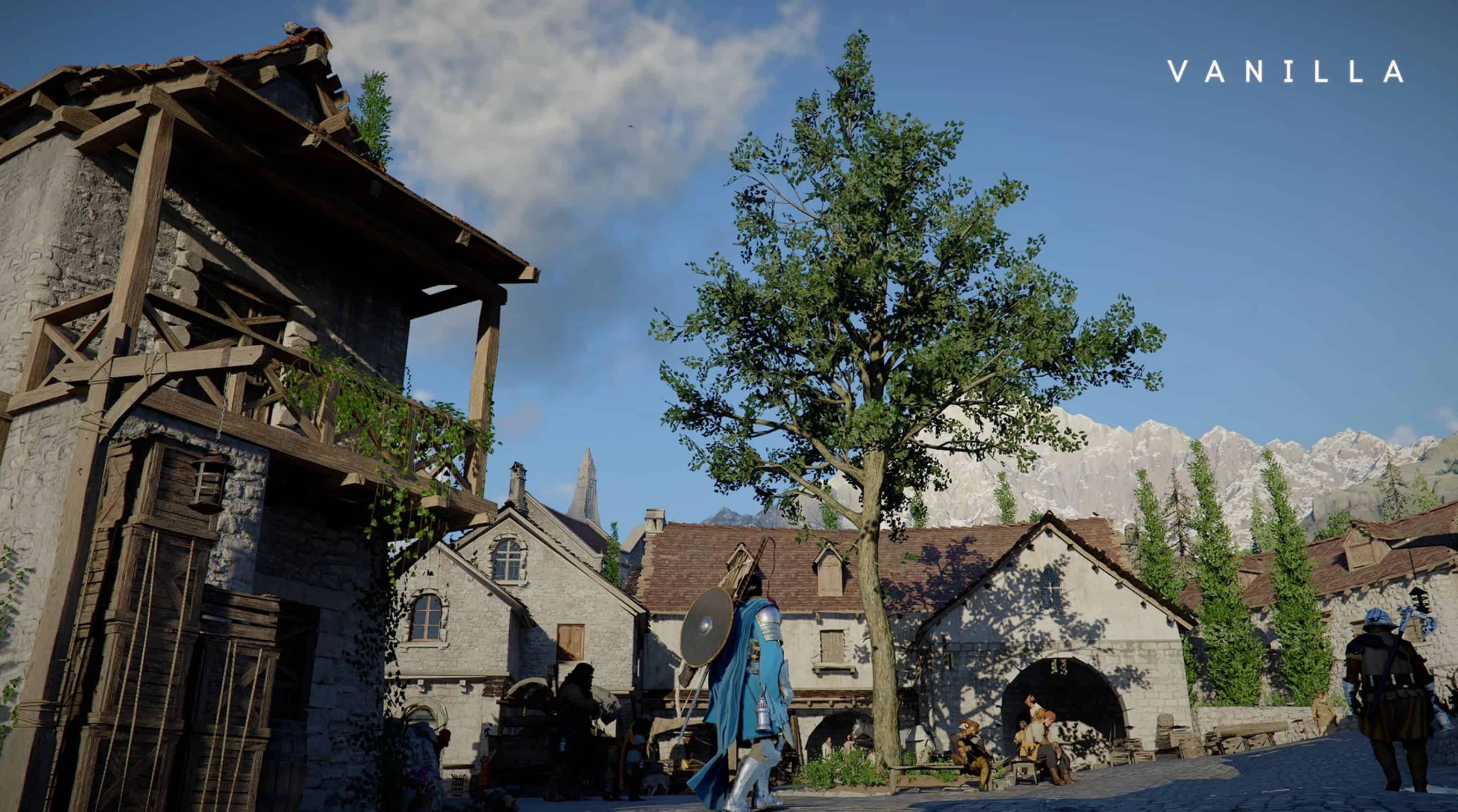
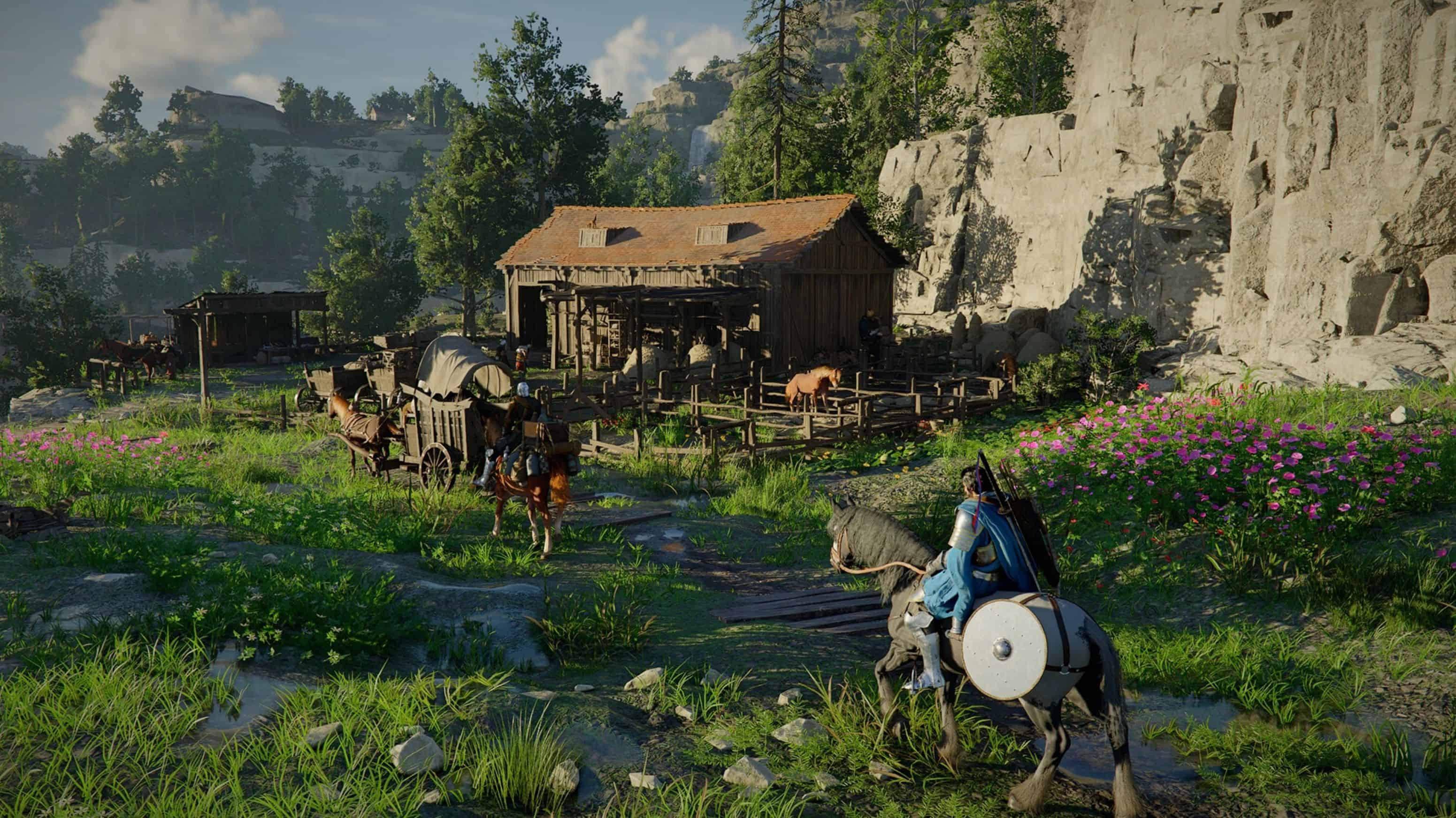
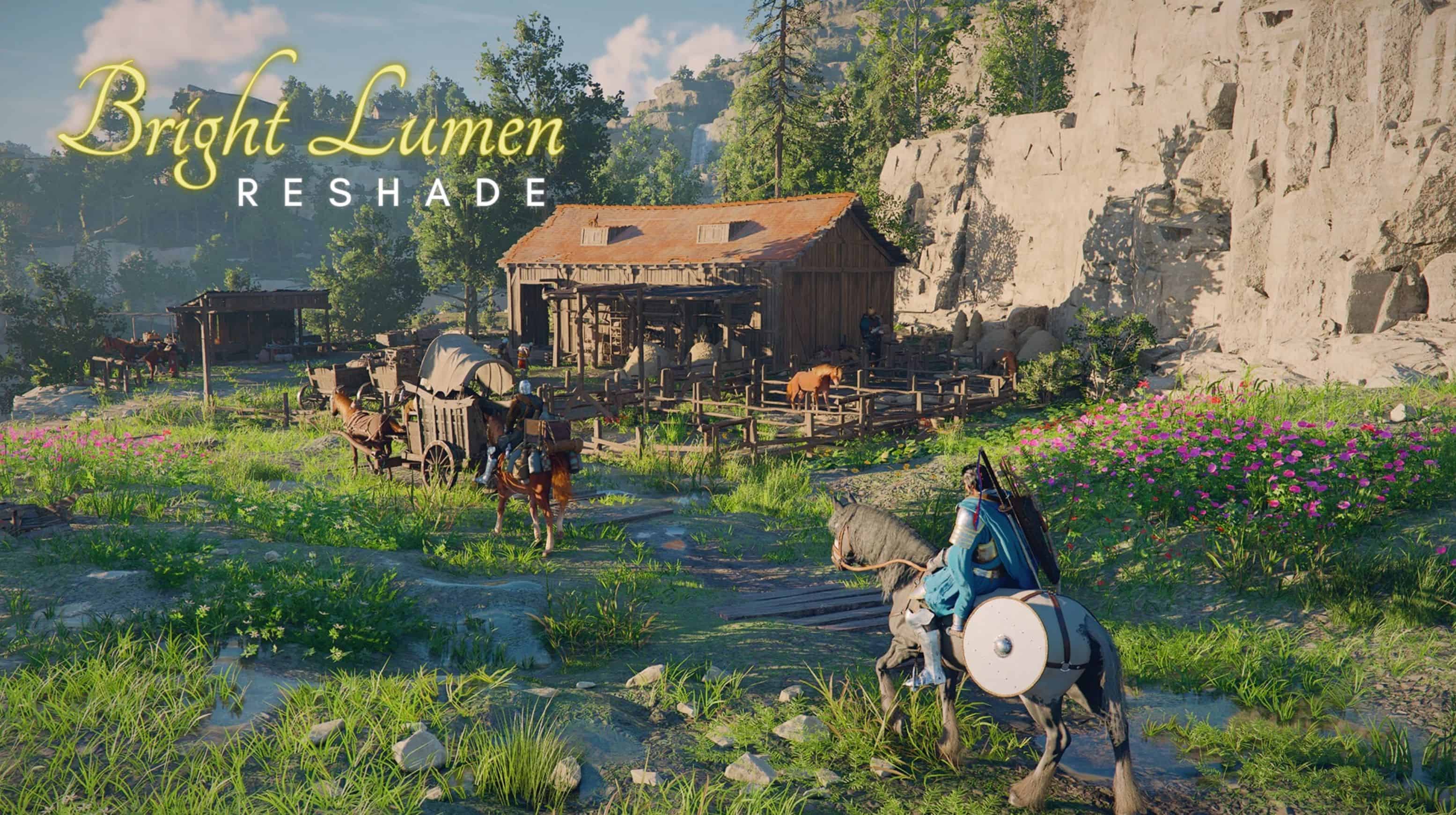
Colors are richer and more vibrant, even on low graphics settings, with brighter, more detailed nights.
PRESET CONCEPT
My main focus was improving dark environments, which often didn’t look very good visually. At the same time, I needed
to create something that would also work well during the day, without blowing out brightness or losing its natural look. The result is a balance between better-defined shadows, a consistent image at any time of day, and more vibrant colors.
ATTENTION
– At midday, the game may appear a bit too bright — this is expected. As mentioned earlier, the main focus of this preset is on.
– Darker environments, especially during nighttime. The result of this preset may look different because I don’t know your monitor.
– Settings. So you’re free to tweak the settings and adjust it to your preference.
HOW TO INSTALL
– Download Reshade and run it
– Select your game executable where it is installed
– Choose the graphics API (I used DirectX)
– Click “Browse” and select the .ini file and next
– Done. Have fun
HOW TO UNINSTALL
– Run Reshade again
– Select your game executable
– Choose the option ”Uninstall ReShade and effects
– And bye