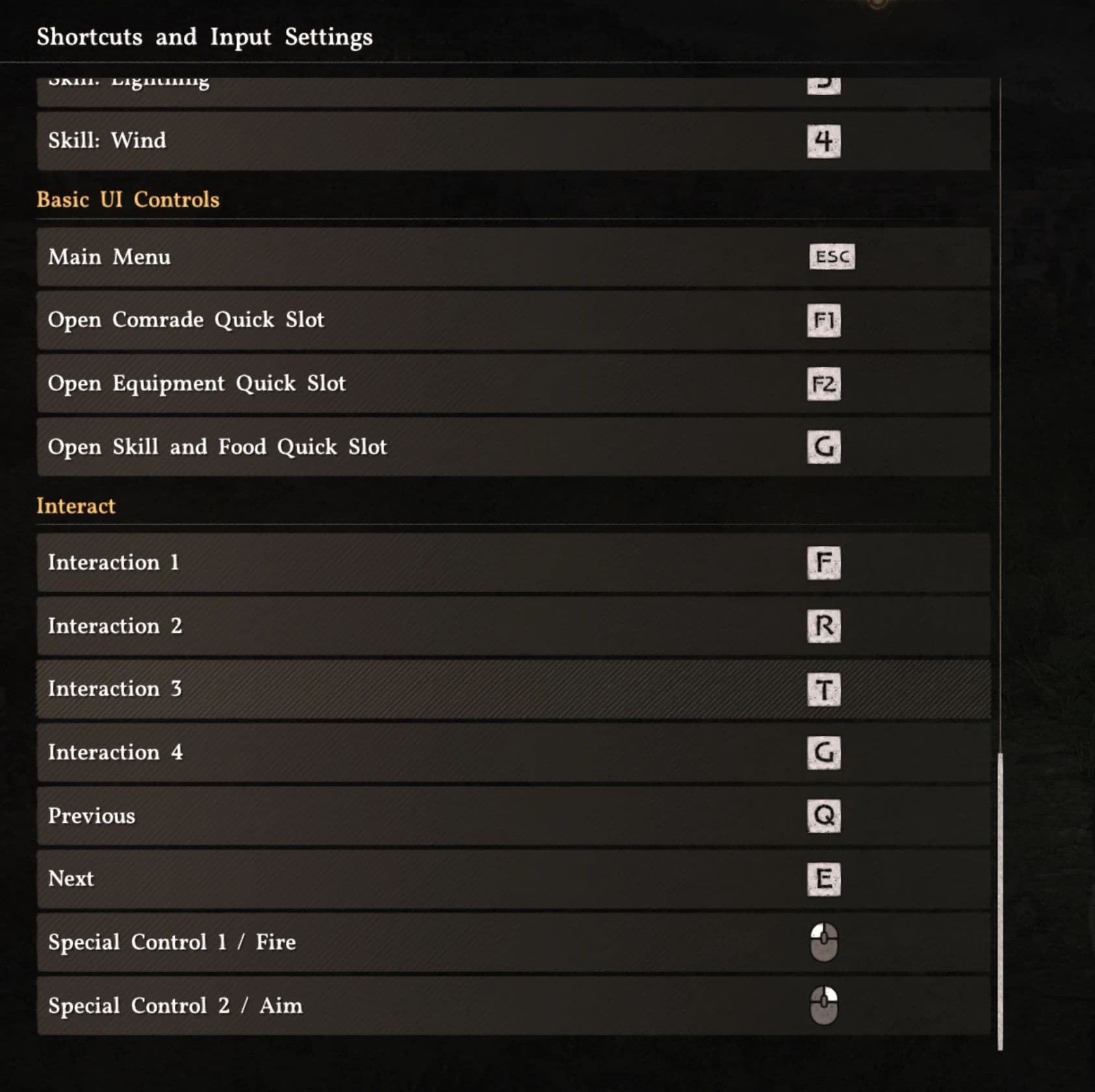
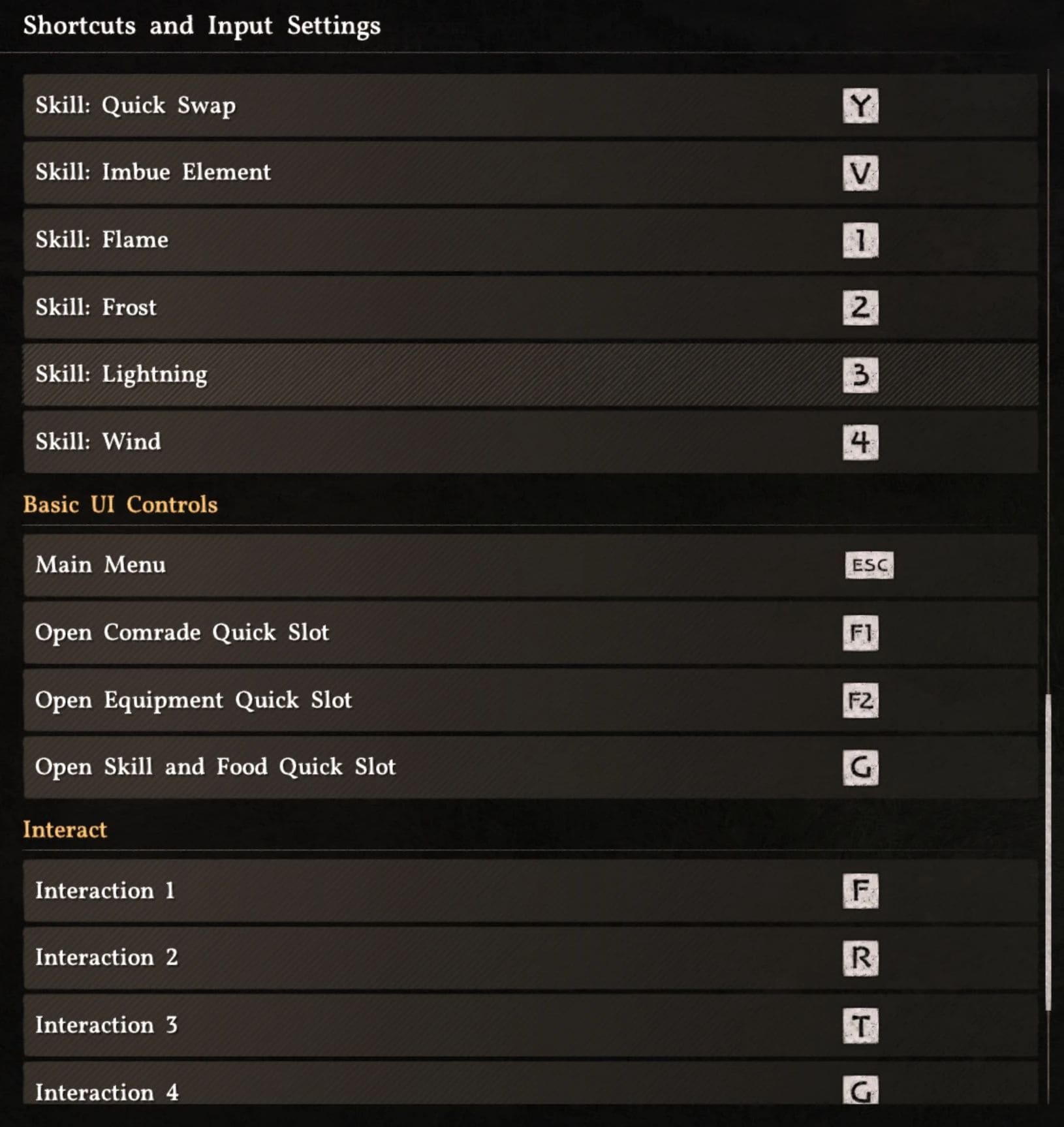
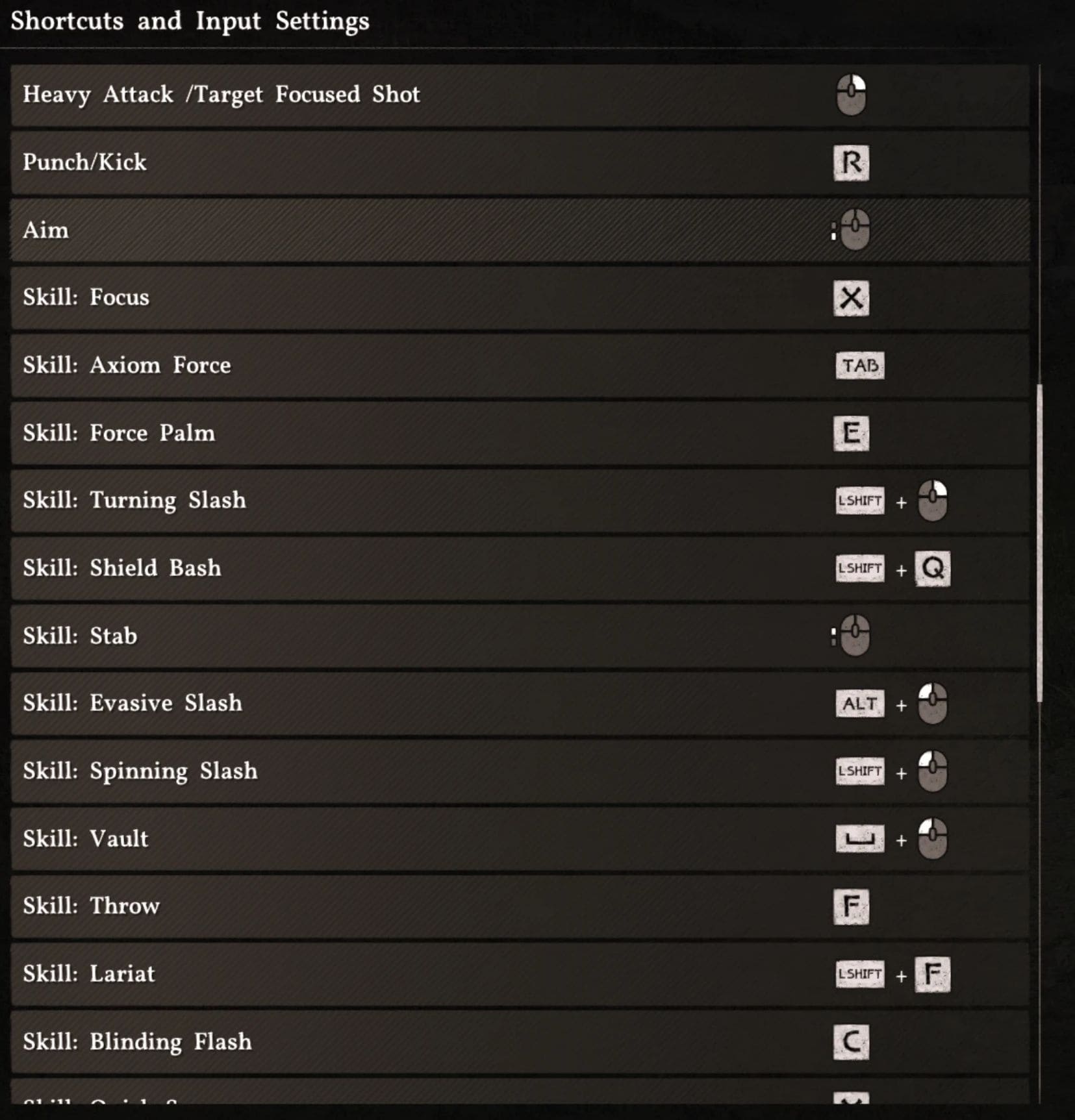
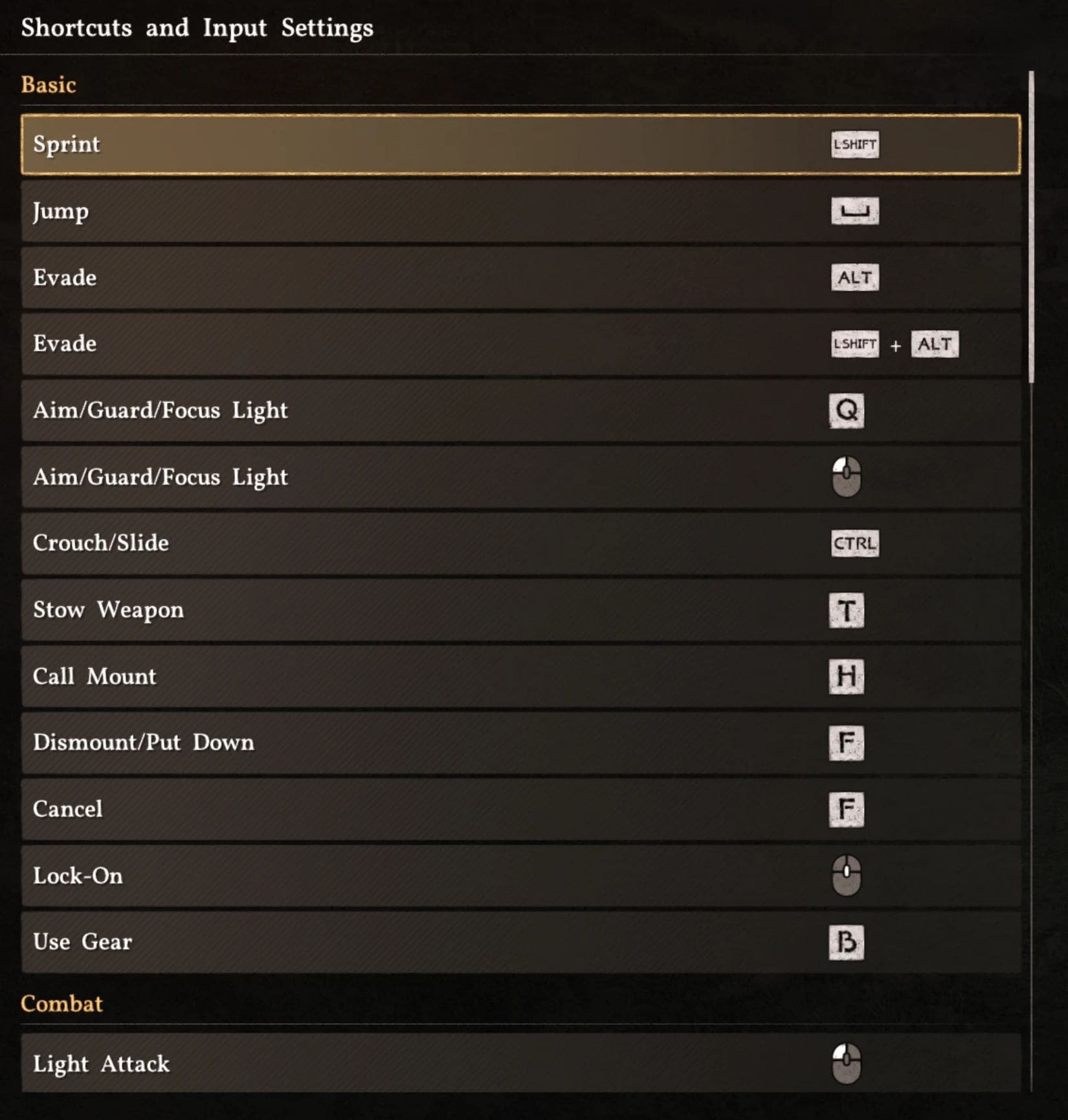
A lightweight tool to edit/export user_input.save for Crimson Desert (PC), with proper support for multi-bound actions the in-game menu still struggles with. If you’ve tried rebinding keys in-game and lost linked actions, this tool is for you.
Crimson Desert still has a known issue where rebinding multi-bound keys can break or overwrite related bindings. This editor lets you directly manage user_input.save, so you can keep the binds you want without sacrificing other actions. This release is updated for Patch 1.00.03 and includes the current 45-action format.
What This Tool Does
– Loads and edits user_input.save
– Supports duplicate/multi-bind rows correctly (including Evade and Aim/Guard/Focus Light dual slots)
– Captures keyboard + mouse combos (mouseL, mouseR, mouseM, mouseX1, mouseX2)
– Exports as ready-to-use user_input.save
– Includes updated base/default bindings for 1.00.03
– Autosaves your edits locally in the browser
What This Tool Does Not Do
– It does not patch game files automatically
– It does not bypass game-side restrictions (some binds are still hard-limited by the game)
– It is not an official Pearl Abyss tool
Known Limitations (Important)
– In-game rebinding issues with multi-bound actions still exist (this is why the tool is useful)
– W/A/S/D and I/J/K are not rebindable through this workflow
– Punch/Kick and Heavy Attack can behave inconsistently when bound to unusual multi-key setups
– Some user saves only store overrides, so not every value may appear exactly like a full baseline file
Installation
– Download the HTML file or open it via https://crimsondesertkeybindmanager.gamer.gd/
– Open it in your browser.
– Optional: load your current user_input.save from
– C:\Users\Your_User_Name\AppData\Local\Pearl Abyss\CD\save
– Edit bindings and export.
– Back up your original file, then replace it with the exported user_input.save.
Patch Compatibility
– Confirmed target: Crimson Desert PC Patch 1.00.03
Changelog (23/03/2026)
– Updated for 1.00.03 format
– Fixed duplicate bind handling
– Added autosave for edits
– Added side-mouse navigation prevention
– Updated base/default control set
Permissions
– You may use, share, and modify this tool for personal/community use.
– If you reuse substantial parts, please provide visible credit to the original tool/author.
FAQ
– Why is it a website/HTML file? It is the format I know best and the fastest way I can build and share this tool.
– Is it safe to use? It runs locally in your browser and does not need a server, but use it at your own risk, keep backups, and only download from sources you trust.
– Where is my save file? Default path: C:\Users\Your_User_Name\AppData\Local\Pearl Abyss\CD\save
– How long is it going to be maintained/updated? As long as i play the game and use the tool myself.
– Why are some bindings missing in my loaded file? Some personal saves only store overrides, so not every default value may be present. Also, old save files/pre 1.00.03 might be missing binds as well.
– The binds do not show up in my game! Make sure to fully close the game when updating the binds.