Quick Recap
- Graphics mods will likely be among the first created after release.
- Reshade presets may change lighting, contrast, and overall atmosphere.
- Texture mods could improve terrain, armor, weapons, and building details.
- Color grading tweaks might create different visual moods and styles.
- Weather and environmental mods may enhance fog, storms, rain, and particle effects.
- Shadow and lighting tweaks could improve realism and surface reflections.
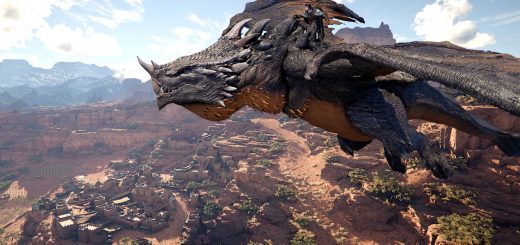
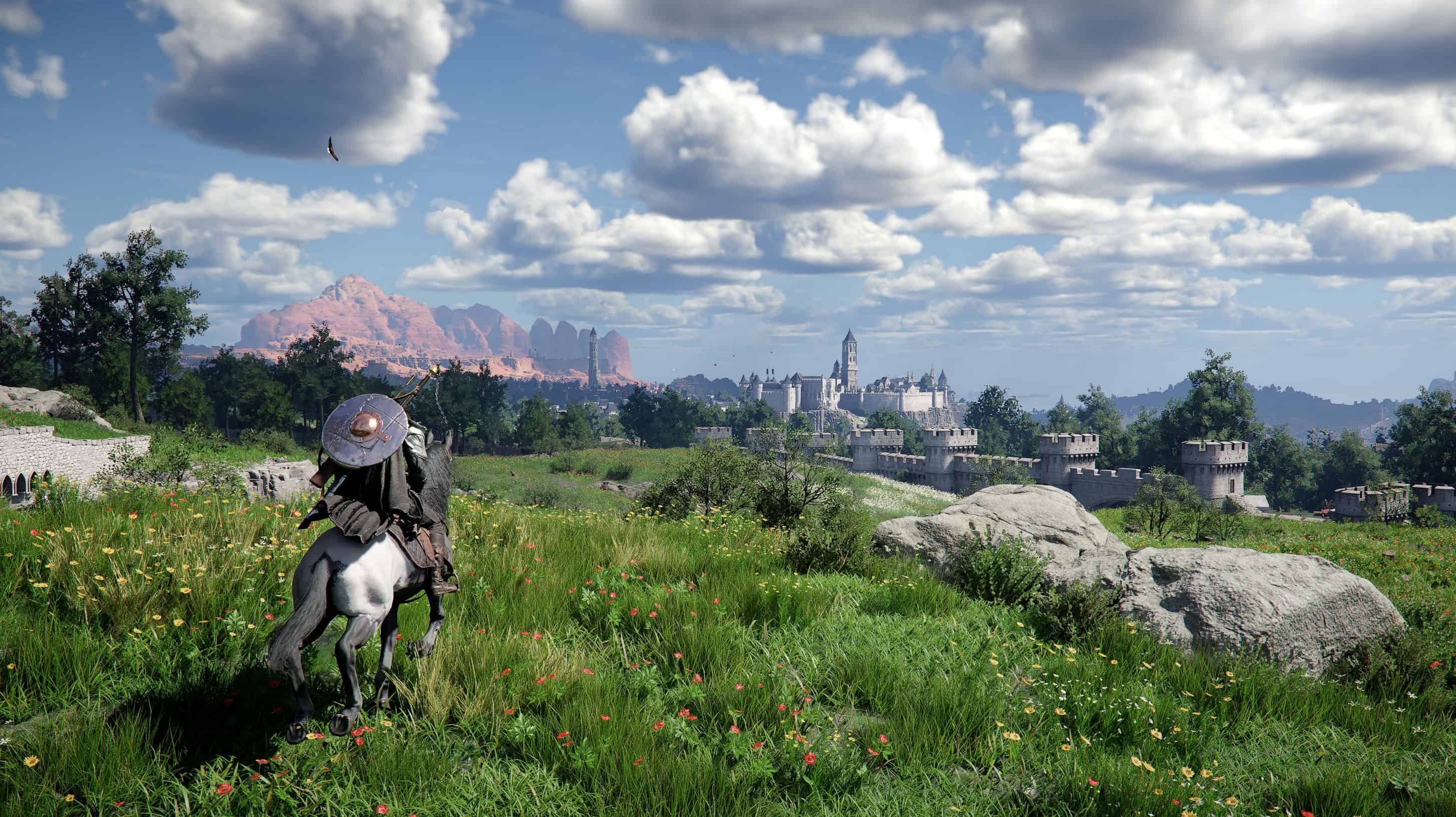
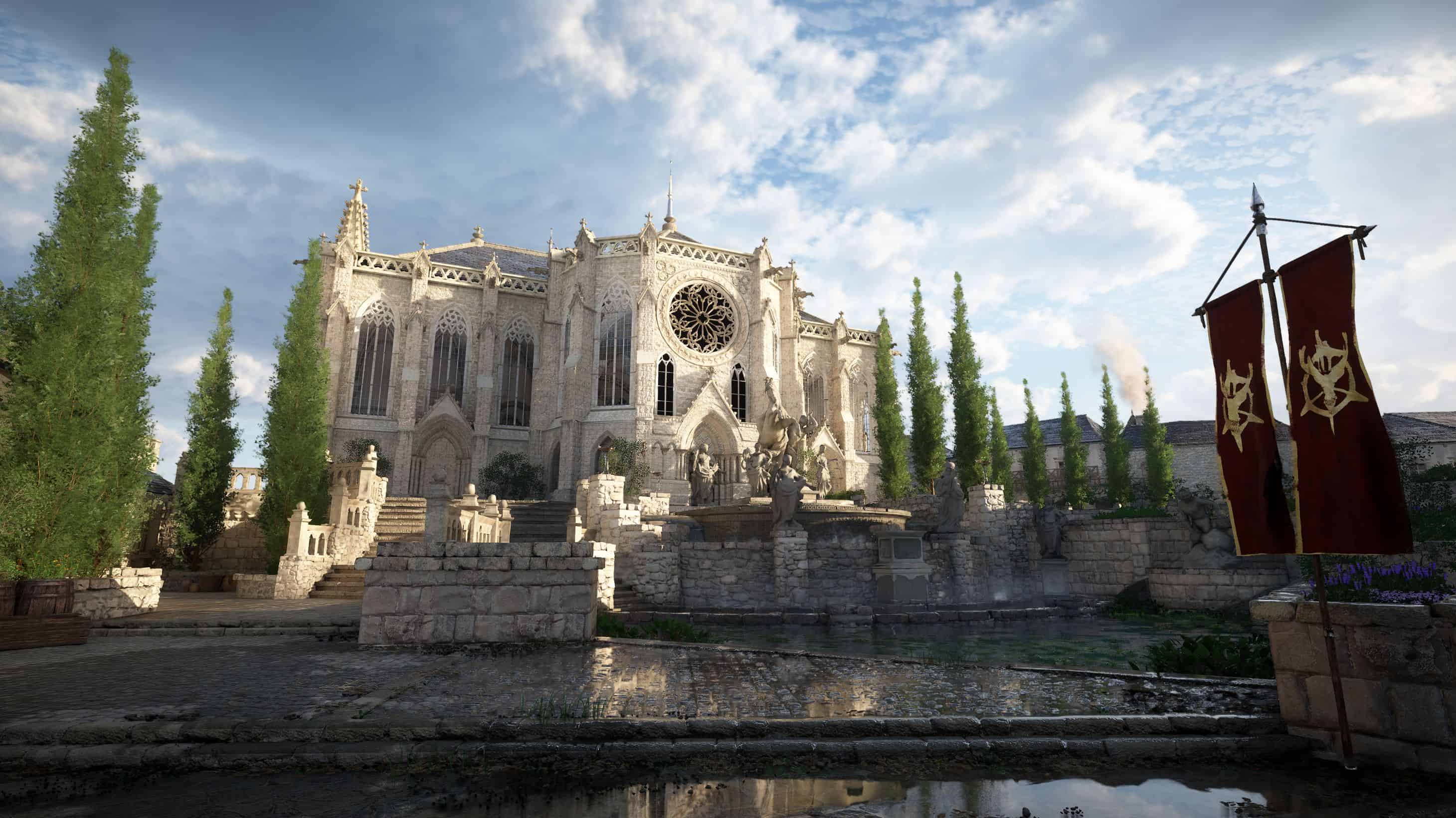
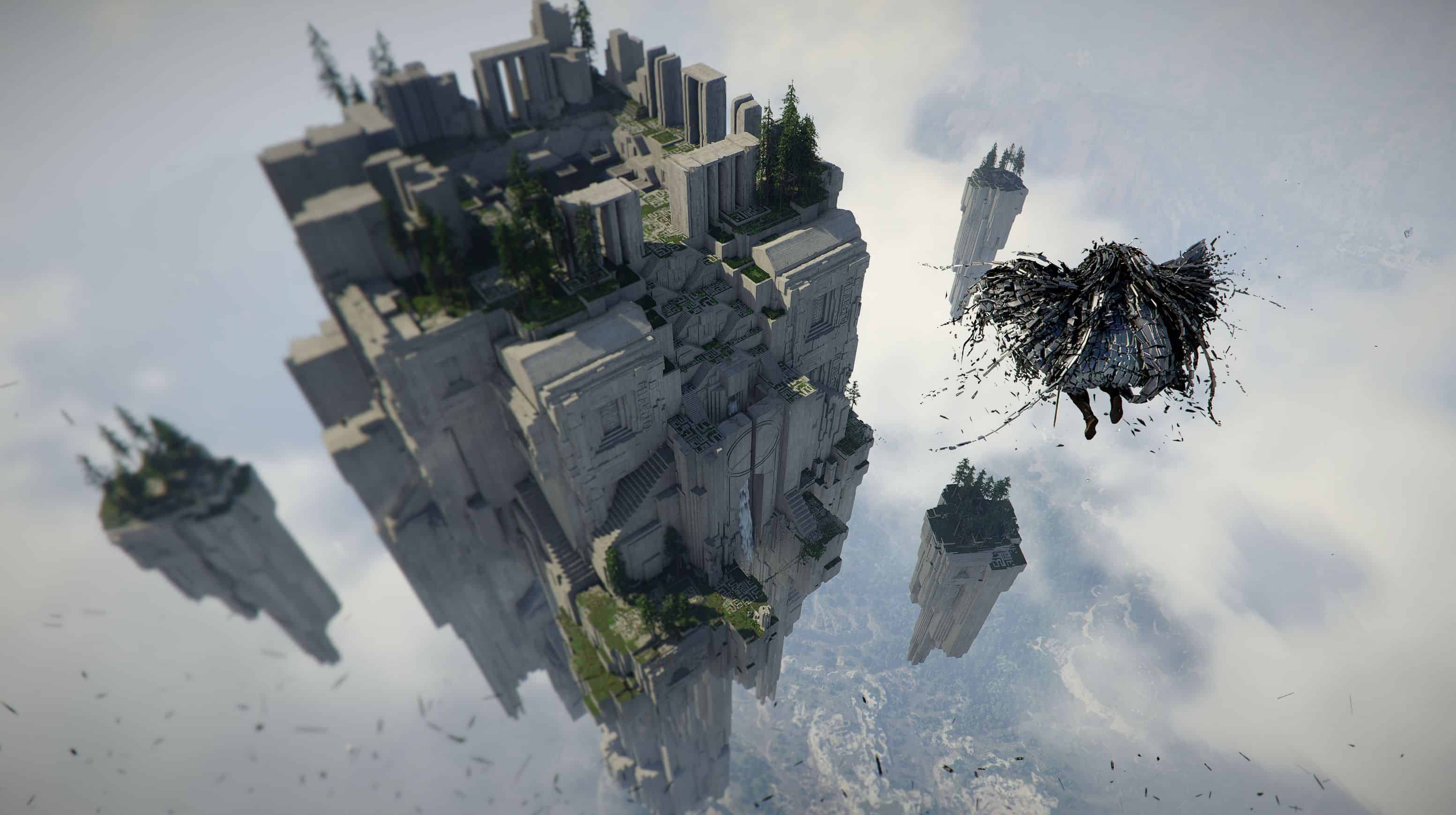
Crimson Desert is being built with extremely detailed environments, advanced lighting systems, and realistic weather effects. The game runs on Pearl Abyss’ BlackSpace Engine, which focuses heavily on visual immersion. From large mountain ranges and deserts to forests and medieval towns, the world of Pywel is designed to look cinematic and alive.
Because of this visual focus, graphics related mods will likely become some of the first and most popular modifications once players begin experimenting with the game files. In many RPG communities, visual mods appear very quickly after launch because they usually do not require deep changes to gameplay systems.
Even though Crimson Desert already looks impressive, modders often find ways to improve or customize visuals to match different player preferences.
Reshade and Lighting Presets
One of the earliest graphical mods in most games comes in the form of reshade presets. These mods adjust how lighting, shadows, and colors appear on screen without changing the actual game files.
Players often create presets that make the game look more cinematic or realistic. Some reshade configurations enhance contrast and shadow depth, which can make landscapes feel more dramatic. Others focus on brighter environments that improve visibility during nighttime exploration.
In a world like Pywel, reshade presets could dramatically change the mood of different regions. Darker lighting could make forests feel more mysterious, while warmer tones might enhance desert environments.
Texture Enhancement Mods
Texture improvements are another common category that often appears early in a game’s modding lifecycle. These mods replace existing textures with higher resolution versions, improving the clarity of surfaces and objects throughout the world.
In Crimson Desert, texture mods could focus on several areas:
- environmental textures such as rocks, terrain, and vegetation
- armor and clothing details
- weapon surfaces and materials
- buildings and village structures
These upgrades usually make the world appear sharper, especially for players using high resolution displays.
Color and Atmosphere Tweaks
Different players prefer different visual styles when exploring open world games. Some enjoy darker, more realistic color palettes, while others prefer brighter environments that highlight the world’s details.
Color grading mods adjust the overall tone of the game by modifying saturation, brightness, and contrast. These tweaks can create different moods depending on the preset being used.
For example, a cinematic preset might reduce saturation and increase shadows to create a darker fantasy atmosphere. Another preset could boost color vibrancy, making landscapes and sunsets appear more vivid.
Because Crimson Desert includes a wide range of environments, atmosphere tweaks could become very popular among players who enjoy experimenting with different visual styles.
Weather and Environmental Effects
The world of Crimson Desert features dynamic weather and environmental effects such as wind, fog, and storms. Visual mods could eventually enhance these systems by adjusting how these effects appear during gameplay.
Some modders might experiment with denser fog, stronger storm lighting, or more dramatic cloud formations. Others may adjust particle effects to make rain, snow, or dust storms appear more intense.
These types of changes can make exploration feel more immersive because the environment reacts more dramatically to different weather conditions.
Improved Shadows and Lighting
Lighting plays a huge role in how realistic a game looks. Modders often experiment with shadow quality, ambient lighting, and light reflections to create a more natural look.
Improved shadow mods may increase shadow sharpness or adjust how shadows behave during sunrise and sunset. Other lighting tweaks might enhance how light interacts with surfaces such as armor, weapons, or water.
Because Crimson Desert relies heavily on dynamic lighting, even small adjustments in these areas could make the world feel noticeably different.
Interface and Visual Clarity Tweaks
Not every visual mod focuses purely on graphics quality. Some modifications aim to improve clarity and visibility during gameplay.
For example, interface related visual mods might adjust the brightness of map icons, improve contrast in menus, or make important interface elements easier to see. These small changes can make long play sessions more comfortable for players.
Although they are less dramatic than texture upgrades or lighting presets, clarity improvements often become widely used because they improve everyday gameplay.
Why Graphics Mods Usually Appear First
Graphics mods tend to appear early because they are easier to create than gameplay modifications. Many visual settings can be adjusted using configuration files or reshade tools without modifying complex game systems.
Because Crimson Desert already focuses heavily on visual presentation, modders will likely experiment with ways to make the world look even more impressive.
As the modding community grows, players may eventually see many different visual presets that transform the atmosphere of Pywel. Some will aim for realism, others for cinematic fantasy, and some simply for better performance or clarity.
The flexibility offered by graphics mods allows players to shape the visual style of the game to match their personal taste while exploring one of the most detailed worlds in modern RPGs.