Mod Organizer 2 support v1.0

Crimson Desert Mods |
Mod Organizer 2 support v1.0


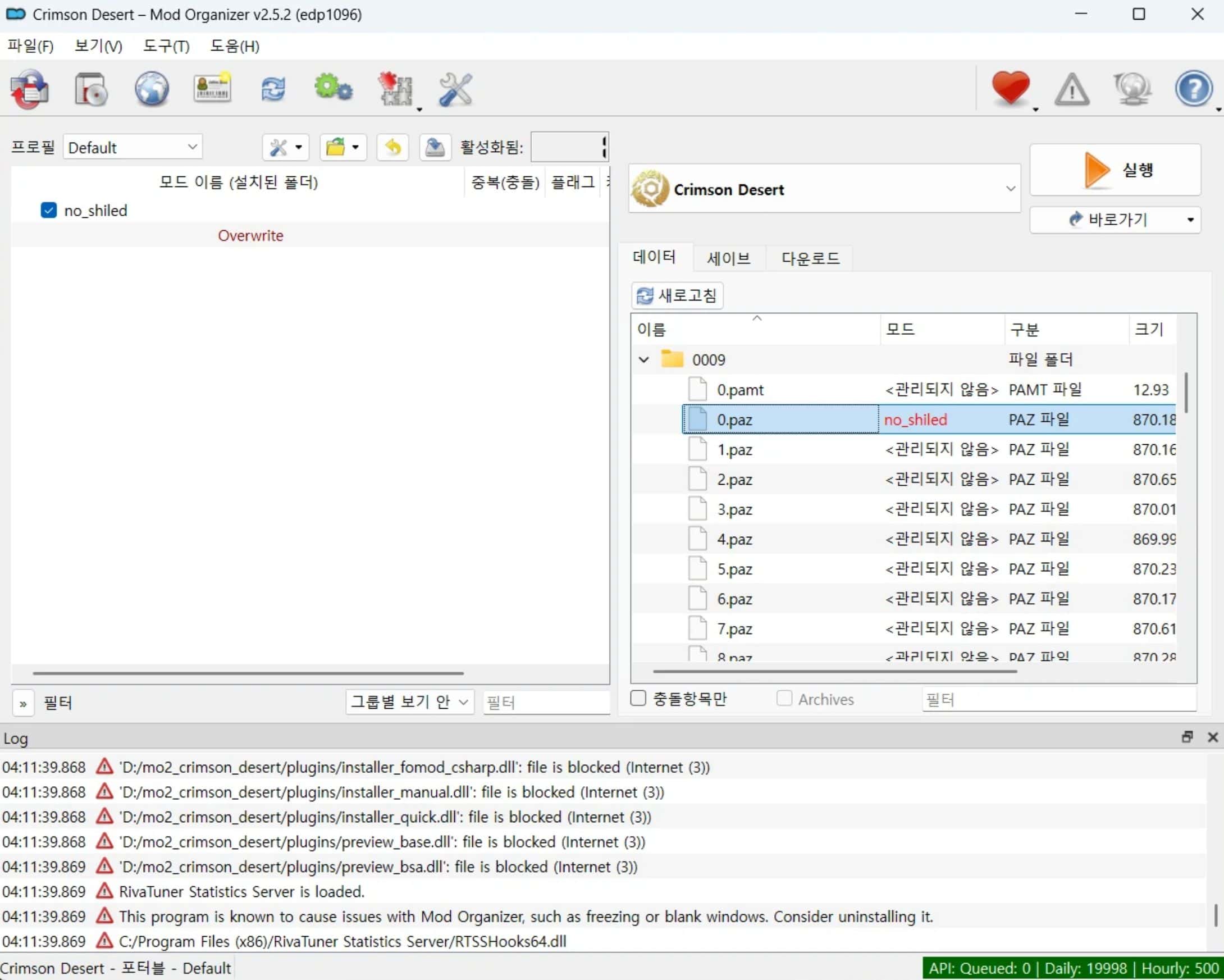
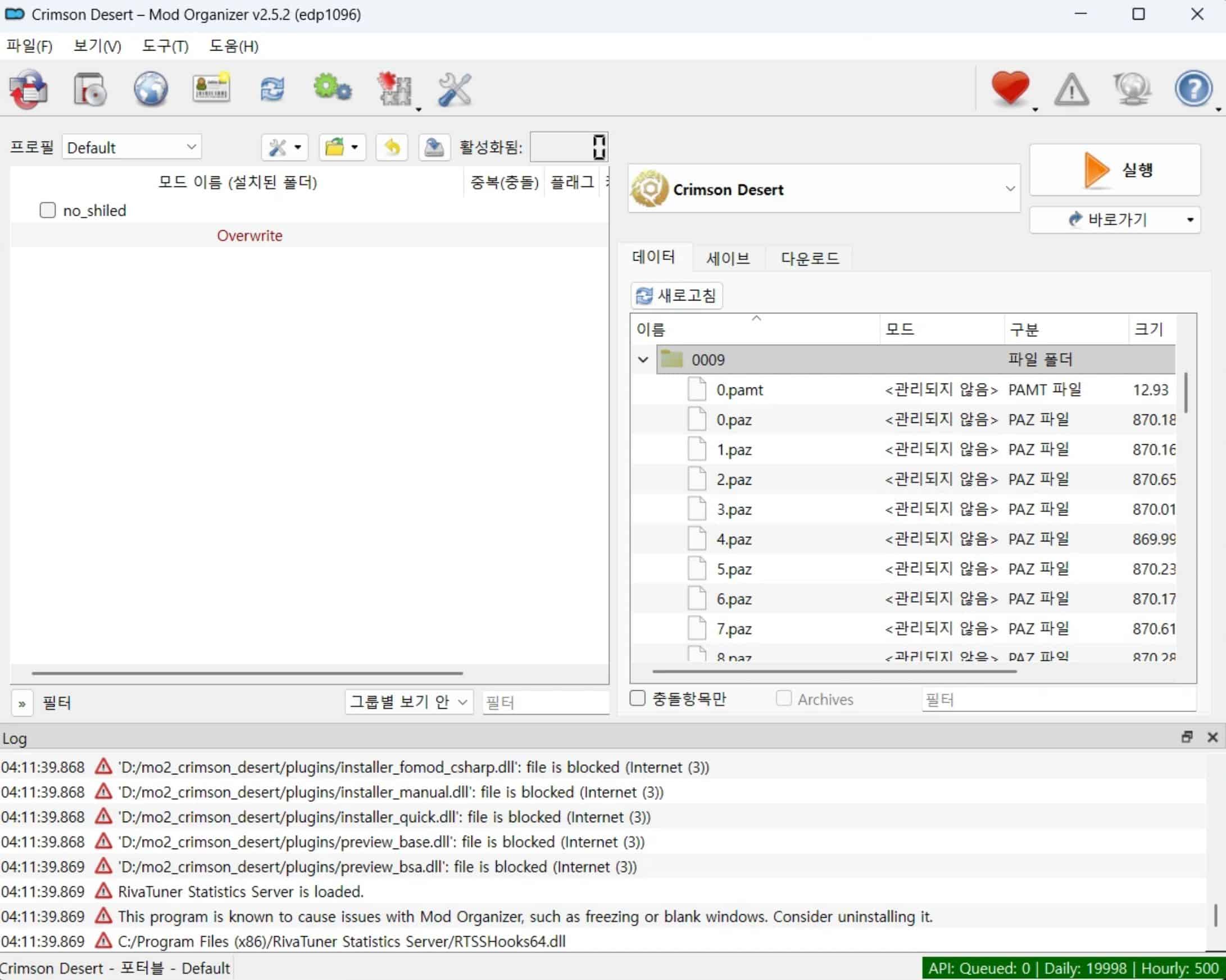
Simple mo2 support.

– Game path listing
– Save path listing

Requirements
Mod Organizer 2

Installation instructions
– Unzip the file then copy to %mo2 folder%/plugins/basic_games/games

Requirements
– Mod Organizer 2

Mod installation
– Create empty mod then copy mod to correct folder.

TroubleShooting
– Error will be occurred when first run with this plugin.
– So, run mo2 again then set blacklist installer_omod.



Author: edp1096


Download

Crimson Desert mods give players the freedom to expand and personalize their adventure across the vast world of Pywel. With a wide range of free mods available, you can enhance gameplay, improve visuals, and introduce new features that make every moment in the game even more exciting. Try the Crimson Desert Mod Organizer 2 support v1.0 mod to bring something new to your journey, and continue exploring other mods that help you shape the experience exactly the way you want, with no limits.
Useful Information: How to install Mods | System Requirements | Crimson Desert Guides | Crimson Desert News

Leave a Reply

Your email address will not be published. Required fields are marked *