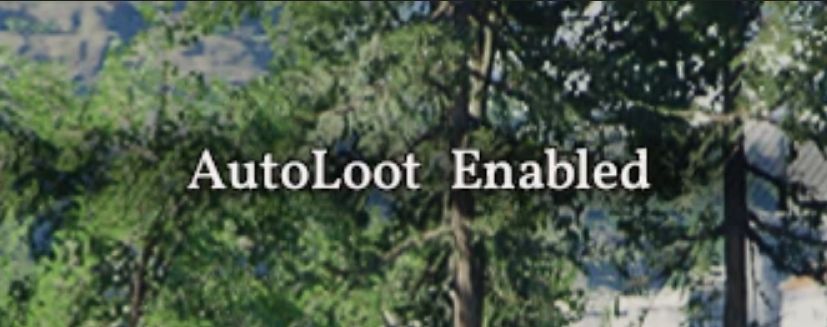
Native AutoLoot mod with toggle hotkey. Automatically loots items in your surroundings.
Install: Put version.dll, autoloot.asi, and autoloot.ini in the game folder:
SteamLibrary\steamapps\common\Crimson Desert\bin64\
Uninstall: Delete version.dll, autoloot.asi, and autoloot.ini from the folder.
Usage: Launch the game; it will automatically loot items in your vicinity.
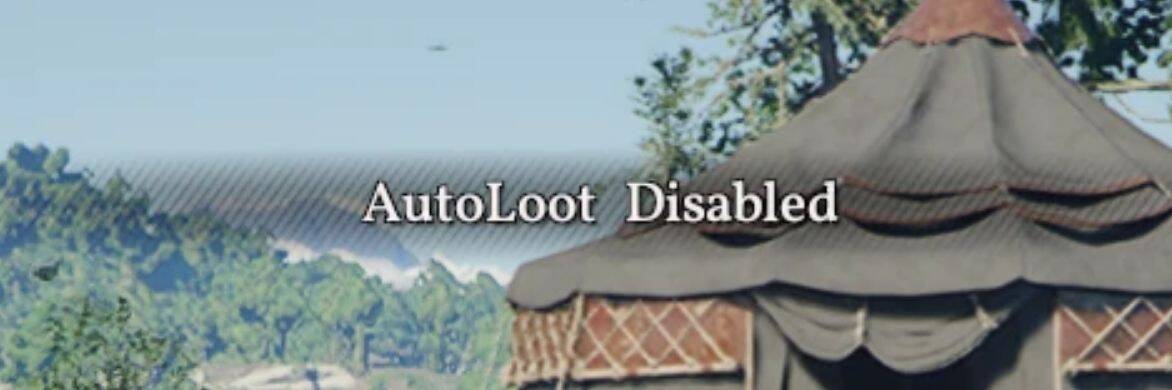
To toggle the mod on/off, press Alt+P (default). A notification will appear when the mod is enabled or disabled.
Customising the toggle hotkey: Open autoloot.ini and set the Toggle value under [Hotkeys].
Format: [modifier+]key (modifiers: alt, ctrl, shift)
Examples:
– Toggle=alt+p
– Toggle=ctrl+n
– Toggle=alt+shift+f5
– Toggle=f9
Supported keys:
– a-z, 0-9, f1-f24
– insert, delete, home, end, pageup, pagedown
– tab, space, enter, escape, backspace
– up, down, left, right
– numpad0-numpad9
The game must be restarted for changes to take effect.
Version history:
1.0.0 – Initial release
1.1.0 – Configurable toggle hotkey
This mod is based on work from wyongcan2019 and heavily leans on his AutoLoot Cheat Table. Permission to use his work has been given. Thank you wyongcan2019!