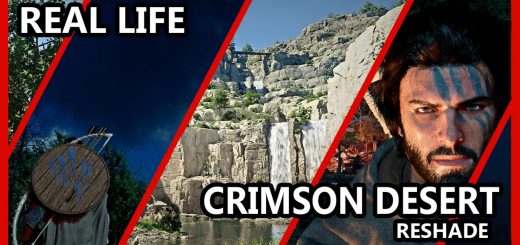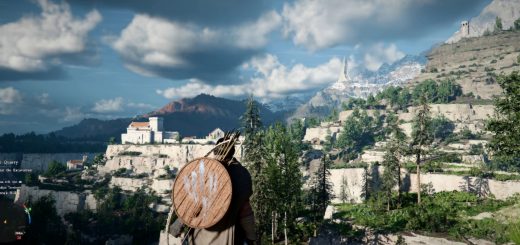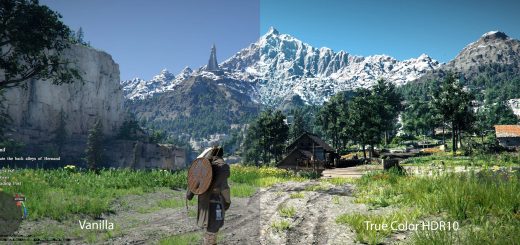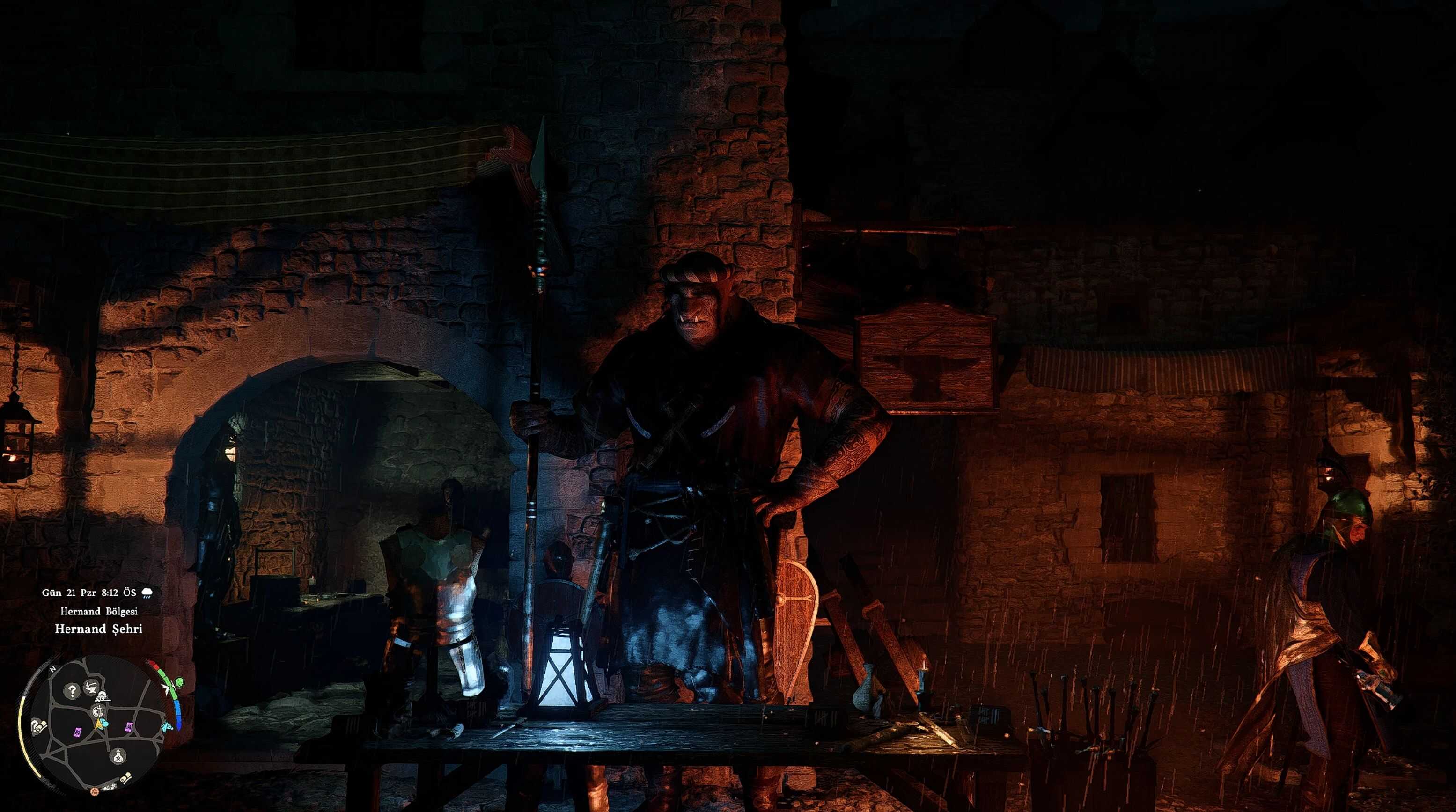
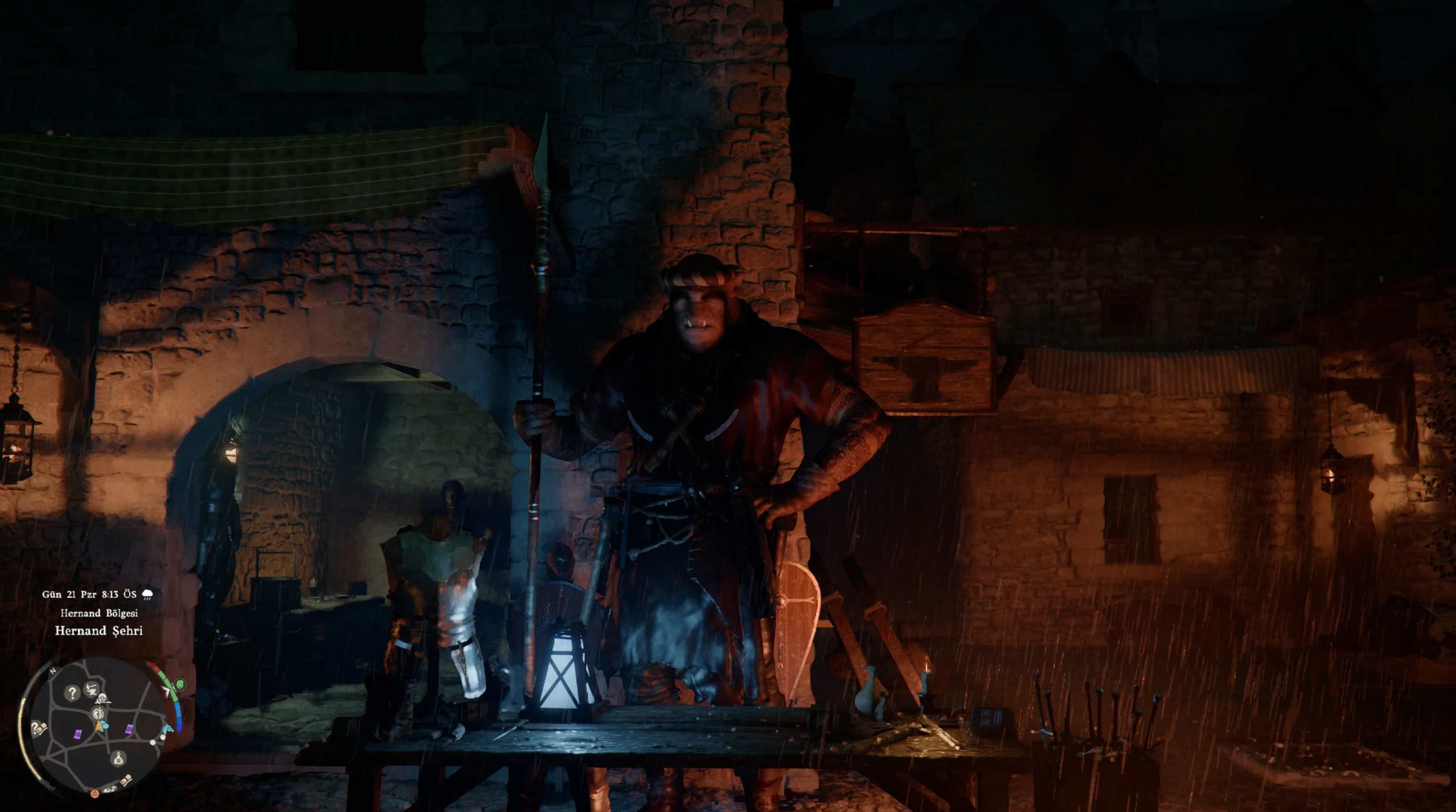
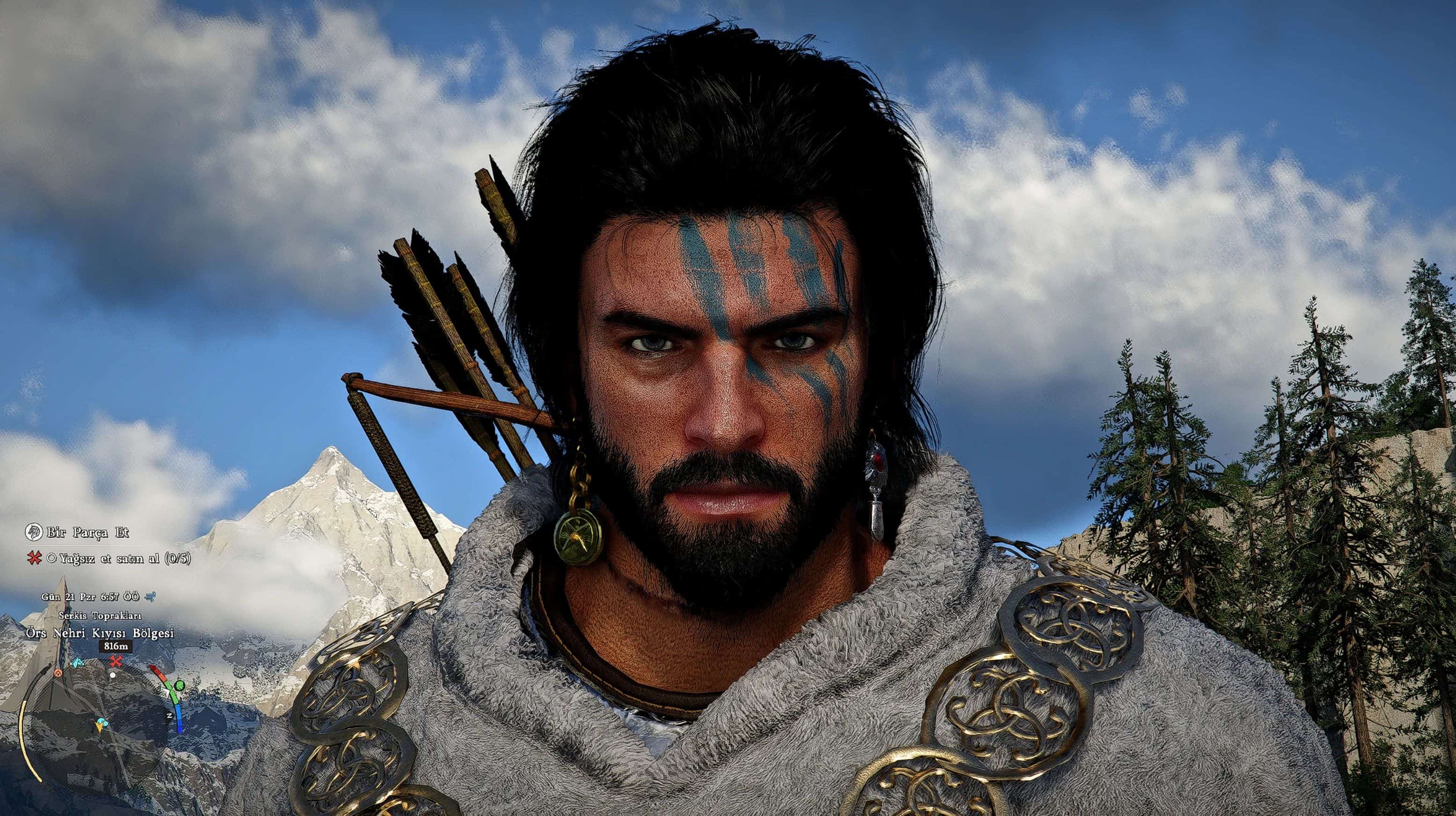
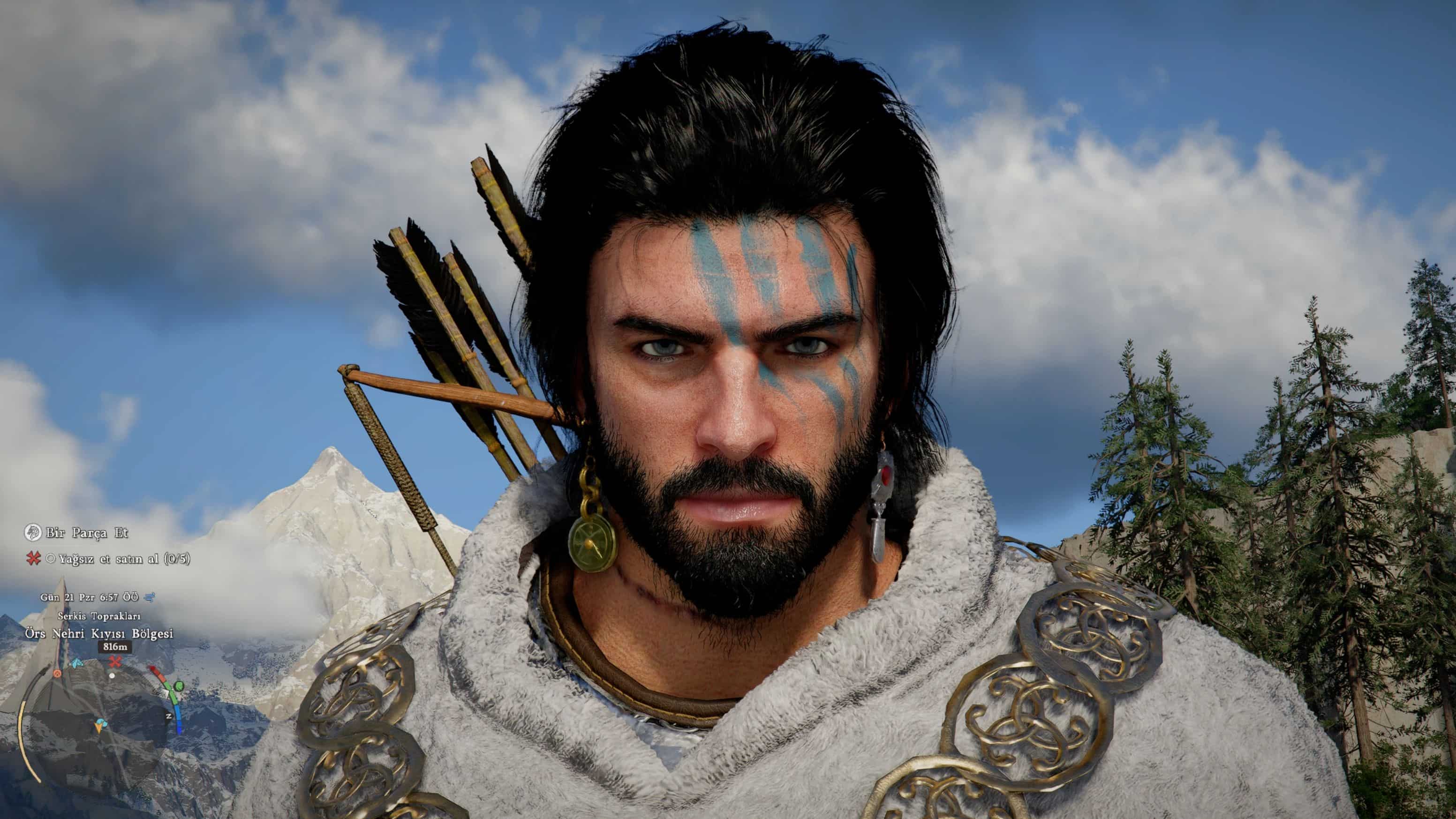
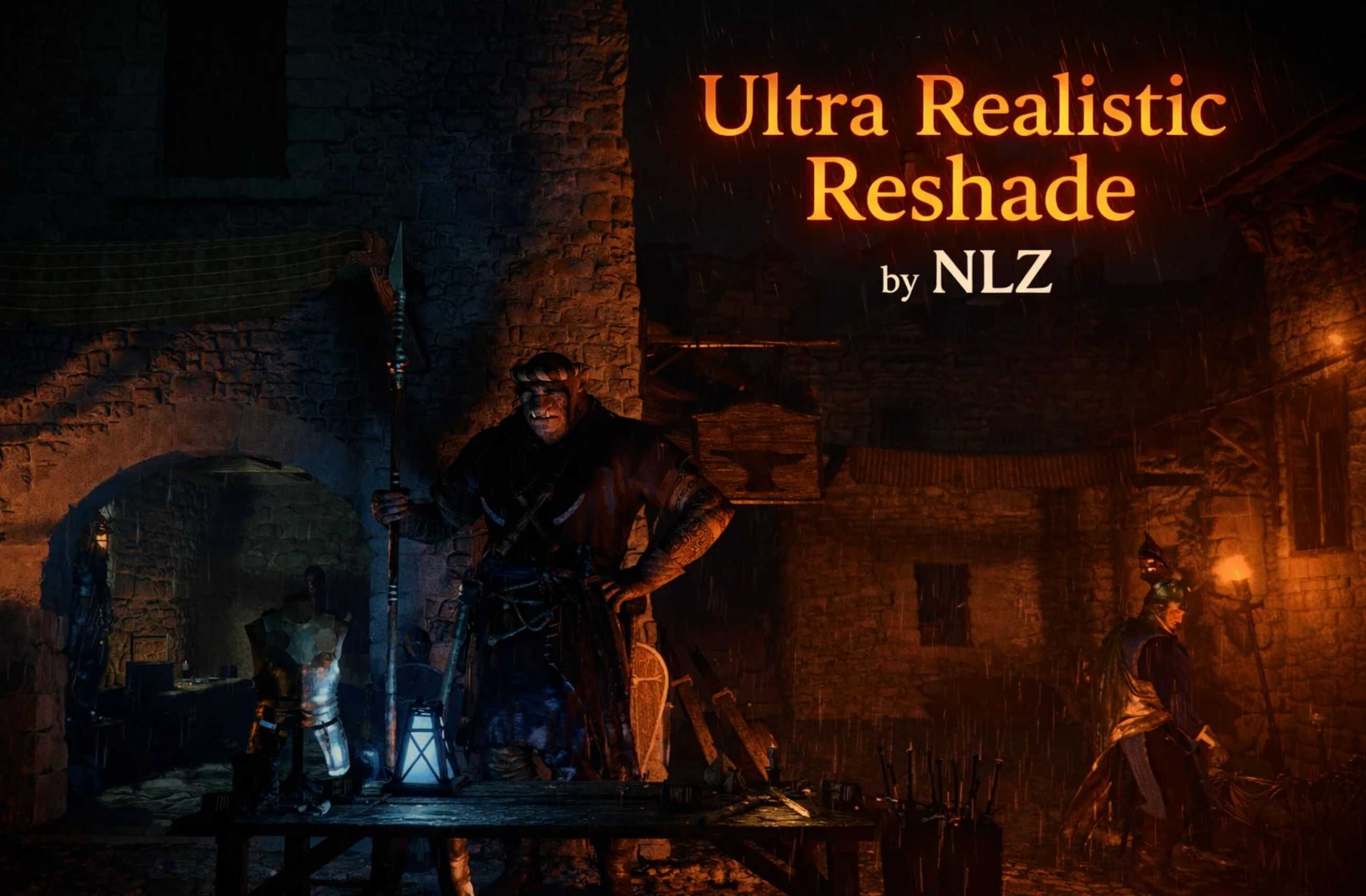
It sharpens the blurry visuals in the game, delivers a 4K-like experience, and makes everything much more detailed.
Installation instructions
– Download the file ” Ultra Realistic Reshade By NLZ ” from files section or just click here
– Move the file to your game folder where the .exe is located: C:\steam\steamapps\common\Crimson Desert\bin64 (your path may be different)
– Download Reshade (scroll to the very bottom of the page to get the latest version)
– Run the ReShade installer.
– Click “Browse” and select the game .exe from: C:\steam\steamapps\common\Crimson Desert\bin64
– Click “Next”.
– Select DirectX 10/11/12.
– In the next window, click “Browse” and select the preset file (the one you moved earlier into the game folder)
– Click “Next”.
– Now you can launch the game. Have a fun!
Main features
This mod focuses on fixing the blurry visuals in the game. Minor adjustments were made to the colors, and the player experience was brought to the highest level.